



Hotels in Zhengzhou
Showing 1.000+ hotels in Zhengzhou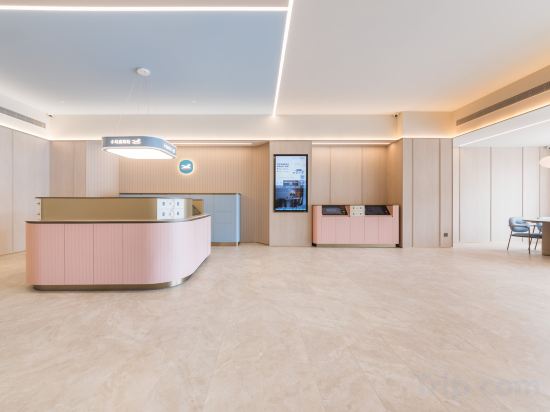
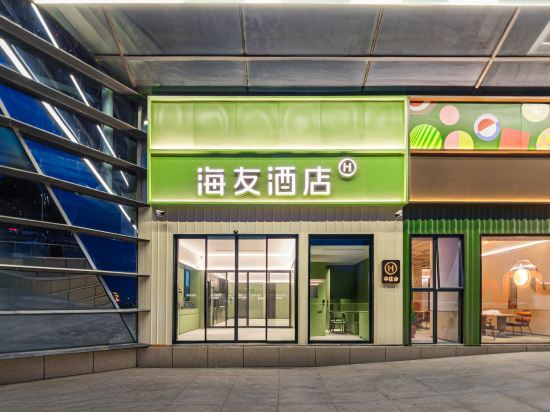
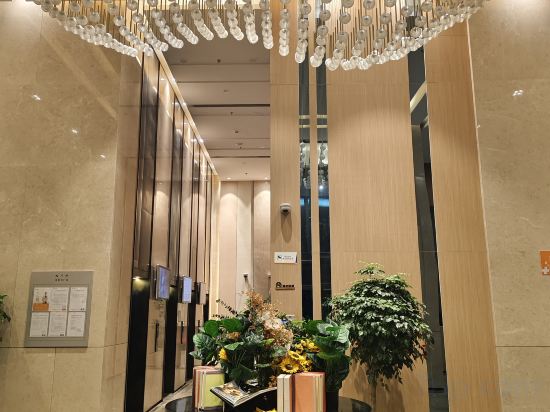
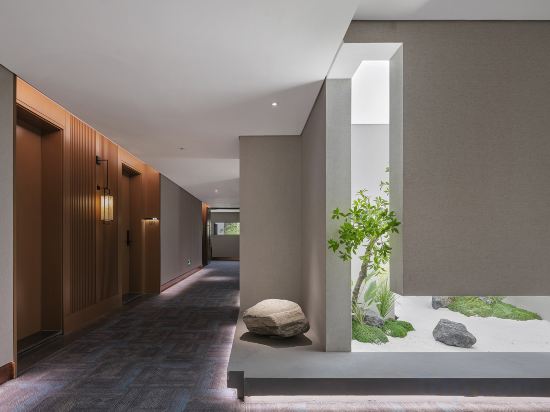

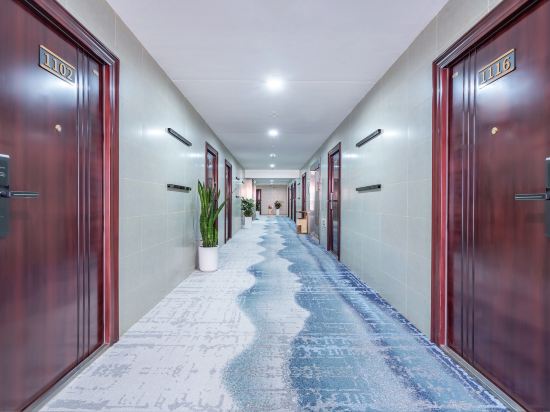
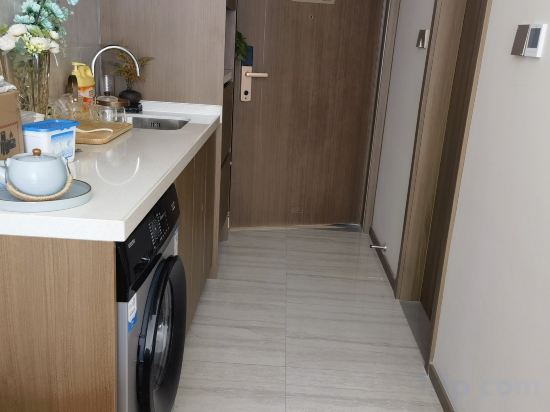
HanTing Hotel (Zhengzhou East Railway Station East Square Station Front Square)
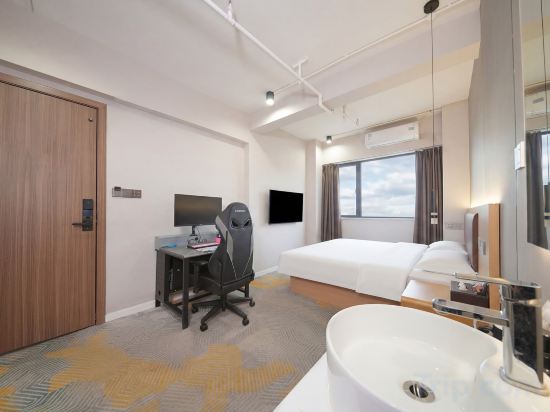
Yun Xiaoying E-Sports Hotel (Zhengzhou East High-Speed Rail Station)
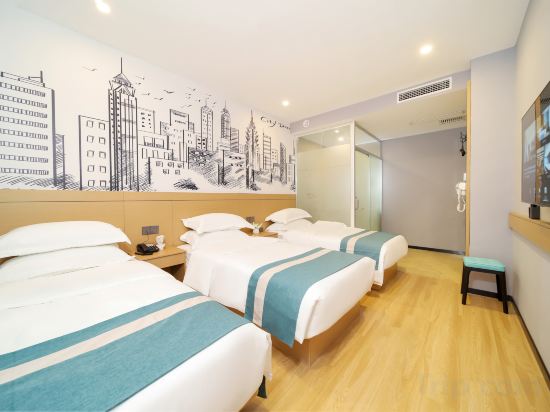
City's Fringe Hotel (Zhengzhou High-speed RailEast Station Greenland Window Branc)
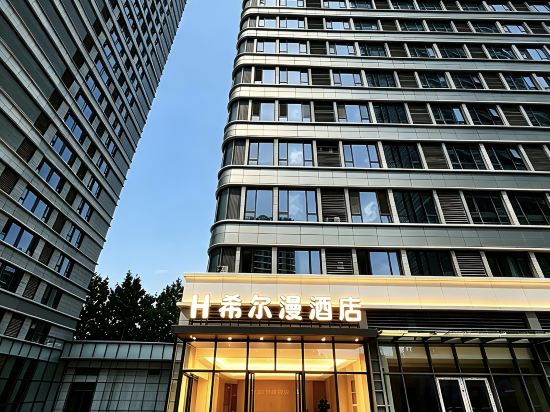
Xierman Hotel (Zhengzhou East High-Speed Rail Station Mixue Bingcheng Headquarters Flagship Store)
Hi Inn (Zhengzhou East Railway Station East Square)
Muguang Hotel
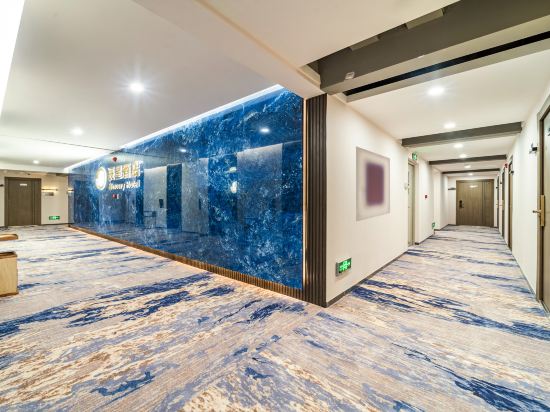
Jushi Hotel (Zhengzhou East Station CBD International Convention and Exhibition Center)
Yaji Hotel (Huanghe University of Science and Technology Branch)
Maple
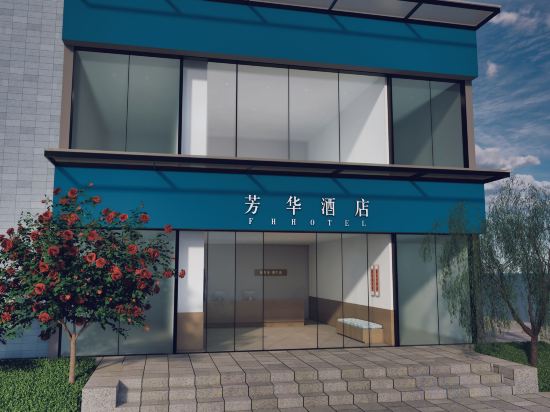
Fanghua Hotel
Chenxing Hotel (Zhengzhou East High-Speed Railway Station Branch)
Yulanting Hotel (Zhengzhou East High-speed Railway Station Yulin Square)
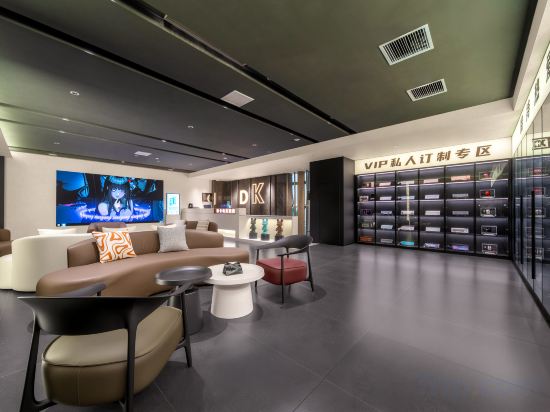
Dika E-Sports Hotel (Zhengzhou East High-Speed Rail Station)
MGM Hotel (Kailin Plaza Branch ofZhengzhou High Speed Rail EastStation)
Huating Hotel (Zhengzhou East High-Speed Rail Station)
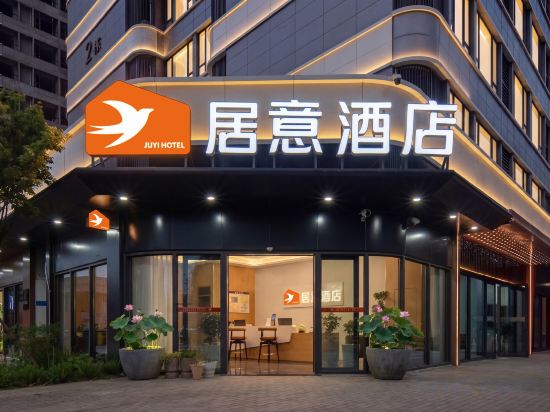
Ju Yi Hotel
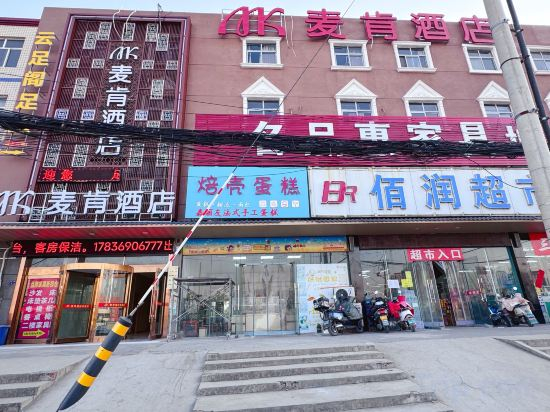
Macon Fashion Hotel (Zhengzhou Nancao Branch)
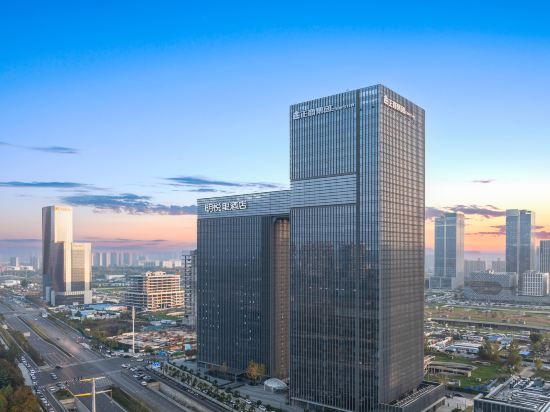
Mingyueli Hotel
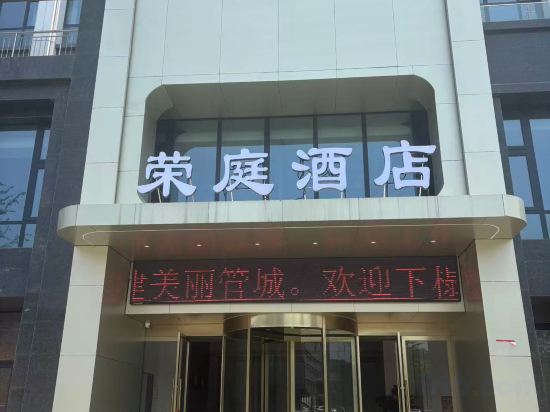
Rongting Hotel (Zhengzhou Jindai Smart Industrial Park Branch)
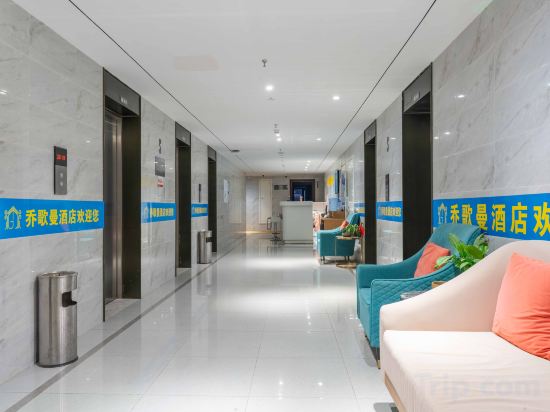
Qiao Geman Hotel (Zhengzhou South Third Ring Road Subway Station)
Hotels in Zhengzhou
Don't feel hesitant to book hotels in Zhengzhou at tiket.com! We'll make sure to provide all conveniences you need when doing a room reservation. Book your favourite hotel now only at tiket.com!

How to Book Hotels on tiket.com
1. Find the hotelEnter the name of the city, area, or hotel to find the place you want.
2. Select a roomOn the hotel detail page, you will see the available room options. Select a room that suits your needs.
3. Complete the booking detailsInput the contact details (the person who will be contacted by tiket.com and the hotel about the booking) and the guests’ details.
4. Select Add-onsYou can also buy additional services such as meal packages, transportation, and many more.
5. Pay your bookingSelect the payment method and complete your transaction. Don’t forget to use the promo code to get a cheaper hotel price at tiket.com.
6. Get the reservation e-voucherAfter the payment is successful, the e-voucher will be available on the Your Orders menu and sent to the email listed in the contact details.