



Hotels in Beijing
Showing 6.000+ hotels in Beijing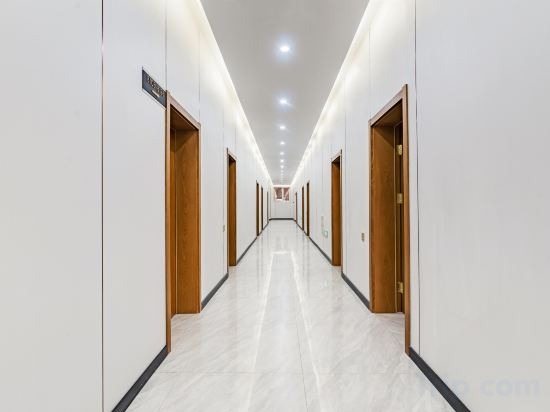
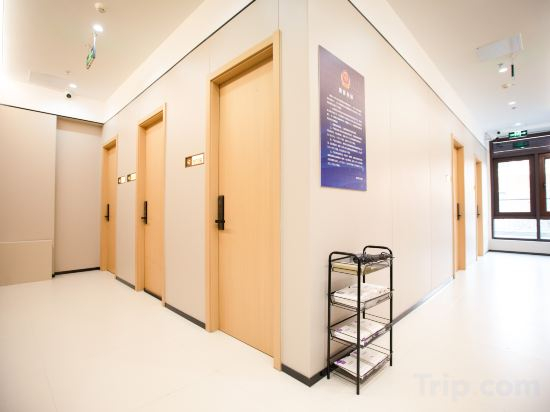

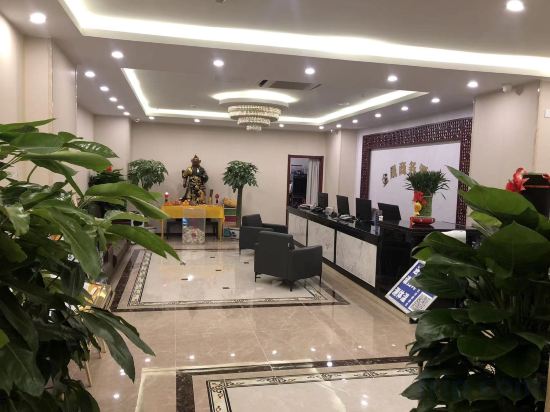
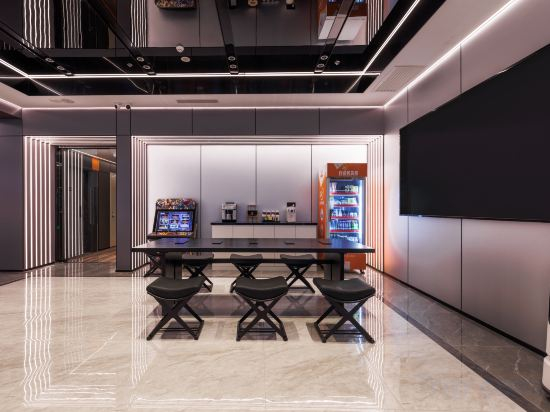
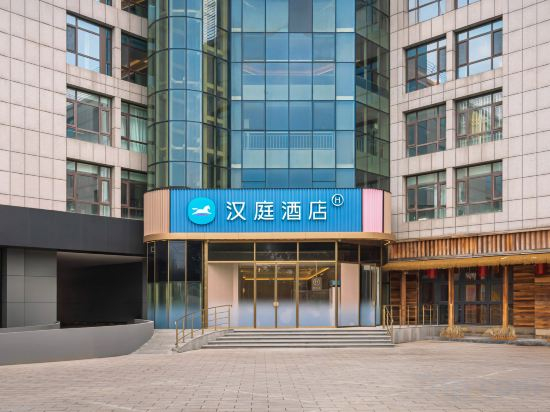
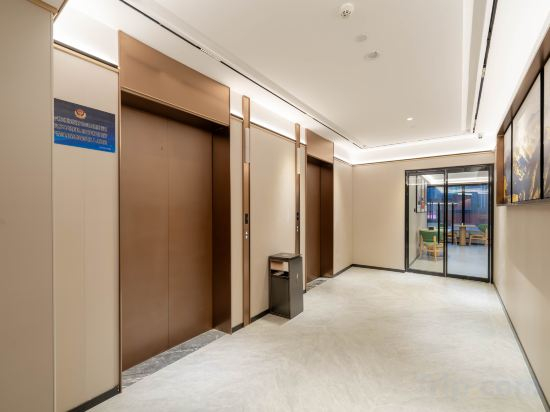
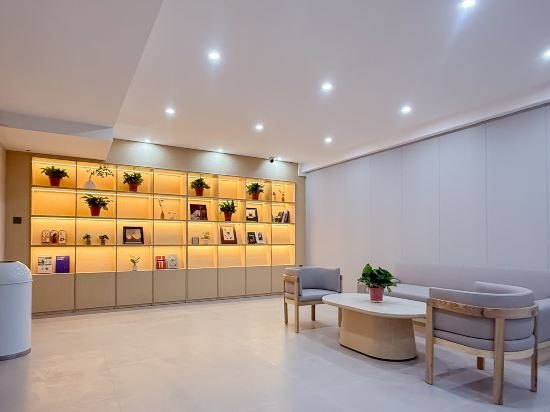
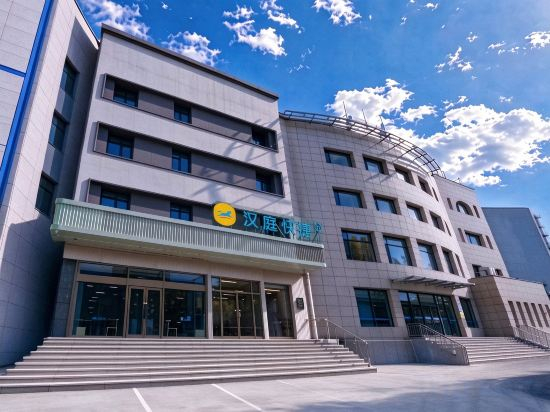
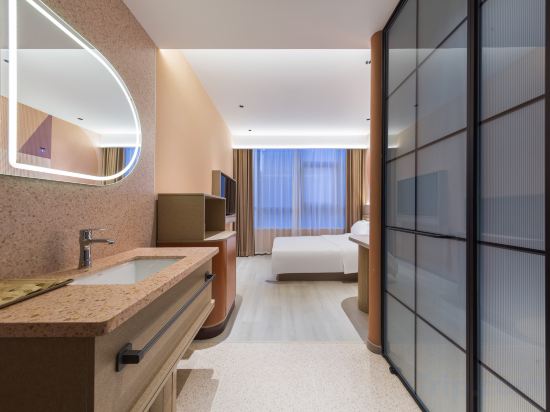
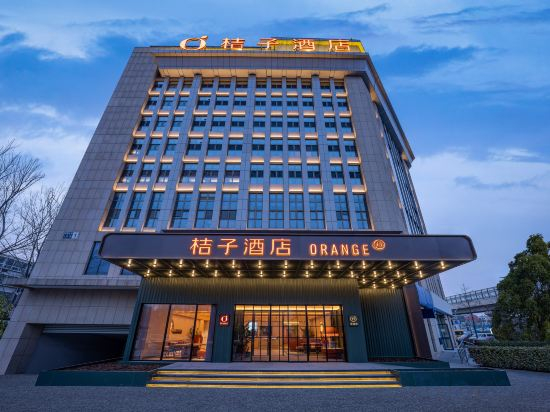
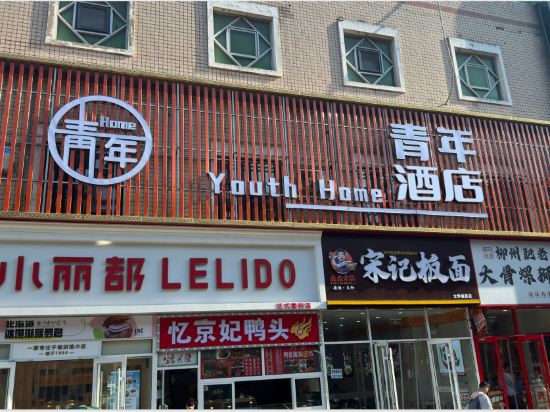


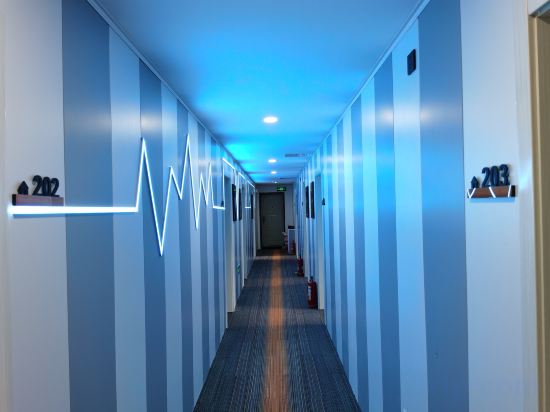
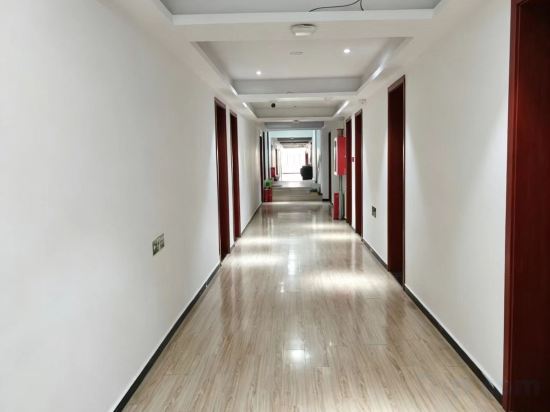
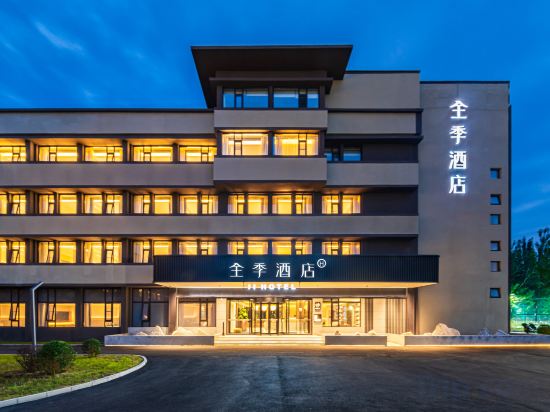

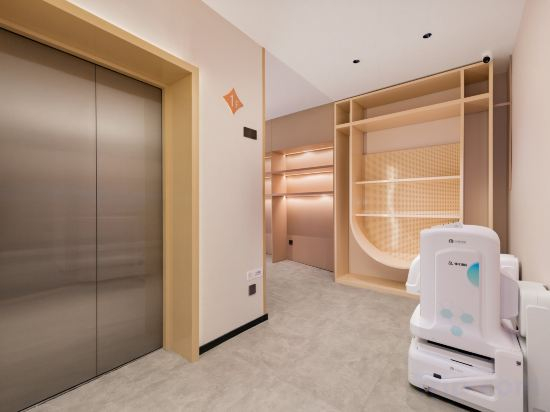
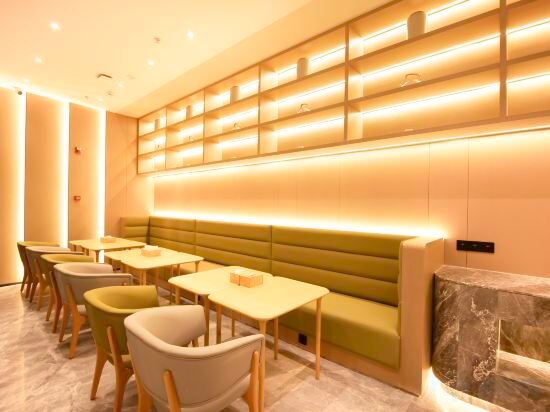
Lizhi Hotel (Dushe Branch, Maijiaoqiao, Tongzhou, Beijing)
WD E-Sports Hotel
JI Hotel (Beijing Daxing Guojijichang Hangzhanlou)
Jinxu Business Hotel (Fangshan Changyang Branch)
Chuangdianjing Smart Hotel (Beijing Fangshan)
HanTing Beijing Fangshan Suzhuang Subway Station Hotel
SHUANGJI·HOTER
Ziyun Select Hotel (Beijing Tongzhou Canal Business District Tongzhou Railway Station Branch)
HanTing Express Beijing Shunyi Shimen Subway Station Hotel
Young Hotel
Orange Hotel Beijing Liangxiang University City
Home Youth Hotel (Liangxiang University Town West Subway Station)
Beijing BoHeng Hotel (Biomedicine Base Subway Station Branch)
GreenTree Inn Hotel (Beijing Liangxiang University Town Guangyangcheng Metro Station)
Kuake E-sports Hotel (Beijing Wuziyuan Road Subway Station Branch)
Home Inn Huaxuan Hotel (Gaoliying Zhangxizhuang Branch)
JI Hotel (Beijing Xihongmen)
Rainseedling International Hotel (Beijing Yangzha Roundabout, Guanzhuang Subway Station )
Jinjiang Inn Beijing Huilongguan Jishuitan Hospital Yuzhi Road Subway Station Branch
Xinyi International Hotel (Xihongmen Huiju Shopping Center Subway Station)
Hotels in Beijing
Don't feel hesitant to book hotels in Beijing at tiket.com! We'll make sure to provide all conveniences you need when doing a room reservation. Book your favourite hotel now only at tiket.com!

How to Book Hotels on tiket.com
1. Find the hotelEnter the name of the city, area, or hotel to find the place you want.
2. Select a roomOn the hotel detail page, you will see the available room options. Select a room that suits your needs.
3. Complete the booking detailsInput the contact details (the person who will be contacted by tiket.com and the hotel about the booking) and the guests’ details.
4. Select Add-onsYou can also buy additional services such as meal packages, transportation, and many more.
5. Pay your bookingSelect the payment method and complete your transaction. Don’t forget to use the promo code to get a cheaper hotel price at tiket.com.
6. Get the reservation e-voucherAfter the payment is successful, the e-voucher will be available on the Your Orders menu and sent to the email listed in the contact details.