



Hotels in Changsha
Showing 2.000+ hotels in Changsha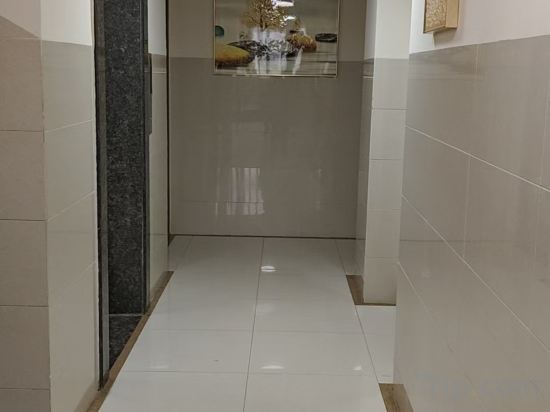

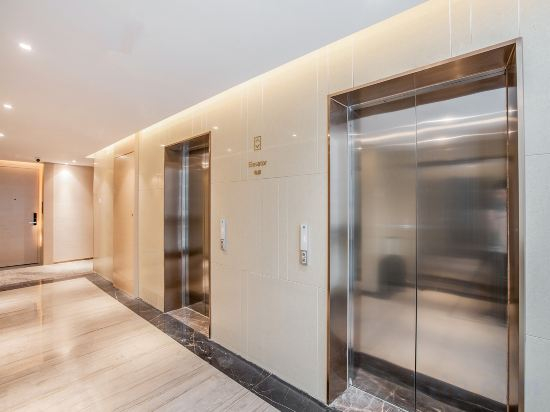
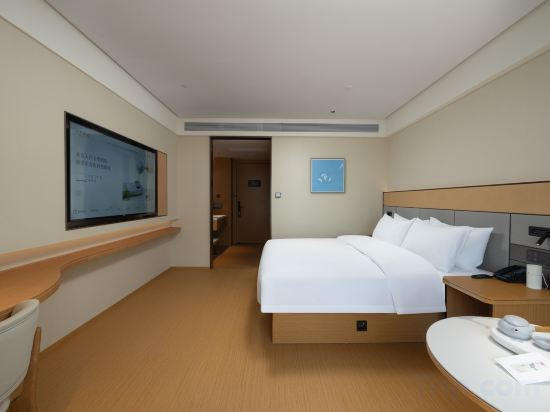
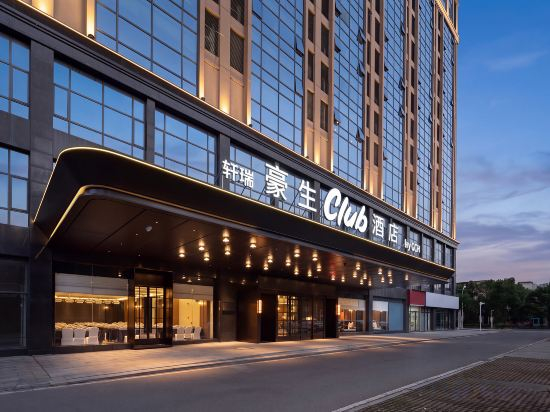
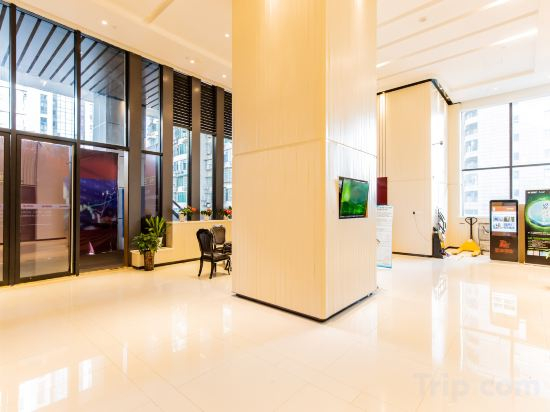
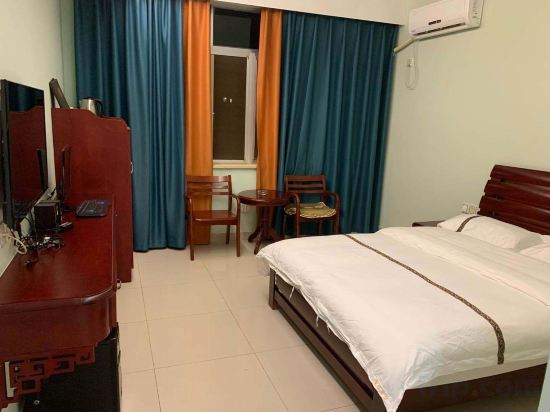
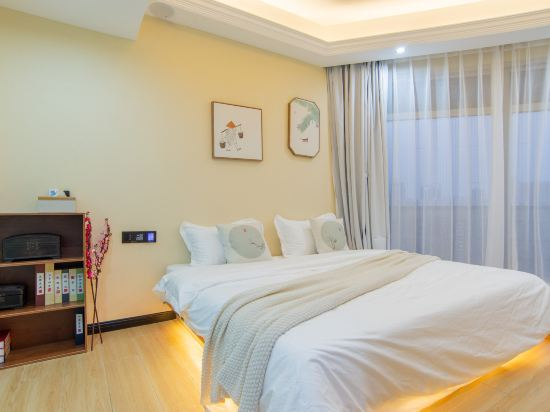
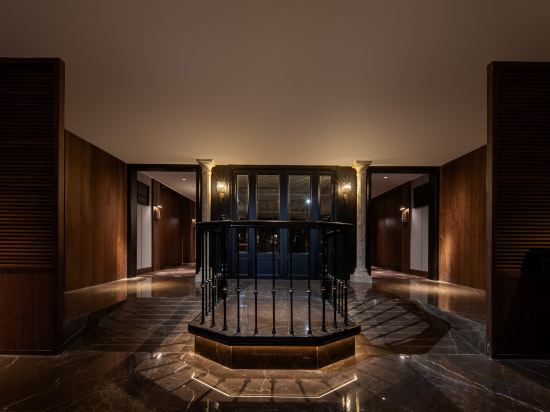
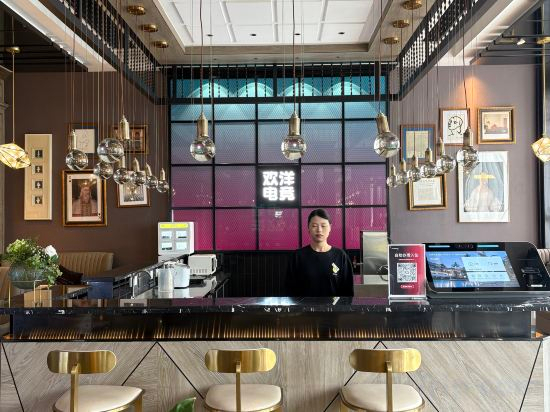
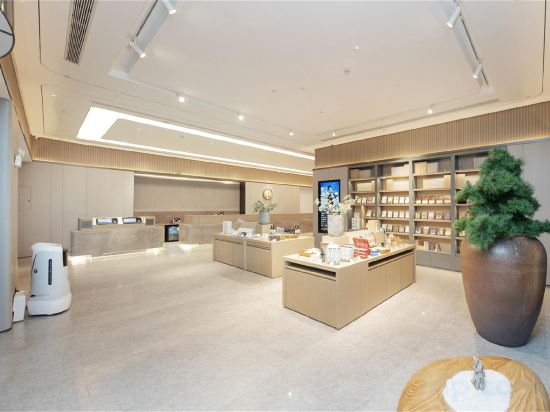



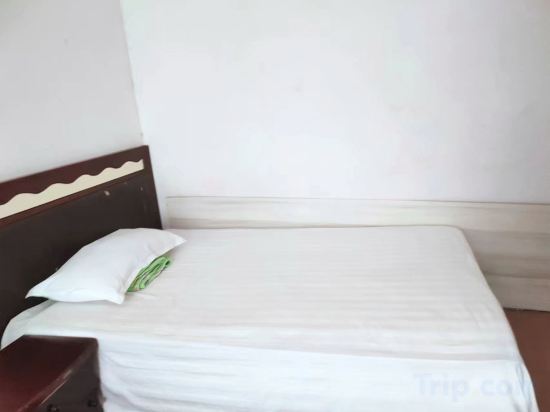
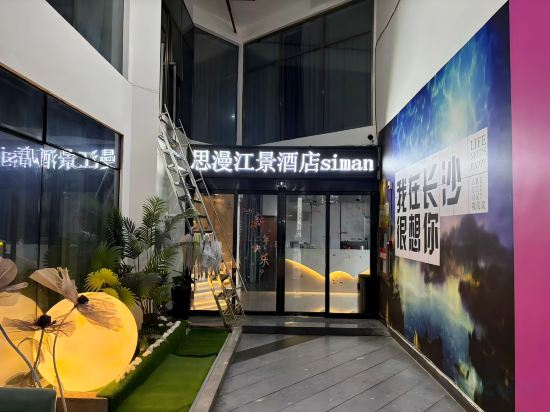
Changsha Jiaru Hotel (Provincial Tumor Hospital Baigezui Subway Station)
Changsha·It’s nice to meet you·Lanjiang Meisu
Lavande Hotels. Changsha Sunshine 100 Phoenix Street Central South University Branch
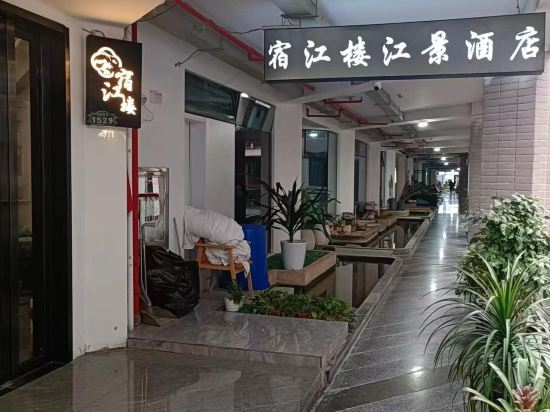
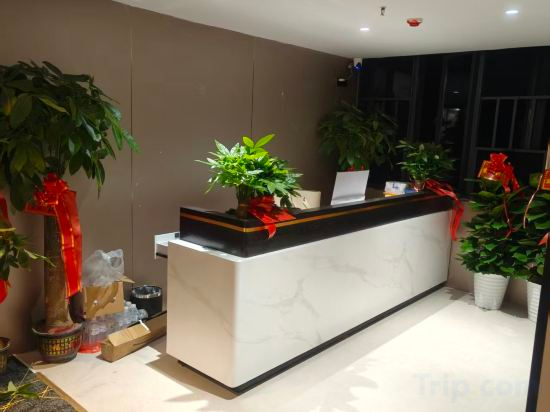
Sujianglou River View Homestay (Changsha Wanda Plaza)
Yuanguo Hotel (Changsha HuanChuang Business Plaza)
JI Hotel (Changsha University of Science and Technology and Rainbow Shopping Mall)
Changsha Howard Johnson Club Hotel (Martyrs Park East Subway Station)
Yunxi High-Rise River View Hotel (Wu Yi Square IFS Store)
Changsha Rongrong Chinese Inn (Hunan Agricultural University)
Changsha Lianyuan Hotel
Time Slow Travel Homestay (Wanda Plaza Xiangya First Affiliated Hospital)
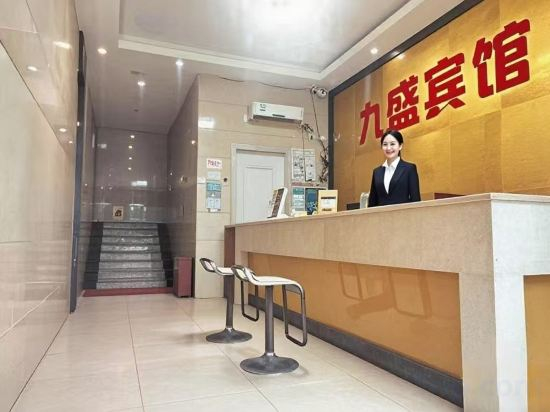
Jiusheng Hotel
Unique Hotel (Changsha Wuyi Square Jiefangxi Road Branch)
Huanyang E-Sports Hotel (Changsha Wuyi Square Huangxing Pedestrian Street Branch)
JI Hotel (Changsha Moon Island Yin Xing Road)
Hi Inn (Changsha Railway Station Square Metro Station Branch)
UNI·One Room Hotel (Changsha Wu Yi Square IFS)
Qingfengge Homestay (Changsha Wu Yi Square)
Xiangyu Guest House
Siman River View Hotel (Wuyi Square Chaozong Street Branch)
Hotels in Changsha
Don't feel hesitant to book hotels in Changsha at tiket.com! We'll make sure to provide all conveniences you need when doing a room reservation. Book your favourite hotel now only at tiket.com!

How to Book Hotels on tiket.com
1. Find the hotelEnter the name of the city, area, or hotel to find the place you want.
2. Select a roomOn the hotel detail page, you will see the available room options. Select a room that suits your needs.
3. Complete the booking detailsInput the contact details (the person who will be contacted by tiket.com and the hotel about the booking) and the guests’ details.
4. Select Add-onsYou can also buy additional services such as meal packages, transportation, and many more.
5. Pay your bookingSelect the payment method and complete your transaction. Don’t forget to use the promo code to get a cheaper hotel price at tiket.com.
6. Get the reservation e-voucherAfter the payment is successful, the e-voucher will be available on the Your Orders menu and sent to the email listed in the contact details.