



Hotels in Chizhou
Showing 712 hotels in Chizhou
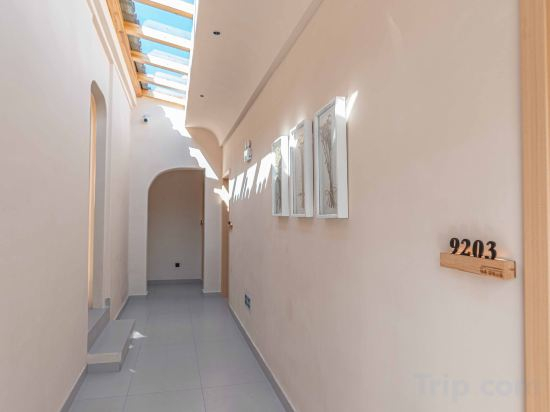
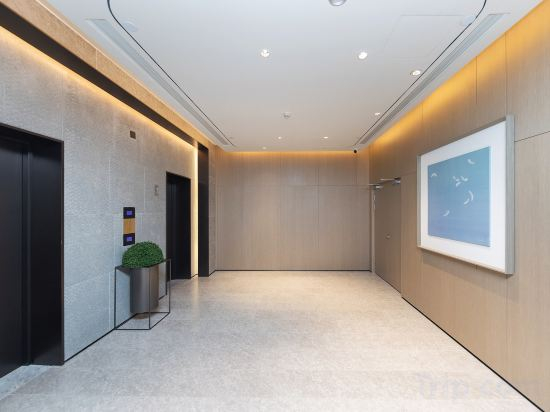




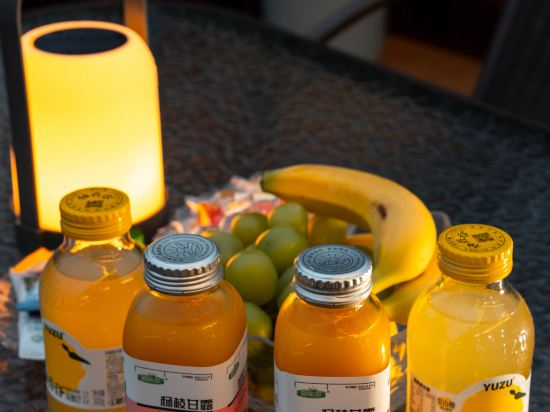
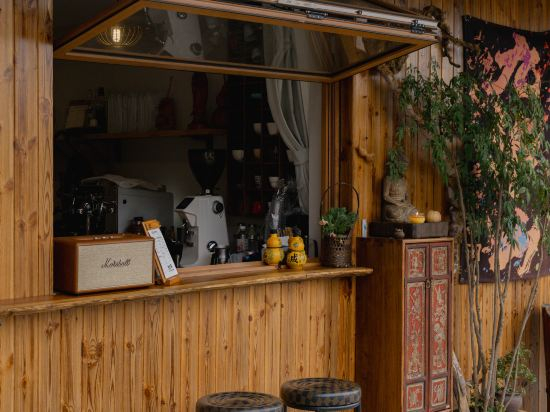
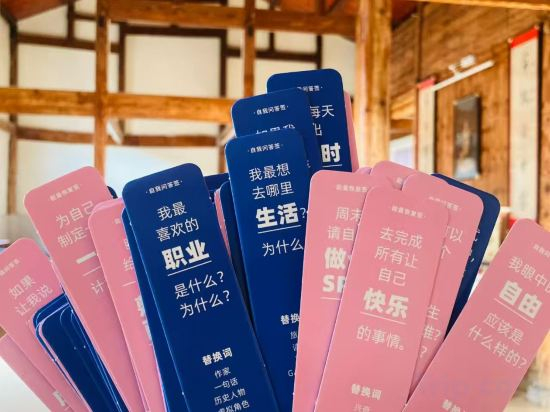

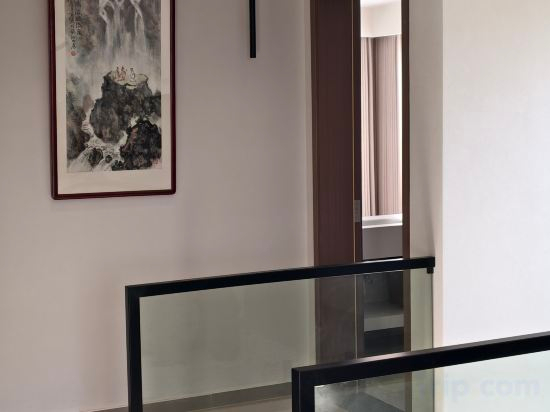
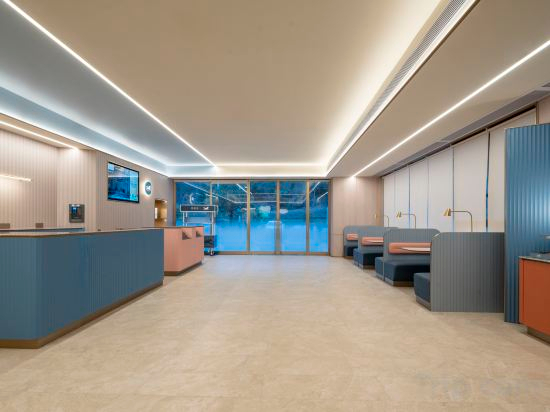



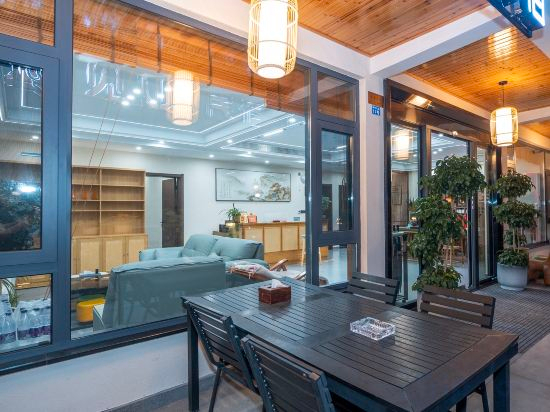
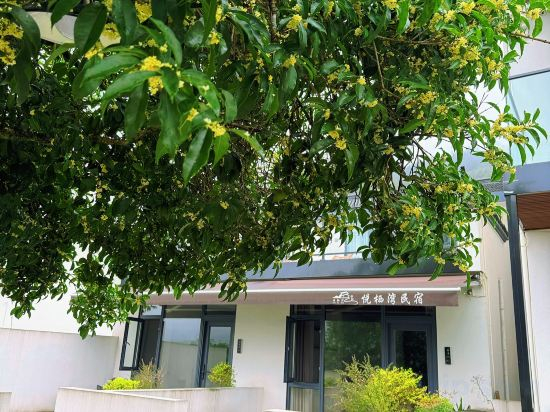


Lavande Hotel (Qingyang)
Jiuhuashan Xiyu Shujuan Mountain Homestay
JI Hotel (Chizhou Station Qishan · Pingtian Lake Scenic Area)
Homeinn Selected Hotel (Chizhou Qingyang Bus Station)
Jiuhua Mountain Shanxu Premium Homestay (Jiuhua Mountain Scenic Area Tourist Service Center)
Jiuhuashan Kaiyuan Yiju Resort Hotel
Yihua Yiye Anxin Boutique Hotel
Shandong • Heyue Courtyard Green Forest Wild Luxury Family Holiday Homestay
Jiuhuashan Liuru · Yunjian Garden Guesthouse (Roushen Treasure Hall Scenic Area Branch)
Jiuhuashan Min'ge Lao Homestay
Jiuhua Mountain | Jixin Smart Courtyard-Style Hotel (Jiuhua Mountain Scenic Area)
Jiuhua Mountain Huanxisha Homestay (Jiuhua Mountain Dayuan Cultural Park)
HanTing Hotel (Shitai County Bus Station)
Jiuhua Mountain Yunshanjian Homestay
Shitai Fumo Healing Life Homestay (Xiangkou Village)
Spring Breeze Cabin Hotel
Jiuhua Mountain Xiangyiju Homestay (Great Vow Cultural Park Tourist Service Center)
Yueqiwan·Beautiful Light and Shadow Light Luxury and Zen·Shanju Healing Courtyard "Jiuhuashan
Shitai Yuansheng Suji Homestay
Xiao Zhang's Cultural and Artistic Homestay
Hotels in Chizhou
Don't feel hesitant to book hotels in Chizhou at tiket.com! We'll make sure to provide all conveniences you need when doing a room reservation. Book your favourite hotel now only at tiket.com!

How to Book Hotels on tiket.com
1. Find the hotelEnter the name of the city, area, or hotel to find the place you want.
2. Select a roomOn the hotel detail page, you will see the available room options. Select a room that suits your needs.
3. Complete the booking detailsInput the contact details (the person who will be contacted by tiket.com and the hotel about the booking) and the guests’ details.
4. Select Add-onsYou can also buy additional services such as meal packages, transportation, and many more.
5. Pay your bookingSelect the payment method and complete your transaction. Don’t forget to use the promo code to get a cheaper hotel price at tiket.com.
6. Get the reservation e-voucherAfter the payment is successful, the e-voucher will be available on the Your Orders menu and sent to the email listed in the contact details.