



Hotels in Guangzhou
Showing 3.000+ hotels in Guangzhou
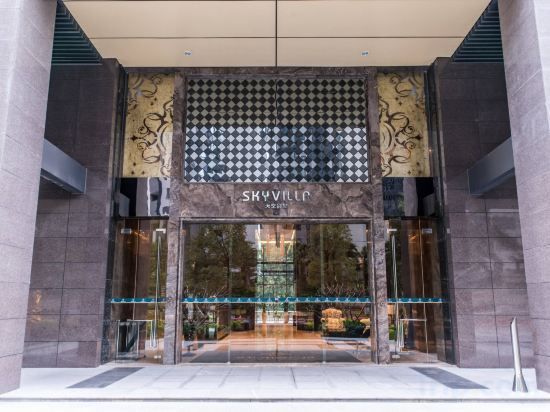
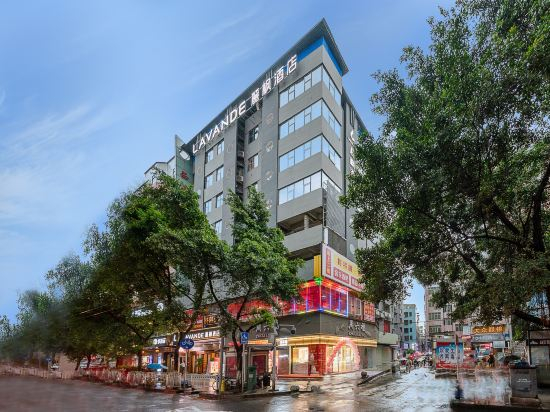
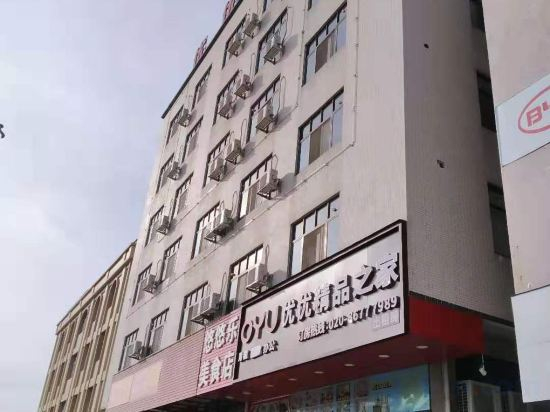
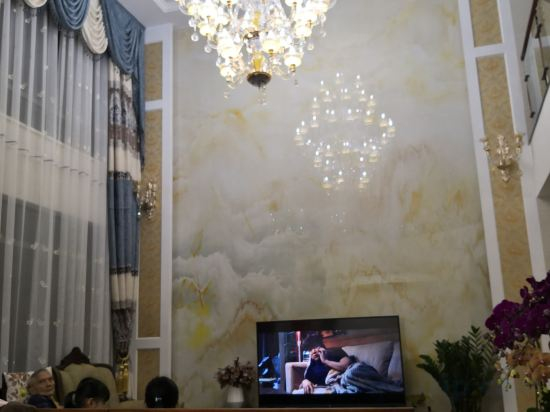
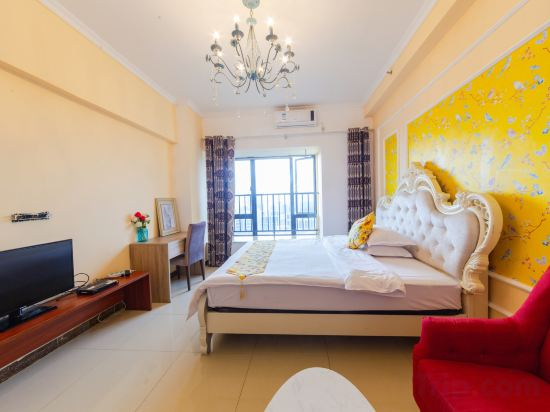
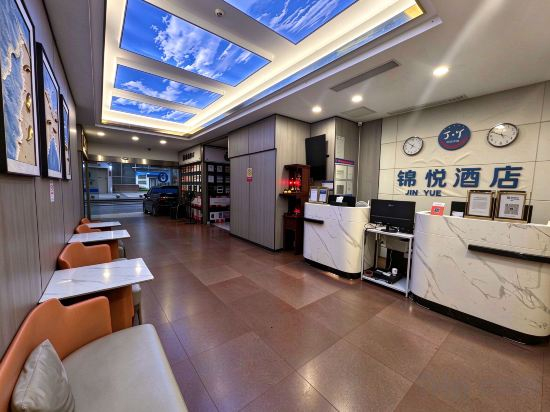
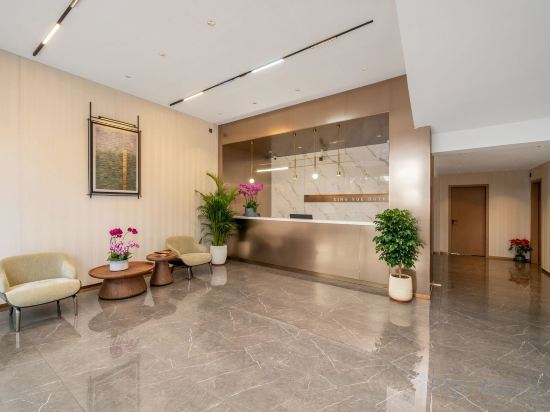
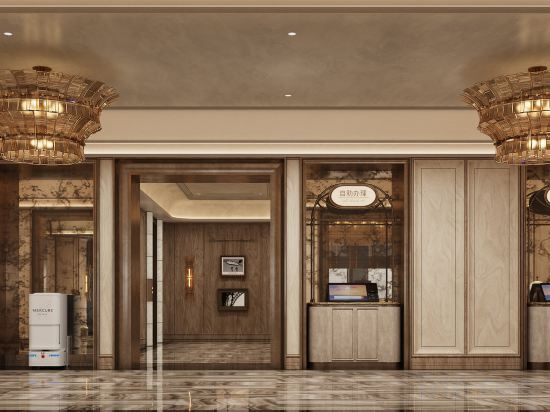

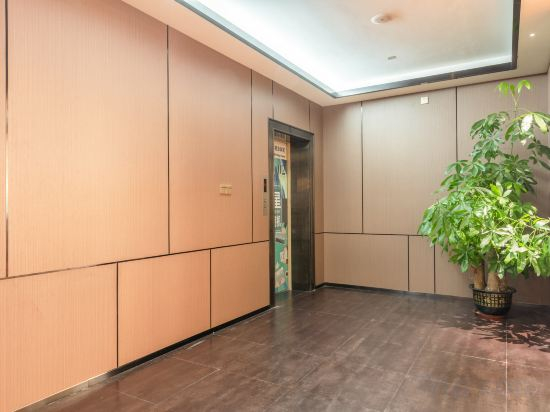
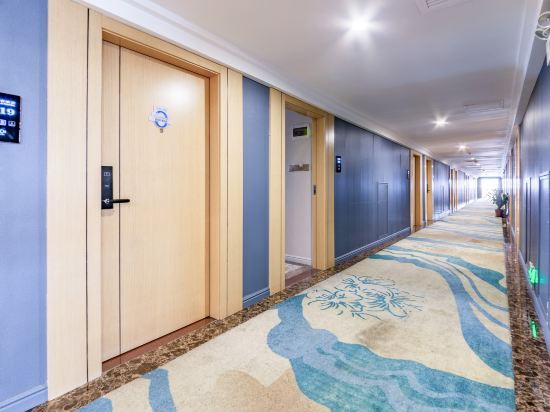
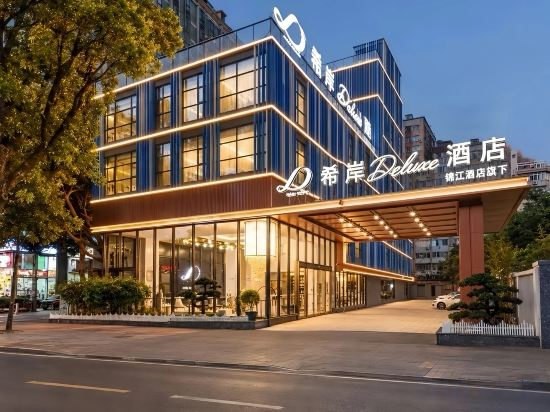
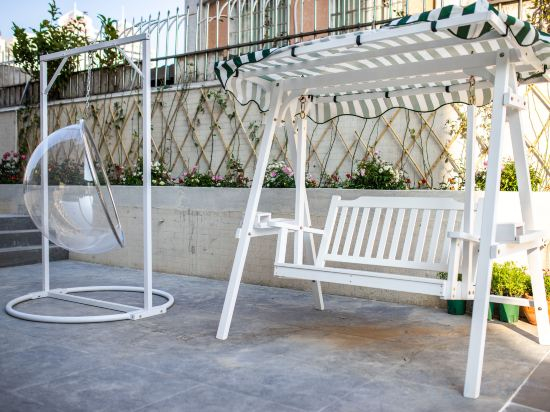
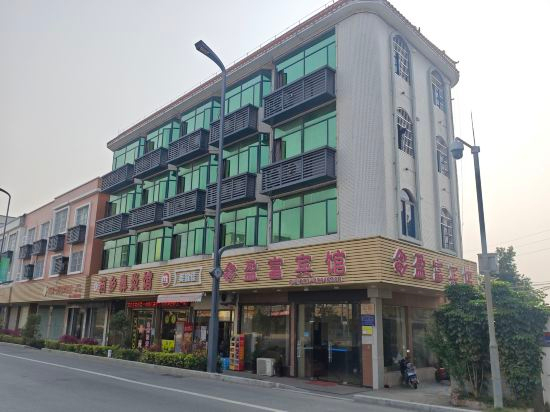

Taiting Hotel (Guangzhou Longgui Jinbo Plaza)
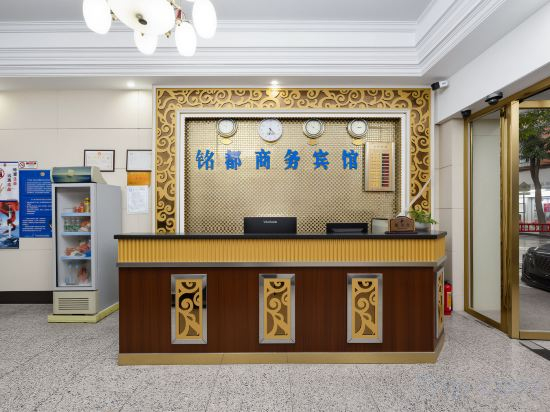
Mingdu Hotel
Winsome Hotel (Guangzhou Zhongshan Third Hospital Huashi Subway Station Store)
Duoya · Huanzhi Residence (Guangzhou Huacheng Square Poly Zhongda Plaza)
LAVANDE HOTELS (Huawei Guangzhou Research and Development Center Luochongwei)
Youyou Boutique Apartment
Yijiaren Hostel
Roomme Yousu Apartment (Guangzhou Pazhou Exhibition Center Wanshengwei Subway Station)
JIN YUE Hotel
Xingyue Slumber Luxe Hotel (Panyu Chimelong, Nancun College of Science, Technology and Trade Branch)
GuangzhouTa Pazhou International Exhibition Center Mercure Hotel
Yimi Hotel Guangzhou Sanyuanli Subway Station Jinlong Tengfei Fashion City
Located in Guangzhou, Yimi Hotel Guangzhou Sanyuanli Subway Station Jinlong Tengfei Fashion City offers accommodation with easy access to Guangzhou’s best spots. The property features WiFi, parking, and elevator.
Each room is equipped with AC. The bathroom comes with shower.
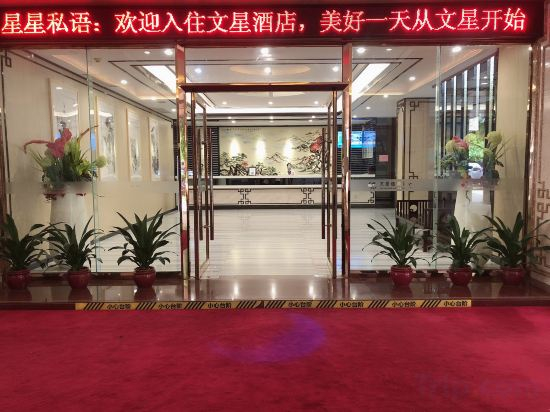
See detailsWenxing haobo Hotel
Best Western Hotel (Baiyun Tonghe Foreign Economics College)
Guangzhou Haizhu Nanzhou Subway Station XANA Deluxe Hotel
Yashe Garden Hotel (Guangzhou East Railway Station Tianhe Sports Center)
Yingfu Hotel
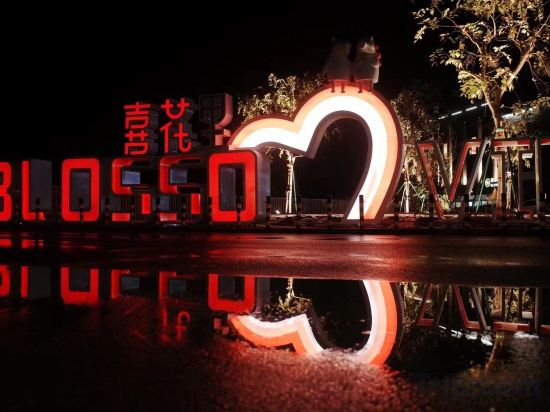
BLOSSOM.INN
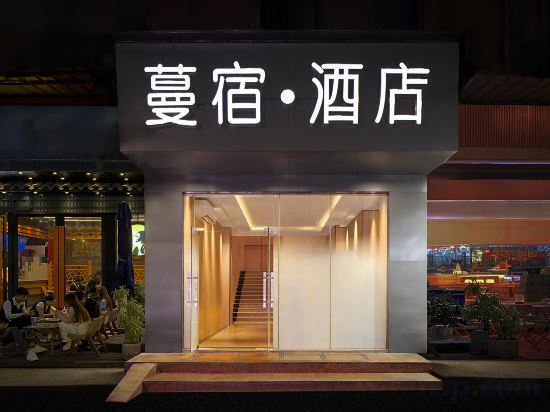
Mansu Hotel(Guangzhou Dongxiaonan Subway Station)
Ji Hotel Guangzhou Tianhe Park Metro Station
Great care is taken to ensure guests experience comfort through top-notch services and amenities. Remain linked during your visit by utilizing the complimentary internet access available.
Hotels in Guangzhou
Don't feel hesitant to book hotels in Guangzhou at tiket.com! We'll make sure to provide all conveniences you need when doing a room reservation. Book your favourite hotel now only at tiket.com!

How to Book Hotels on tiket.com
1. Find the hotelEnter the name of the city, area, or hotel to find the place you want.
2. Select a roomOn the hotel detail page, you will see the available room options. Select a room that suits your needs.
3. Complete the booking detailsInput the contact details (the person who will be contacted by tiket.com and the hotel about the booking) and the guests’ details.
4. Select Add-onsYou can also buy additional services such as meal packages, transportation, and many more.
5. Pay your bookingSelect the payment method and complete your transaction. Don’t forget to use the promo code to get a cheaper hotel price at tiket.com.
6. Get the reservation e-voucherAfter the payment is successful, the e-voucher will be available on the Your Orders menu and sent to the email listed in the contact details.