



Hotels in Harbin
Showing 1.000+ hotels in Harbin

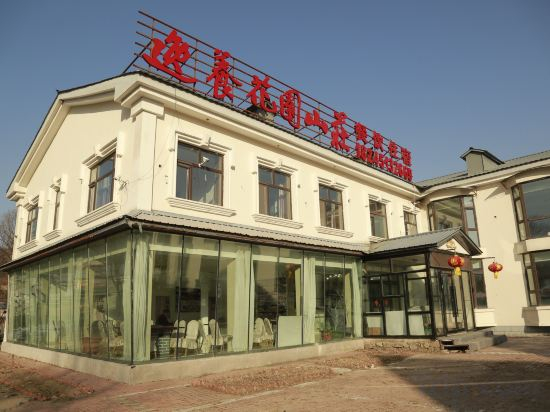
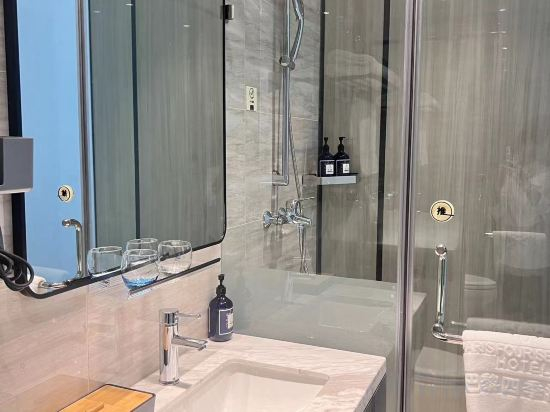
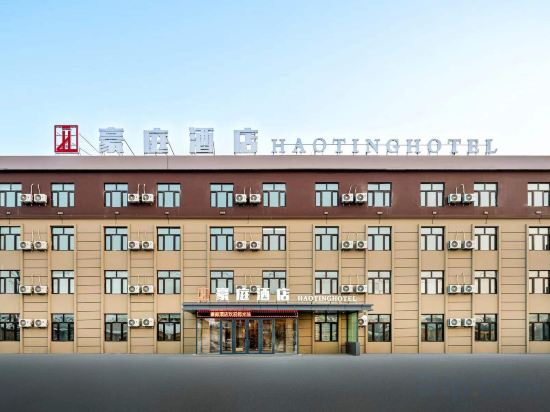

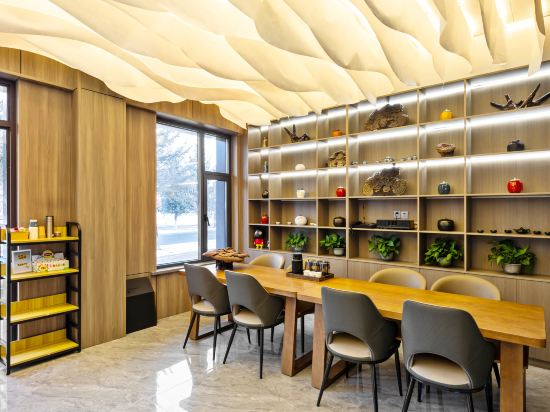
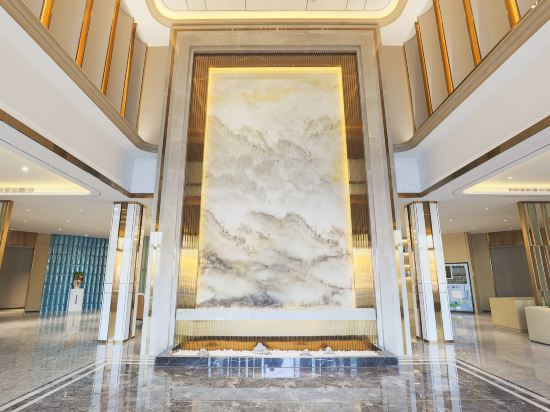
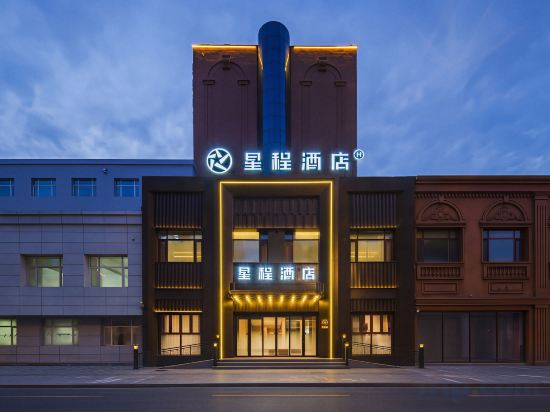
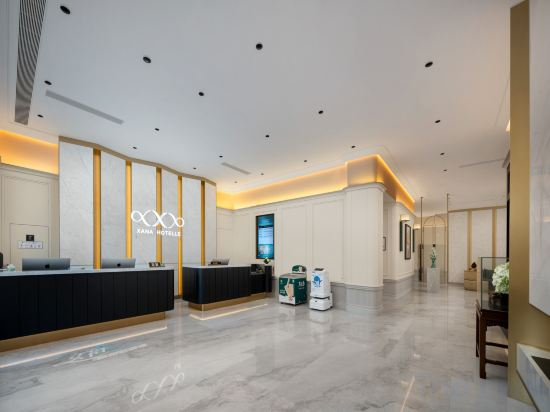
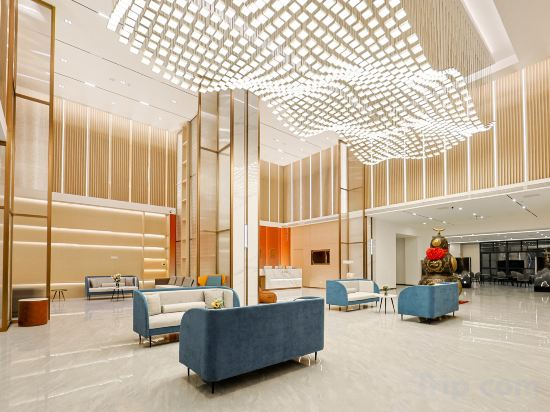
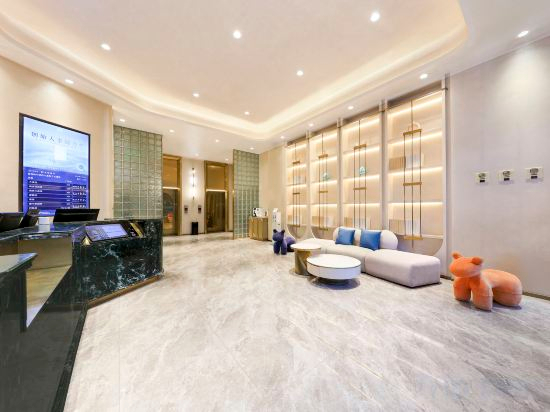
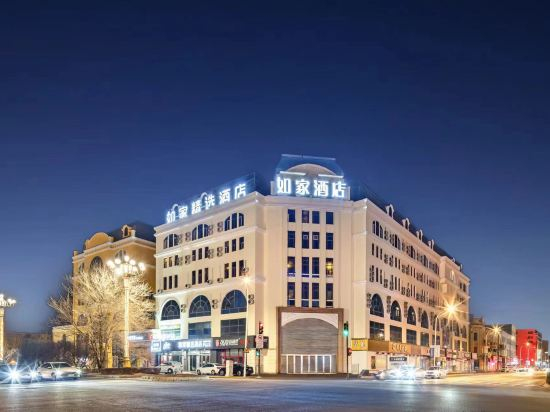
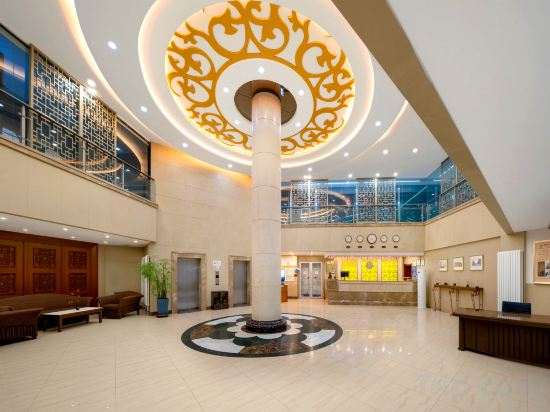
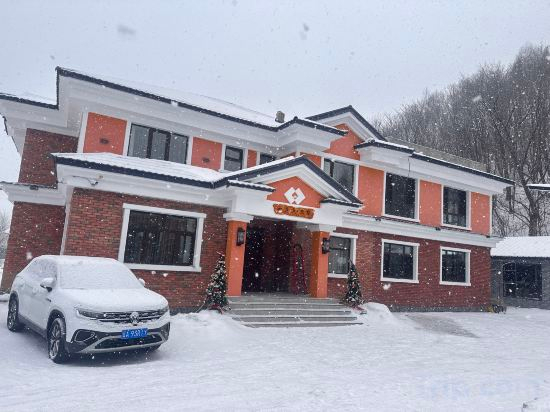
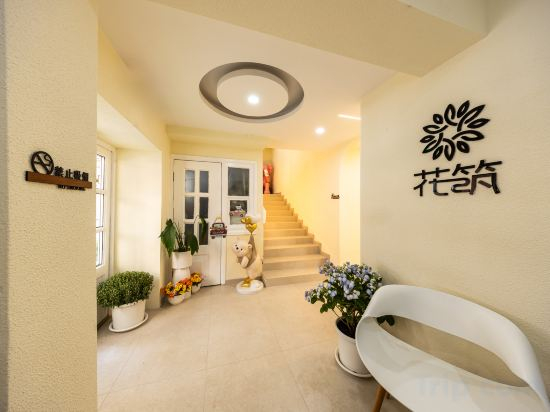
Yabuli Fangyuanli · Xueyu Shanfang
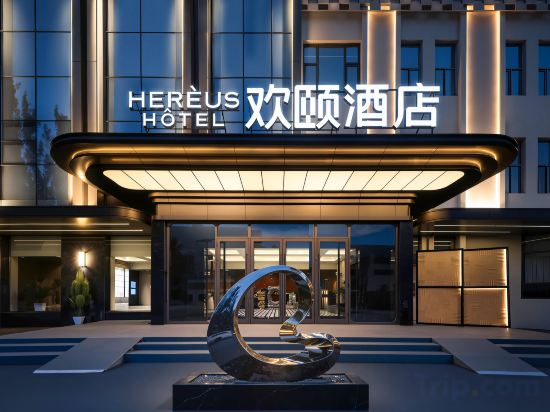
Huanyi Hotel (Harbin West High-Speed Railway Station Yida Second Hospital Subway Station)
Harbin Airport Hotel
Starway Hotel (Harbin Taiping International Airport)
Xana Hotel (Harbin Unit 731 Ruins Xinjiang Street Metro Station
Yabu Liyi Wellness Garden Hotel
CHEERMAY HOTELS(Harbin Yuanda Shopping Center Music Park)
Haoting Hotel (Harbin Taiping International Airport)
JI Hotel (Harbin Pingfangqu Government Songhua Road)
Yijing Boutique Homestay
Magnotel Hotel (Harbin Pingfang District Government)
Starway Hotel (Harbin Convention and Exhibition Center Wanda Plaza Branch)
Xana Hotelle (Harbin Xuefu Road Medical University Second Hospital Subway Station)
CHEERMAY Hotel (Harbin Railway Station Airport Bus Station)
Starway Hotel (Harbin Xidazhi Street, Harbin Institute of Technology)
Homeinn Plus(Harbin Central Street Sophia Cathedral)
Hart Business Hotel (Harbin Institute of Technology Branch)
Yabuli Yunduoduo Yashu
Floral · Harbin Yunduo Homestay (Zhong Yang Street Saint Sophia Cathedral)
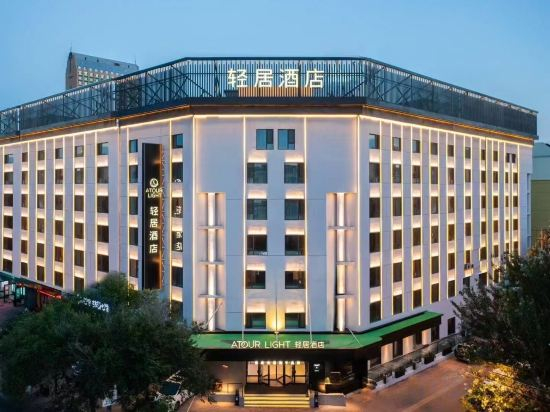
Light Residence Hotel near Harbin Institute of Technology & Shida Night Market, Harbin
Hotels in Harbin
Don't feel hesitant to book hotels in Harbin at tiket.com! We'll make sure to provide all conveniences you need when doing a room reservation. Book your favourite hotel now only at tiket.com!

How to Book Hotels on tiket.com
1. Find the hotelEnter the name of the city, area, or hotel to find the place you want.
2. Select a roomOn the hotel detail page, you will see the available room options. Select a room that suits your needs.
3. Complete the booking detailsInput the contact details (the person who will be contacted by tiket.com and the hotel about the booking) and the guests’ details.
4. Select Add-onsYou can also buy additional services such as meal packages, transportation, and many more.
5. Pay your bookingSelect the payment method and complete your transaction. Don’t forget to use the promo code to get a cheaper hotel price at tiket.com.
6. Get the reservation e-voucherAfter the payment is successful, the e-voucher will be available on the Your Orders menu and sent to the email listed in the contact details.