



Hotels in Nanning
Showing 1.000+ hotels in Nanning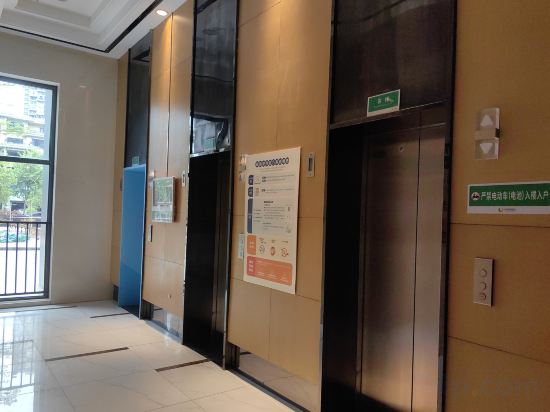

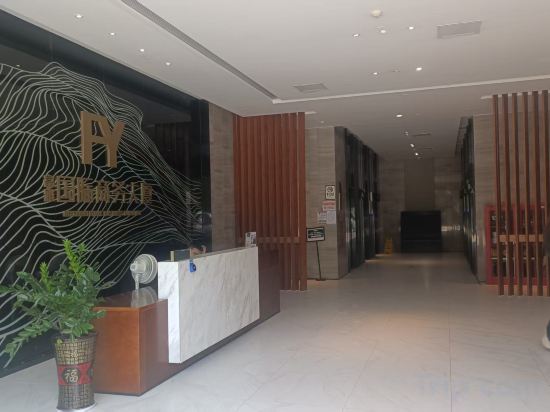
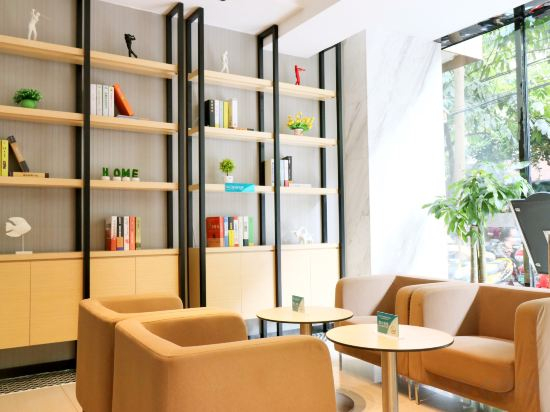
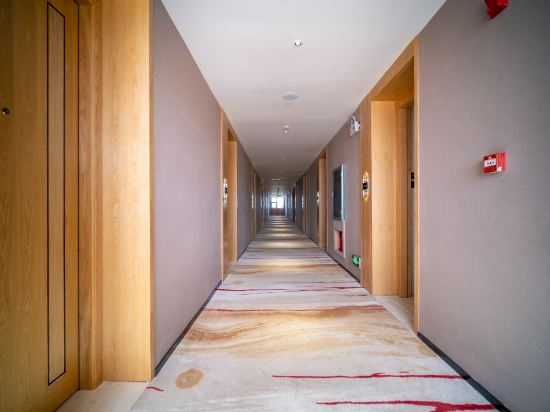
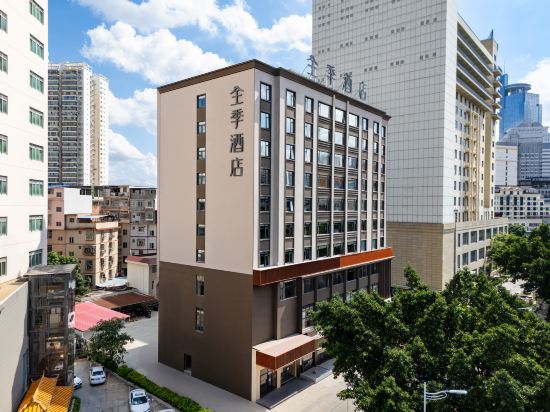
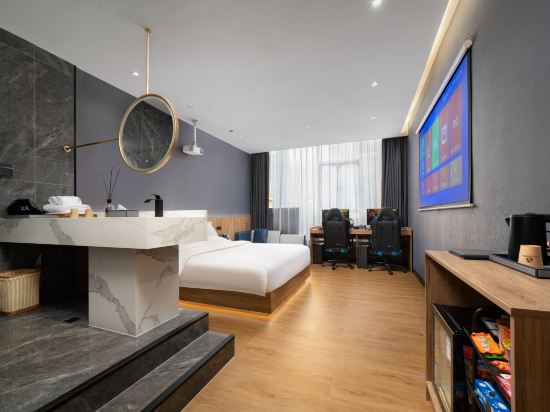
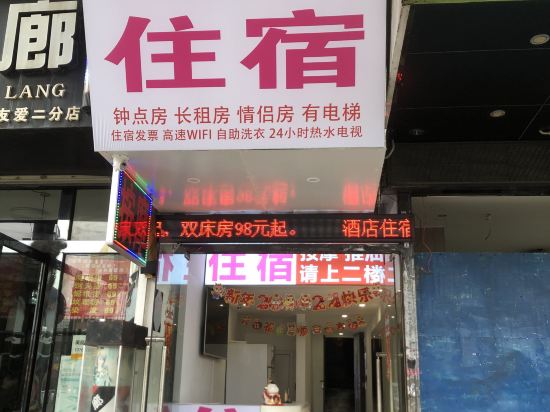
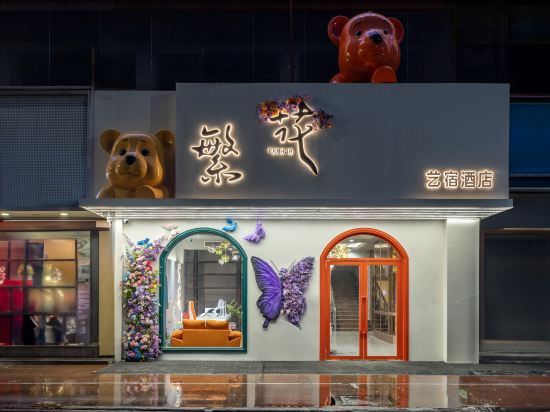
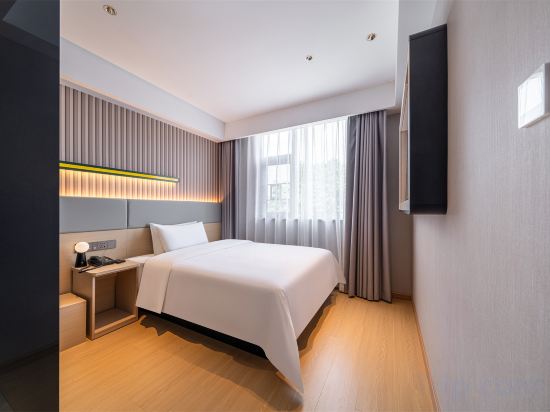

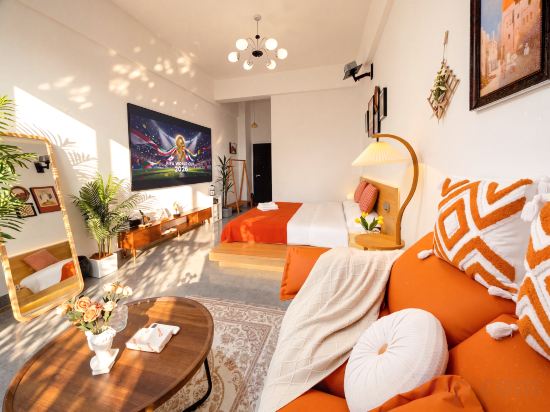
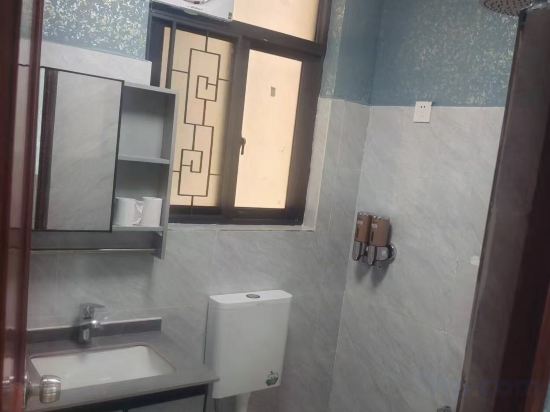
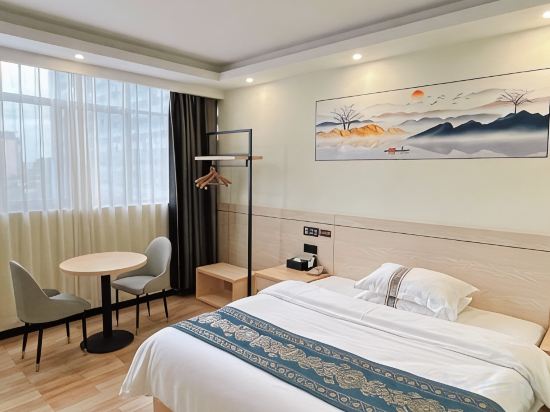
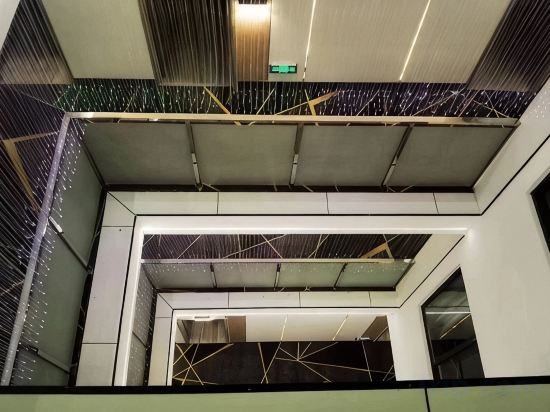

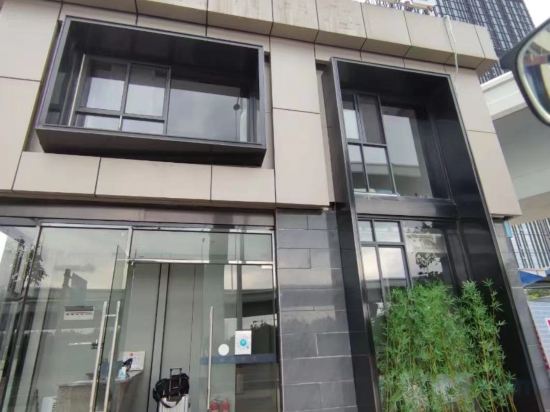
Sijia Homestay (Wuyue Mansion)
Fanfan Shexia Homestay (Nanning Jiangnan Wanda Plaza Branch)
Nanning Junhai Apartment (Sports Center)
City Net Hotel (Nanning Xinzhu Road Nationality Square Subway Station)
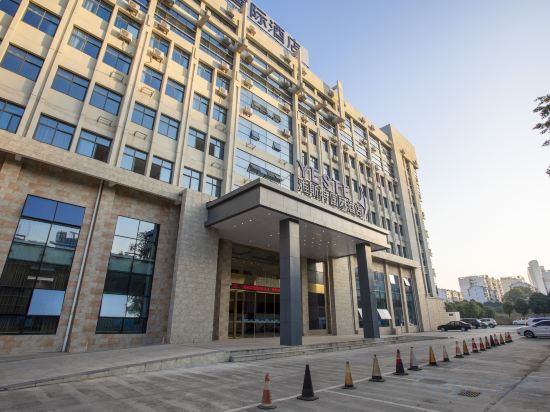
Yeste International Hotel (Nanning Zoo Guangxi University)
Huating Yunqi Hotel (Nanning Wuyue Plaza Jinqiao Bus Station Branch)
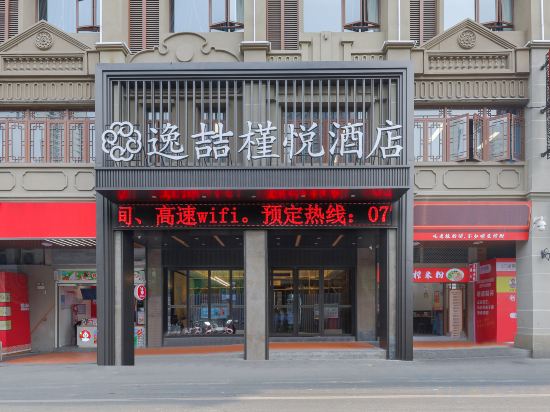
Yizhe Jinyue Hotel (Nanning Chaoyang Square Sanjieliangxiang Branch)
JI Hotel (Nanning Jinhu Square Binhu Road Subway Station)
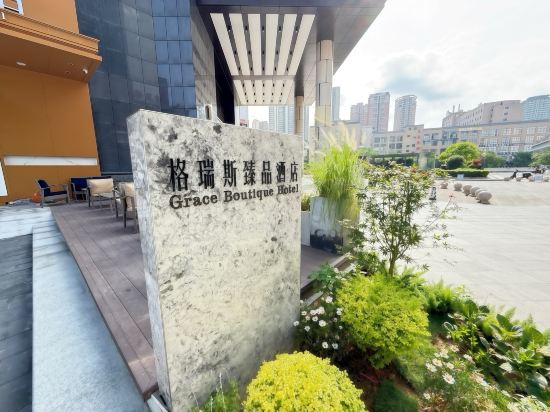
Grace Boutique Hotel(Chaoyang Square Three Streets Two Lanes)
Ciyuan E-sports Hotel(Wuming Bus Terminal)
Aini Fashion Hotel (Xiuxiang Subway Station Guangxi University)
Fanhua Yisu Apartment (Chaoyang Square Sanjie Liangxiang Branch)
IU Hotel (Nanning Guangxi University Subway Station Branch)
Home Inn Selected (Nanning Medical University, Nanhu Park Branch)
Xunguang Light Luxury Apartment (Nanning University for Nationalities Xiangsihu Branch)
Nanning New Sunshine Apartment (Nanning Guangxi University Xinxiu Park Subway Station)
Xiehe Apartment (Chuangye Road Subway Station Wall Street Gonggu Industrial Park)
Yijia Hotel (Wuming ASEAN Commercial Plaza ASEAN Bus Station)
Courtyard Resort View B&B (Xia Shui Yuan Store)
High-Speed Rail Era Hotel (Nanning East Station)
Hotels in Nanning
Don't feel hesitant to book hotels in Nanning at tiket.com! We'll make sure to provide all conveniences you need when doing a room reservation. Book your favourite hotel now only at tiket.com!

How to Book Hotels on tiket.com
1. Find the hotelEnter the name of the city, area, or hotel to find the place you want.
2. Select a roomOn the hotel detail page, you will see the available room options. Select a room that suits your needs.
3. Complete the booking detailsInput the contact details (the person who will be contacted by tiket.com and the hotel about the booking) and the guests’ details.
4. Select Add-onsYou can also buy additional services such as meal packages, transportation, and many more.
5. Pay your bookingSelect the payment method and complete your transaction. Don’t forget to use the promo code to get a cheaper hotel price at tiket.com.
6. Get the reservation e-voucherAfter the payment is successful, the e-voucher will be available on the Your Orders menu and sent to the email listed in the contact details.