



Hotels in Shenzhen
Showing 4.000+ hotels in Shenzhen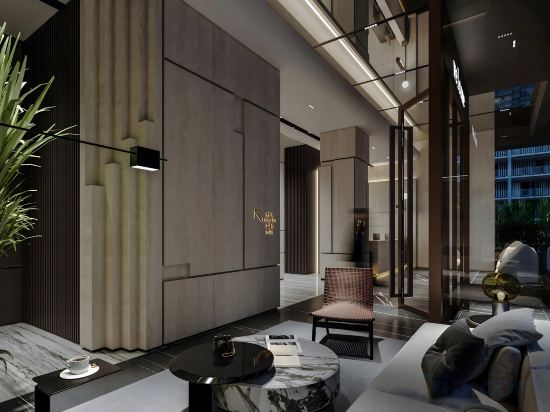

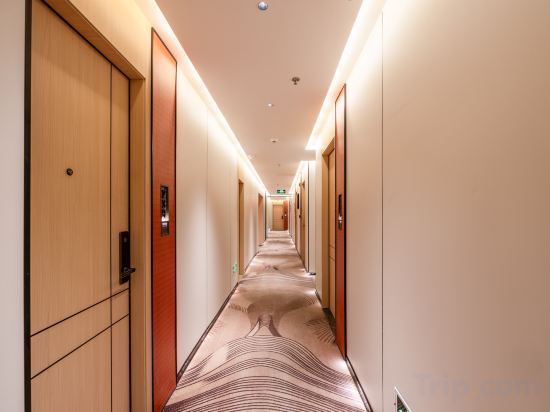
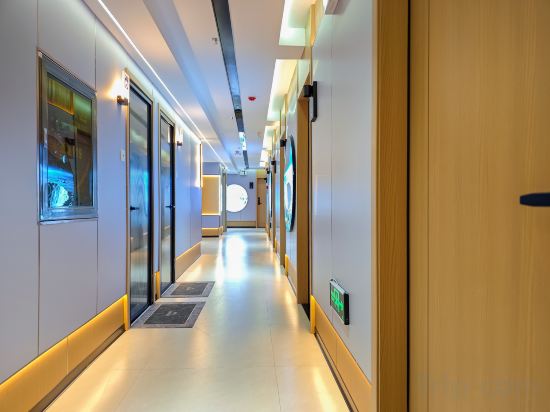
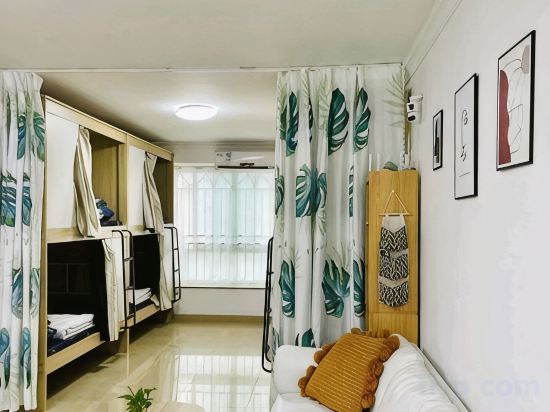
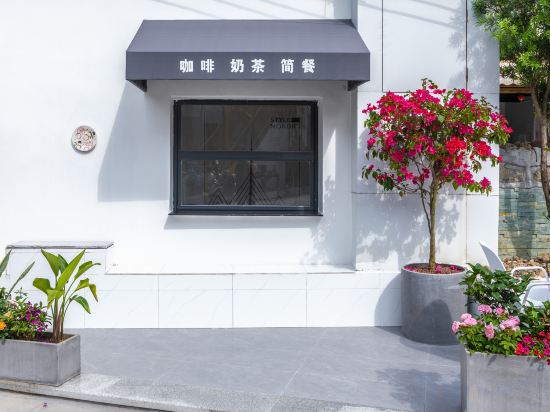
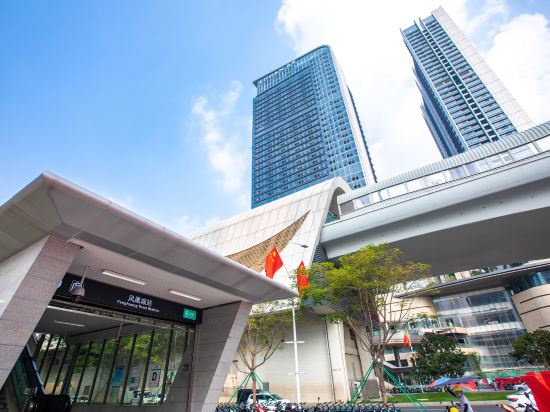

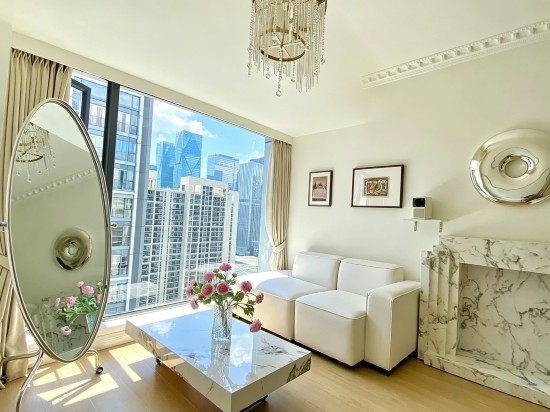

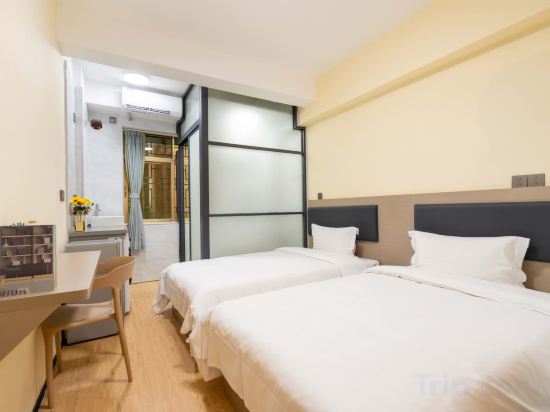

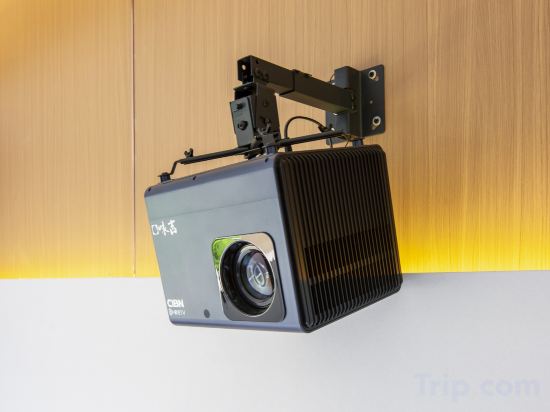
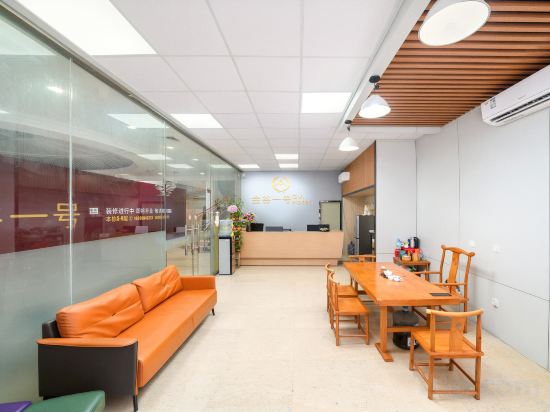
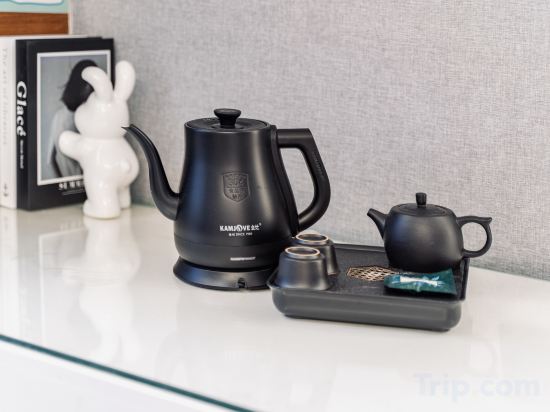
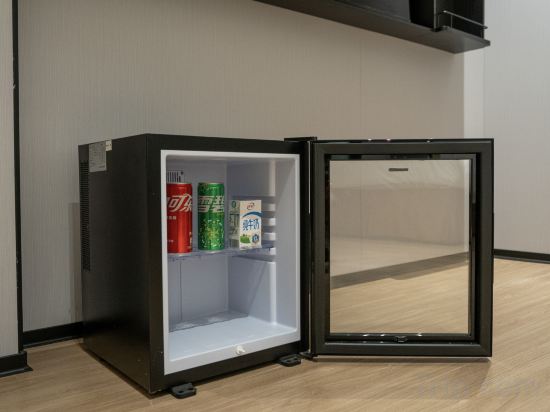
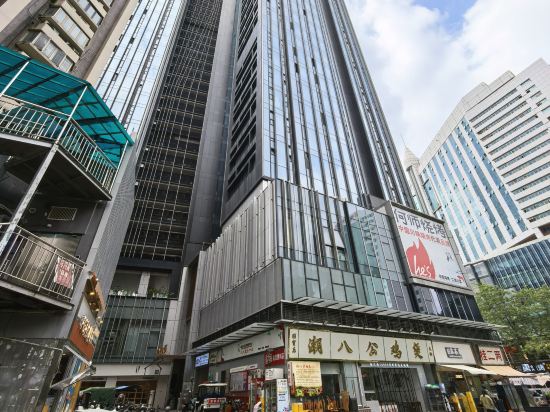
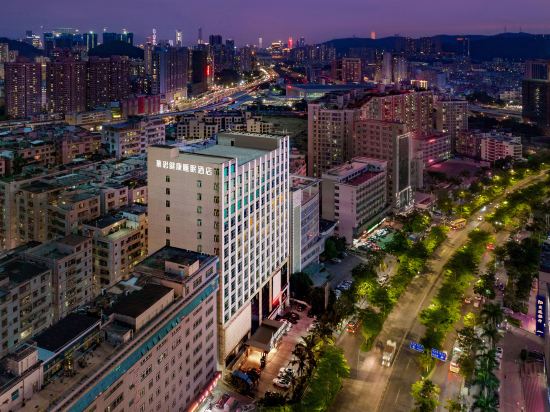
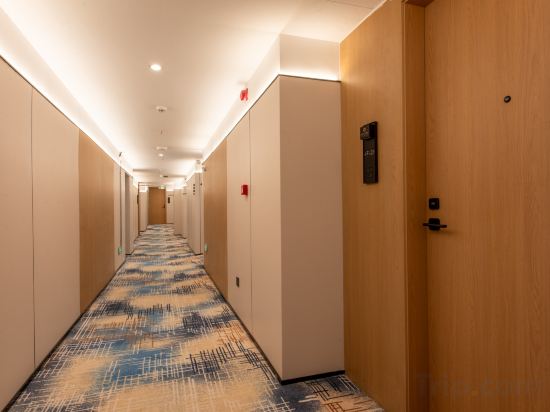
Jinma Hotel (Shenzhen City Square Museum Metro Station
Bangtuomeinuo Executive Apartment (Shenzhen Futian chegongmiao zhongzhouwan store)
Fuqing Hotel (Shenzhen Futian Huaqiangbei Subway Station)
Yujia E-sports Apartment (Shenzhen North Railway Station Baishilong Subway Station)
Xinzhizhu - Female Only Youth Hostel
Shenzhen Zhaoxi Homestay (Jiaochangwei Dapeng New Suo Cheng)
Dolphin International Hotel (Shenzhen Guangming Phoenix City Subway Station)
Homeinn Plus Hotel (Shenzhen Shiyan Subway Station)
Camellia • Shanchahua Apartment (Convention and Exhibition Center Gangxia Subway Station)
TOWO Shangpin Hotel (Nanshan Garment Wholesale Market Lilin Subway Station)
Bay Area Apartment (Gangxia North Subway Station)
SHEN GANG HUI hotel(Shenzhen Futian Port Yitian Subway Station)
Zhuohon Hotel (Shenzhen Xili Metro Station Vanke Cloud City Branch)
Jingu No.1 ·GV·Apartment hotel(Shenzhen North Railway Station Yicheng Center Branch)
Shenzhen · Mumianwan | Chain Apartment Hotel (Dongmen Old Street Huangbeiling Subway Station)
REZEN PROYAL Hotel (Shenzhen Futian Port Shangsha Subway Station Branch)
Huanyue Service Apartment (Luohu Port Branch, Dongmen Old Street, Shenzhen)
DeRucci Healthy Sleep Hotel (Buji Culture and Sports Center, Shenzhen East Railway Station Branch))
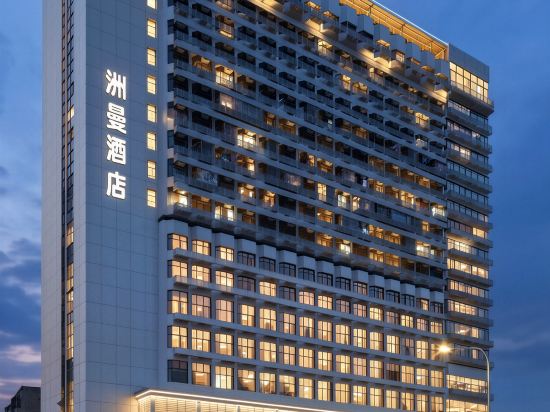
Shenzhen Zhouman Hotel
Blueprint Meiji Hotel (Futian Subway Station, Huaqiang North)
Hotels in Shenzhen
Don't feel hesitant to book hotels in Shenzhen at tiket.com! We'll make sure to provide all conveniences you need when doing a room reservation. Book your favourite hotel now only at tiket.com!

How to Book Hotels on tiket.com
1. Find the hotelEnter the name of the city, area, or hotel to find the place you want.
2. Select a roomOn the hotel detail page, you will see the available room options. Select a room that suits your needs.
3. Complete the booking detailsInput the contact details (the person who will be contacted by tiket.com and the hotel about the booking) and the guests’ details.
4. Select Add-onsYou can also buy additional services such as meal packages, transportation, and many more.
5. Pay your bookingSelect the payment method and complete your transaction. Don’t forget to use the promo code to get a cheaper hotel price at tiket.com.
6. Get the reservation e-voucherAfter the payment is successful, the e-voucher will be available on the Your Orders menu and sent to the email listed in the contact details.