



Hotels in Xi'an
Showing 2.000+ hotels in Xi'an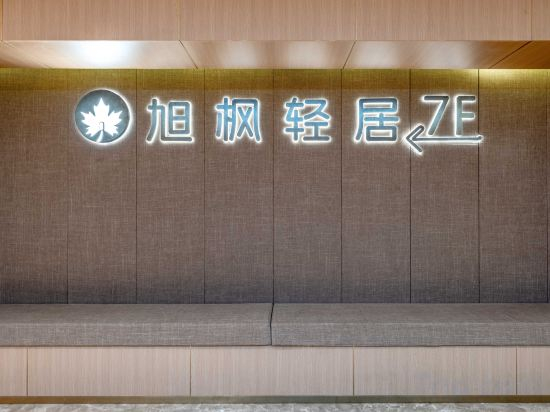
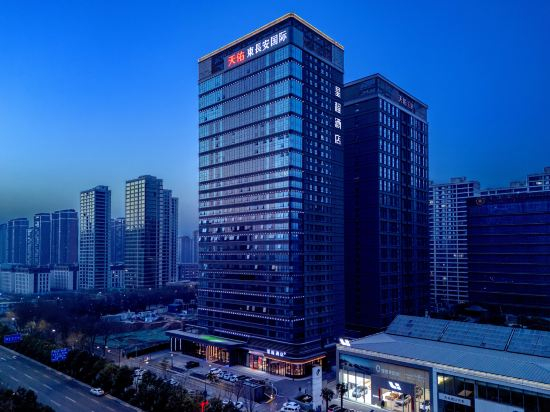
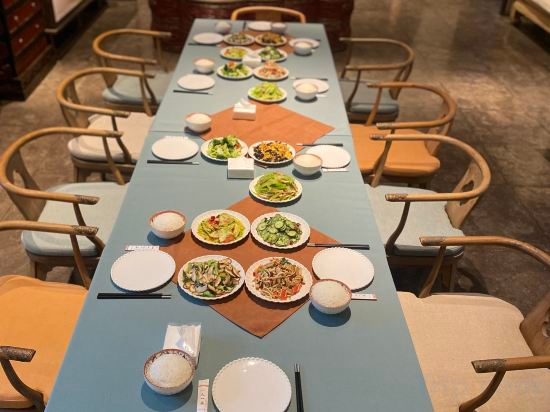
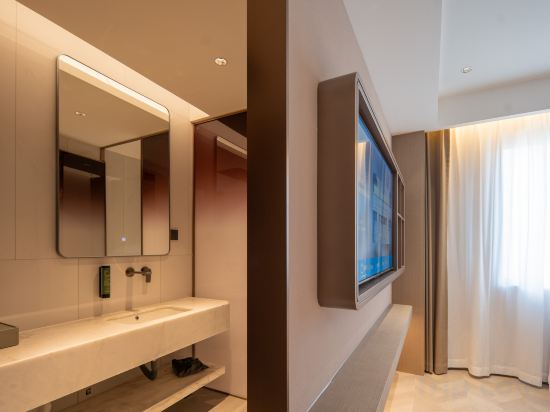
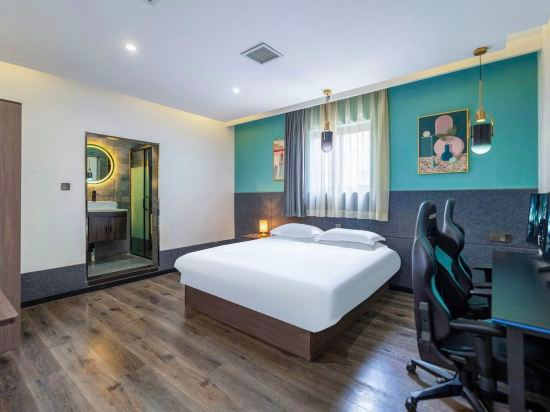
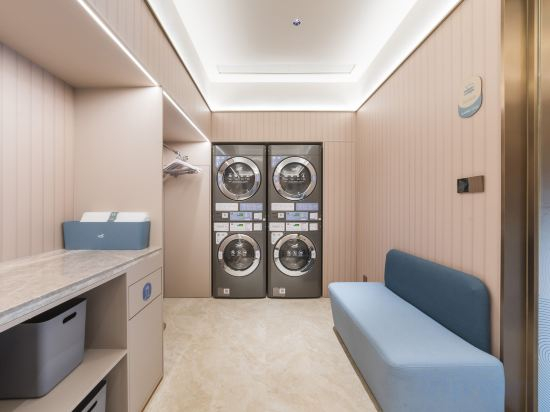


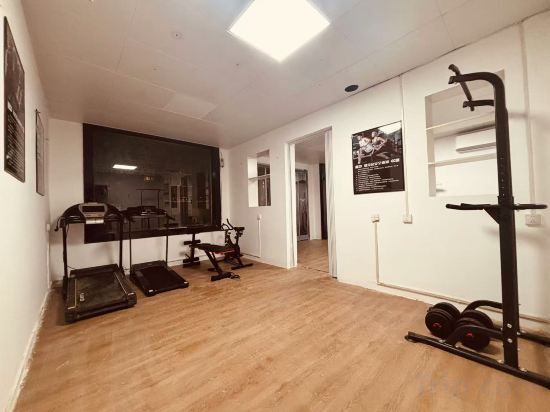
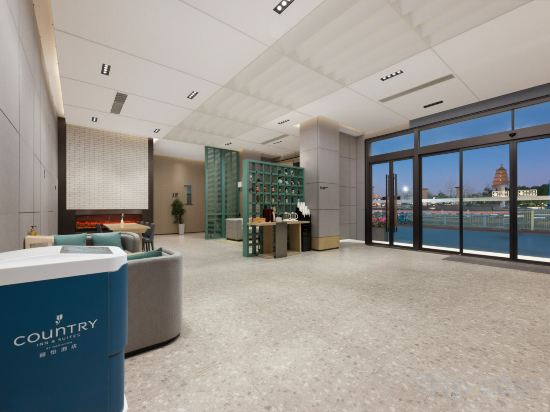


Xufeng Light Residence Hotel
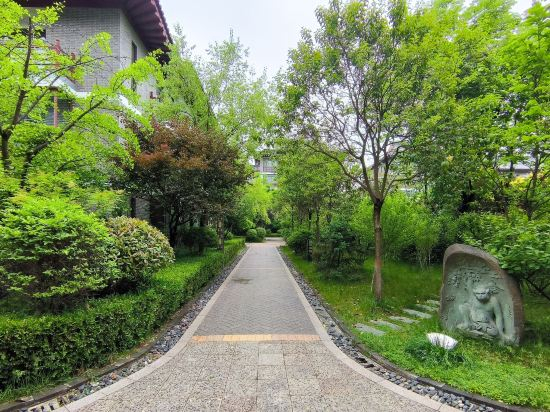
Nanshe Courtyard
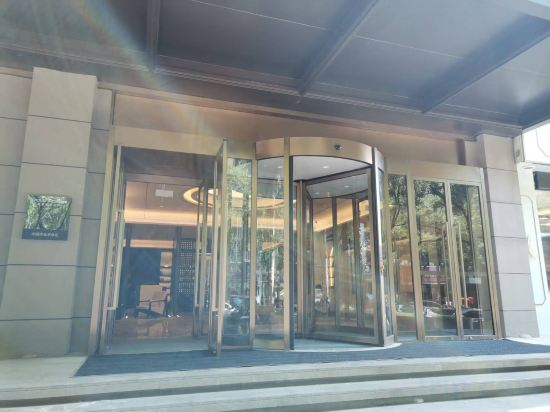
Xi'an Jiaotong University Chang Le Park Subway Station Atour Hotel
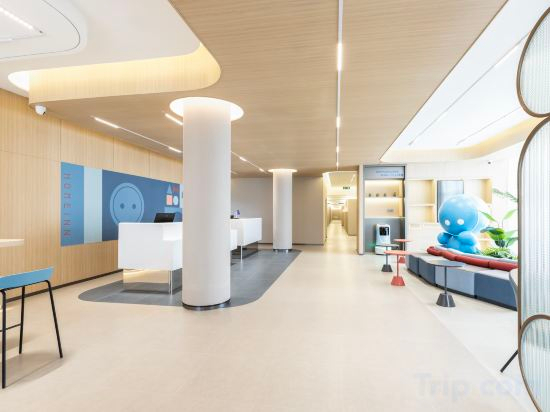
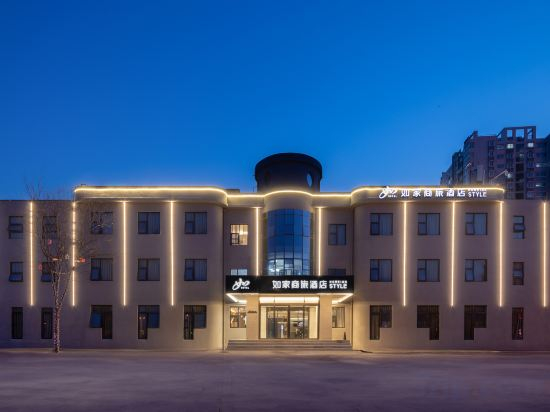
Homeinn · neo (Xi'an Aerospace City Subway Station)
Starway Hotel (Xi'an Chang'an Aerospace Administrative Committee)
Fangruo·Shitang Huachao Homestay (Chang'an Tangcun)
Wan Zhu Hotel (Lijiacun Metro Station · XAUAT)
Xi'an Wuhua E-sports Homestay (Bell Tower Dachaishi Subway Station)
HanTing Hotel (Xi'an ZTE Phase III Industrial Park)
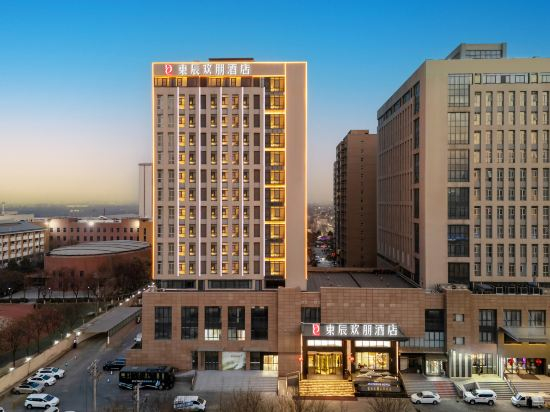
DONG CHEN HUAN PENG HOTEL(ChanBa Exhibition Center Branch))
HAVEN・TANG
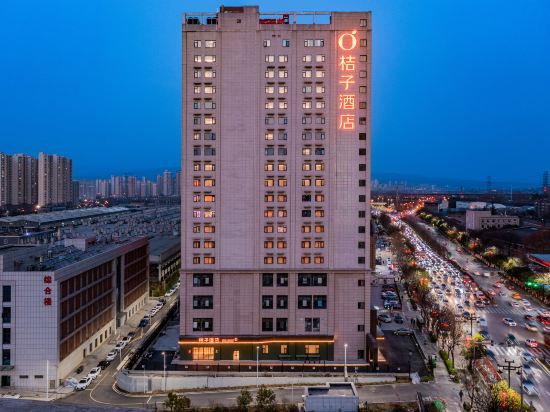
Orange Hotel (Xi'an Tangdu Hospital Fangzhicheng Subway Station)
James Joyce Coffetel Hotel (Xi'an Zhonglou Dachashi Subway Station Flagship Store)
Hotel Introduction Description
Homeinn Selected Hotel (Xi'an Economic Development Children's Hospital)
Zhechen Hotel (Xi'an Bell and Drum Tower North Street Subway Station)
Liyi Hotel (Xi 'an Datang Sleepless City Big Wild Goose Pagoda Subway Station Branch)
Hotel Introduction Description
AI Lives In The Future Hotel(Chang'an University City)
Atour Hotel, Xiao Yan Feng Pagoda, Yong Ning Men, Xi'an
Hancheng Yijing Villa (Hancheng Lake Scenic Area)
Baili Orange Hotel (Chang'an University Town Xi'an Aerospace City Subway Station)
Hotels in Xi'an
Don't feel hesitant to book hotels in Xi'an at tiket.com! We'll make sure to provide all conveniences you need when doing a room reservation. Book your favourite hotel now only at tiket.com!

How to Book Hotels on tiket.com
1. Find the hotelEnter the name of the city, area, or hotel to find the place you want.
2. Select a roomOn the hotel detail page, you will see the available room options. Select a room that suits your needs.
3. Complete the booking detailsInput the contact details (the person who will be contacted by tiket.com and the hotel about the booking) and the guests’ details.
4. Select Add-onsYou can also buy additional services such as meal packages, transportation, and many more.
5. Pay your bookingSelect the payment method and complete your transaction. Don’t forget to use the promo code to get a cheaper hotel price at tiket.com.
6. Get the reservation e-voucherAfter the payment is successful, the e-voucher will be available on the Your Orders menu and sent to the email listed in the contact details.