



Hotels in Xi'an
Showing 2.000+ hotels in Xi'an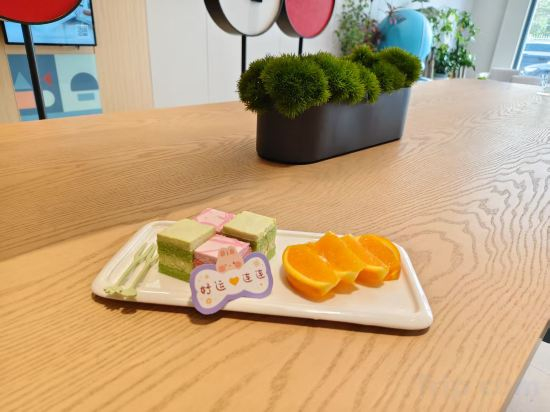


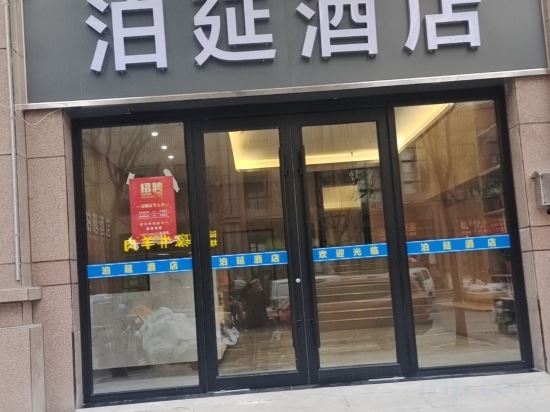
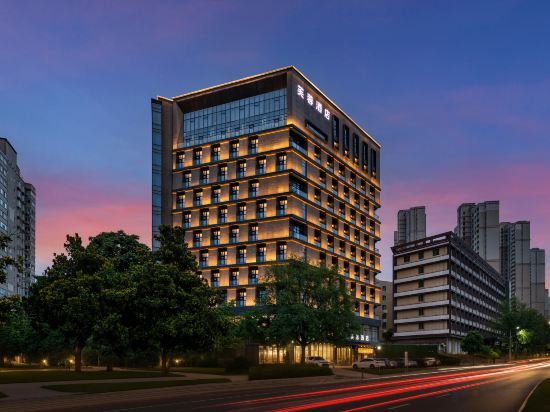
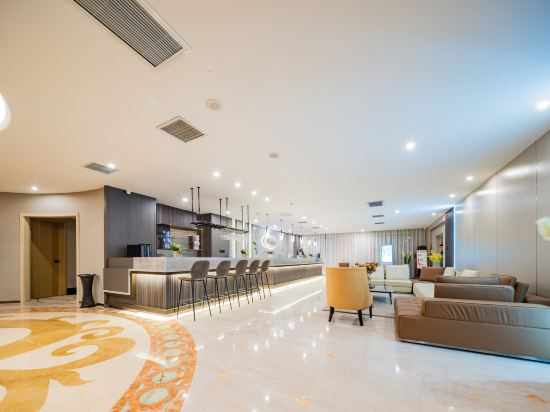
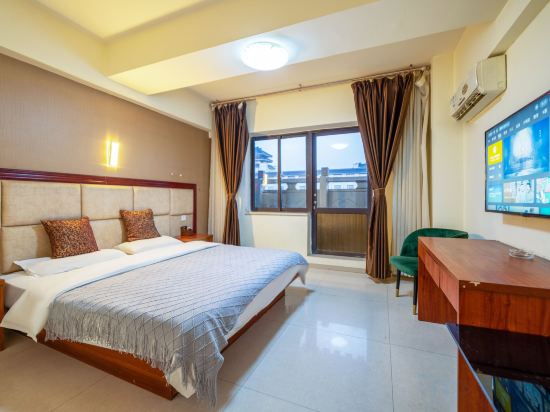
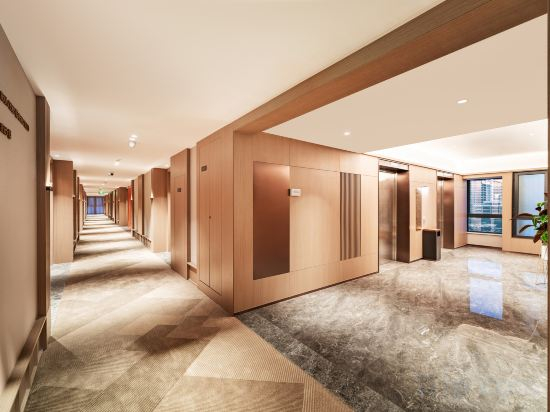
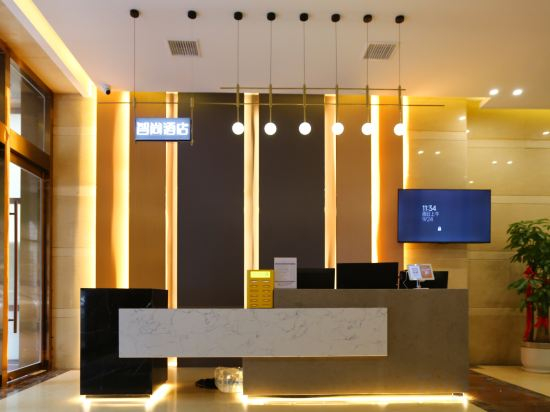

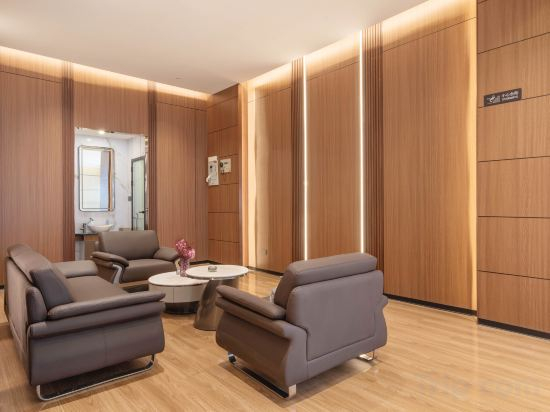
Homeinn · neo (Xi'an Olympic Avenue International Port District Subway Station)
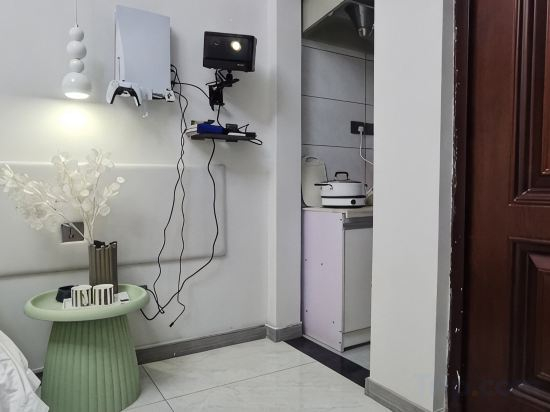
Xi'an Manyue Boutique Homestay (Zhonggulou Huimin Street)
Shoulvrujia · Wassim International Hotel (Xi'an Dayan Pagoda Grand Tang Mall)
Pod Inn Hotel (Xi'an Tangdu Hospital Banpo Subway Station)
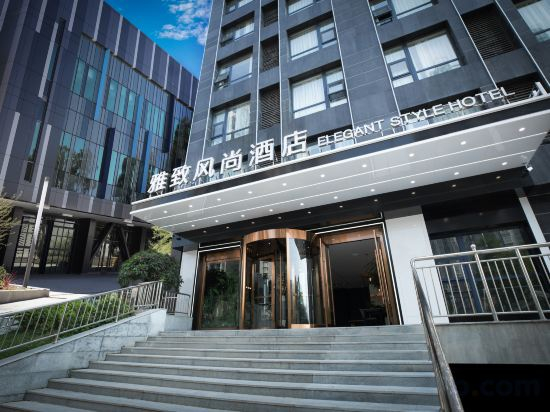
Xi'an Elegant Fashion Hotel
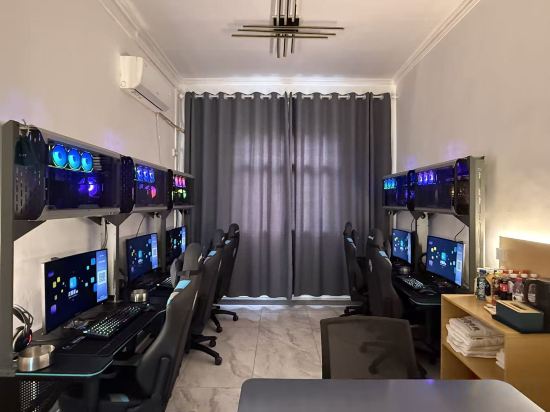
Godo E-sports Homestay (Northwestern Polytechnical University Chang'an Campus)
Boyan Hotel (Xi'an Weiyang Lake)
Furong Hotel, Giant Wild Goose Pagoda·Tang Paradise Ever-Bright City, Xi'an
Huayi Homestay (Xi'an Dayan Pagoda Qinglong Temple Subway Station)
Himalaya Hotel (Xi'an Bell Tower Subway Station)
Xinghe Yingsu (Xi'an Railway Station Wulukou Subway Station)
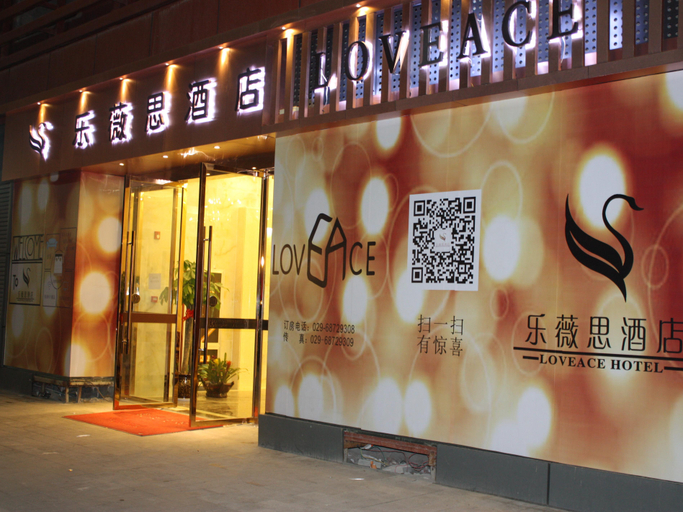
Loveace Hotel
MEHOODLESTIE
Zsmart Hotel (Xi'an Bell Tower&Beidajie Subway Station)
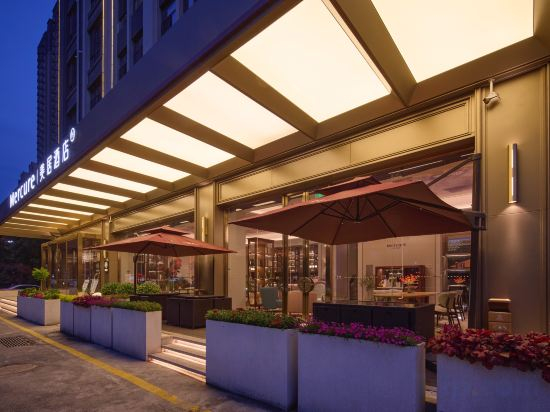
Mercure Xi'an Chanba
Pudding Yanxuan Hotel (Xi'an Fengqiyuan Subway Station)
MEHOOD LESTIE Hotel (Xi'an Dianshita Dongyi Road Subway Station)
MEHOOD LESTIE Hotel (Xi'an North Railway Station Fengcheng Jiu Road Subway Station)
Yunya Wisdom Hotel (Xi 'an Xijing Hospital Hujiamiao Subway Station Branch)
Xi'an Lizhuo Hotel (Xi'an Bell and Drum Tower Huimin Street)
Hotels in Xi'an
Don't feel hesitant to book hotels in Xi'an at tiket.com! We'll make sure to provide all conveniences you need when doing a room reservation. Book your favourite hotel now only at tiket.com!

How to Book Hotels on tiket.com
1. Find the hotelEnter the name of the city, area, or hotel to find the place you want.
2. Select a roomOn the hotel detail page, you will see the available room options. Select a room that suits your needs.
3. Complete the booking detailsInput the contact details (the person who will be contacted by tiket.com and the hotel about the booking) and the guests’ details.
4. Select Add-onsYou can also buy additional services such as meal packages, transportation, and many more.
5. Pay your bookingSelect the payment method and complete your transaction. Don’t forget to use the promo code to get a cheaper hotel price at tiket.com.
6. Get the reservation e-voucherAfter the payment is successful, the e-voucher will be available on the Your Orders menu and sent to the email listed in the contact details.