



Hotels in Yanbian Korean
Showing 688 hotels in Yanbian Korean
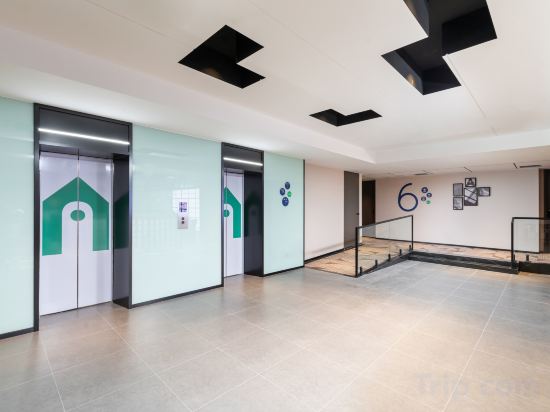
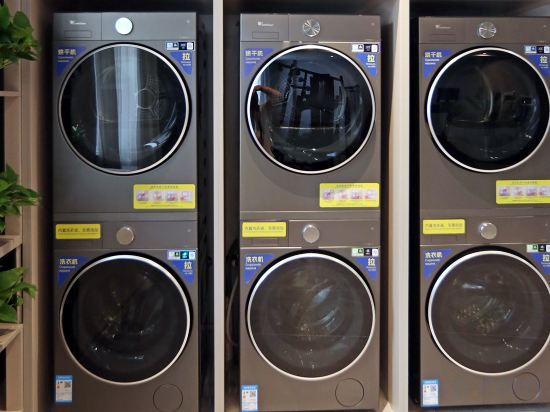




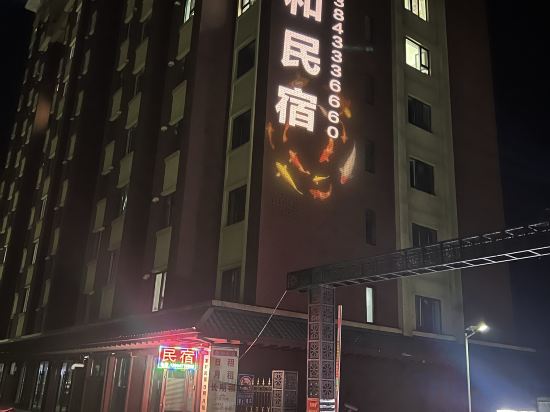





Jinjiang Inn (Erdao Baihe Town Branch)
Campanile Hotel Yanji Yanbian university Westmarket Hotel
Heyi Hotel (Xinxi Market Seafood Street Branch)
Yanshu Jingshe Hotel (Yanji West Railway Station Wanda Plaza)
Changbaishan Guoxin Four Seasons Hot Spring Resort Hotel
Magnotel Hotel (Hunchun International Passenger Station West Station)
WASSIM HOTELS&RESORTS
Tumen Xinjiahe Business Hotel (Tumen Port)
West Bank Hotel (Longjing West Market)
JI Hotel (Hunchun Commercial Center)
Xana Hotelle Hotel (Changbaishan Beipo Youke Jisanzhongxin)
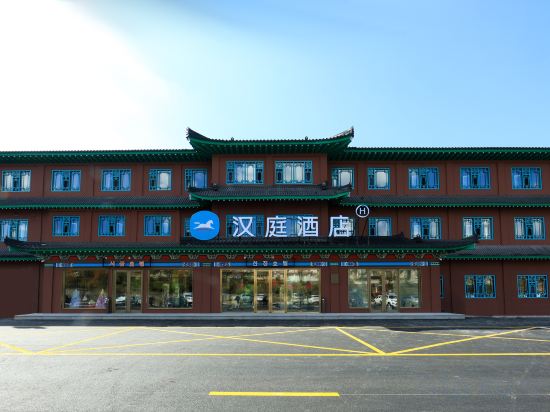
HanTing Hotel (Yanji Korean Folk Village Dinosaur Kingdom)
Home Inn Huayi Select Hotel (Yanji Xishichang Internet-famous Wall)
Liudingshan Cultural Hotel
Xana Hotelle (Yanji North Korea Folk Garden Dinosaur Kingdom Store)
Wangqing Xiyue Business Hotel (Wangqing Street Branch)
Honglong Xingye Hotel
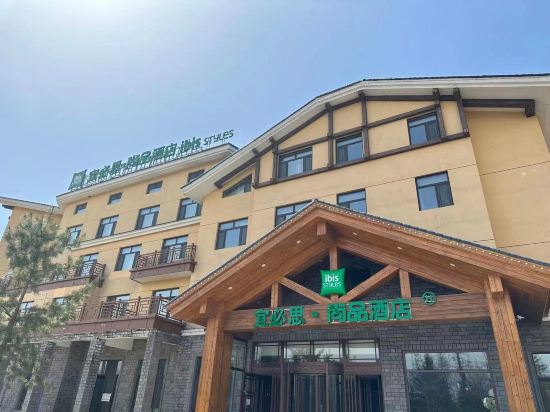
Ibis Styles Hotel (Changbai Mountain North Slope Tourist Distribution Center)
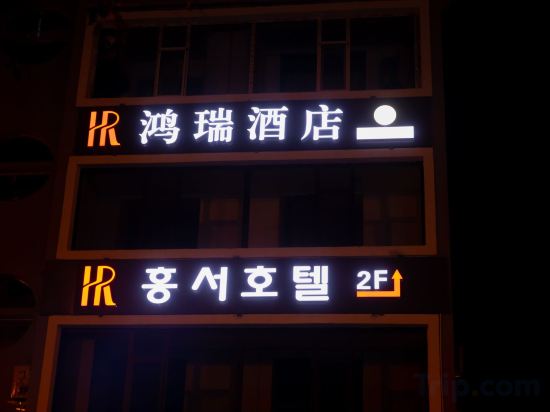
Hongrui Hotel (Yanji Dinosaur Kingdom Korean Folk Garden)
Gardenia Art Hotel (Yanji Yanbian University Internet-famous Wall Xishichang)
Hotels in Yanbian Korean
Don't feel hesitant to book hotels in Yanbian Korean at tiket.com! We'll make sure to provide all conveniences you need when doing a room reservation. Book your favourite hotel now only at tiket.com!

How to Book Hotels on tiket.com
1. Find the hotelEnter the name of the city, area, or hotel to find the place you want.
2. Select a roomOn the hotel detail page, you will see the available room options. Select a room that suits your needs.
3. Complete the booking detailsInput the contact details (the person who will be contacted by tiket.com and the hotel about the booking) and the guests’ details.
4. Select Add-onsYou can also buy additional services such as meal packages, transportation, and many more.
5. Pay your bookingSelect the payment method and complete your transaction. Don’t forget to use the promo code to get a cheaper hotel price at tiket.com.
6. Get the reservation e-voucherAfter the payment is successful, the e-voucher will be available on the Your Orders menu and sent to the email listed in the contact details.