



Hotels in Chongqing
Showing 3.000+ hotels in Chongqing
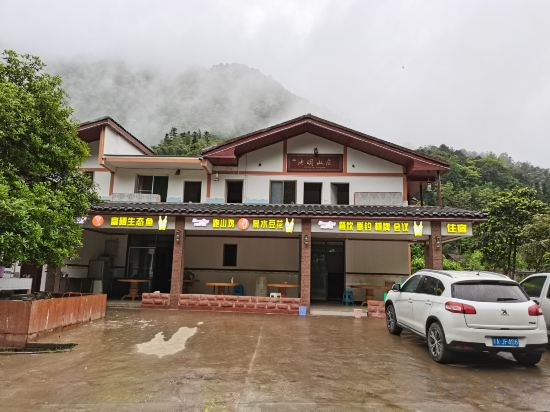
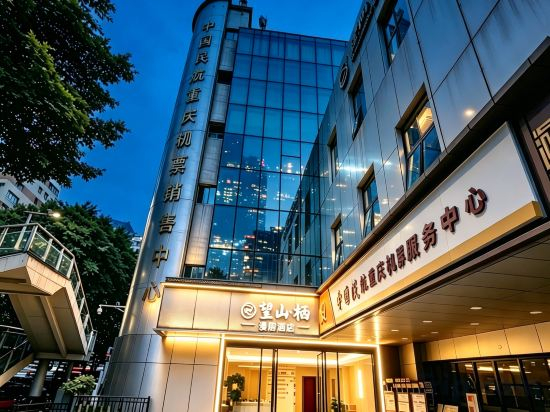
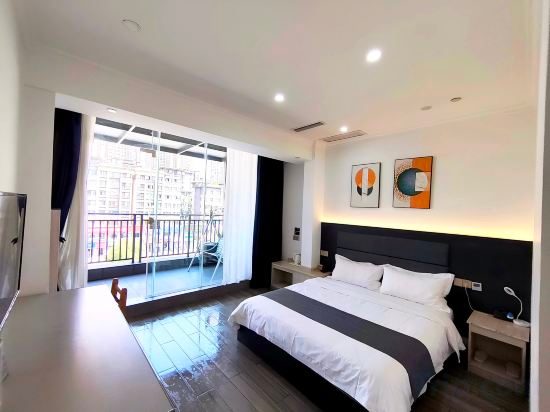
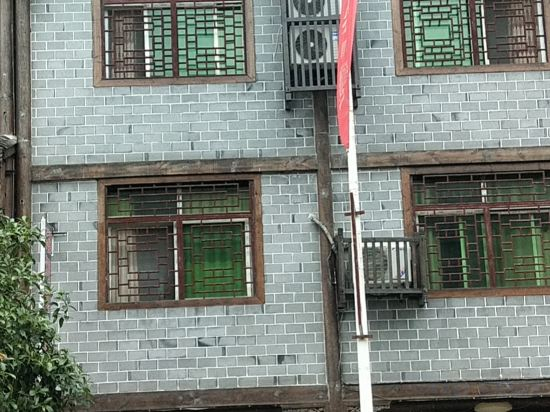
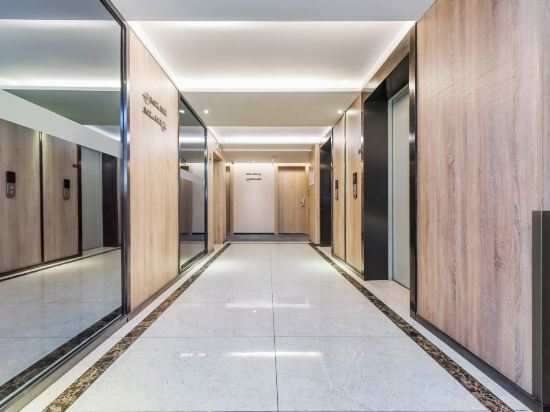

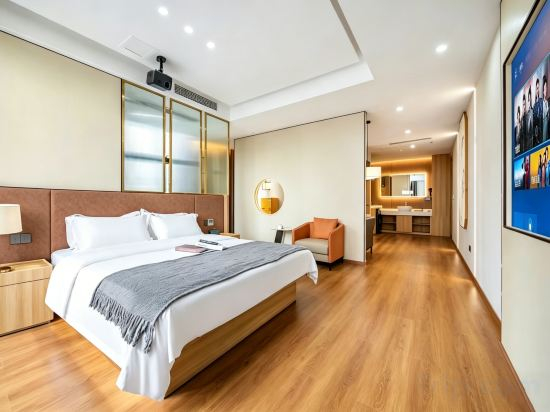

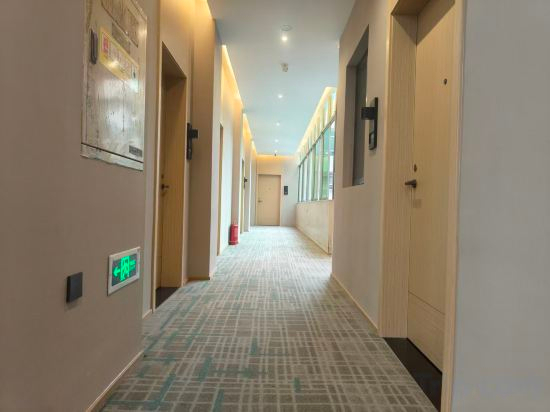
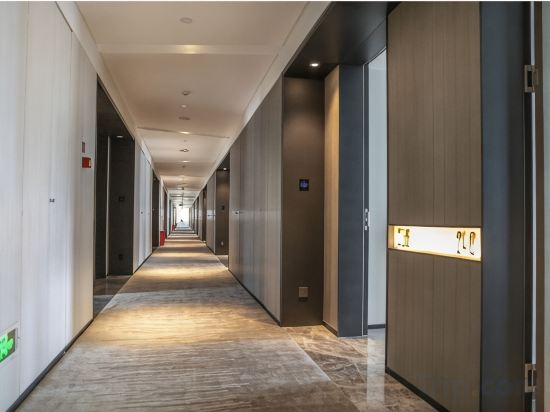
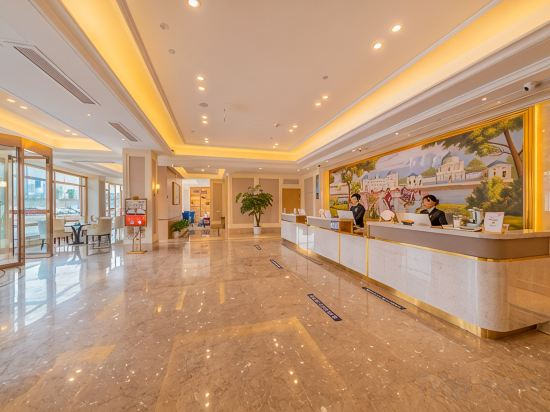
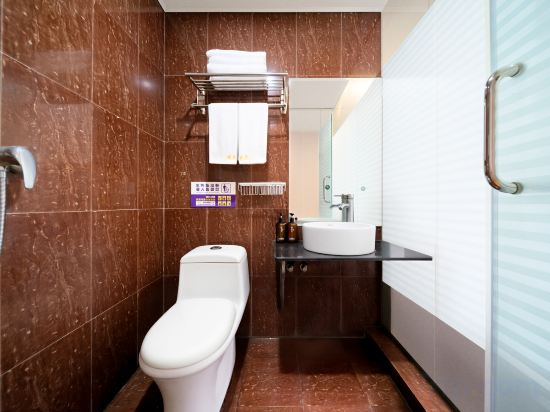
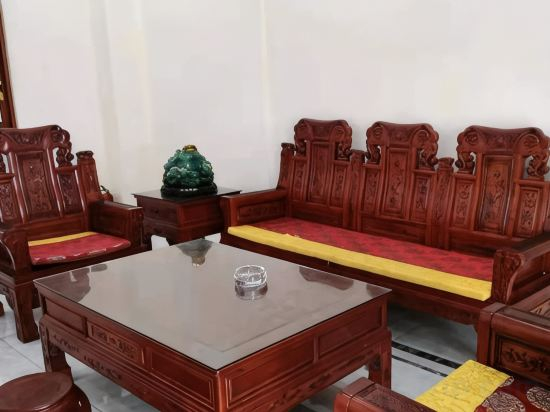
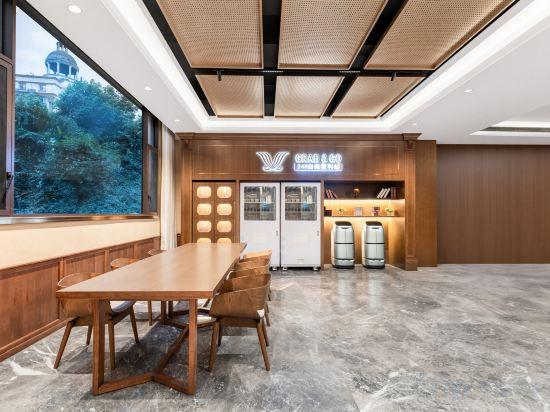
Riverbank Zhuyue Homestay
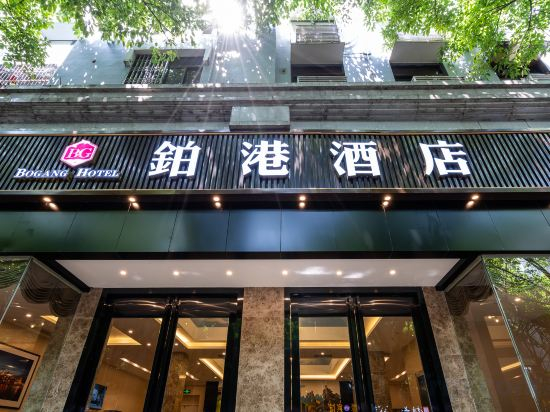
Bogang Hotel
Chongqing Jiangyu Lingqi Homestay (Jiefangbei Hongyadong Branch)
Qingyaxuan Inn (Changshou Ancient Town)
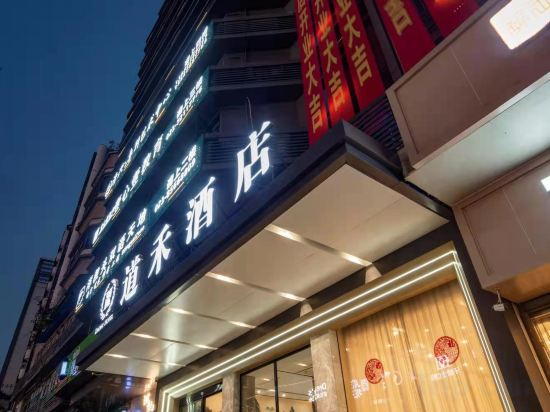
Daohe Hotel (Chongqing Zesheng Central Plaza)
simianshan Chiming Shanzhuang
MOUNT WELL RESORT HOTEL (Renmin Auditorium Liziba Metro Station Chongqing Branch)
Chongqing Jinwowo Jinpin Hotel (Changshou Ancient Town)
Chongqing Yuheba Inn
Langqin ruipin Hotel
Homeinn Hotel (Chongqing Qijiang East Station Qijiang Bus Station)
ReVia Skyline River View Hotel Chongging
At ReVia Skyline River View Hotel Chongging, guests can take pleasure in the delightful recreational amenities provided for their entertainment. Conclude your days in complete tranquility by visiting the hot tub situated precisely at the hotel.
See detailsJiashang hotel
AIS AI Smart Hotel (Southwest University Tianshengli Street)
Chongqing Jinliang Hotel (Jiangjin Commercial Pedestrian Street The Bus Terminal Area)
e home hotel
Vienna Hotel(Chongqing West Station Front Square)
Chongqing Jingnian Hotel
Chongqing Jingtai Hotel
Vienna International Hotel (Chongqing Wushan Goddess Grand Escalator)
Hotels in Chongqing
Don't feel hesitant to book hotels in Chongqing at tiket.com! We'll make sure to provide all conveniences you need when doing a room reservation. Book your favourite hotel now only at tiket.com!

How to Book Hotels on tiket.com
1. Find the hotelEnter the name of the city, area, or hotel to find the place you want.
2. Select a roomOn the hotel detail page, you will see the available room options. Select a room that suits your needs.
3. Complete the booking detailsInput the contact details (the person who will be contacted by tiket.com and the hotel about the booking) and the guests’ details.
4. Select Add-onsYou can also buy additional services such as meal packages, transportation, and many more.
5. Pay your bookingSelect the payment method and complete your transaction. Don’t forget to use the promo code to get a cheaper hotel price at tiket.com.
6. Get the reservation e-voucherAfter the payment is successful, the e-voucher will be available on the Your Orders menu and sent to the email listed in the contact details.