



Hotels in Guangdong
Showing 17.000+ hotels in Guangdong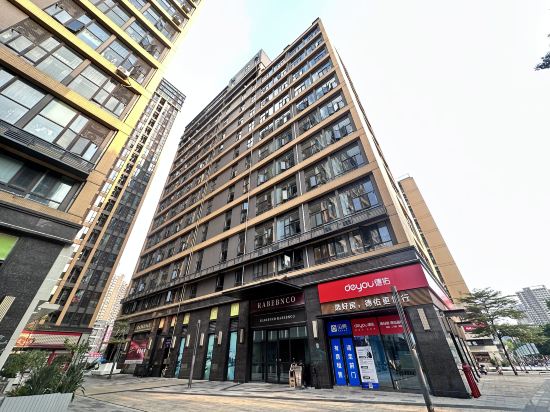
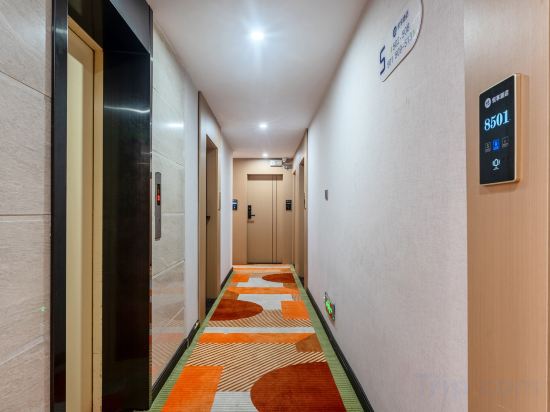
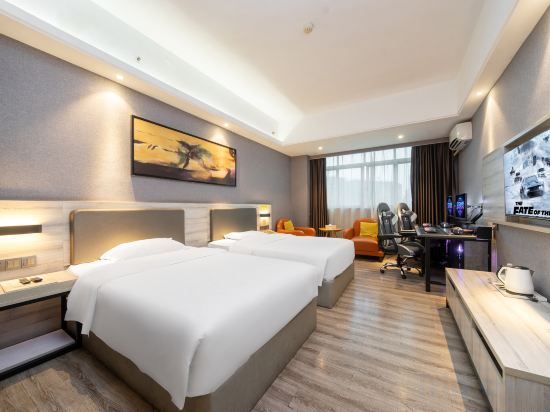
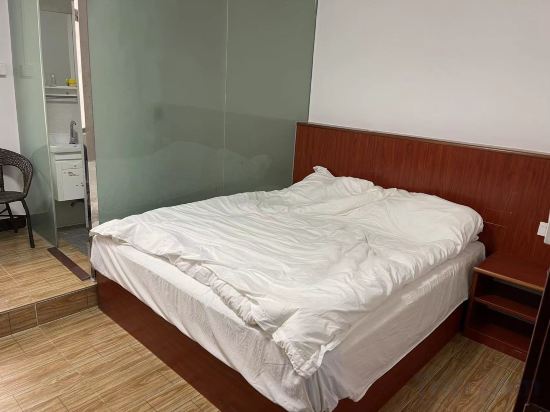
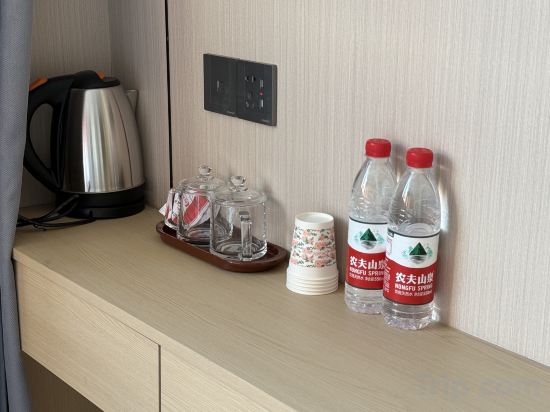
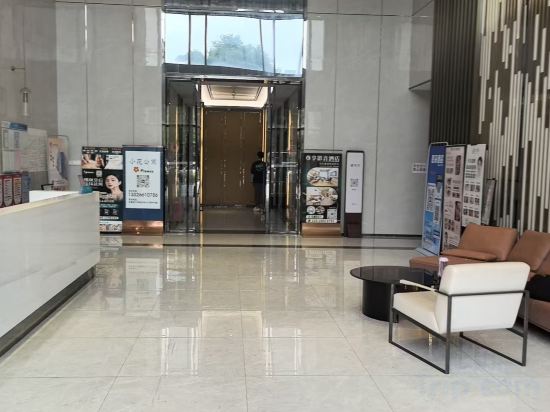
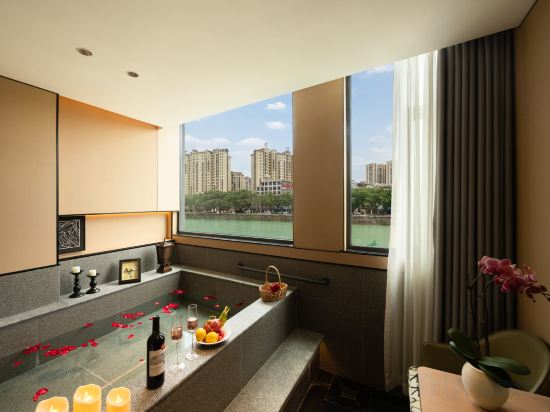

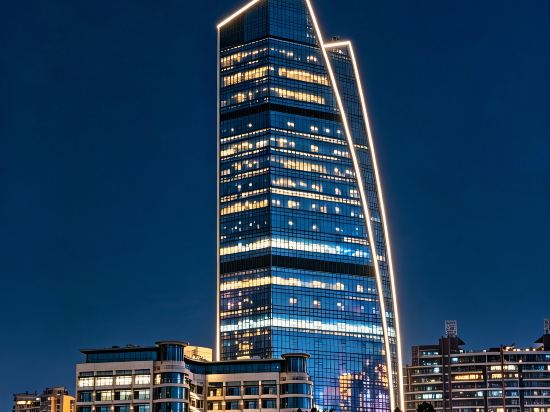
Dali Light Luxury Apartment (Tianbao Subway Station)
Qingyuan Art Lazy Nest · Deer Whisper Hotel (Beijiang Bridge Branch)
Lewan E-sports Homestay (Zhongshan Bus Terminal Branch)
Taishan Lianji Homestay
Light luxury apartment like water fragrance
Meiyou Boutique Stay (Zhuhai Gongbei Fuhuali)
Shuian Huiting Hot Spring Hotel (Meizhou Fengshun Tangkeng Branch)
Grand Skylight Hotel Shenzhen International Mayor's Exchange Center
Located in Shenzhen, 格兰云天阅酒店深圳国际市长交流中心店 offers accommodation with easy access to Shenzhen’s best spots. The property features restaurant, WiFi, and fitness center.
The property offers washing machine and hotel safe. Other facilities include 24-hour front desk, luggage storage, and laundry service/dry cleaning.
See detailsXIYU Designer Residences (Qijiang Park Branch)
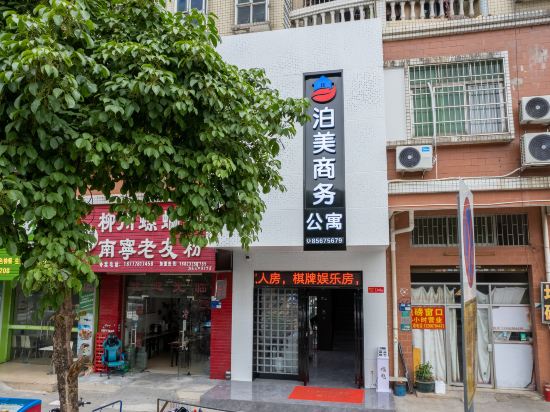
Bomei Business Apartment (Dongguan Qingxi Sanzhong Road Branch)
Hotels in Guangdong
Don't feel hesitant to book hotels in Guangdong at tiket.com! We'll make sure to provide all conveniences you need when doing a room reservation. Book your favourite hotel now only at tiket.com!

How to Book Hotels on tiket.com
1. Find the hotelEnter the name of the city, area, or hotel to find the place you want.
2. Select a roomOn the hotel detail page, you will see the available room options. Select a room that suits your needs.
3. Complete the booking detailsInput the contact details (the person who will be contacted by tiket.com and the hotel about the booking) and the guests’ details.
4. Select Add-onsYou can also buy additional services such as meal packages, transportation, and many more.
5. Pay your bookingSelect the payment method and complete your transaction. Don’t forget to use the promo code to get a cheaper hotel price at tiket.com.
6. Get the reservation e-voucherAfter the payment is successful, the e-voucher will be available on the Your Orders menu and sent to the email listed in the contact details.