



Hotels in Guangdong
Showing 18.000+ hotels in Guangdong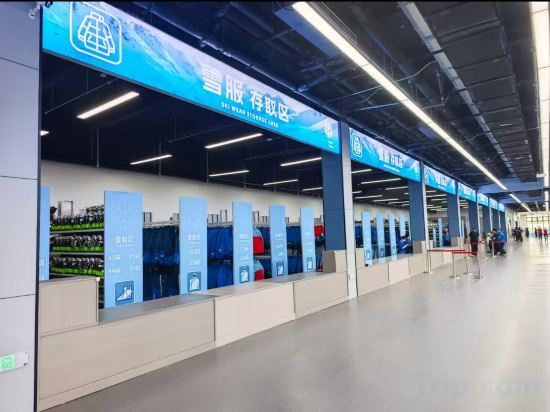
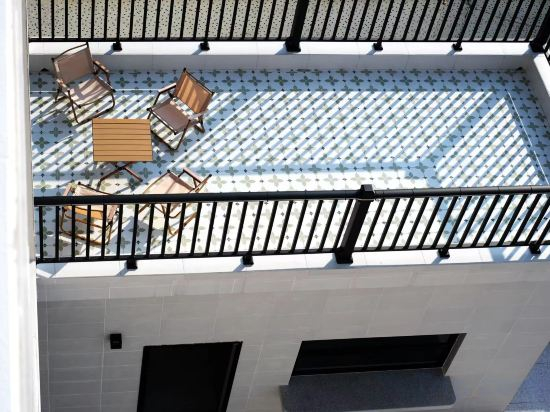
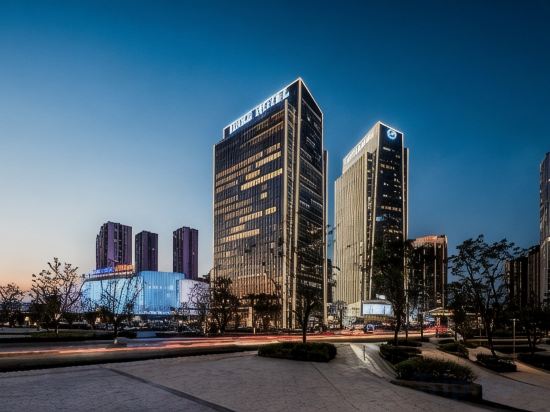
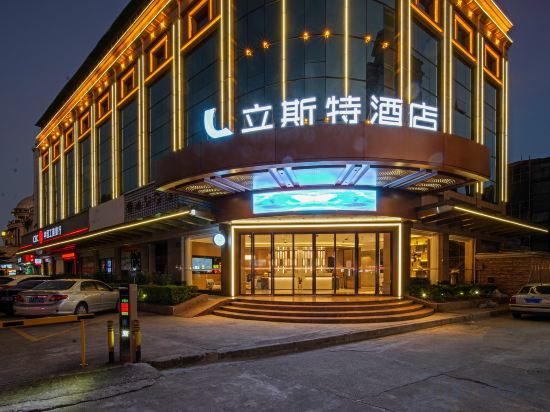
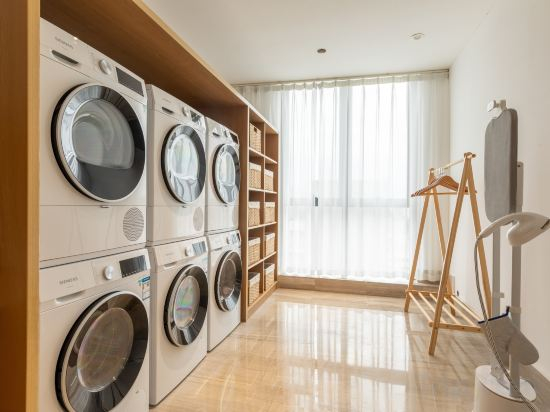
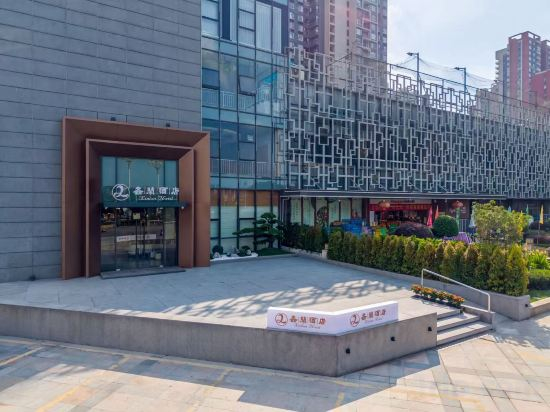
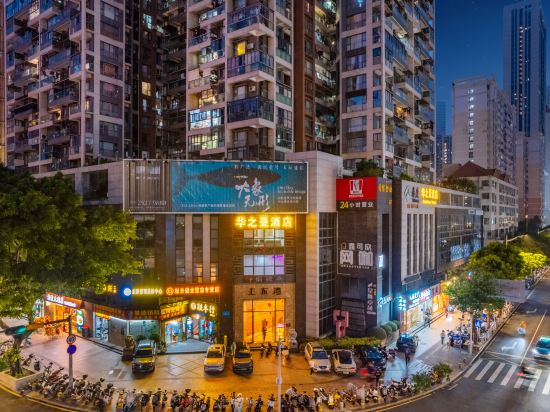
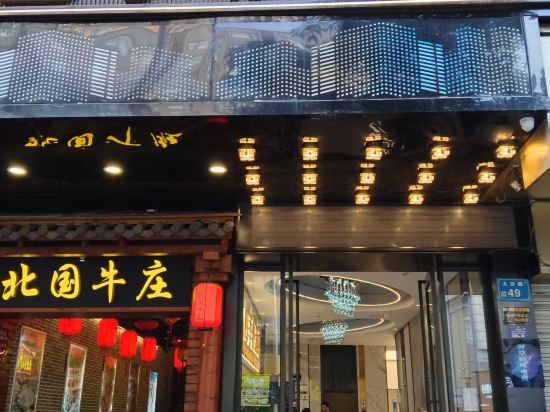

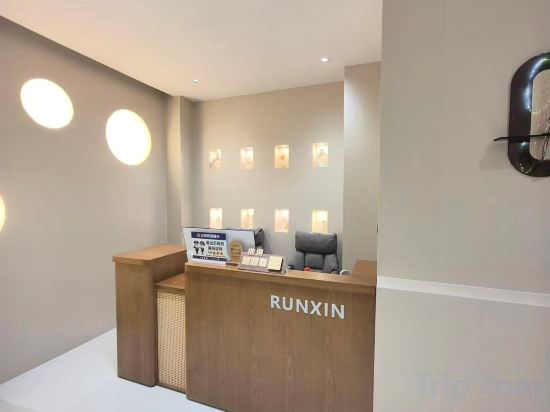
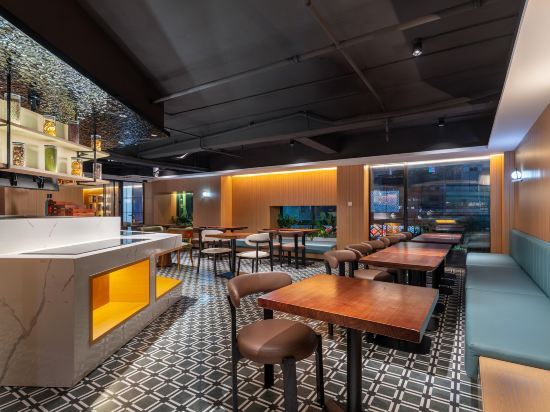
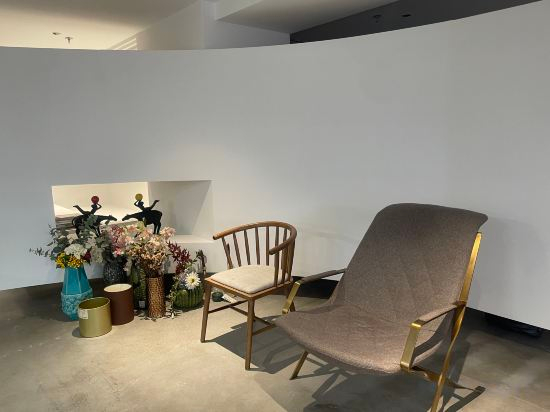

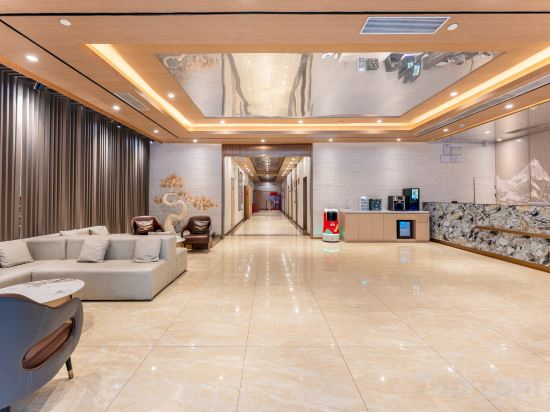
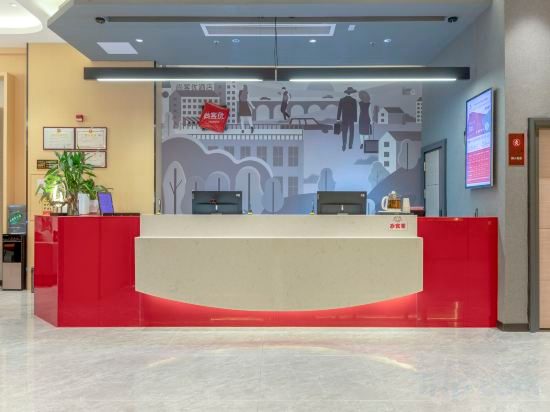
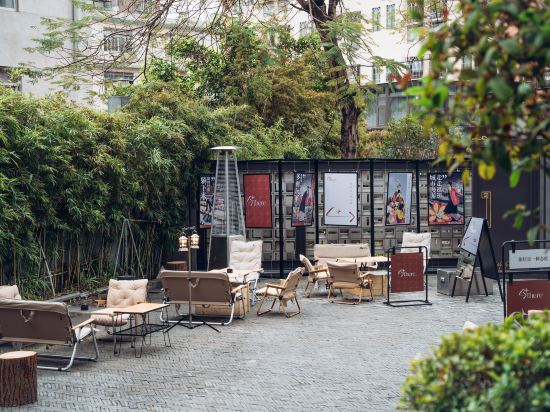
IntercityHotel Zhuhai Xiangzhou Huafa Shopping Mall
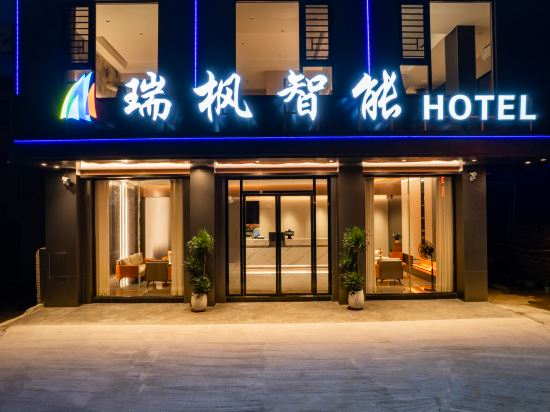
Ruifeng Smart Apartment (Xuwen Port Beigang Wharf)
Hi Inn (Huizhou Jiangbei Kaisa Plaza)
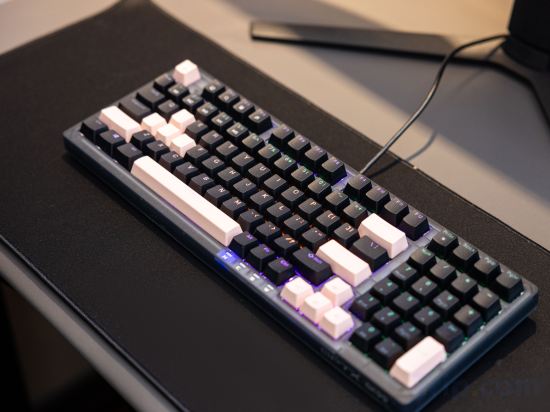
i Electronic Sports Hotel (Guangzhou Huadu Square)
Shuangyue Bay Fengyu Sea Homestay
Guangzhou baiyue International Apartment (Financial City)
Shuangyue Bay Xiehai Sunrise Seaview Beautiful Homestay (Honghai Bay Phase 3)
Lister Hotel
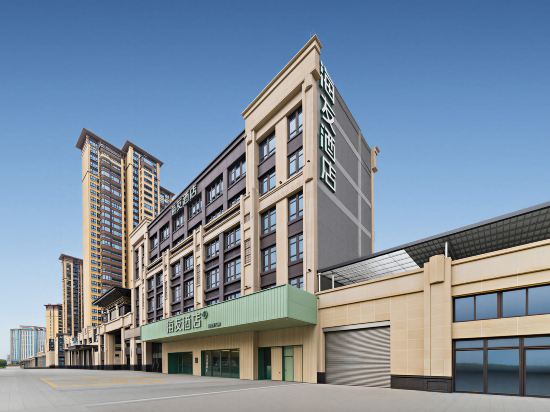
Huawei International Hotel (Dongguan Shijie Purple Sandalwood Museum Branch)
Dongguan Xinlan Hotel (Daxin Riverside New City)
Huazhiman Hotel (Shenzhen Shatoujiao Zhongying Street)
Space-Time Matrix Esports (Humen Huanghe Fashion City)
Youxiying Apartment (Florence Town Store)
Runxin E-sports Boutique Stay (Huizhou Shuidong Street)
Feinuo Hotel (Canton Tower & Pazhou Exhibition Center)
Riverside Meiqi Hotel (Chaozhou Ancient City Paifang Street Store)
Huizhou Nankun Mountain Mountain Stream Lodge
Lingke · ALIENWARE Alien E-Sports Hotel (Shenzhen Luohu Port Dongmen Old Street)
Shangkeyou Hotel (Kesai Examination Site No.3 Branch, Songshan Lake Eastern Industrial Park)
Live there (Shenzhen Longgang University Sports Center)
Hotels in Guangdong
Don't feel hesitant to book hotels in Guangdong at tiket.com! We'll make sure to provide all conveniences you need when doing a room reservation. Book your favourite hotel now only at tiket.com!

How to Book Hotels on tiket.com
1. Find the hotelEnter the name of the city, area, or hotel to find the place you want.
2. Select a roomOn the hotel detail page, you will see the available room options. Select a room that suits your needs.
3. Complete the booking detailsInput the contact details (the person who will be contacted by tiket.com and the hotel about the booking) and the guests’ details.
4. Select Add-onsYou can also buy additional services such as meal packages, transportation, and many more.
5. Pay your bookingSelect the payment method and complete your transaction. Don’t forget to use the promo code to get a cheaper hotel price at tiket.com.
6. Get the reservation e-voucherAfter the payment is successful, the e-voucher will be available on the Your Orders menu and sent to the email listed in the contact details.