



Hotels in Hainan
Showing 3.000+ hotels in Hainan
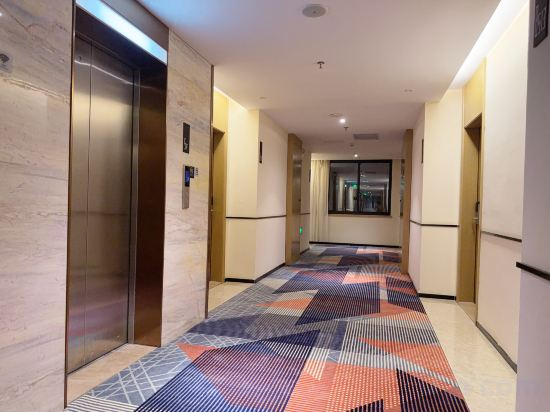


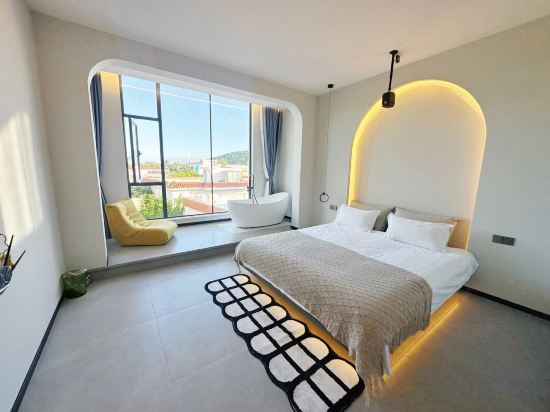
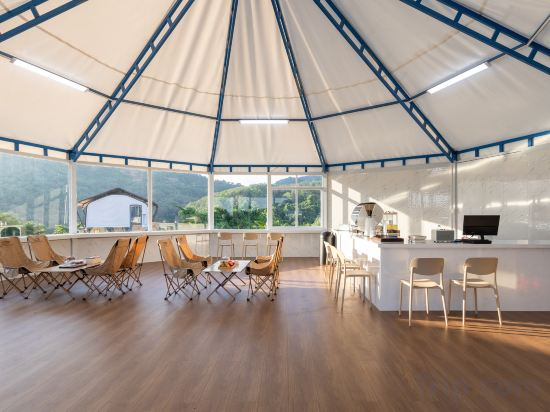
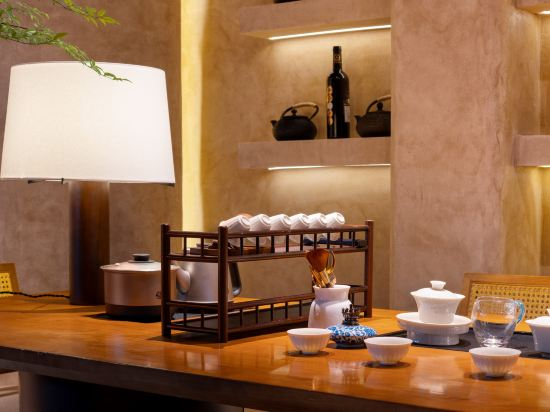
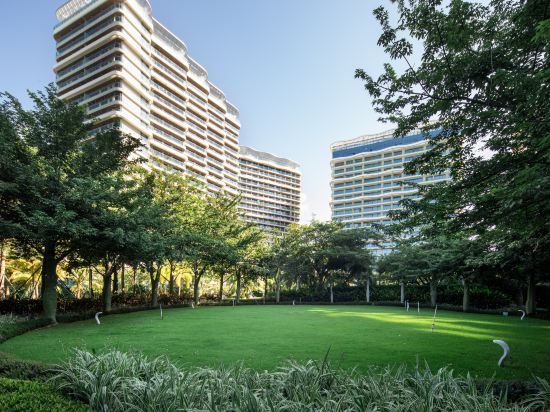

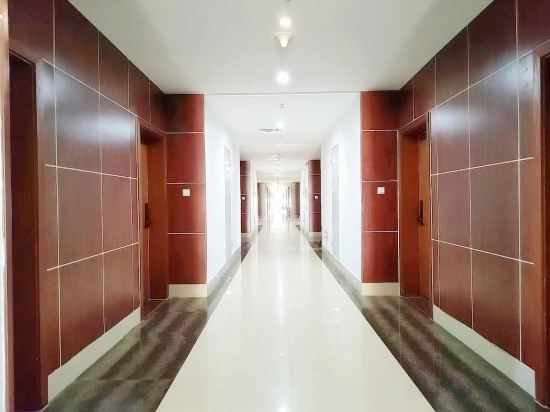

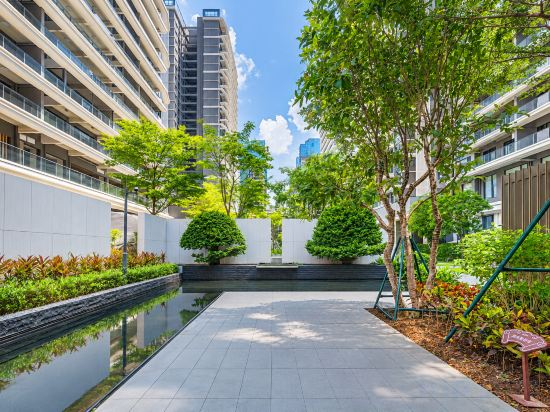
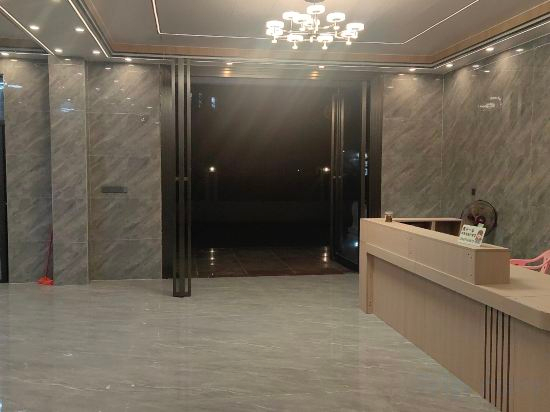
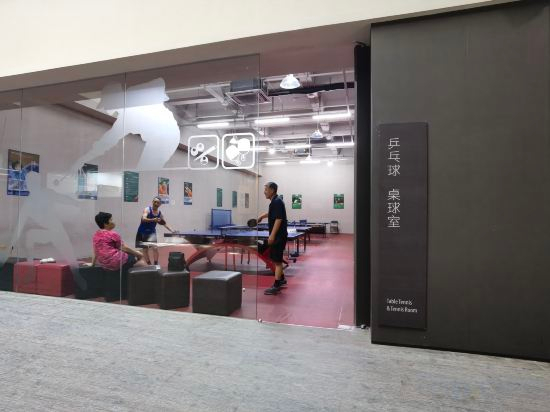
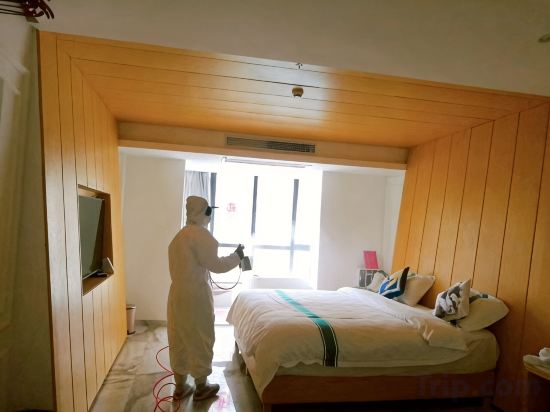
Elong Anyun Hotel (Haikou East High-speed Railway Station Fruit Market Branch)
City Yuejing Hotel (Changjiang Avenue Hengji Plaza)
Sanya Yanqi Haimeisu (Haitang Zhizhou Island Branch)
Laika Boutique Stay Scenic Apartment (Lingshui Clear Water Bay Food Street)
Sanya Guyu Homestay (West Island Branch)
Mountain Wild Luxury Camping · North Latitude 18° Tent Hotel (Wanning Riyue Bay)
Zaiye Haishu Hotel
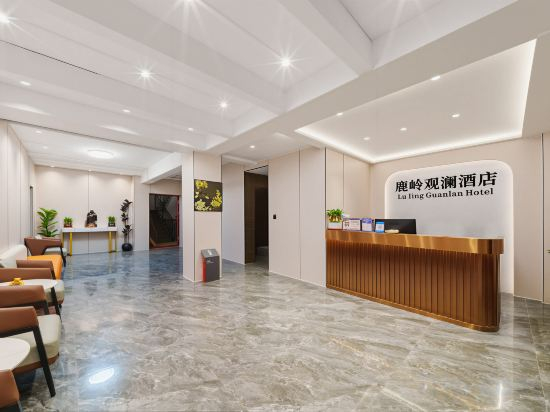
Sanya Luling Guanlan Hotel
Slow Seaview Hotel (Nanshan Temple Yazhou Bay)
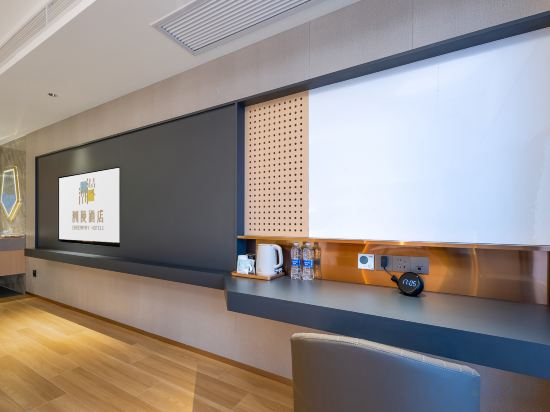
Cheermay hotel TunChang Government pedestrian Street Branch
Hotel Introduction Description
Sanya Guanxia Seaview B&B
Furongyuan Seaview Hotel (Dadonghai No. 1 Gangwan City Branch)
ARTSPACE Qixi Bieyuan (Wanning Shenzhou Peninsula Store)
Sanya Lanting Meisu (Joy City · Romance Park Store)
Mountain and Sea Homestay
Oceanfront Born Sea View Hotel (Boao Golden Bay Nanhai Museum Branch)
Haikou Green Orange Theme Hotel (Wuyue Plaza, East High-speed Railway Station)
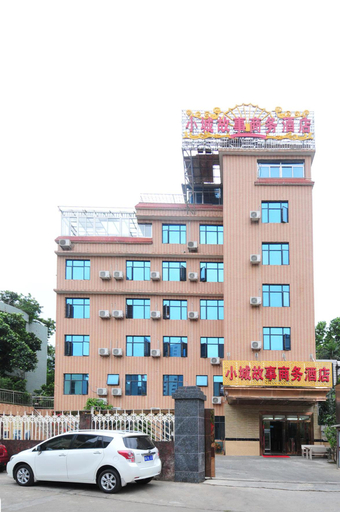
Xiaocheng Story Business Hotel
AROMA · Hanxiang Smart Audio-Visual Boutique Stay (Sanya Haitang Bay CDF Mall)
Xiaolu Chenke Hotel (Danzhou Guangcun Yintanzhan)
Hotels in Hainan
Don't feel hesitant to book hotels in Hainan at tiket.com! We'll make sure to provide all conveniences you need when doing a room reservation. Book your favourite hotel now only at tiket.com!

How to Book Hotels on tiket.com
1. Find the hotelEnter the name of the city, area, or hotel to find the place you want.
2. Select a roomOn the hotel detail page, you will see the available room options. Select a room that suits your needs.
3. Complete the booking detailsInput the contact details (the person who will be contacted by tiket.com and the hotel about the booking) and the guests’ details.
4. Select Add-onsYou can also buy additional services such as meal packages, transportation, and many more.
5. Pay your bookingSelect the payment method and complete your transaction. Don’t forget to use the promo code to get a cheaper hotel price at tiket.com.
6. Get the reservation e-voucherAfter the payment is successful, the e-voucher will be available on the Your Orders menu and sent to the email listed in the contact details.