



Hotels in Hunan
Showing 6.000+ hotels in Hunan
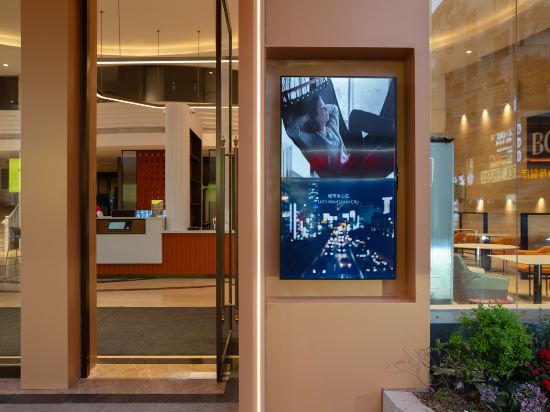


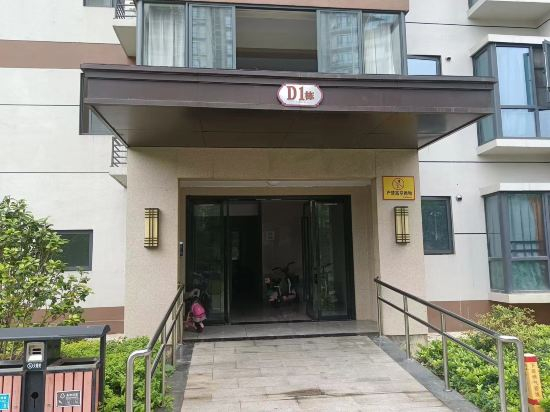
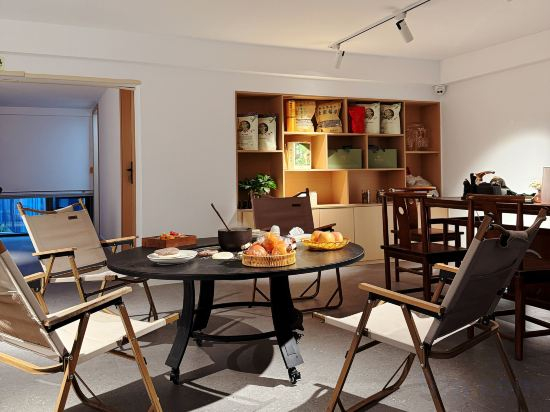




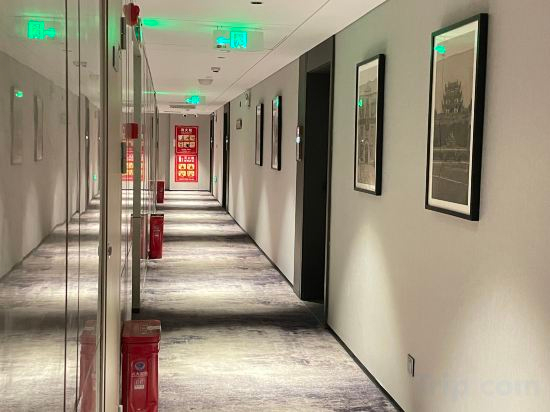
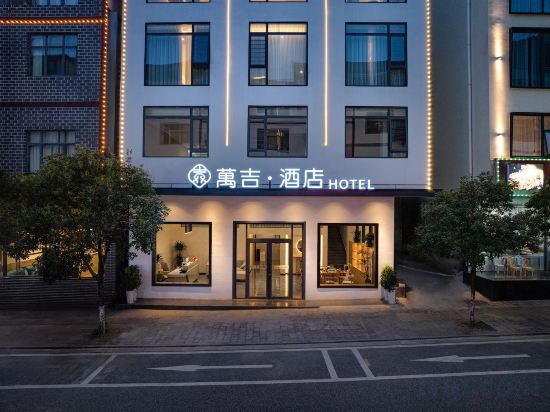


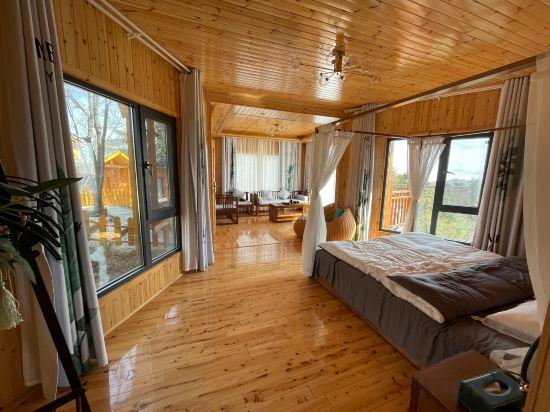
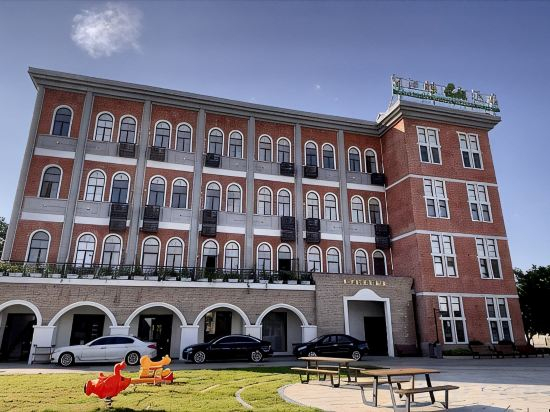
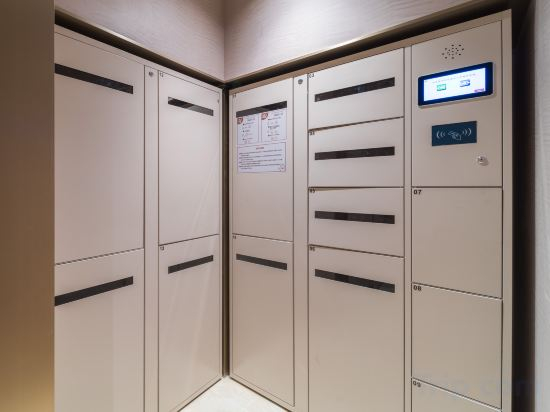

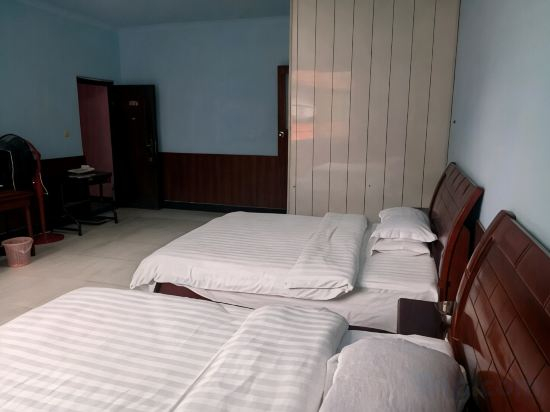

TILL BRIGHT Hotel (Changsha Yueliangdao Xi Subway Station)
Borrman International Hotel (Zhangjiajie National Forest Park Biaozhimen)
Border City Youming · Xian Zeann Homestay (Border City Chatong Scenic Area)
Xiangni Hotel (Changsha South Railway Station International Convention and Exhibition Center Branch)
zhangjiajie xin you ge
Yuemanshiguang Vacation Apartment (Zhangjiajie National Forest Park)
moyekezhan
Howard Johnson Club Hotel Changsha South Station
Yunshuiheju Homestay (Zhangjiajie National Forest Park Scenic Area Store)
Jiajia Hotel (Changsha Zhongjian Jiahecheng maozhutang ditiezhan)
Sheyue Hotel (Binjiang Financial Center Liugouyu Subway Station)
Zhangjiajie Wanji Hotel (National Forest Park Wulingyuan Entrance)
168 Chinese Inn
HanTing Hotel (Zhuzhou Vocational Education City CRRC)
Longxi Youmeng Valley Chalet
Wangjiang Loubu Shoes Hotel
HanTing Hotel (Changsha Central South University Sunshine Metro Station)
Jingfang E-Sports Hotel (Huarong Bubugao Xintiandi Urban Commercial Plaza)
Changde Jinying Hotel
Life Holiday Villa · Heart‑Island Boutique Inn (Dongjiang Lake Branch), Zixing, Chenzhou
Hotels in Hunan
Don't feel hesitant to book hotels in Hunan at tiket.com! We'll make sure to provide all conveniences you need when doing a room reservation. Book your favourite hotel now only at tiket.com!

How to Book Hotels on tiket.com
1. Find the hotelEnter the name of the city, area, or hotel to find the place you want.
2. Select a roomOn the hotel detail page, you will see the available room options. Select a room that suits your needs.
3. Complete the booking detailsInput the contact details (the person who will be contacted by tiket.com and the hotel about the booking) and the guests’ details.
4. Select Add-onsYou can also buy additional services such as meal packages, transportation, and many more.
5. Pay your bookingSelect the payment method and complete your transaction. Don’t forget to use the promo code to get a cheaper hotel price at tiket.com.
6. Get the reservation e-voucherAfter the payment is successful, the e-voucher will be available on the Your Orders menu and sent to the email listed in the contact details.