



Hotels in Hunan
Showing 7.000+ hotels in Hunan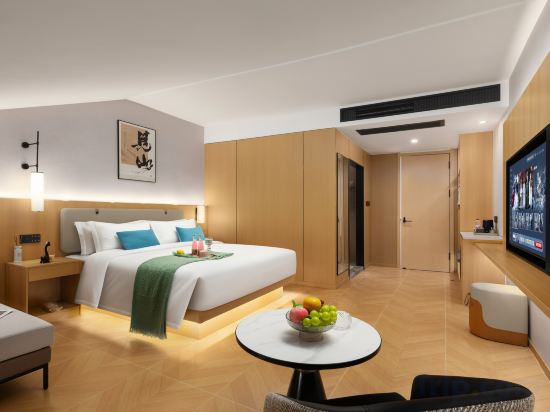
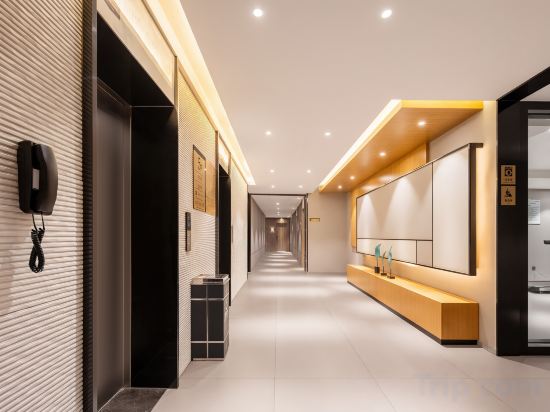


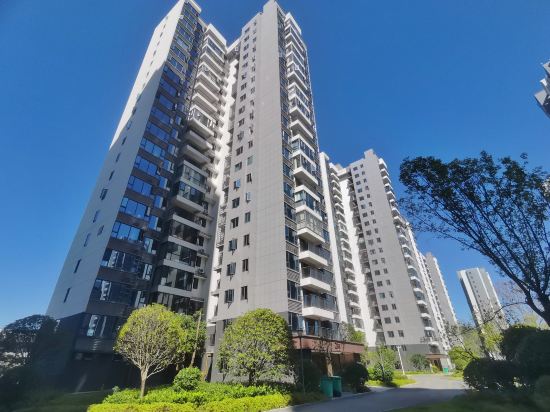

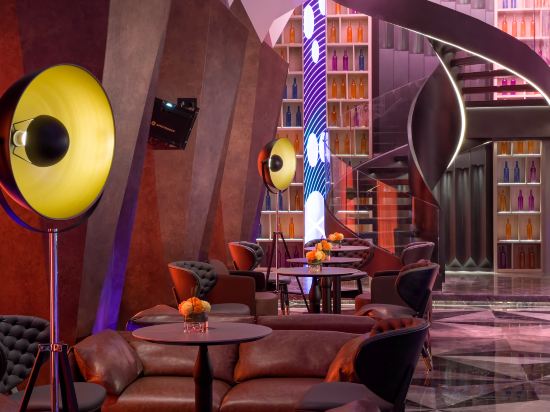
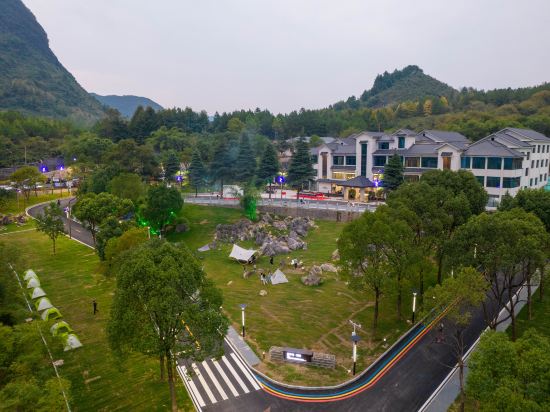
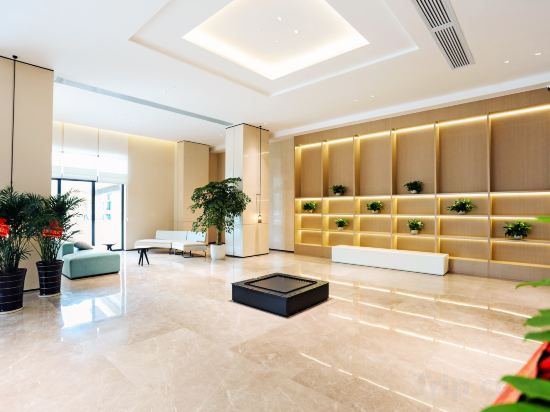
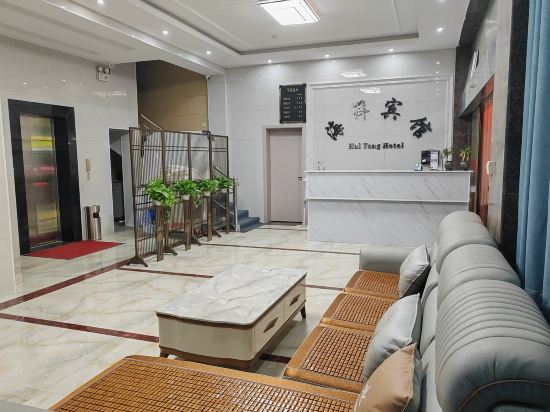

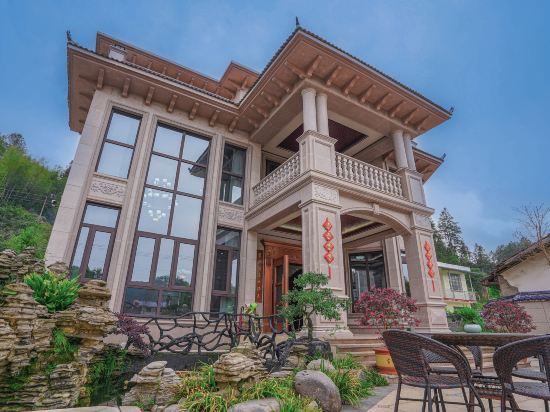
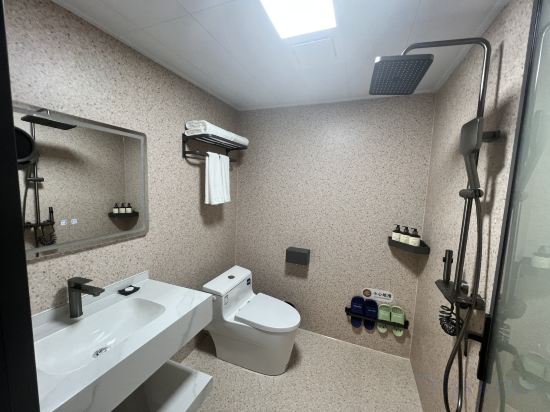
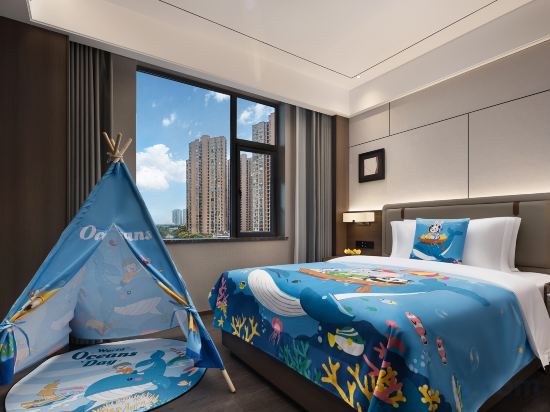

Tingshan Designer Resort Hotel (Zhangjiajie National Forest Park Gateway Store)
Home Inn (Changsha Yuelu Mountain Normal University)
Lexiang Smart Homestay
LAMICA Female Only Hotel
LAMICA Female Only Hotel offers top-notch services and amenities, ensuring guests experience utmost comfort. Share your photos and respond to emails at your convenience, thanks to the free Wi-Fi internet access offered by hotel.
Qingyu Xianju Homestay (Zhangjiajie West Station)
云漫山居民宿
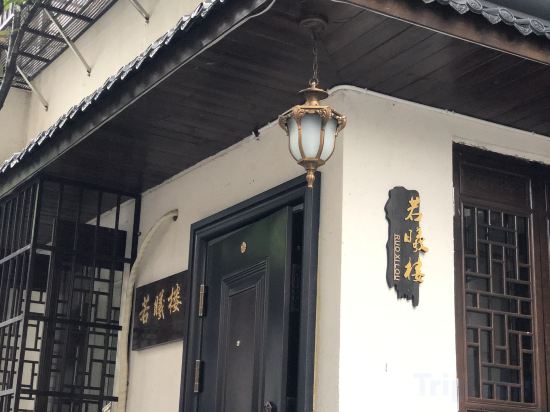
Ruoxi Lou Homestay (Changsha IFS Huangxing Road Pedestrian Street)
FUNGEE Hotel (Wuyi Square, Huangxing Square Station, Changsha)
Each accommodation at FunGee S Huangzhi Hotel (Changsha Wuyi Square Huangxing Square Metro Station) is thoughtfully created and adorned to provide visitors with a comfortable, home-like atmosphere.In select rooms of the hotel, guests can enjoy the advantage of having air conditioning available for their convenience. Should you prefer not to venture out for a meal, the enticing culinary choices at hotel are always available for your satisfaction.
See detailsJiulongshan Resort Hotel
BLOSSOMY & PICTYRESQUE HOTEL
Yiyang Yijian Meisu Hotel
Ocean Hotel, Louxing District, Loudi City
HanTing Hotel (Zhuzhou Municipal Government Yandi Square)
Weishan Pearl Bed and Breakfast
Yue Ning Hotel (Wulingyuan National Scenic Spot Branch of Zhangjiajie National Forest Park)
Morning Hotel (Changsha Wanjiali Square Subway Station Yangfan Night Market)
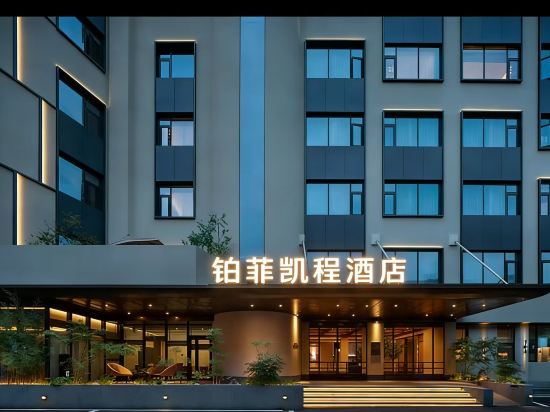
Changsha Bofei Kaicheng Hotel (Desiqin City Square Hunan Provincial Government)
Borrman International Hotel (Zhangjiajie National Forest Park Biaozhimen)
Pipixiong Sharp E-Sports Hotel (Xiangtan Wanda Plaza)
Yijia Hotel (Changsha Aier Eye Hospital Railway College Subway Station)
Hotels in Hunan
Don't feel hesitant to book hotels in Hunan at tiket.com! We'll make sure to provide all conveniences you need when doing a room reservation. Book your favourite hotel now only at tiket.com!

How to Book Hotels on tiket.com
1. Find the hotelEnter the name of the city, area, or hotel to find the place you want.
2. Select a roomOn the hotel detail page, you will see the available room options. Select a room that suits your needs.
3. Complete the booking detailsInput the contact details (the person who will be contacted by tiket.com and the hotel about the booking) and the guests’ details.
4. Select Add-onsYou can also buy additional services such as meal packages, transportation, and many more.
5. Pay your bookingSelect the payment method and complete your transaction. Don’t forget to use the promo code to get a cheaper hotel price at tiket.com.
6. Get the reservation e-voucherAfter the payment is successful, the e-voucher will be available on the Your Orders menu and sent to the email listed in the contact details.