



Hotels in Hunan
Showing 6.000+ hotels in Hunan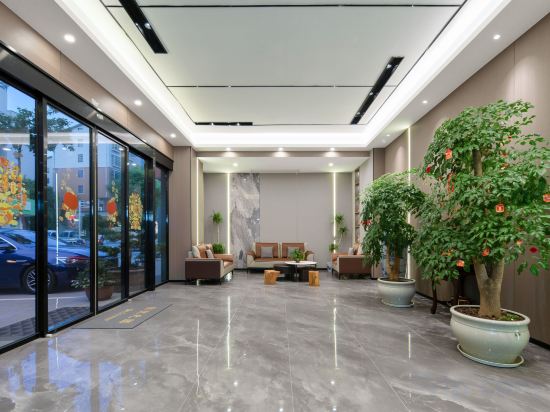
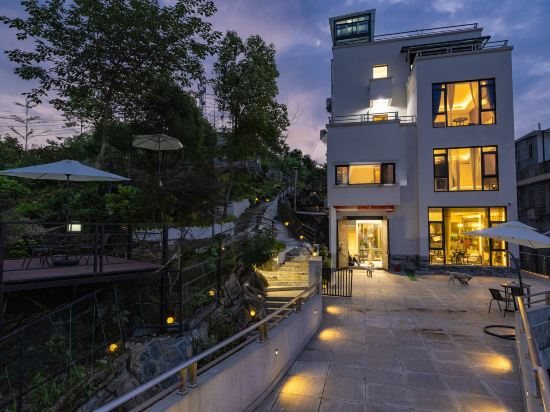
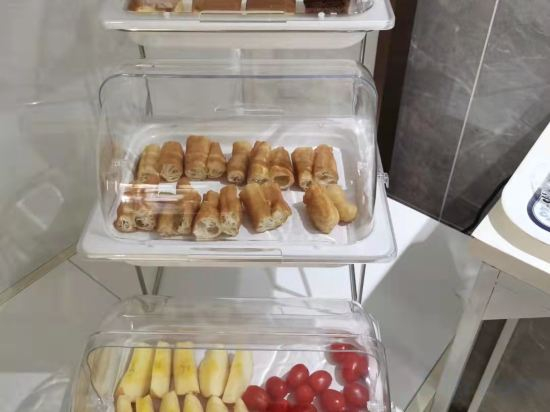

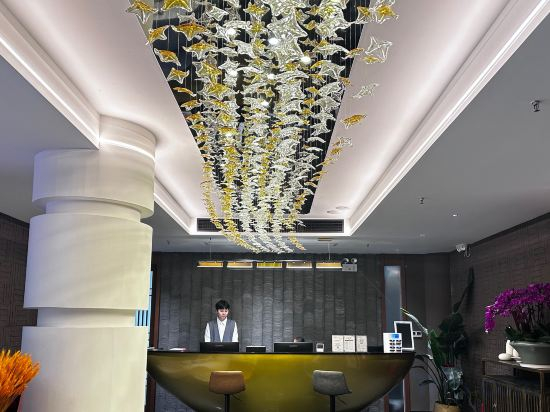
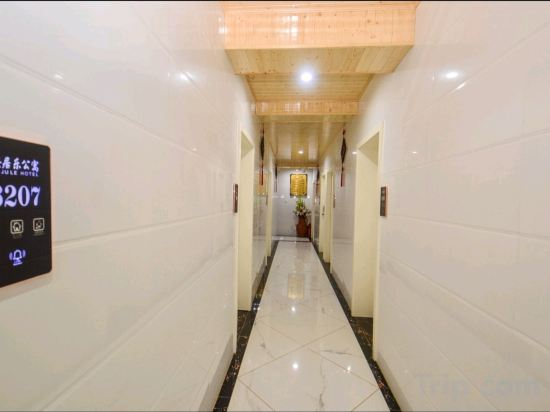
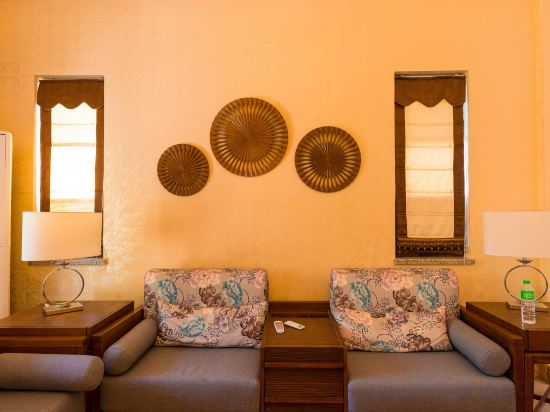

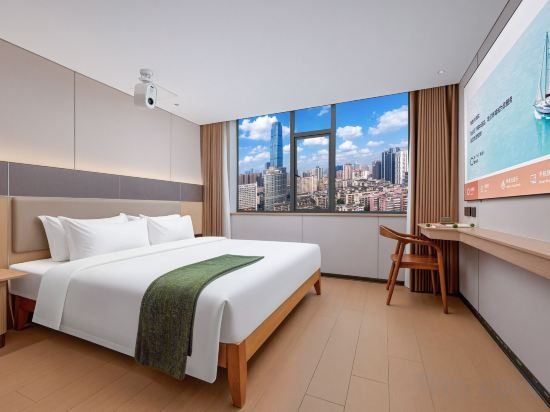
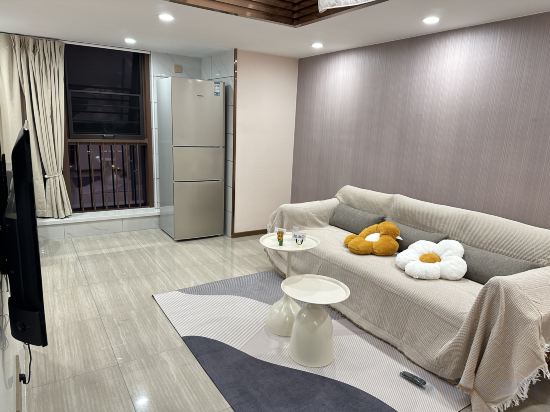
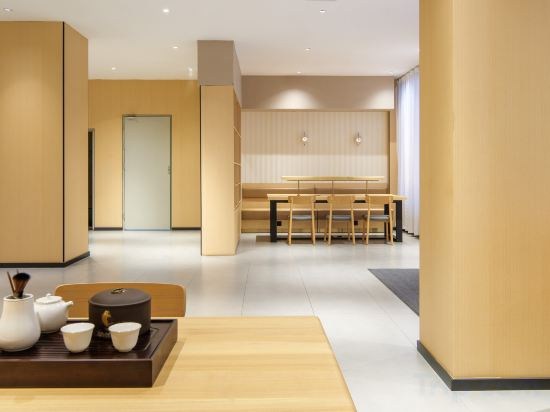
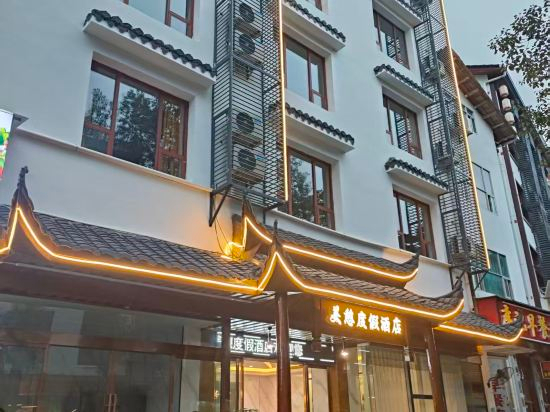
Yangman Hotel (Hengshan Du)
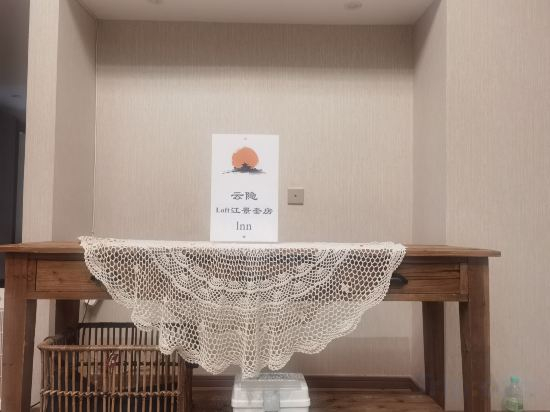
YunYin Loft Inn
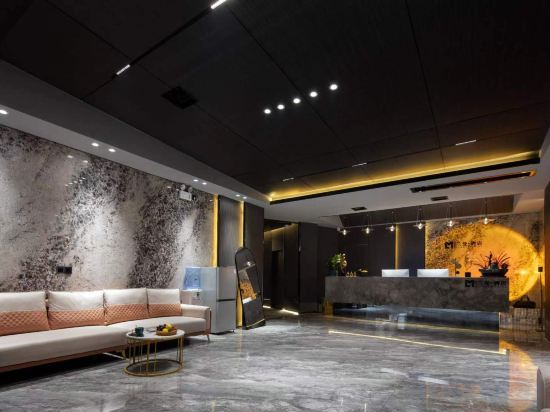
Changsha Lanman Hotel (Wuyi Square IFS International Financial Center)
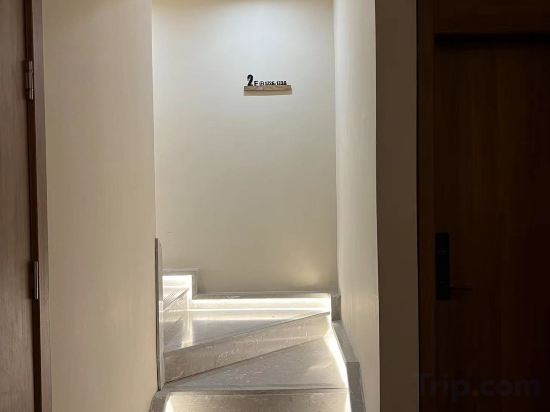
Changsha Muqili Hotel
Benxinxuan Homestay
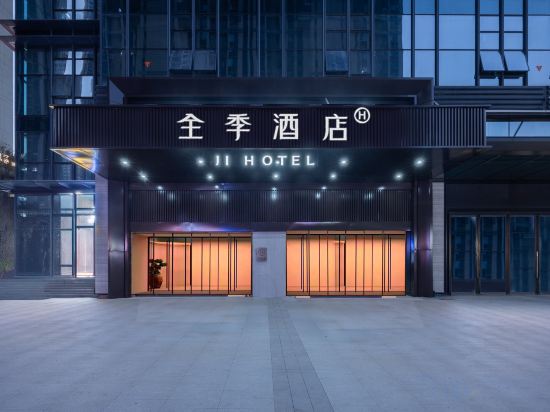
JI Hotel (Binjiang New City CapitaMall One Plaza)
Jiayue Hotel
Xanadu Annica Vacation Apartment (Zhangjiajie National Forest Park Middle Gate)
Sanxiang Zhenpin Hotel (Xiangtan Wanda Plaza)
Changsha Yuchen Stylish Homestay
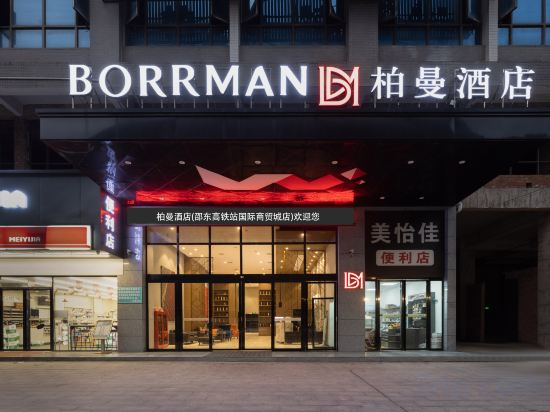
Borrman Hotel (Shaodong High-speed Railway Station International Business City)
Great care is taken to ensure guests experience comfort through top-notch services and amenities.Stay connected with your associates, as complimentary Wi-Fi is available during your entire visit.The hotel offers reception amenities including express check-in or check-out and luggage storage to ensure a comfortable stay for guests.In order to ensure the utmost level of relaxation, the guestrooms feature an inviting design and are equipped with all basic necessities, creating a delightful stay experience. To ensure a pleasant stay, a selection of rooms at hotel come furnished with linen service and air conditioning, all designed with your ease in mind.Selected rooms offer in-room amusement like television as a source of entertainment for guests to enjoy. Rest assured, quenching your thirst is not a concern with bottled water available in select accommodations. You'll be pleased to know that select guest bathrooms offer bathroom amenities such as toiletries, ensuring a comfortable stay.
See detailsQihang Hotel
Symbena Hotel
Flower Language Villa
Manju Chatong Homestay (Border City Scenic Area)
Jianghua Pinghe Apartment
Changsha QuanSheng hotel
Buckwheat Loft Homestay (Xiangya Hospital)
Huasheng Yiju Hotel (Jinhua Road Branch)
Zhangjiajie Meqi Resort Hotel (Wulingyuan National Forest Park Branch)
Hotels in Hunan
Don't feel hesitant to book hotels in Hunan at tiket.com! We'll make sure to provide all conveniences you need when doing a room reservation. Book your favourite hotel now only at tiket.com!

How to Book Hotels on tiket.com
1. Find the hotelEnter the name of the city, area, or hotel to find the place you want.
2. Select a roomOn the hotel detail page, you will see the available room options. Select a room that suits your needs.
3. Complete the booking detailsInput the contact details (the person who will be contacted by tiket.com and the hotel about the booking) and the guests’ details.
4. Select Add-onsYou can also buy additional services such as meal packages, transportation, and many more.
5. Pay your bookingSelect the payment method and complete your transaction. Don’t forget to use the promo code to get a cheaper hotel price at tiket.com.
6. Get the reservation e-voucherAfter the payment is successful, the e-voucher will be available on the Your Orders menu and sent to the email listed in the contact details.