



Hotels in Shanghai
Showing 5.000+ hotels in Shanghai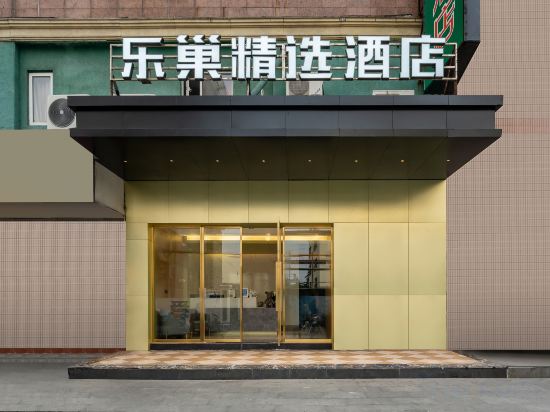

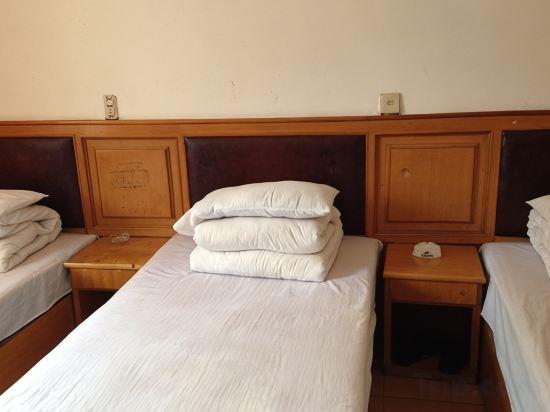

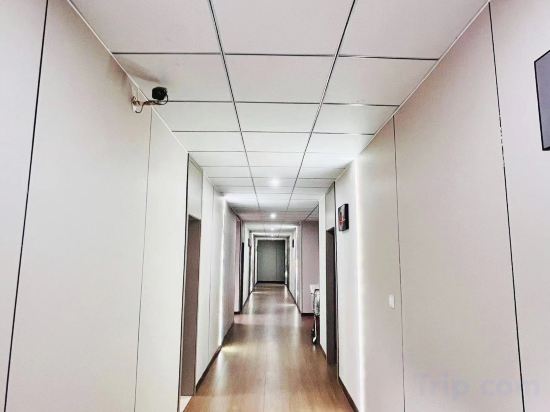
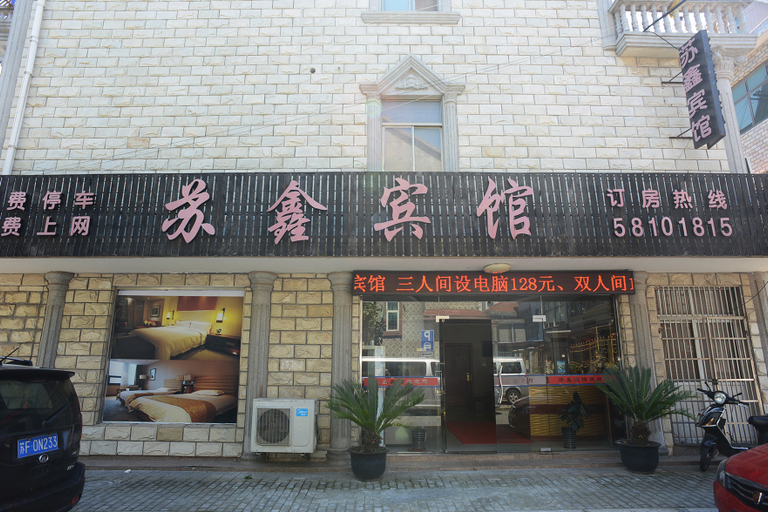 See details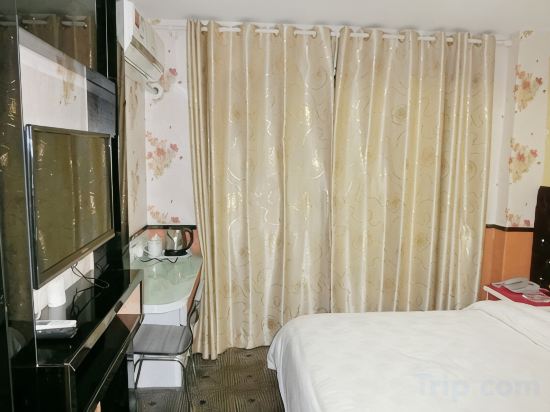
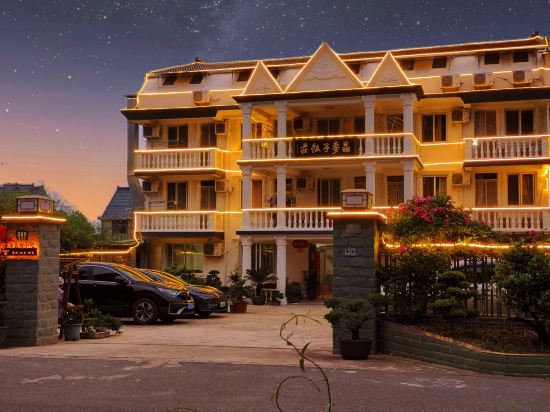


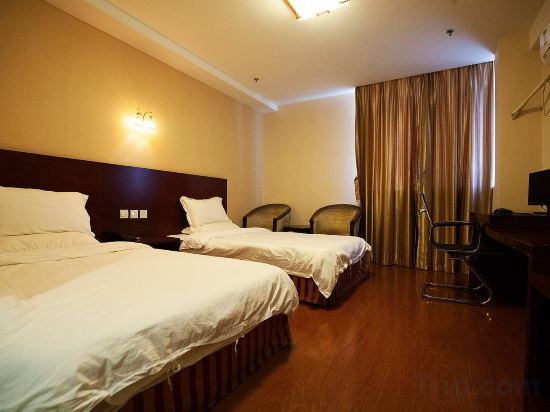
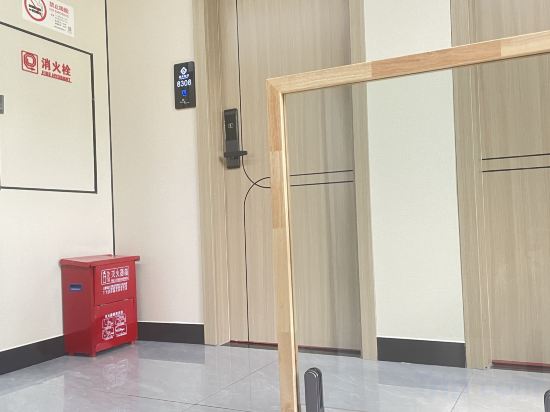

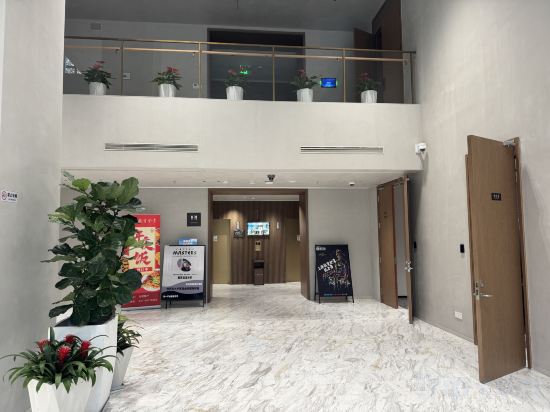
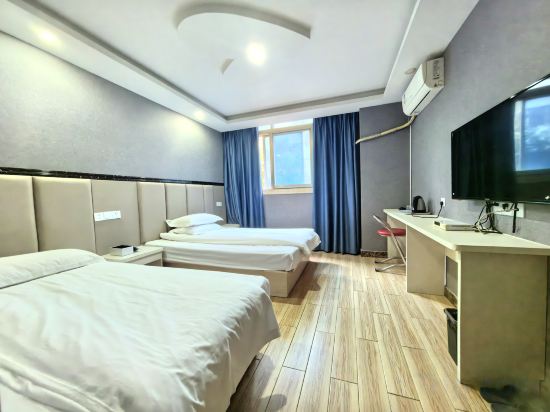
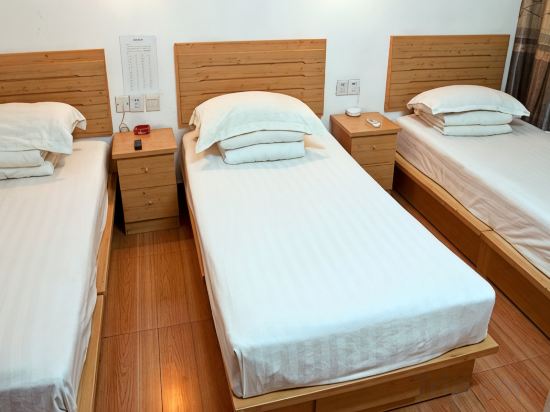
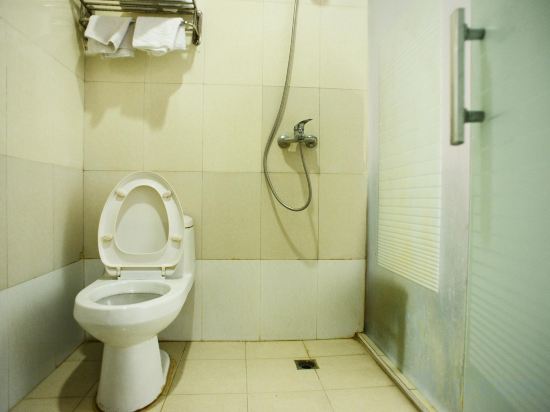
Lechao Select Hotel (Shanghai Weining Road Subway Station)
Shanghai Lishu Hotel
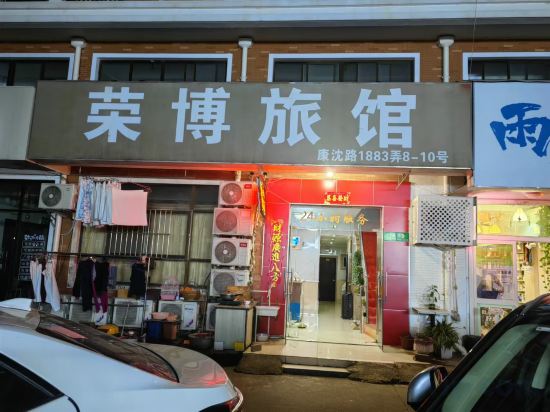
shanghai rongbo hotel
Mijia Youth Hotel (Shanghai Hongqiao Luohe Luo Shop)
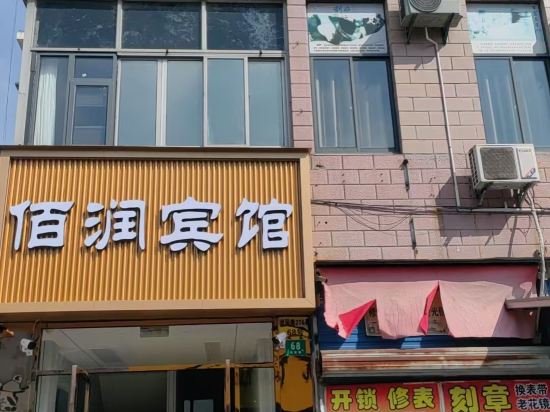
Shanghai bairun hotel
Shanghai Rongsheng Hotel
Shanghai Jincai Hotel
Huayang Hostel
Suxin Hotel
Hotel Introduction Description
The Suxin Hotel provides a great place for travelers to relax after a busy day. The Suxin Hotel is an ideal choice for travelers who want to take in the sights and sounds of Shanghai.
Shanghai Pudong International Airport is located approximately 13km away from this hotel. Seeing Shanghai's sights from this hotel is easy with Haitianhu Park, Nanhui Zhuqiaozhen Culture Center and Zhuqiaoying Theater all close by.
In their spare time, guests can explore the hotel's surroundings. This Shanghai hotel features parking on site.
Shanghai Hongtu Business Hotel
Maizi Farm House
Shanghai yunxi Hotel
Shangpin Hotel (Shanghai Caohejing Hongmei Road Subway Station)
Yifeng Business Motel
Shanghai Shenglong Fashion Hotel
Jiuying Hotel
Shanghai Education Hall
Shanghai Songle Inn
Jiahong Hostel
Shanghai Shuting Hotel
Hotels in Shanghai
Don't feel hesitant to book hotels in Shanghai at tiket.com! We'll make sure to provide all conveniences you need when doing a room reservation. Book your favourite hotel now only at tiket.com!

How to Book Hotels on tiket.com
1. Find the hotelEnter the name of the city, area, or hotel to find the place you want.
2. Select a roomOn the hotel detail page, you will see the available room options. Select a room that suits your needs.
3. Complete the booking detailsInput the contact details (the person who will be contacted by tiket.com and the hotel about the booking) and the guests’ details.
4. Select Add-onsYou can also buy additional services such as meal packages, transportation, and many more.
5. Pay your bookingSelect the payment method and complete your transaction. Don’t forget to use the promo code to get a cheaper hotel price at tiket.com.
6. Get the reservation e-voucherAfter the payment is successful, the e-voucher will be available on the Your Orders menu and sent to the email listed in the contact details.