


Hotels in Puntarenas
Showing 1.000+ hotels in Puntarenas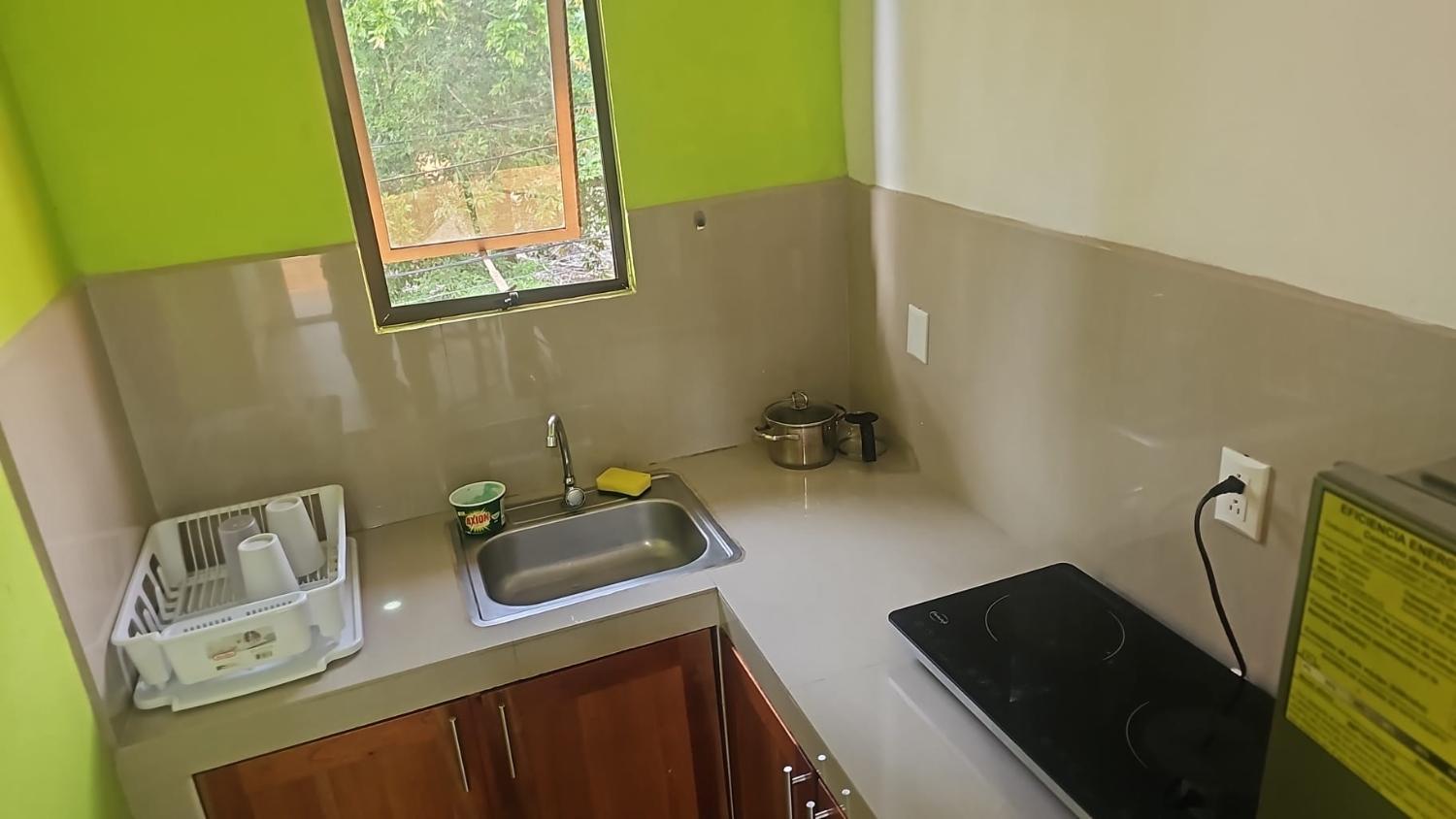




Uvita cozy apartment
Uvita cozy apartment welcomes you to a comfortable stay at Osa. The Apartment offers complete facilities to cater to guests’ needs, such as WiFi, parking, and kitchen.
Villa San Miguel By Vacation Pura Vida
Villa San Miguel By Vacation Pura Vida welcomes you to a comfortable stay at Parrita. The Villa offers complete facilities to cater to guests’ needs, such as swimming pool, WiFi, and parking.
Rooms at Villa San Miguel By Vacation Pura Vida are equipped with AC, TV, and refrigerator. The bathroom is fitted with bathtub and hair dryer.
See detailsBeautiful private Villa's
Beautiful private Villa's welcomes you to a comfortable stay at Aguirre. The Villa offers complete facilities to cater to guests’ needs, such as WiFi, parking, and private pool.
The rooms feature (a) AC, refrigerator, and coffee tea maker. The en suite bathroom comes with (a) shower, bathtub, and free toiletries.
See detailsModern dreamhouse
Located in Golfito, Modern dreamhouse offers accommodation with easy access to Golfito’s best spots. The property features WiFi, parking, and kitchen.
The rooms feature (a) AC, refrigerator, and coffee tea maker. The en suite bathroom comes with (a) shower, bathtub, and free toiletries.
Guests can enjoy separate dining area and hiking during the course of their stay. Services such as first aid kit and doctor on call 24-hour are provided at the property.
See detailsOceans Two Resort
Located in Aguirre, Oceans Two Resort offers accommodation with easy access to Aguirre’s best spots. The property features swimming pool, restaurant, and WiFi.
The property offers washing machine and hotel safe. Other facilities include 24-hour front desk, luggage storage, and laundry service/dry cleaning.
See detailsBrahman Bungalows on Pavones Point
Casitas ASH
Located in Puntarenas, Casitas ASH offers accommodation with easy access to Puntarenas’s best spots. The property features swimming pool, restaurant, and WiFi.
Rooms at Casitas ASH are equipped with AC, TV, and refrigerator. The bathroom is fitted with shower and bathtub.
The property offers washing machine and separate dining area. Other facilities include tours/ticket assistance, tours, and doctor on call 24-hour.
See detailsHospedaje Valencia Osa, CR
Staff at the Apartment can assist you with tours/ticket assistance and tours. Other facilities include washing machine and hiking.
Hotels in Puntarenas
Don't feel hesitant to book hotels in Puntarenas at tiket.com! We'll make sure to provide all conveniences you need when doing a room reservation. Book your favourite hotel now only at tiket.com!
How to Book Hotels on tiket.com
1. Find the hotelEnter the name of the city, area, or hotel to find the place you want.
2. Select a roomOn the hotel detail page, you will see the available room options. Select a room that suits your needs.
3. Complete the booking detailsInput the contact details (the person who will be contacted by tiket.com and the hotel about the booking) and the guests’ details.
4. Select Add-onsYou can also buy additional services such as meal packages, transportation, and many more.
5. Pay your bookingSelect the payment method and complete your transaction. Don’t forget to use the promo code to get a cheaper hotel price at tiket.com.
6. Get the reservation e-voucherAfter the payment is successful, the e-voucher will be available on the Your Orders menu and sent to the email listed in the contact details.