



3 Star Hotels in Žďár nad Sázavou
Showing 54 hotels in Žďár nad Sázavou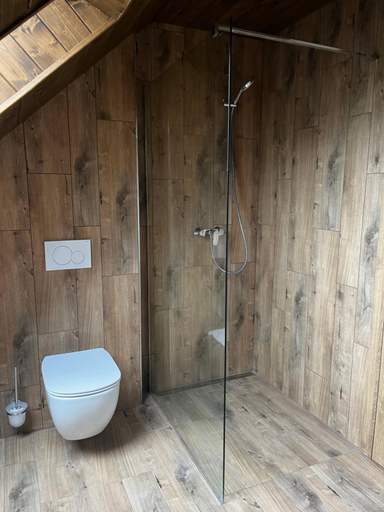

Apartmany Vlachovice
Penzion Majka
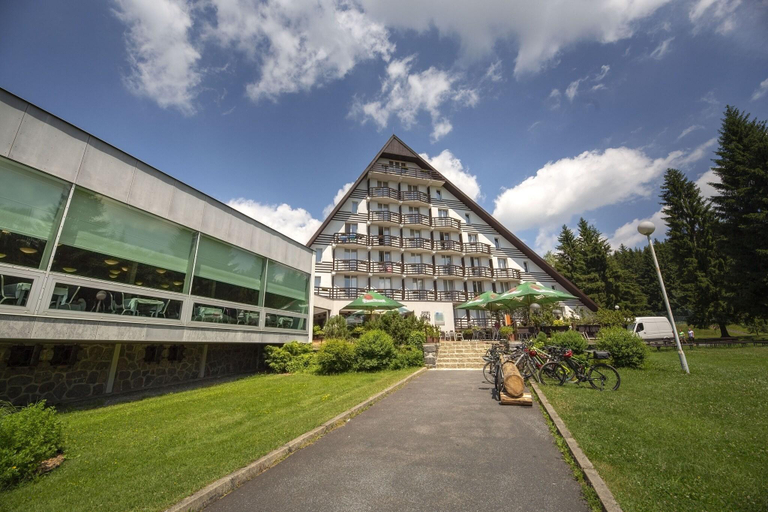
Hotel Ski
'Indulge in a relaxing spa treatment at Hotel Ski, featuring massage services and an indoor pool. Enjoy complimentary Wi-Fi, ski storage, and a TV lounge. The on-site restaurant, Ski, offers a satisfying menu, complemented by a bar/lounge for your favorite drinks. A daily buffet breakfast is served from 8:00 AM to 10:00 AM. The hotel provides 69 comfortable guestrooms with en-suite bathrooms, complimentary toiletries, and daily housekeeping. Located in Nové Město na Moravě, near the ski slopes, Hotel Ski is within a 5-minute drive of Skiareál Nové Město na Moravě and the Pilgrimage Church of Saint John of Nepomuk. Other nearby attractions include the Church of St. Kunhuta and the Regional Museum of Zdar. With four meeting rooms and free self-parking, Hotel Ski caters to both leisure and business travelers. '
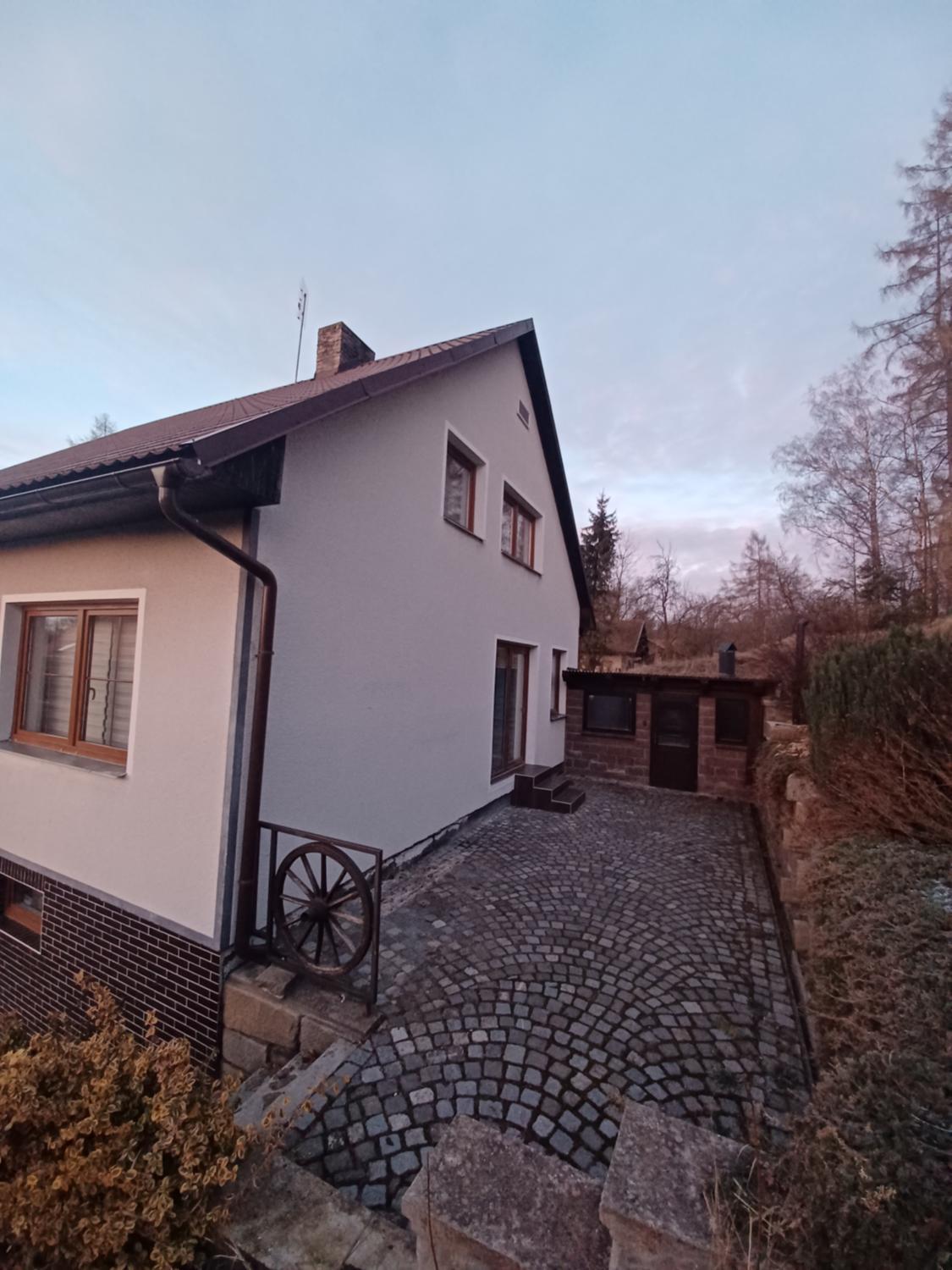
See detailsSun House
Sun House welcomes you to a comfortable stay at Žďár nad Sázavou. The Vacation Home offers complete facilities to cater to guests’ needs, such as WiFi, parking, and kitchen.
The rooms feature (a) TV, refrigerator, and room heater. The en suite bathroom comes with (a) shower, bathtub, and free toiletries.
See details
How to Book Hotels on tiket.com
1. Find the hotelEnter the name of the city, area, or hotel to find the place you want.
2. Select a roomOn the hotel detail page, you will see the available room options. Select a room that suits your needs.
3. Complete the booking detailsInput the contact details (the person who will be contacted by tiket.com and the hotel about the booking) and the guests’ details.
4. Select Add-onsYou can also buy additional services such as meal packages, transportation, and many more.
5. Pay your bookingSelect the payment method and complete your transaction. Don’t forget to use the promo code to get a cheaper hotel price at tiket.com.
6. Get the reservation e-voucherAfter the payment is successful, the e-voucher will be available on the Your Orders menu and sent to the email listed in the contact details.