



Hotels in Catania
Showing 1.000+ hotels in Catania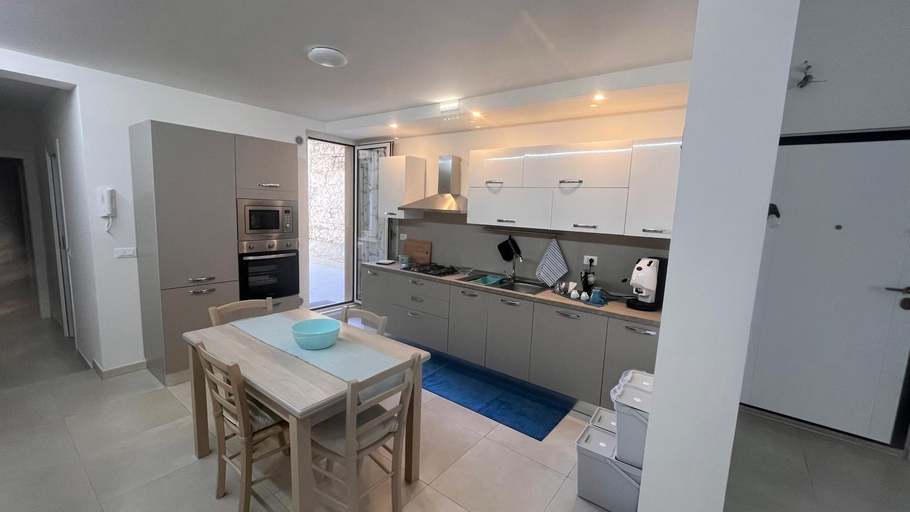
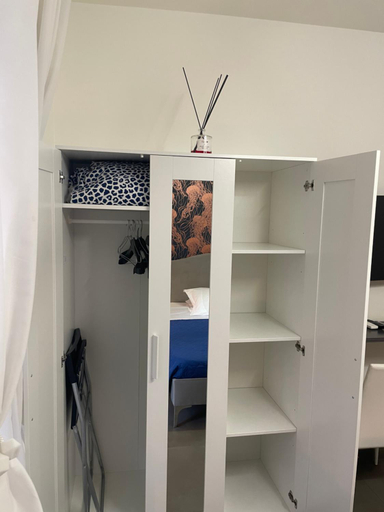
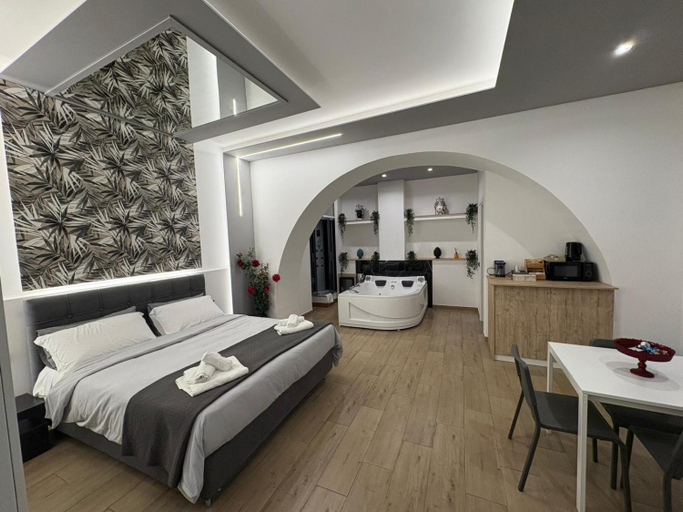
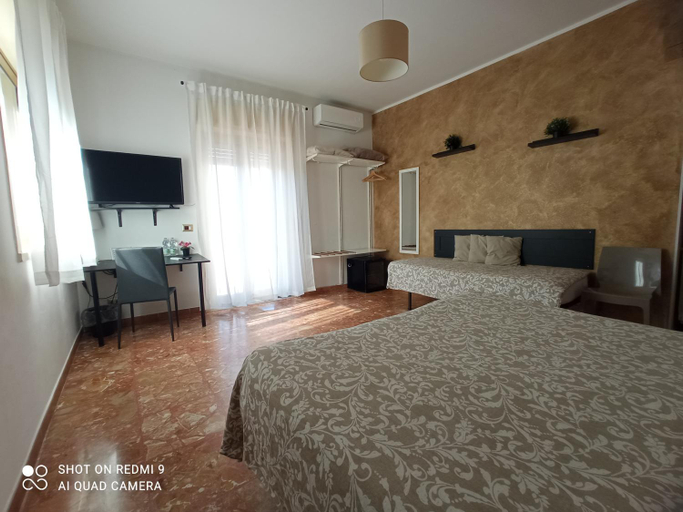
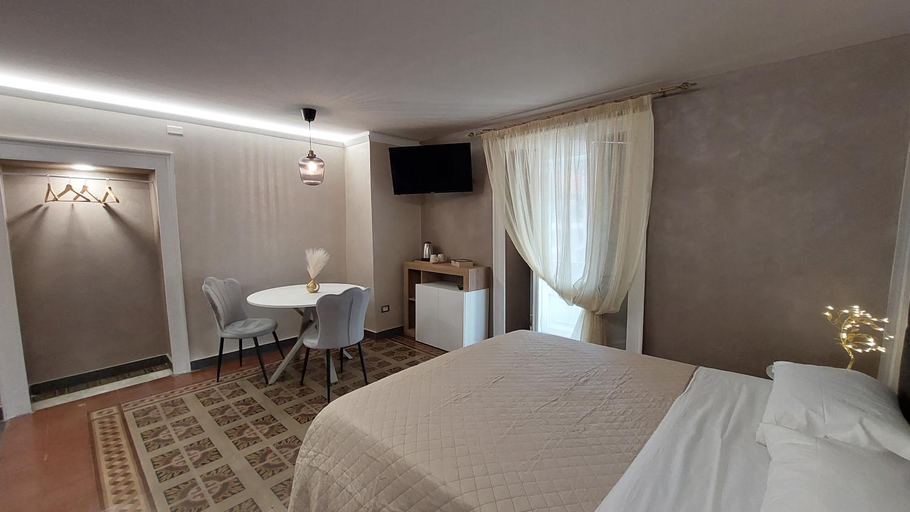
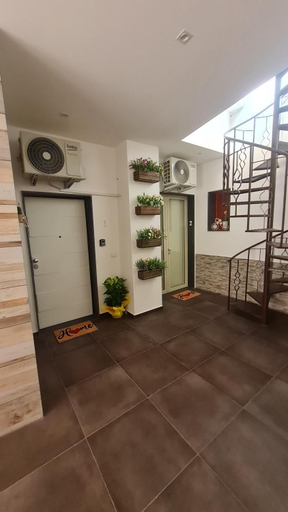
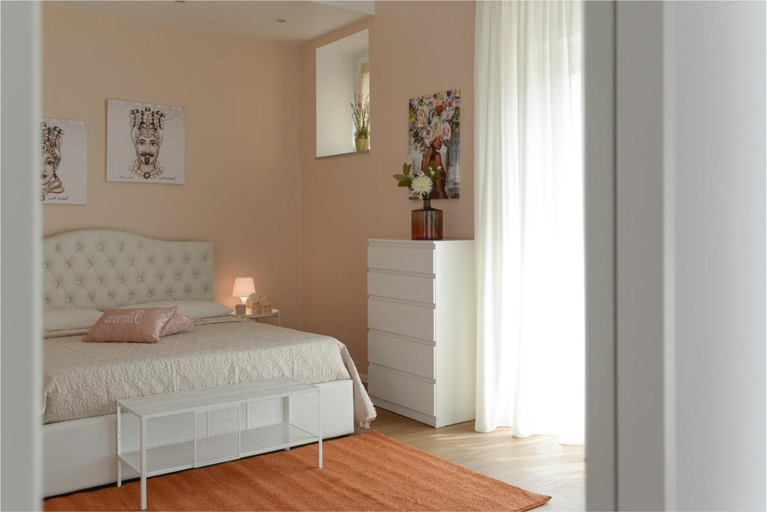

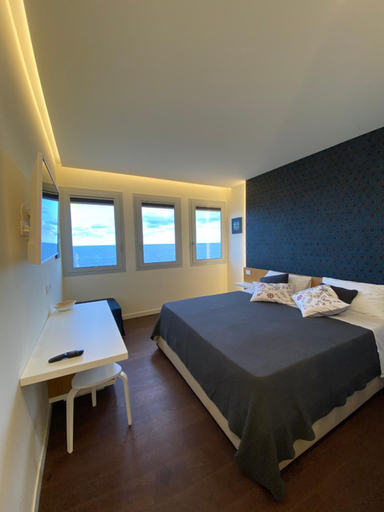
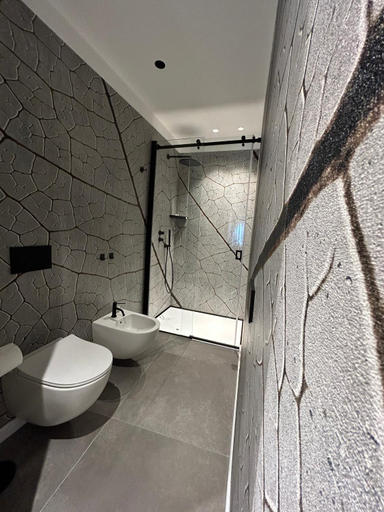
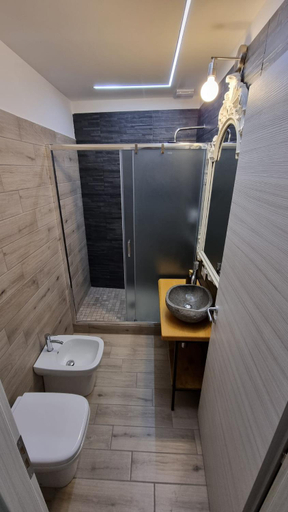

Casa Venere
B&B Palazzo Tornabene
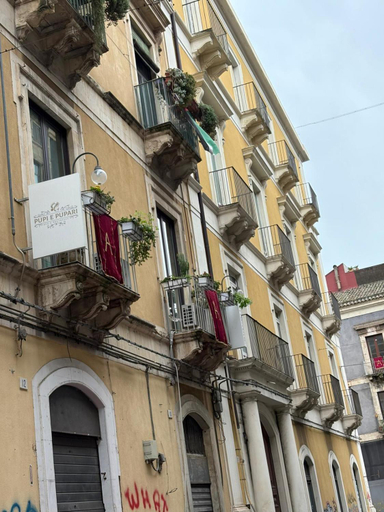
Pupi e Pupari
EXOTIC holiday home
Agathae Dreams
il sacrato di casa loreto
4 Suites " unconventional living rooms "
Bed-da Catania Rooms
Stella Rooms
Catania Station Luxury Suite
Bed & Breakfast Fontanarossa Airport -Private Parking-
I 3 Principi, Garibaldi Suites
Located in Catania, I 3 Principi, Garibaldi Suites offers accommodation with easy access to Catania’s best spots. The property features WiFi, children facility, and kitchen.
The rooms feature (a) AC, TV, and refrigerator. The en suite bathroom comes with (a) shower, free toiletries, and hair dryer.
The property offers washing machine and iron/ironing board. Other facilities include luggage storage, airport transfer (free), and free bottled water.
See detailsSweet Home Airport 2.0
Filomena Graceful
CentroCitta Twin
Suite Sul Mare
Polpetthouse
Cuore Mio B&b
Federico II
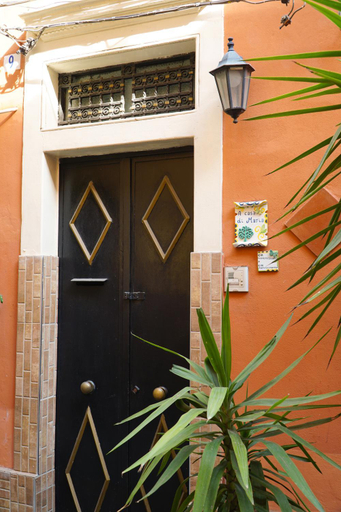
A Casa di Maria
Hotels in Catania
Don't feel hesitant to book hotels in Catania at tiket.com! We'll make sure to provide all conveniences you need when doing a room reservation. Book your favourite hotel now only at tiket.com!

How to Book Hotels on tiket.com
1. Find the hotelEnter the name of the city, area, or hotel to find the place you want.
2. Select a roomOn the hotel detail page, you will see the available room options. Select a room that suits your needs.
3. Complete the booking detailsInput the contact details (the person who will be contacted by tiket.com and the hotel about the booking) and the guests’ details.
4. Select Add-onsYou can also buy additional services such as meal packages, transportation, and many more.
5. Pay your bookingSelect the payment method and complete your transaction. Don’t forget to use the promo code to get a cheaper hotel price at tiket.com.
6. Get the reservation e-voucherAfter the payment is successful, the e-voucher will be available on the Your Orders menu and sent to the email listed in the contact details.