



Hotels in San Vito Lo Capo
Showing 321 hotels in San Vito Lo Capo
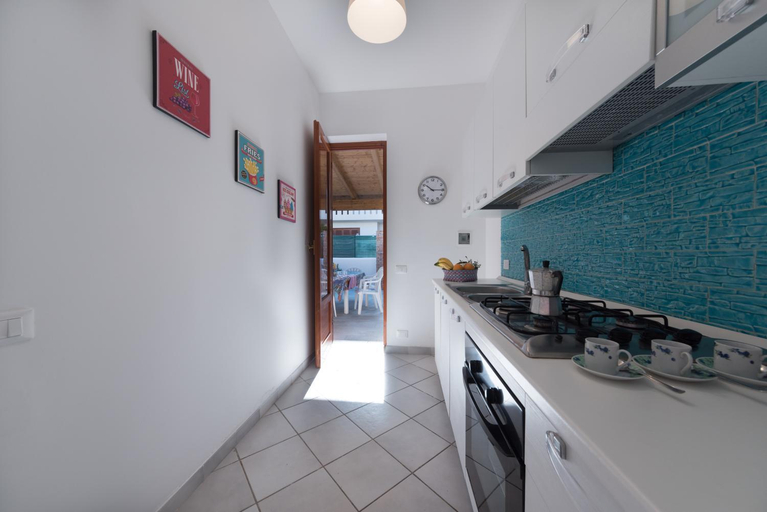
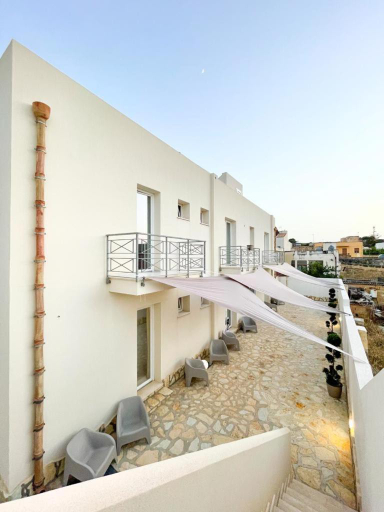
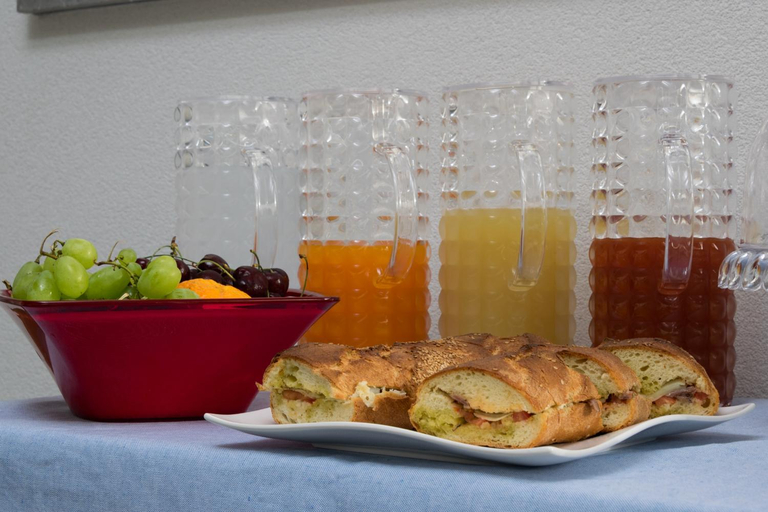
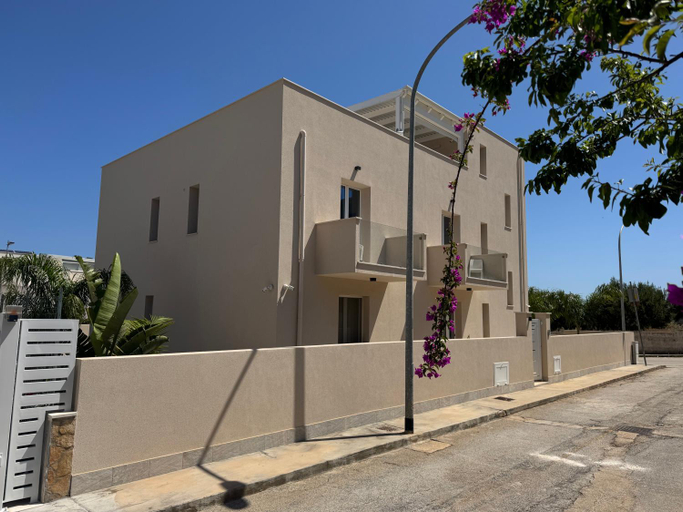
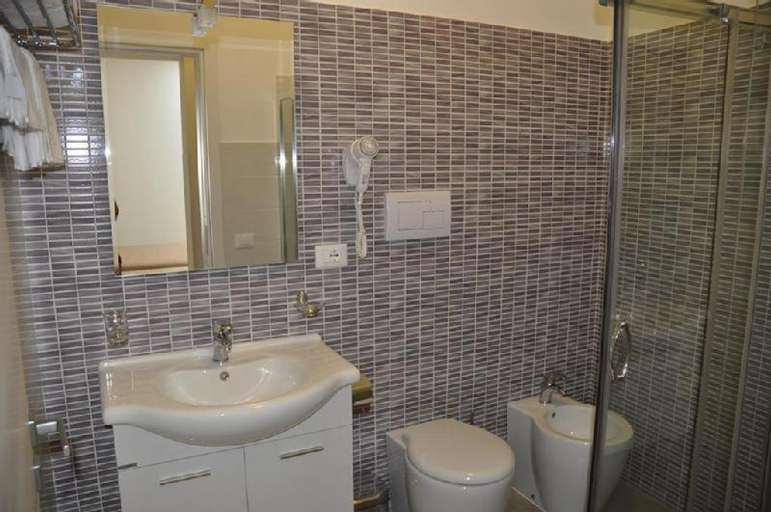
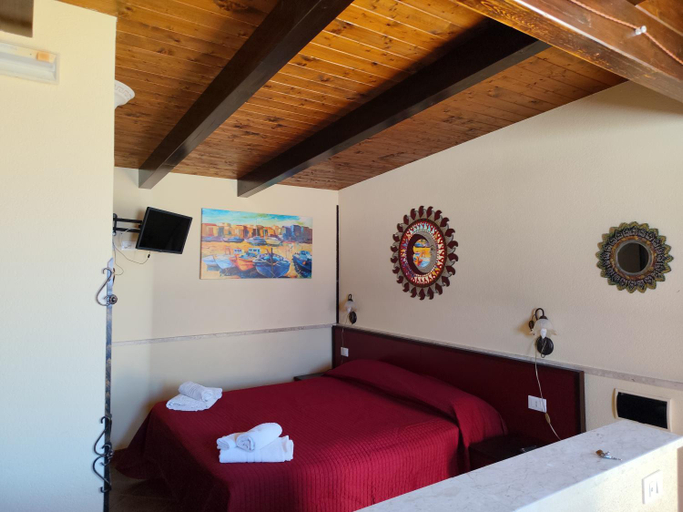
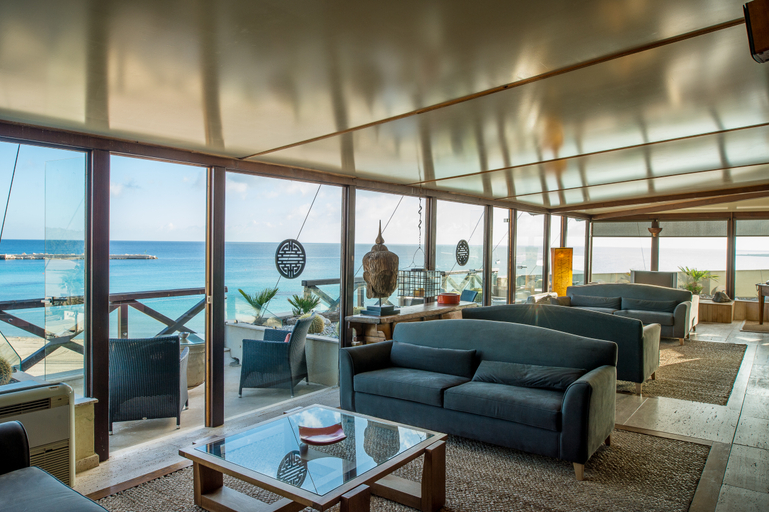
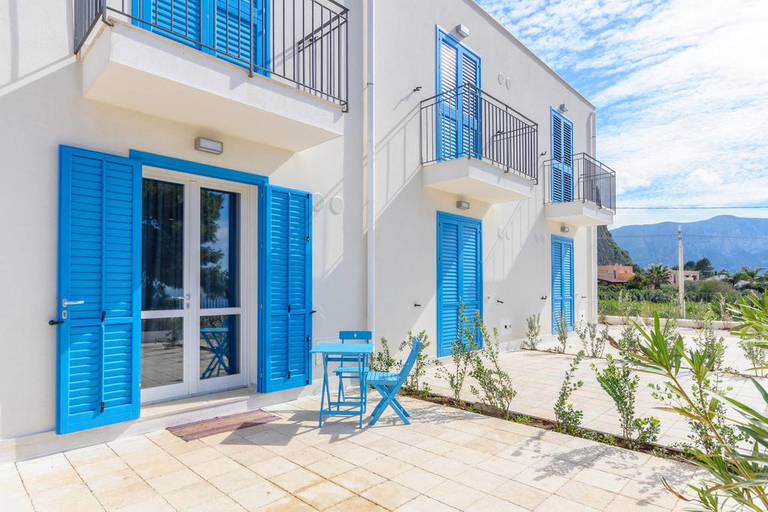
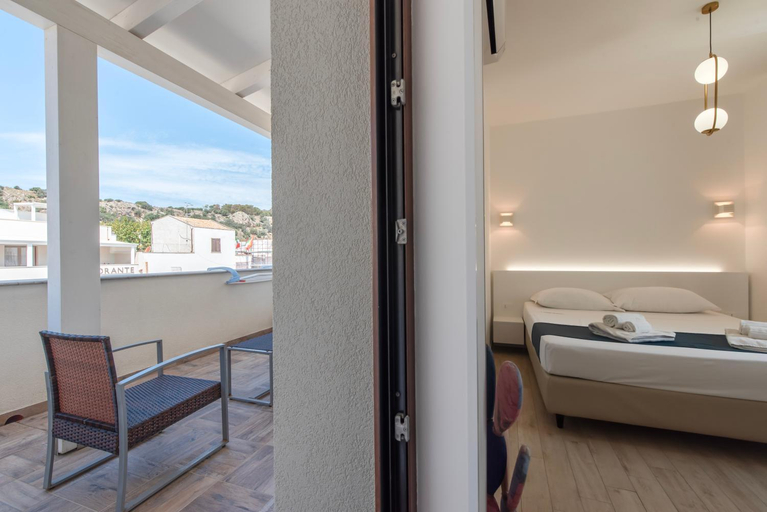
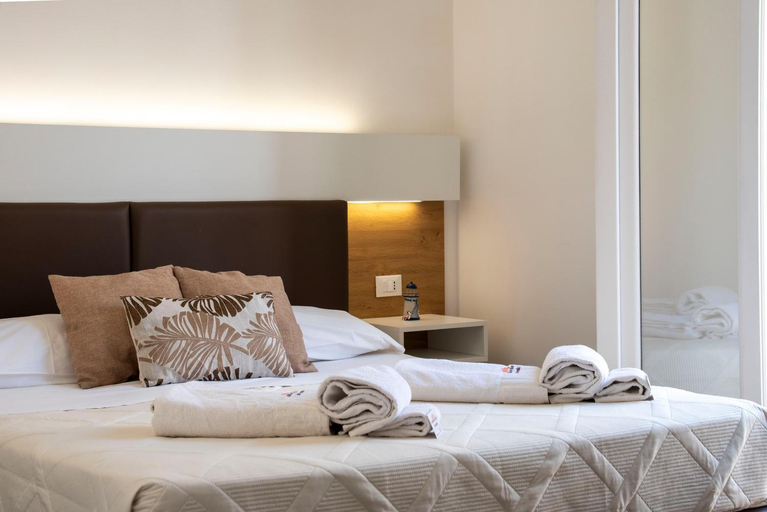
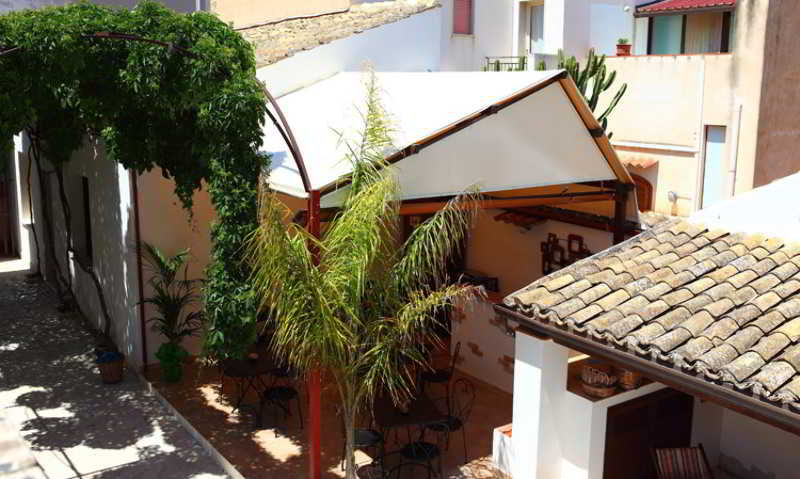
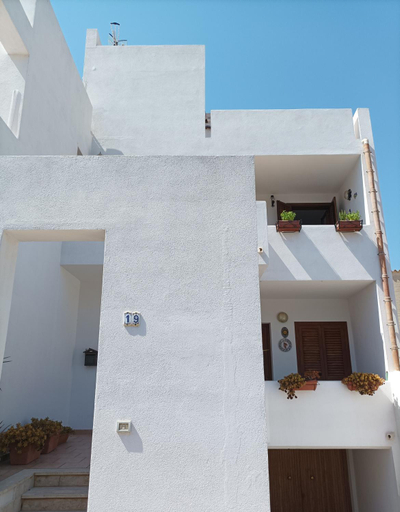
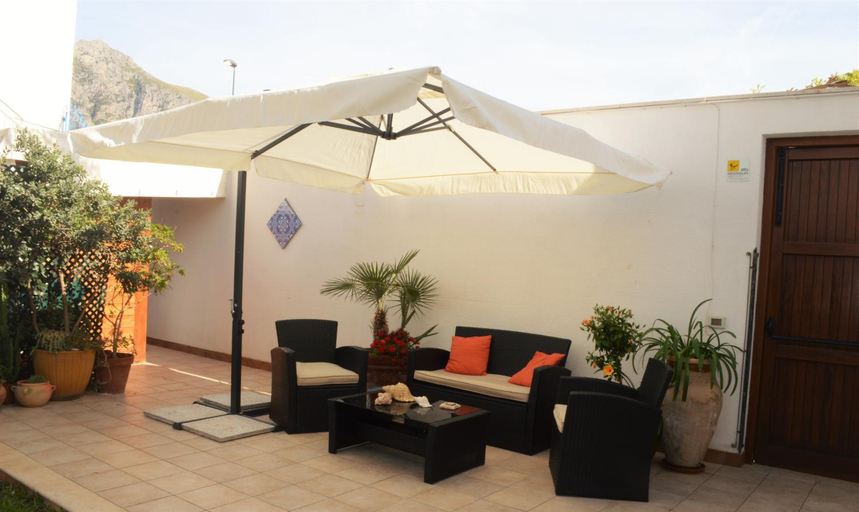
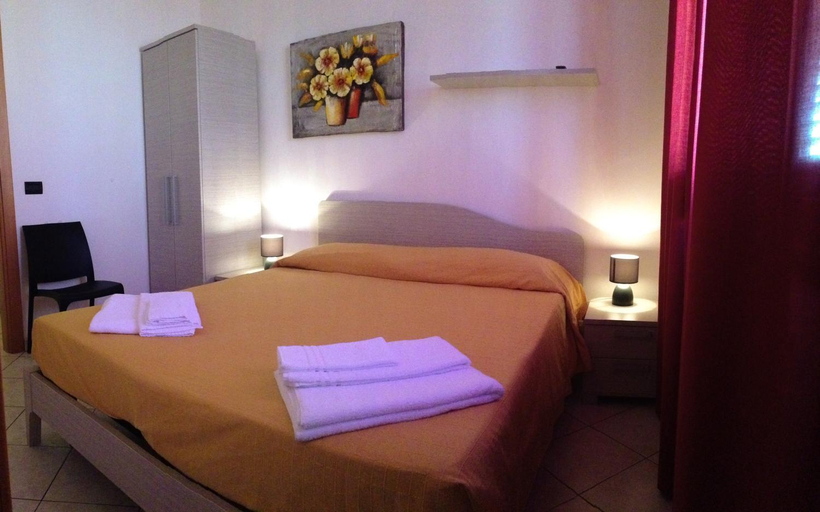

Le Stelle Sea Rooms
I Tre Golfi - Zingaro
Alba e Tramonto
B&B Acqua Azzurra
Coral Sand bed and breakfast
B&B Il Sole
APPARTAMENTO A SAN VITO LO CAPO STANZA CON BAGNO
Hotel Capo San Vito
A total of 35 rooms are available for guests' convenience at Hotel Capo San Vito. In addition, Wi-Fi access is offered at the hotel. As this hotel features 24-hour reception, guests are always welcome. Guests may relax and recharge their batteries at the residence's health and wellness facilities. Some services of Hotel Capo San Vito may be payable.
See detailsCala Azzurra Macari
Room 86
La Dimora del Passante
B&B Sabir
MARGIC
Kimos
Baglio del Mulino a Vento
Makari mare
appartamento residence via giardini Acquamarina
APPARTAMENTO 21
Rooms at APPARTAMENTO 21 are equipped with AC, TV, and refrigerator. The bathroom is fitted with free toiletries and hair dryer.
Nerea 50 mt dalla spiaggia B
VILLETTA MAGNOLIE by Trerose Properties - Villetta indipendente con wi-fi e posto auto gratuito
Hotels in San Vito Lo Capo
Don't feel hesitant to book hotels in San Vito Lo Capo at tiket.com! We'll make sure to provide all conveniences you need when doing a room reservation. Book your favourite hotel now only at tiket.com!

How to Book Hotels on tiket.com
1. Find the hotelEnter the name of the city, area, or hotel to find the place you want.
2. Select a roomOn the hotel detail page, you will see the available room options. Select a room that suits your needs.
3. Complete the booking detailsInput the contact details (the person who will be contacted by tiket.com and the hotel about the booking) and the guests’ details.
4. Select Add-onsYou can also buy additional services such as meal packages, transportation, and many more.
5. Pay your bookingSelect the payment method and complete your transaction. Don’t forget to use the promo code to get a cheaper hotel price at tiket.com.
6. Get the reservation e-voucherAfter the payment is successful, the e-voucher will be available on the Your Orders menu and sent to the email listed in the contact details.