


Hotels in Lagoa
Showing 312 hotels in Lagoa




Apartment Leni
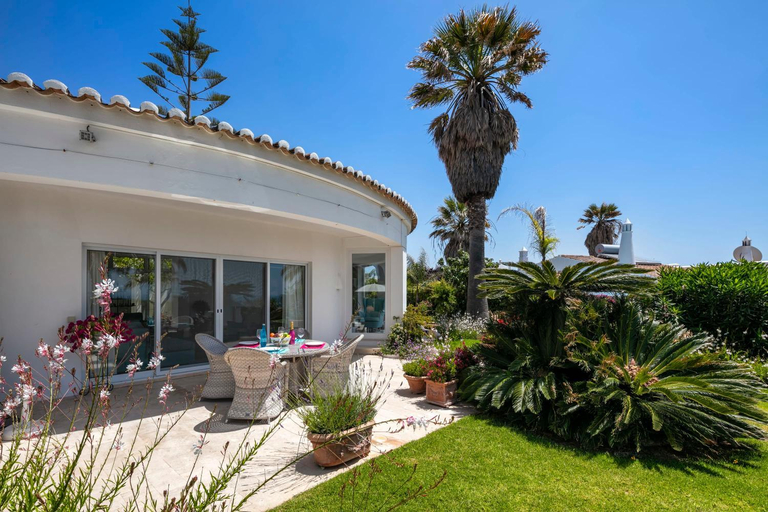
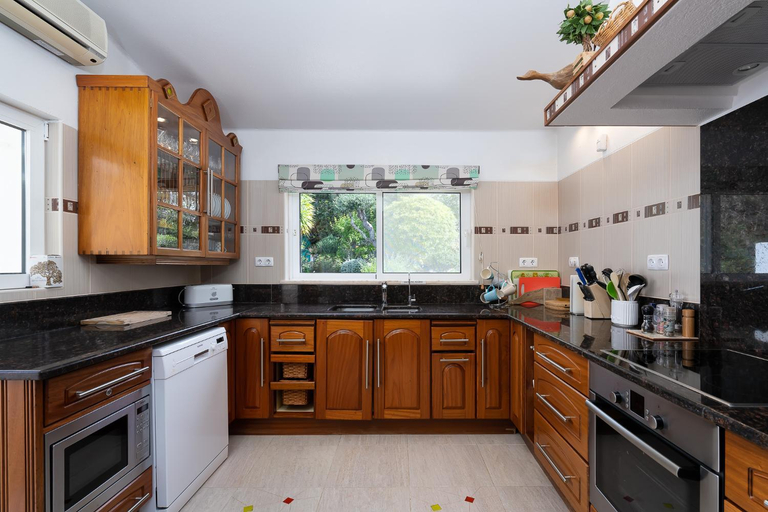
Apartment Leni is a popular choice amongst travelers in Carvoeiro, whether exploring or just passing through. Featuring a satisfying list of amenities, guests will find their stay at the property a comfortable one. Take advantage of the property's free Wi-Fi in all rooms, Wi-Fi in public areas, car park, BBQ facilities, car hire. Comfortable guestrooms ensure a good night's sleep with some rooms featuring facilities such as flat screen television, children's high chair, clothes rack, linens, private entrance. The property offers various recreational opportunities. Convenience and comfort make Apartment Leni the perfect choice for your stay in Carvoeiro.
See detailsCarvoeiro Sol Seafront
Casa Sinead
Casa Santalena
Located in Lagoa, Casa Santalena offers accommodation with easy access to Lagoa’s best spots. The property features swimming pool, WiFi, and private pool.
The rooms feature (a) AC, TV, and refrigerator. The en suite bathroom comes with (a) bathtub, bathtub, and hair dryer.
See detailsPraia do Carvoeiro, Quinta do Paraiso
The rooms feature (a) AC, TV, and refrigerator. The en suite bathroom comes with (a) bathtub, free toiletries, and hair dryer.
Morphee Valdareina, PISCINE CHAUFFEE, Benagil-Carvoeiro
88 Nautilus - Casas & Papeis
Casa Peggy
Casa Pirilampo Ferragudo
Casa Piranhas
Casa Sonny
Villa Casa Cinco Quartos
Villa Casa Cinco Quartos welcomes you to a comfortable stay at Lagoa. The Villa offers complete facilities to cater to guests’ needs, such as swimming pool, WiFi, and parking.
Hotels in Lagoa
Don't feel hesitant to book hotels in Lagoa at tiket.com! We'll make sure to provide all conveniences you need when doing a room reservation. Book your favourite hotel now only at tiket.com!

How to Book Hotels on tiket.com
1. Find the hotelEnter the name of the city, area, or hotel to find the place you want.
2. Select a roomOn the hotel detail page, you will see the available room options. Select a room that suits your needs.
3. Complete the booking detailsInput the contact details (the person who will be contacted by tiket.com and the hotel about the booking) and the guests’ details.
4. Select Add-onsYou can also buy additional services such as meal packages, transportation, and many more.
5. Pay your bookingSelect the payment method and complete your transaction. Don’t forget to use the promo code to get a cheaper hotel price at tiket.com.
6. Get the reservation e-voucherAfter the payment is successful, the e-voucher will be available on the Your Orders menu and sent to the email listed in the contact details.