



Hotels in Faro
Showing 4.000+ hotels in Faro
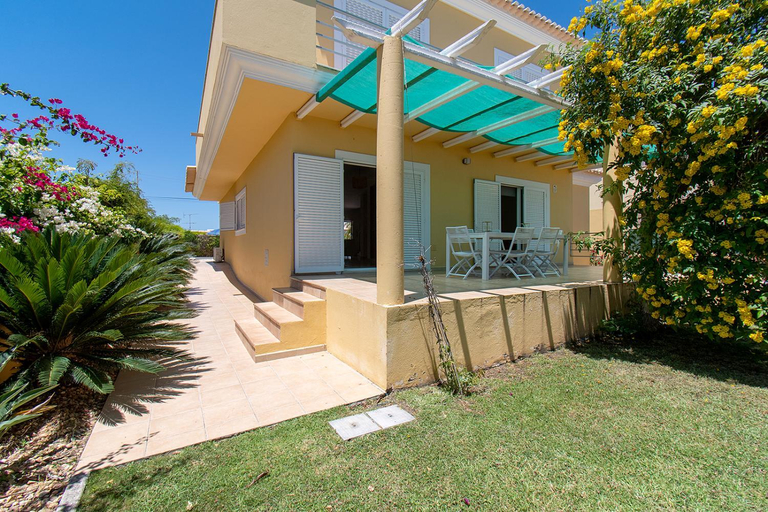
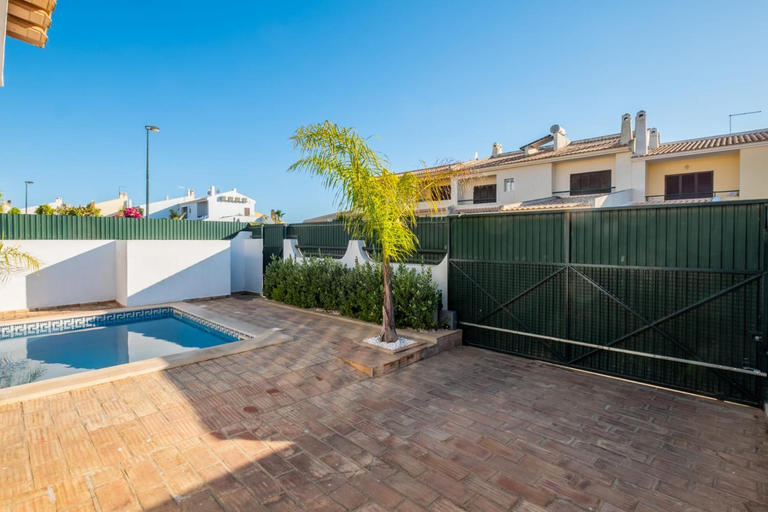
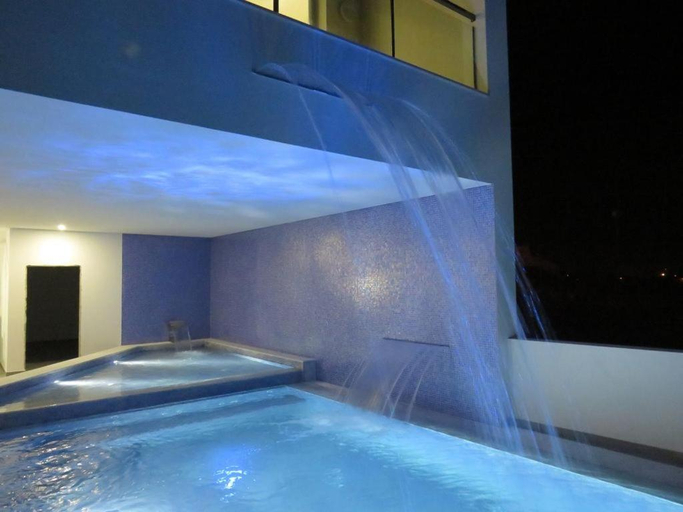
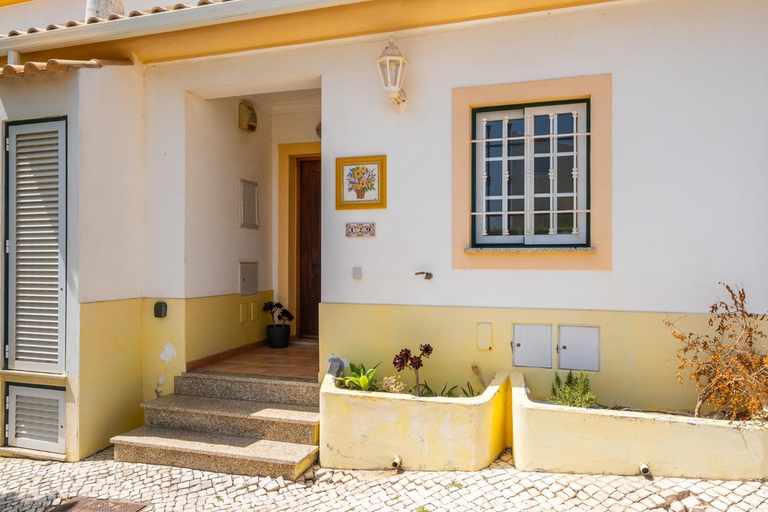
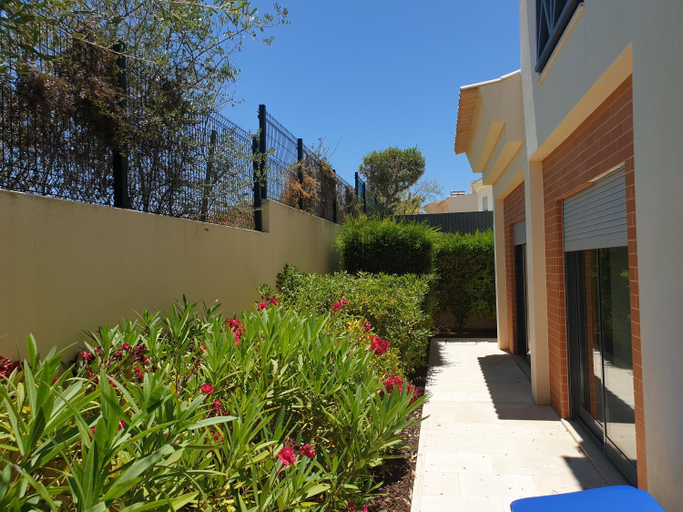
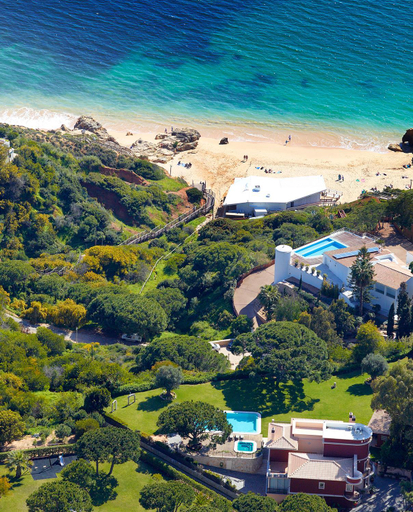
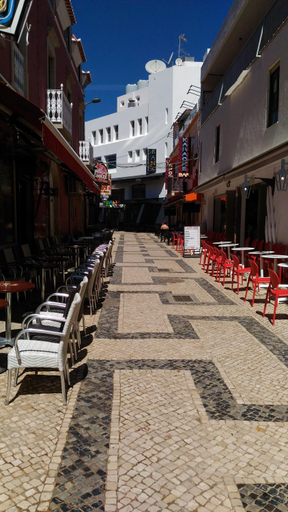
Casa da Esperanca – Rural and beach Villa in Algarve
Altura Villa
Villa Sequeira - Private Pool - Free WIFI - BY BEDZY
One Bedroom Apartment in Albur Village 2J
One Bedroom Apartment in Albur Village 1A
Villa Ria Alvor- Swimming pool & Jacuzzi
Algarve Beaches Apartment by Portugal Collection
Beach Design House Sao Rafael
Ocean View Hydrangea - 2 Bedroom Apartment at Sao Rafael Beach, Albufeira
Ocean View Hydrangea - 2 Bedroom Apartment at Sao Rafael Beach, Albufeira welcomes you to a comfortable stay at Albufeira. The Apartment offers complete facilities to cater to guests’ needs, such as swimming pool, parking, and children facility.
Rooms at Ocean View Hydrangea - 2 Bedroom Apartment at Sao Rafael Beach, Albufeira are equipped with AC, TV, and refrigerator. The bathroom is fitted with free toiletries and hair dryer.
See detailsSao Rafael Beach Apartment
Villa Arrifes by Atlantic Places
AL-Dream Oura Estrela Apartments - CD
Albufeira Oura Beach V4 Villa Marisa with private Pool
Vila Santa Eulalia
Apartment Orlando - Centro historico - Albufeira
Albufeira beach apartment
Villa Vacations House
Corte Real Apartment AE - Panoramic Old Town & Ocean Views
RosaMar apartment sea view and pool
Albufeira Malpique Beach Apartment
Hotels in Faro
Don't feel hesitant to book hotels in Faro at tiket.com! We'll make sure to provide all conveniences you need when doing a room reservation. Book your favourite hotel now only at tiket.com!

How to Book Hotels on tiket.com
1. Find the hotelEnter the name of the city, area, or hotel to find the place you want.
2. Select a roomOn the hotel detail page, you will see the available room options. Select a room that suits your needs.
3. Complete the booking detailsInput the contact details (the person who will be contacted by tiket.com and the hotel about the booking) and the guests’ details.
4. Select Add-onsYou can also buy additional services such as meal packages, transportation, and many more.
5. Pay your bookingSelect the payment method and complete your transaction. Don’t forget to use the promo code to get a cheaper hotel price at tiket.com.
6. Get the reservation e-voucherAfter the payment is successful, the e-voucher will be available on the Your Orders menu and sent to the email listed in the contact details.