



Hotels in Business Bay
Showing 702 hotels in Business Bay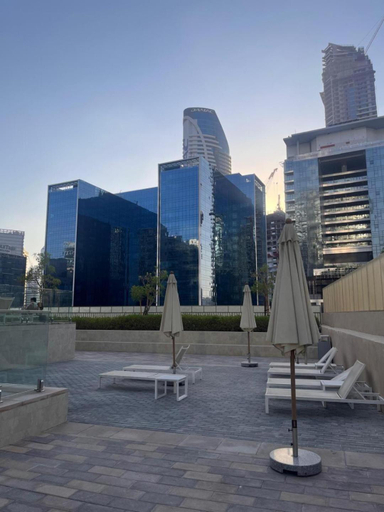
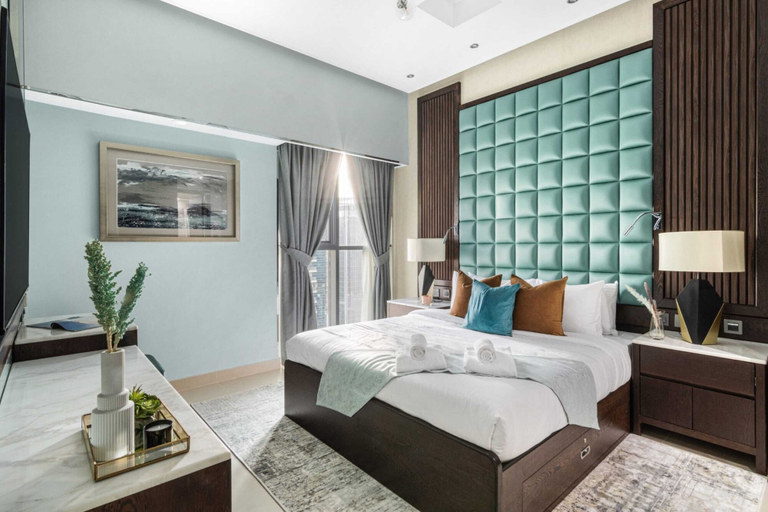
Burj Khalifa View Apartment
Iconic Burj Khalifa View | Elegant 1BR Apartment offers top-notch services and amenities, ensuring guests experience utmost comfort. Share your photos and respond to emails at your convenience, thanks to the free Wi-Fi internet access offered by home. Visitors can take advantage of complimentary parking directly at the home.The accommodating team at the reception will aid you with amenities such as express check-in or check-out.Minor items you neglected to bring won't cause major issues! Simply visit convenience stores to acquire what's necessary.The home maintains a completely smoke-free zone, providing a breathable atmosphere.Smoking is limited to specified smoking zones. Each accommodation at Iconic Burj Khalifa View | Elegant 1BR Apartment is thoughtfully created and adorned to provide visitors with a comfortable, home-like atmosphere.In select rooms of the home, guests can enjoy the advantage of having air conditioning available for their convenience.At Iconic Burj Khalifa View | Elegant 1BR Apartment, the uniquely tailored rooms provide a configuration choice resembling a balcony or terrace. Indulge in the numerous pursuits available at Iconic Burj Khalifa View | Elegant 1BR Apartment.Unwind after your day by exploring the salon and find warmth and relaxation.Each day at home, immerse yourself in the invigorating waters of the pool, perfect for a rejuvenating plunge or a series of revitalizing laps.For individuals who don't want to skip their exercise routine, visiting the home fitness center ensures you maintain your vitality and wellness.
See detailsNasma Luxury stays- Burj Khalifa view Luxury Apartments
Hotels in Business Bay
Don't feel hesitant to book hotels in Business Bay at tiket.com! We'll make sure to provide all conveniences you need when doing a room reservation. Book your favourite hotel now only at tiket.com!

How to Book Hotels on tiket.com
1. Find the hotelEnter the name of the city, area, or hotel to find the place you want.
2. Select a roomOn the hotel detail page, you will see the available room options. Select a room that suits your needs.
3. Complete the booking detailsInput the contact details (the person who will be contacted by tiket.com and the hotel about the booking) and the guests’ details.
4. Select Add-onsYou can also buy additional services such as meal packages, transportation, and many more.
5. Pay your bookingSelect the payment method and complete your transaction. Don’t forget to use the promo code to get a cheaper hotel price at tiket.com.
6. Get the reservation e-voucherAfter the payment is successful, the e-voucher will be available on the Your Orders menu and sent to the email listed in the contact details.