



Apartments in Dali Bai
Showing 97 Apartments in Dali Bai
 Eryuan, Dali Bai
 Dali, Dali Bai
 Dali, Dali Bai
 Dali, Dali Bai
 Dali, Dali Bai
 Dali, Dali Bai
 Dali, Dali Bai
 Dali, Dali Bai
 Dali, Dali Bai
 Eryuan, Dali Bai
 Dali, Dali Bai
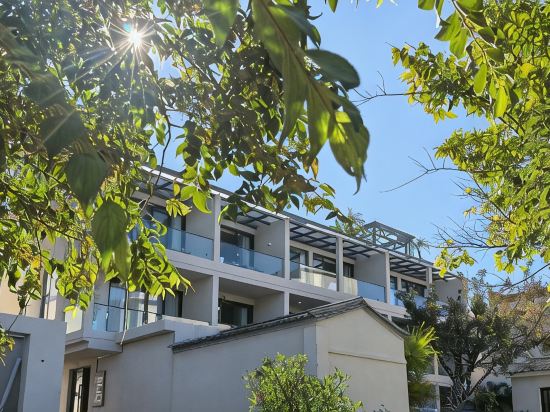 Dali, Dali Bai
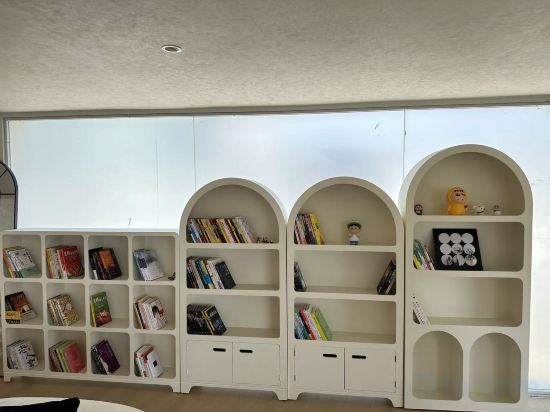 Dali, Dali Bai
 Dali, Dali Bai
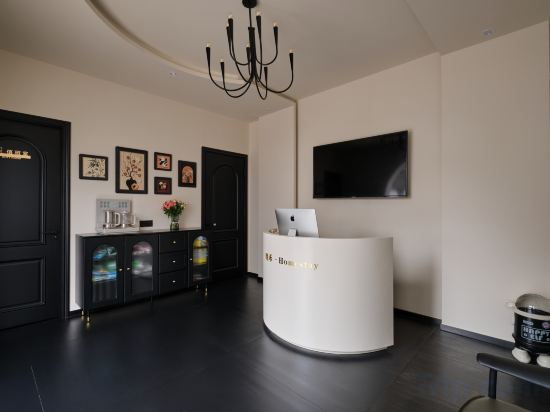 Dali, Dali Bai
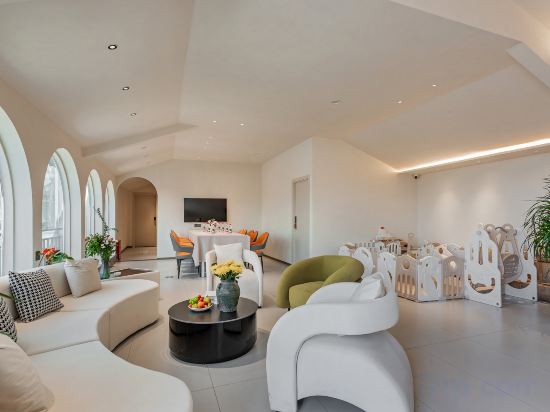 Eryuan, Dali Bai

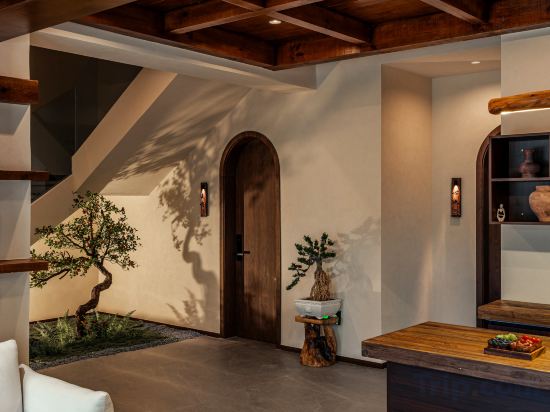 Dali, Dali Bai
 Dali, Dali Bai
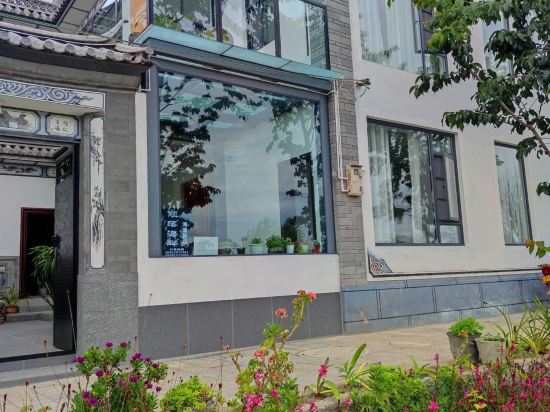 Dali, Dali Bai
Dali Yuelai Yueman Scenic Apartment (Shuanglang Ancient Town Erhai Lake)
Apartment
Dali Puyun · Banshan Vacation Apartment (Erhai Ecological Corridor)
Apartment
Shangshang Xiaozhu · Dreamy | Yicang Bang'er Vacation Apartment (Cangshan Scenic Area)
Apartment
Chunfengli Scenic Apartment (Dali Erhai Ecological Corridor)
Apartment
Muzi San Sheng Dao Scenic Apartment (Xindi Coffee Shop)
Apartment
Dali 1958 Jiehai Residence Scenic Apartment (Erhai Small Putuo)
Apartment
Dali Reyun Mountain View Vacation Apartment (Cai Village)
Apartment
Guiyin Tangshe ・ Dual View | Panoramic Vacation Apartment (Dali Erhai Cai Village Wharf)
Apartment
Dali Jinqi Wuyuan Scenic Apartment (Cai Village/Longkan Wharf)
Apartment
Dali Gugu Meimei · Pomegranate Scenic Apartment (Shuanglang Erhai)
Apartment
Rongli · Cang'er Mountain View Vacation Apartment
Apartment
Dali · Liangqi Garden Scenic Apartment (Erhai Ideal City)
Apartment
Xingshan Xinghai · Crystal Palace | 270° Seafront View · Swarovski Scenic Apartment (Covered Bridge)
Apartment
Yuxi · Yunyin Elysian Clouds Vacation Apartment (Dali Ancient City)
Apartment
Wanhe · Starry Sky French Light Luxury · Scenic Apartment (Dali Ancient Town South Gate)
Apartment
Yungui Canger · Where Clouds Return Yunmoon Scenic Apartment (Dali Erhai Shuanglang)
Apartment
Wanghai Residence Scenic Apartment
Dali Wuming · Holiday Villa Scenic Apartment (Dali Airport Erhai Lake)
Apartment
Lanshe LANSHE Scenic Apartment
Apartment
Yueqihai Scenic Apartment (Cai Village Wharf Erhai Ecological Corridor)
Apartment
Apartments in Dali Bai
Don't feel hesitant to book Apartments in Dali Bai at tiket.com! We'll make sure to provide all conveniences you need when doing a room reservation. Book your favourite hotel now only at tiket.com!

How to Book Accommodations on tiket.com
1. Find the accommodationEnter the name of the city, area, or accommodation to find the place you want.
2. Select a roomOn the accommodation detail page, you will see the available room options. Select a room that suits your needs.
3. Complete the booking detailsInput the contact details (the person who will be contacted by tiket.com and the accommodation about the booking) and the guests’ details.
4. Select Add-onsYou can also buy additional services such as meal packages, transportation, and many more.
5. Pay your bookingSelect the payment method and complete your transaction. Don't forget to use the promo code to get a cheaper accommodation price at tiket.com.
6. Get the reservation e-voucherAfter the payment is successful, the e-voucher will be available on the Your Orders menu and sent to the email listed in the contact details.