



5 Star Hotels in North Sydney
Showing 2 hotels in North Sydney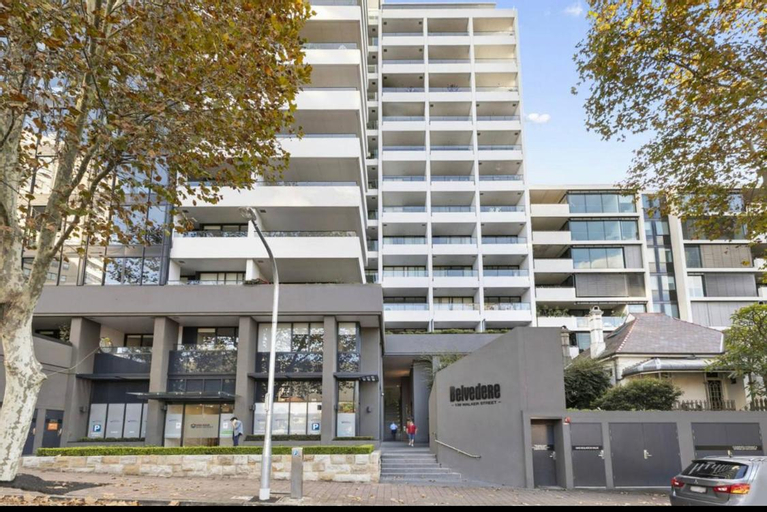
Modern Spacious City Pad with Rooftop Pool and Gym
Located in Sydney, Modern Spacious City Pad with Rooftop Pool and Gym offers accommodation with easy access to Sydney’s best spots. The property features swimming pool, fitness center, and private pool.
Rooms at Modern Spacious City Pad with Rooftop Pool and Gym are equipped with AC, TV, and refrigerator. The bathroom is fitted with free toiletries and hair dryer.
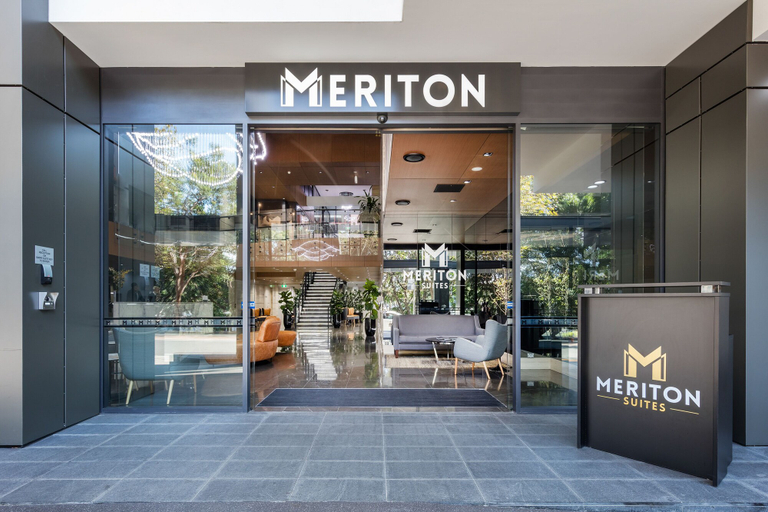
See detailsMeriton Suites North Sydney
Meriton Suites North Sydney Location
Located in Sydney (North Sydney), Meriton Suites North Sydney is within a 5-minute drive of North Sydney Oval and Blues Point Reserve. This luxury aparthotel is 1.2 mi (1.9 km) from Olympic Pool North Sydney and 1.2 mi (1.9 km) from Milsons Point Wharf.
Meriton Suites North Sydney Facility and Service
Don't miss out on the many recreational opportunities, including an indoor pool, a hot tub, and a sauna. This aparthotel also features complimentary wireless internet access and a vending machine.
Meriton Suites North Sydney Rooms
Make yourself at home in one of the 218 air-conditioned rooms featuring kitchens with full-sized refrigerators/freezers and ovens. Wired and wireless internet access is complimentary, while 55-inch flat-screen televisions with digital programming provide entertainment. Conveniences include phones, as well as laptop-compatible safes and desks.
See detailsLocated in Sydney (North Sydney), Meriton Suites North Sydney is within a 5-minute drive of North Sydney Oval and Blues Point Reserve. This luxury aparthotel is 1.2 mi (1.9 km) from Olympic Pool North Sydney and 1.2 mi (1.9 km) from Milsons Point Wharf.
Meriton Suites North Sydney Facility and Service
Don't miss out on the many recreational opportunities, including an indoor pool, a hot tub, and a sauna. This aparthotel also features complimentary wireless internet access and a vending machine.
Meriton Suites North Sydney Rooms
Make yourself at home in one of the 218 air-conditioned rooms featuring kitchens with full-sized refrigerators/freezers and ovens. Wired and wireless internet access is complimentary, while 55-inch flat-screen televisions with digital programming provide entertainment. Conveniences include phones, as well as laptop-compatible safes and desks.
“Strategic location”

How to Book Hotels on tiket.com
1. Find the hotelEnter the name of the city, area, or hotel to find the place you want.
2. Select a roomOn the hotel detail page, you will see the available room options. Select a room that suits your needs.
3. Complete the booking detailsInput the contact details (the person who will be contacted by tiket.com and the hotel about the booking) and the guests’ details.
4. Select Add-onsYou can also buy additional services such as meal packages, transportation, and many more.
5. Pay your bookingSelect the payment method and complete your transaction. Don’t forget to use the promo code to get a cheaper hotel price at tiket.com.
6. Get the reservation e-voucherAfter the payment is successful, the e-voucher will be available on the Your Orders menu and sent to the email listed in the contact details.