



Hotels in Bao'an
Showing 862 hotels in Bao'an
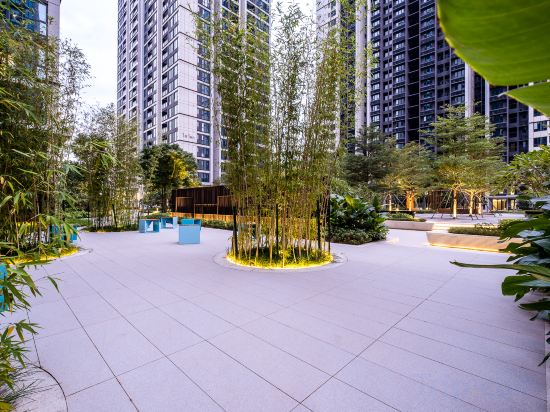
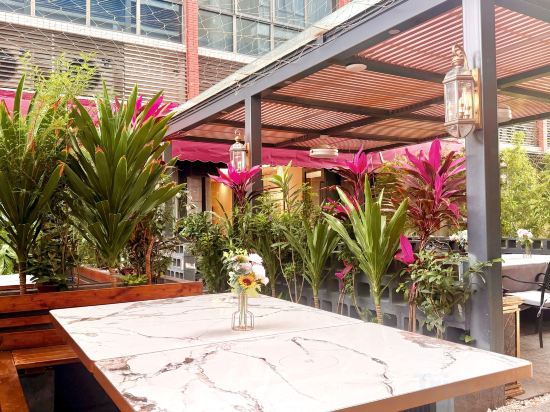
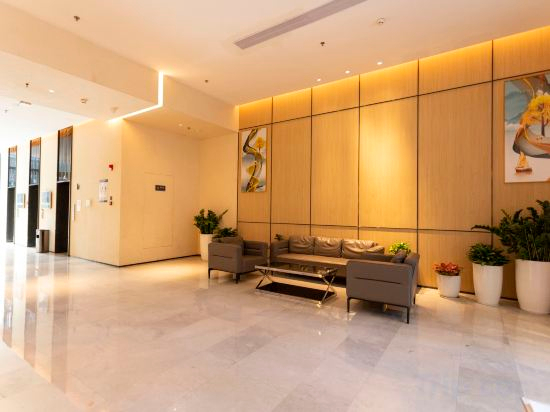
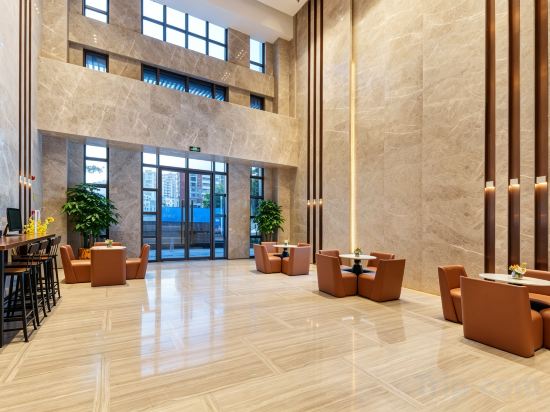
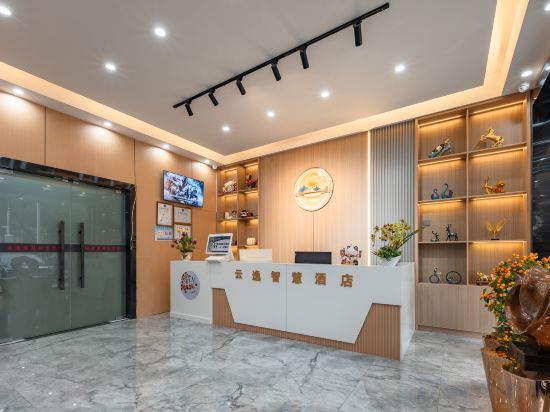
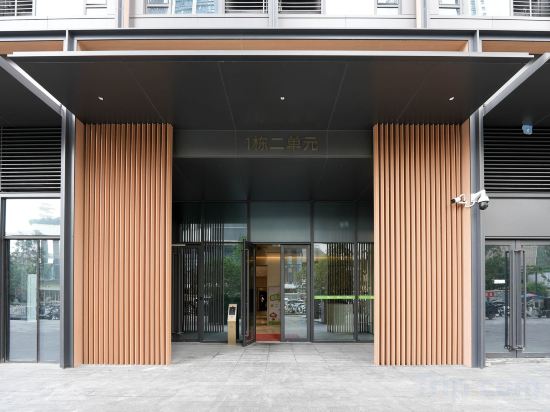
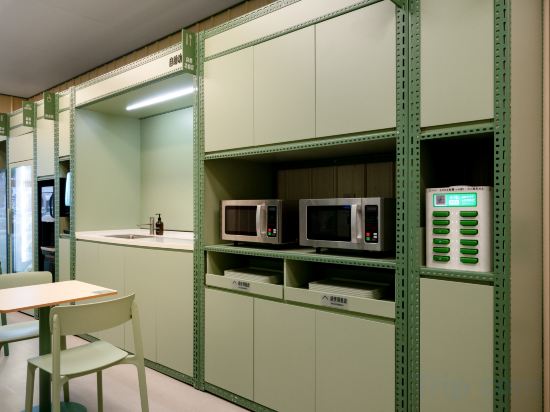
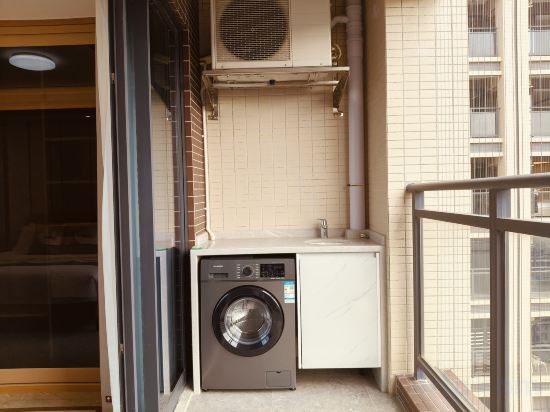
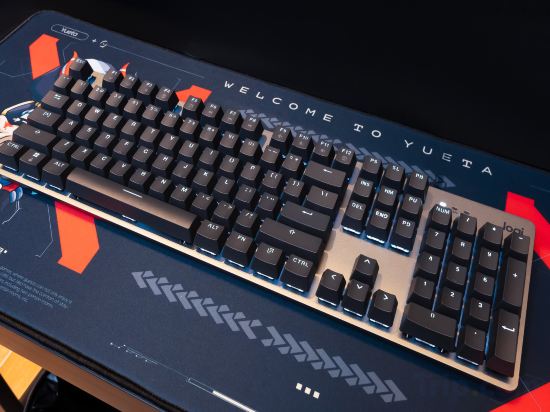
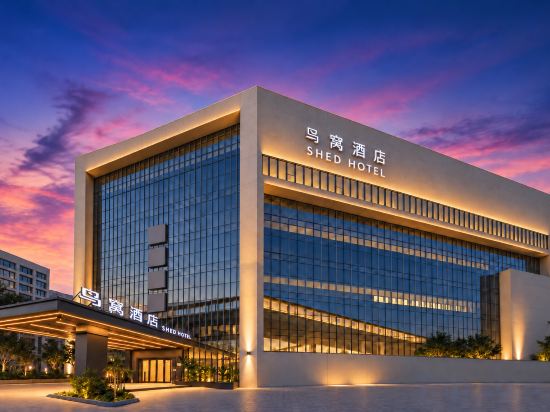
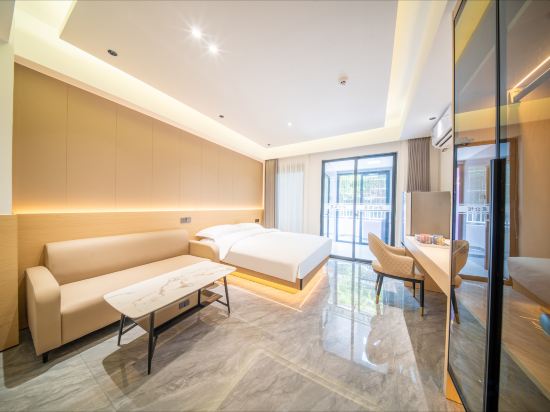
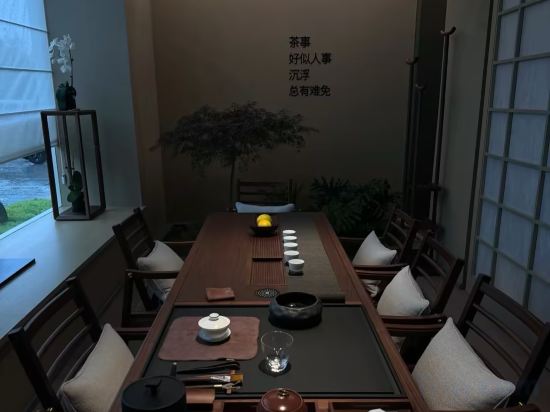

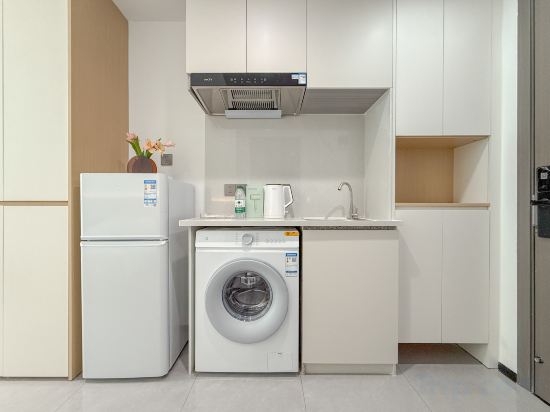
Ruiwan Mansion Apartment, OCT, Qianhai, Shenzhen
YUJUExecutive Apartments
YESTE International Hotel
Bangtuo MeiNuo Executive Apartment
Boyueju Serviced Apartments (Shenzhen Shiyan Shangwu Metro Station Branch)
Yunyi Smart Hotel (Shenzhen Shiyan Wetland Park Shangwu Subway Station)
Yunding Executive Apartment (Haiya Colorful City Lingzhi Metro Station Store)
Hi Inn (Shenzhen Bao'an Honglang North Subway Station)
Shenzhen Meiyu Administrative Apartment (Bao'an Bihaiwan Subway Station Store)
YueTa X E-Sports Hotel (Shenzhen Bao'an Xixiang Subway Station)
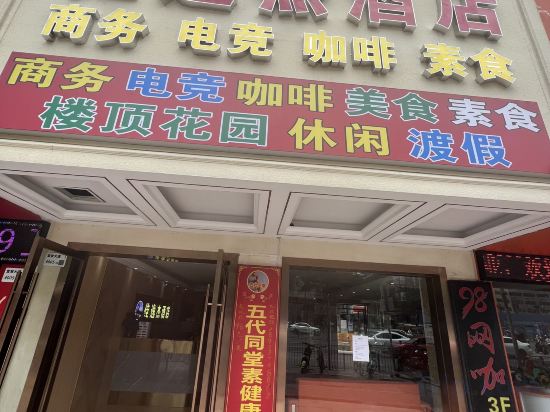
Shed Hotel
Moyuan Residences (Fanshen Metro Station, Bao'an Center, Shenzhen)
AN YU Hotel(Shenzhen Bao'an International Airport Store)
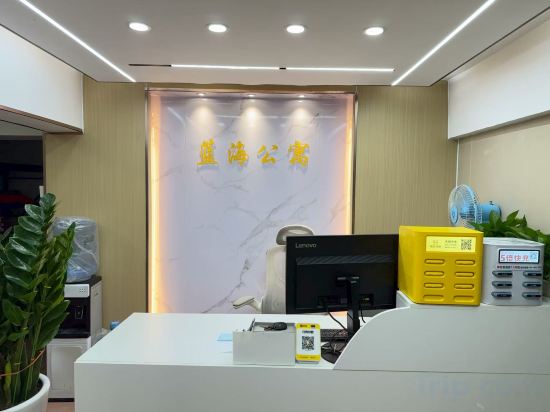
Blue Ocean Apartment (Shenzhen International Exhibition Center Tangwei Subway Station)
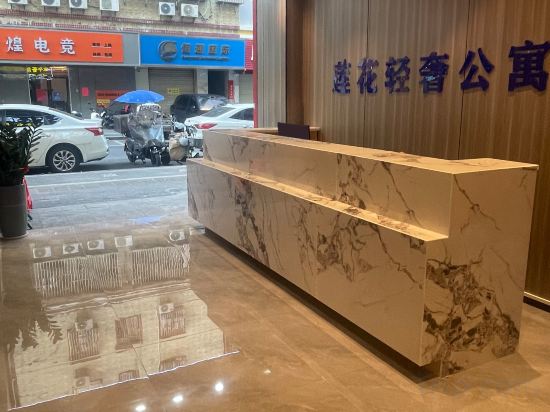
Lianhua Yingyin Light Luxury Apartment (Shenzhen Bao'an International Airport Fuyong Subway Station)
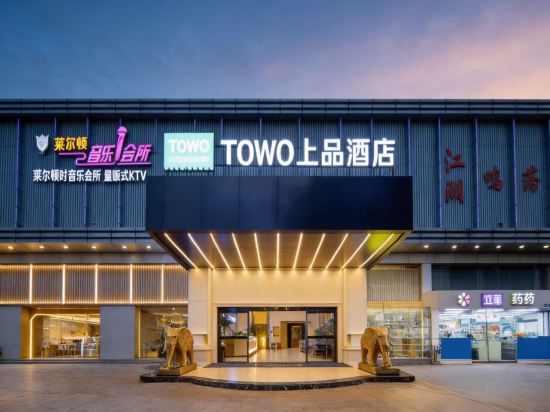
TOWO Premium Hotel (Shenzhen Shiyan Donghai Commercial Street Branch)
Tengwan E-Sports Hotel (Shenzhen Bao'an International Airport Bihaiwan Subway Station)
changxiang life hotel(sehnzhenbananguojijichangdian)
Jiayijie Hotel (Shenzhen Bao'an International Airport T3 Terminal Xixiang Subway Station)
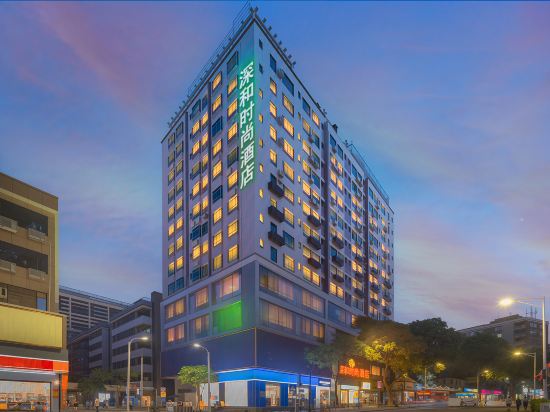
shen he fashion hotel
Hotels in Bao'an
Don't feel hesitant to book hotels in Bao'an at tiket.com! We'll make sure to provide all conveniences you need when doing a room reservation. Book your favourite hotel now only at tiket.com!

How to Book Hotels on tiket.com
1. Find the hotelEnter the name of the city, area, or hotel to find the place you want.
2. Select a roomOn the hotel detail page, you will see the available room options. Select a room that suits your needs.
3. Complete the booking detailsInput the contact details (the person who will be contacted by tiket.com and the hotel about the booking) and the guests’ details.
4. Select Add-onsYou can also buy additional services such as meal packages, transportation, and many more.
5. Pay your bookingSelect the payment method and complete your transaction. Don’t forget to use the promo code to get a cheaper hotel price at tiket.com.
6. Get the reservation e-voucherAfter the payment is successful, the e-voucher will be available on the Your Orders menu and sent to the email listed in the contact details.