



Hotels in Guilin
Showing 687 hotels in Guilin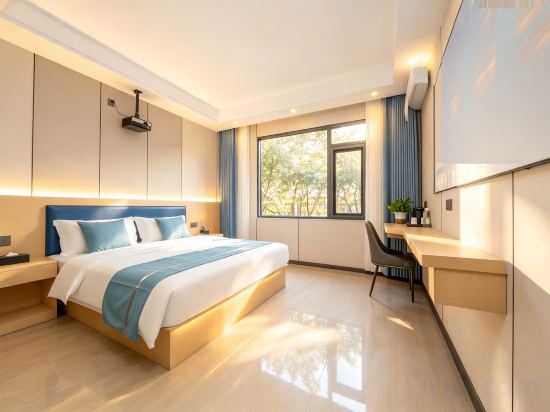
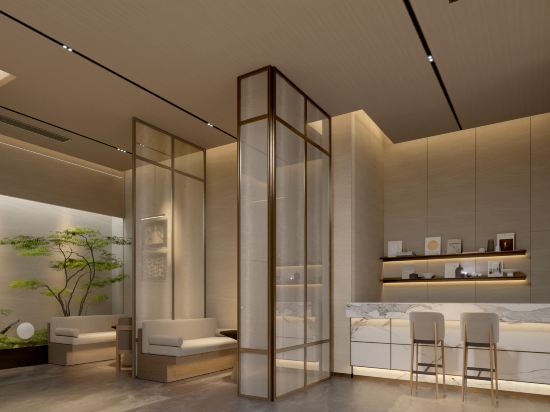
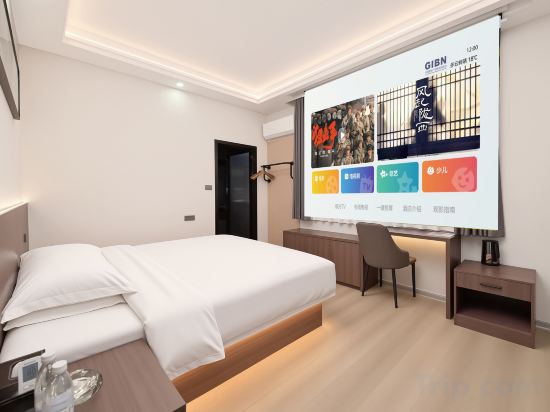
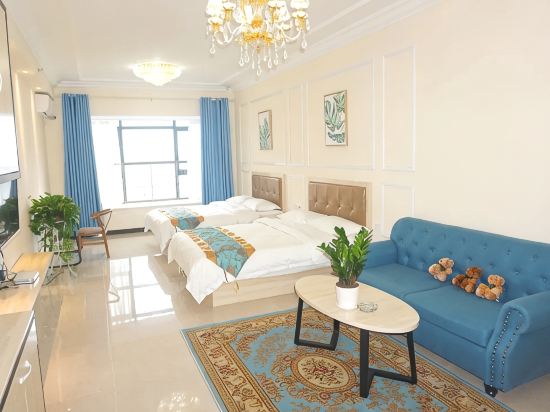
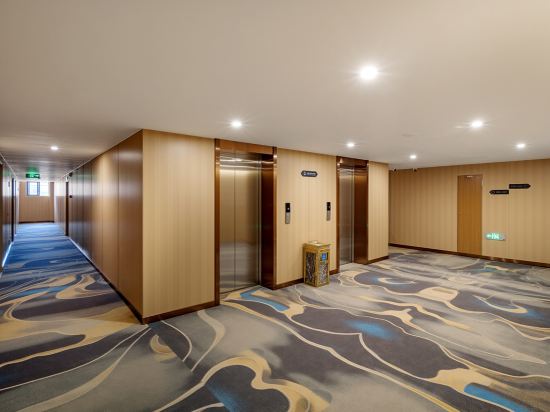
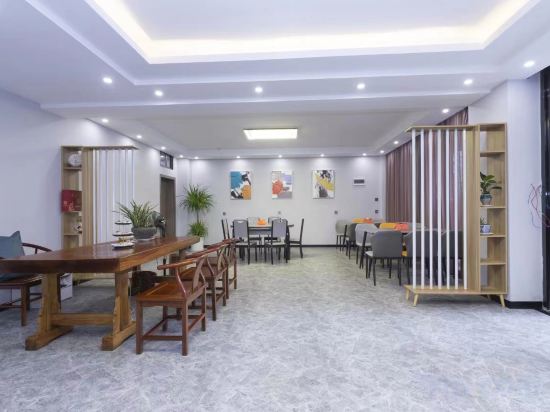
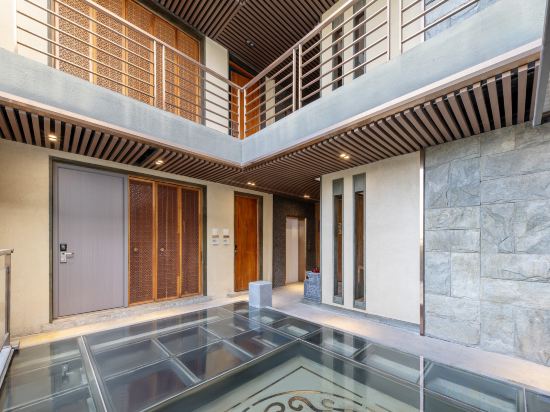
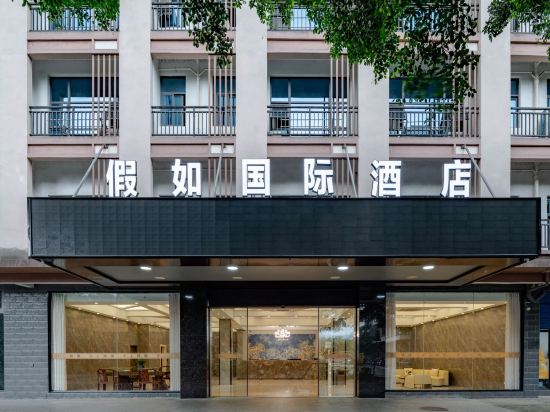
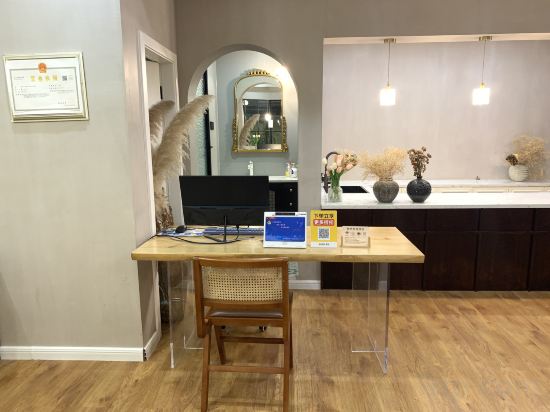

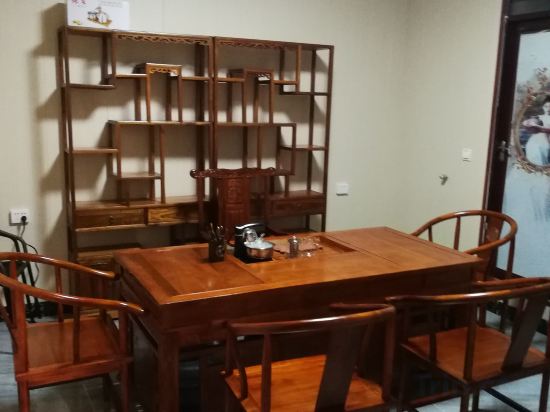
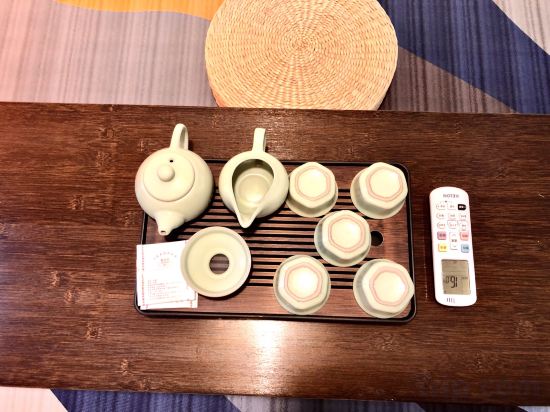
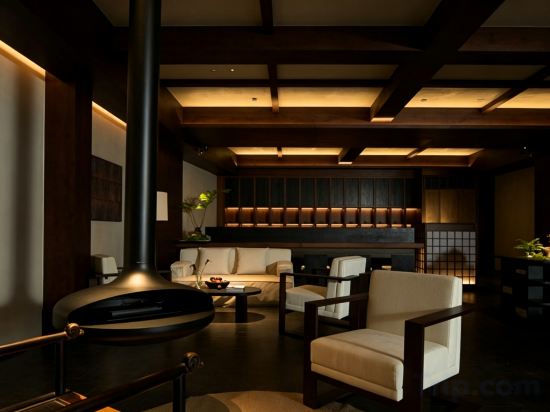
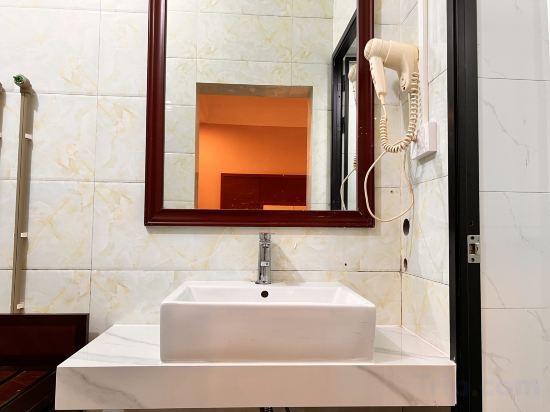
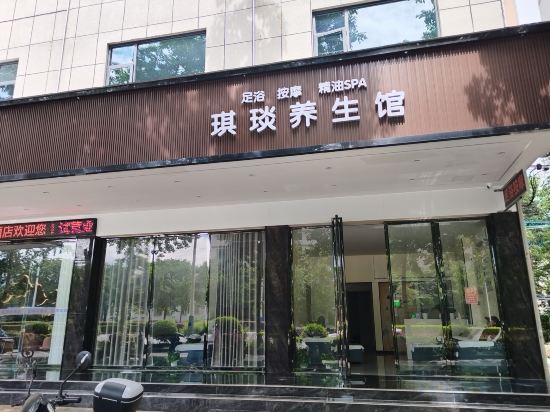



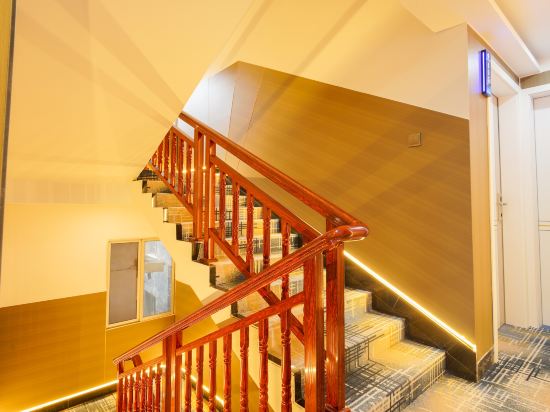

Lijiang Encounter Smart Homestay (Guilin Two Rivers And Four Lakes)
Yuexi Yunmeng Hotel (Guilin Two Rivers and Four Lakes Dongxi Lane Branch)
Yunju Business Hotel (Guilin High tech Wanda Qixing District Government Center Branch)
Shangjing Apartment (Guilin North Station)
Feifan Chengpin Hotel (Guilin Liangjiang Shihuku Xiangbishan Branch)
Xiangke Homestay (Guilin Medical College Branch)
XIANHOTEL
Jiaru International Hotel (Guilin High-Speed Rail North Station)
Qingpu E-sports Homestay (Guangxi Normal University Yanshan Campus)
Guilin Xiangshan Fushuiyue Hotel (Elephant Trunk Hill Two Rivers and Four Lakes)
Liangshan Yiju (Guilin University of Electronic Science & Technology Shop)
Guilin FanFan Shexia CozyNest Apartment in Business District (Gaoxing Wanda Plaza)
HONG
Distant Home Hotel (Lidong Branch of the First Affiliated Hospital of Guilin Medical University)
Qiyan Smart Hotel (Guilin High-Speed Railway North Station)
QiXia Homestay
Lavande Hotel (High-speed Railway North Station of Guilin)
Guilin Kuke
Faraway Home Smart Chinese Inn (Two Rivers And Four Lakes)
Guilin Wenli Meisu (Lijiang Scenic Area)
Hotels in Guilin
Don't feel hesitant to book hotels in Guilin at tiket.com! We'll make sure to provide all conveniences you need when doing a room reservation. Book your favourite hotel now only at tiket.com!

How to Book Hotels on tiket.com
1. Find the hotelEnter the name of the city, area, or hotel to find the place you want.
2. Select a roomOn the hotel detail page, you will see the available room options. Select a room that suits your needs.
3. Complete the booking detailsInput the contact details (the person who will be contacted by tiket.com and the hotel about the booking) and the guests’ details.
4. Select Add-onsYou can also buy additional services such as meal packages, transportation, and many more.
5. Pay your bookingSelect the payment method and complete your transaction. Don’t forget to use the promo code to get a cheaper hotel price at tiket.com.
6. Get the reservation e-voucherAfter the payment is successful, the e-voucher will be available on the Your Orders menu and sent to the email listed in the contact details.