Showing 3 hotels in Lanshan
See details

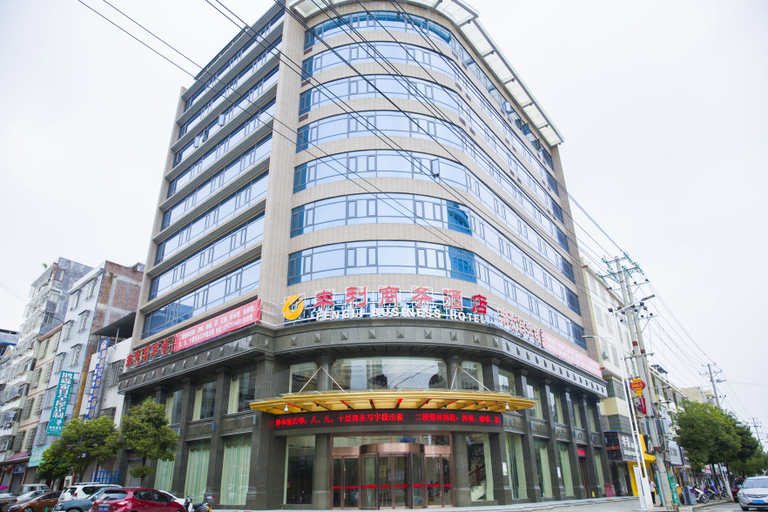
Fengli Business Hotel

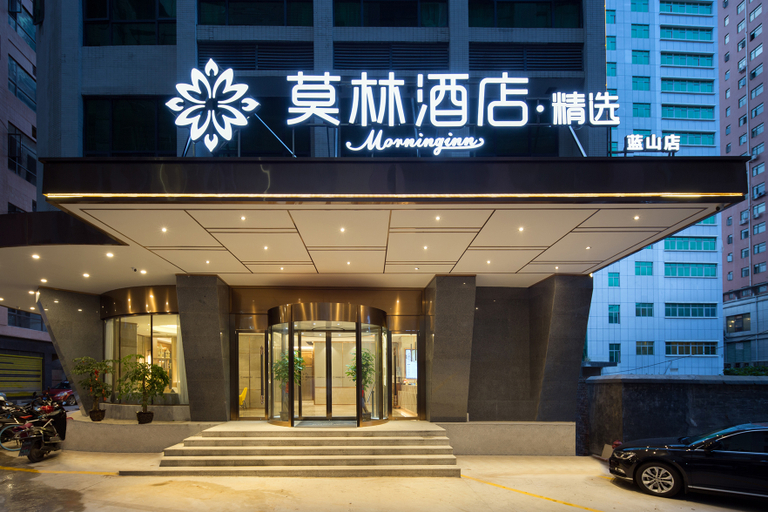
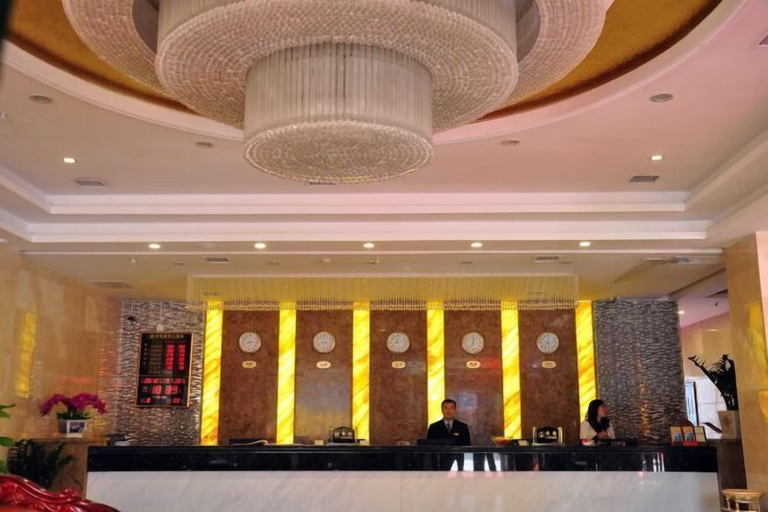
Moling Hotel·Select (Blue Mountain Municipal Plaza)
Hotel Introduction Description
The Moling Hotel·Select (Blue Mountain Municipal Plaza) is an ideal spot for travelers wanting to discover the city. Visitors to Lanshan will find that the Moling Hotel·Select (Blue Mountain Municipal Plaza) is a fantastic accommodation choice.
There's plenty to do nearby, with Shizheng Square, Kuilong Park and Taxia Temple all within a short distance.
After a long day of sightseeing, guests can retire to the comfort of the hotel. For those driving themselves, parking is provided on site.
According to our trusted guests, the facilities at this hotel are first-rate. For guests traveling on business, this hotel is consistently one of the most popular choices.

Shiji Huangting Hotel
Shiji Huangting Hotel Location
Located in Yongzhou, Shiji Huangting Hotel is within a 5-minute drive of Taxia Temple and Chuanfang Tower. This hotel is 11.6 mi (18.7 km) from Tongxin Cave and 14.5 mi (23.4 km) from Yuanshui Waterfall.
Shiji Huangting Hotel Facility and Service
Enjoy the recreation opportunities such as a fitness center or make use of other amenities including gift shops/newsstands.
Shiji Huangting Hotel Rooms
Make yourself at home in one of the 80 guestrooms.
Restaurant and Cafe
Breakfast is available for a fee.
See detailsLocated in Yongzhou, Shiji Huangting Hotel is within a 5-minute drive of Taxia Temple and Chuanfang Tower. This hotel is 11.6 mi (18.7 km) from Tongxin Cave and 14.5 mi (23.4 km) from Yuanshui Waterfall.
Shiji Huangting Hotel Facility and Service
Enjoy the recreation opportunities such as a fitness center or make use of other amenities including gift shops/newsstands.
Shiji Huangting Hotel Rooms
Make yourself at home in one of the 80 guestrooms.
Restaurant and Cafe
Breakfast is available for a fee.
FAQ about Hotels in Lanshan
Hotels in Lanshan
Don't feel hesitant to book hotels in Lanshan at tiket.com! We'll make sure to provide all conveniences you need when doing a room reservation. Book your favourite hotel now only at tiket.com!

How to Book Hotels on tiket.com
1. Find the hotelEnter the name of the city, area, or hotel to find the place you want.
2. Select a roomOn the hotel detail page, you will see the available room options. Select a room that suits your needs.
3. Complete the booking detailsInput the contact details (the person who will be contacted by tiket.com and the hotel about the booking) and the guests’ details.
4. Select Add-onsYou can also buy additional services such as meal packages, transportation, and many more.
5. Pay your bookingSelect the payment method and complete your transaction. Don’t forget to use the promo code to get a cheaper hotel price at tiket.com.
6. Get the reservation e-voucherAfter the payment is successful, the e-voucher will be available on the Your Orders menu and sent to the email listed in the contact details.