



Hotels in Yanji
Showing 258 hotels in Yanji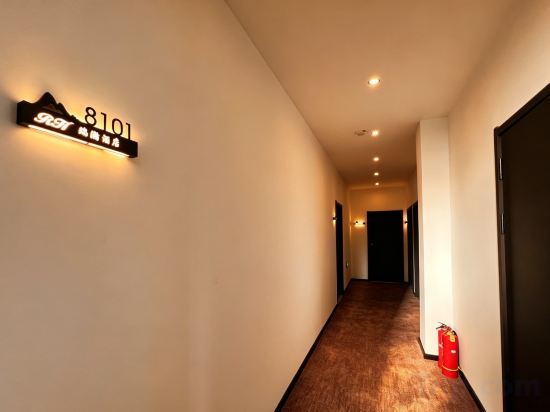
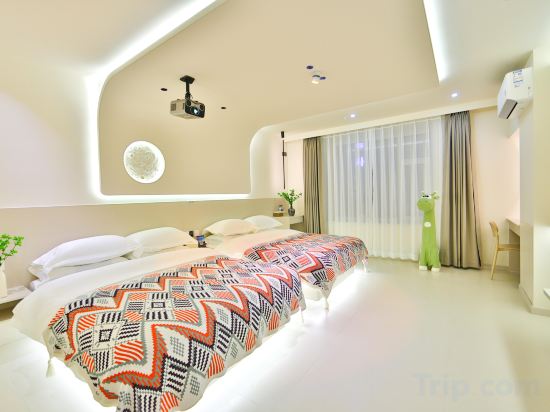

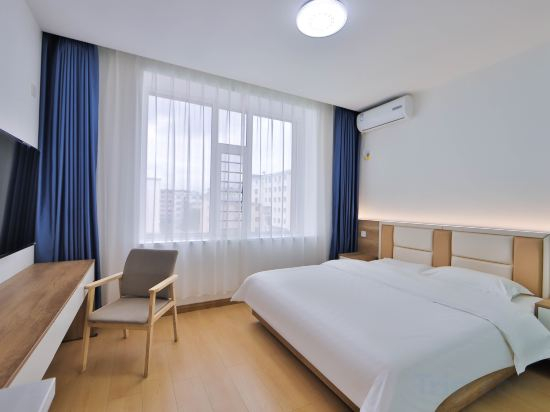

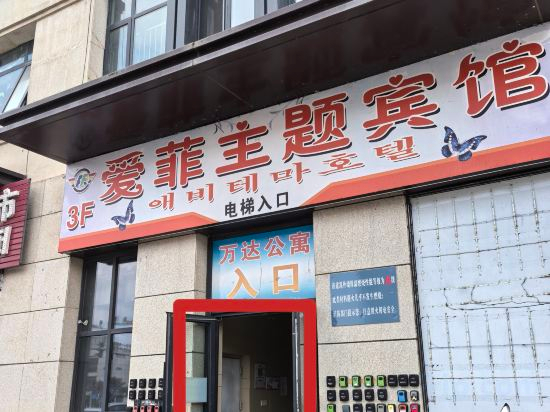
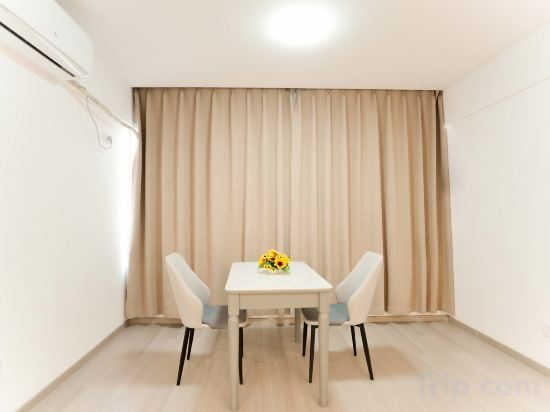
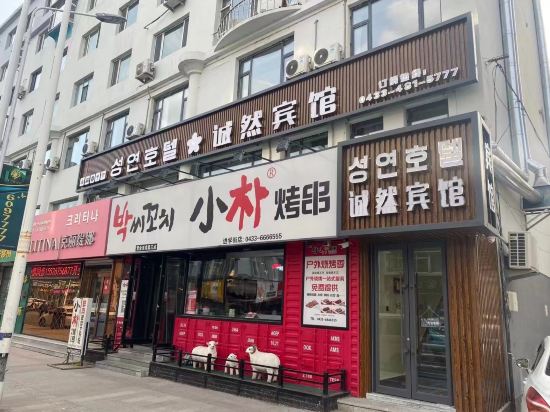
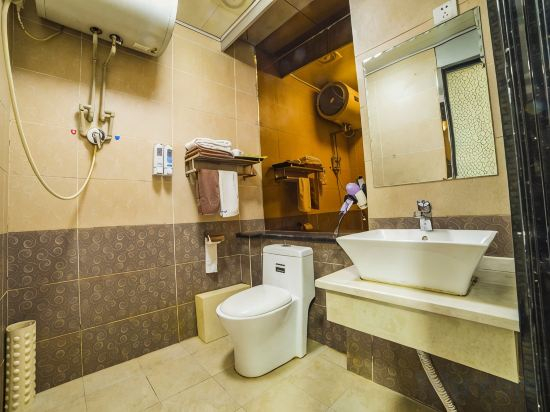
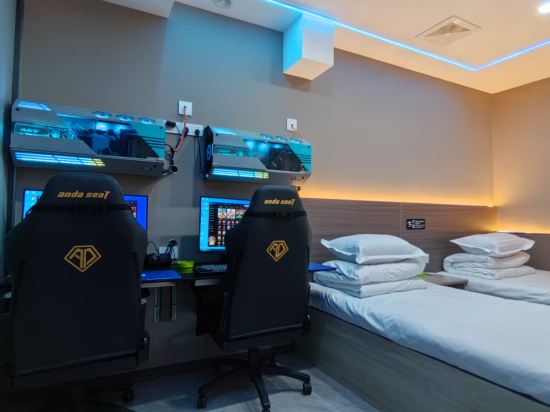
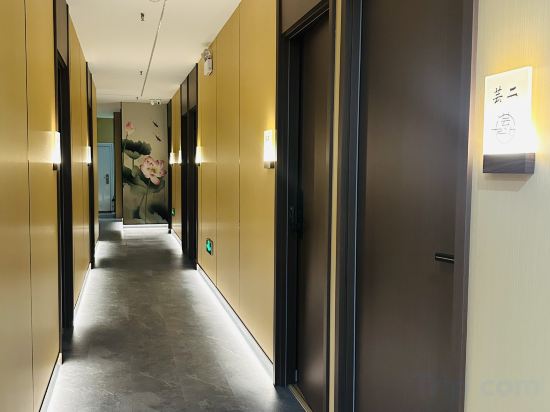
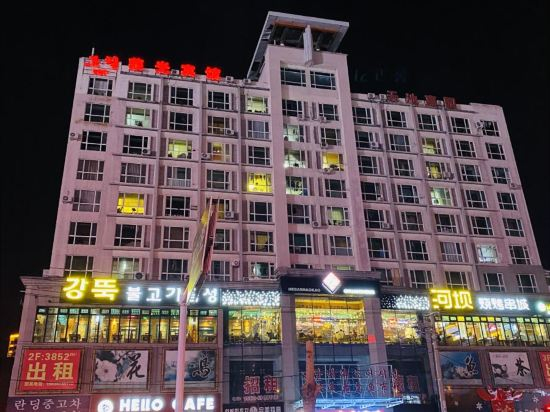
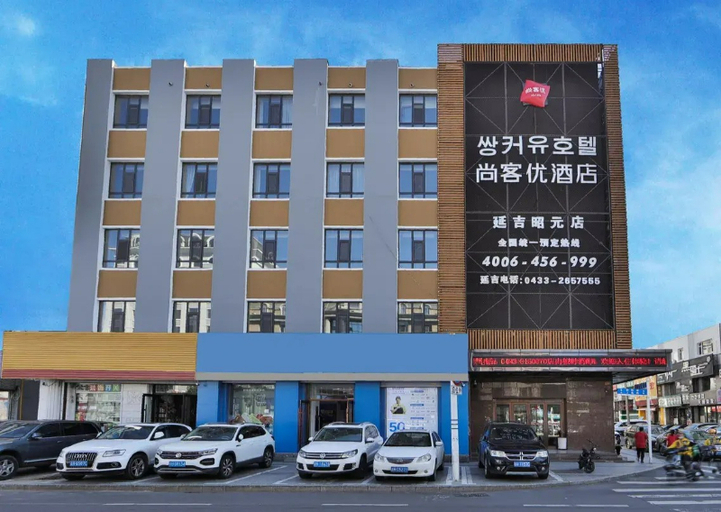
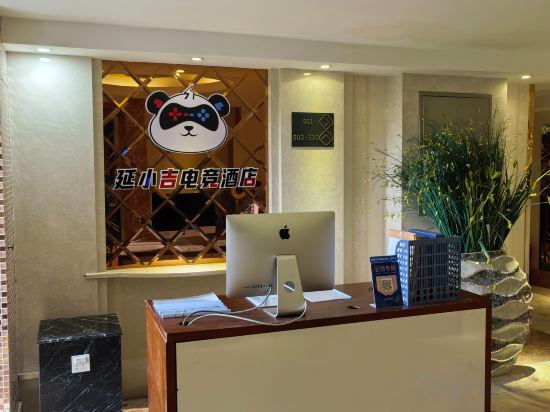
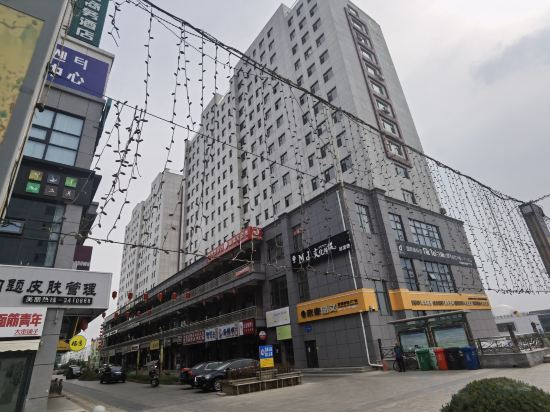
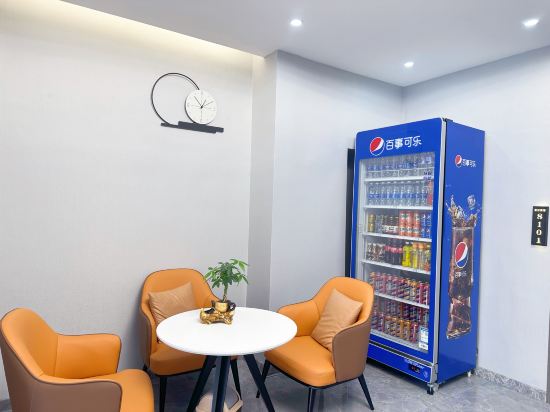
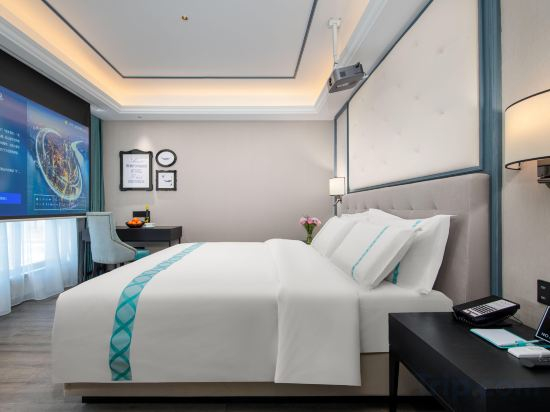

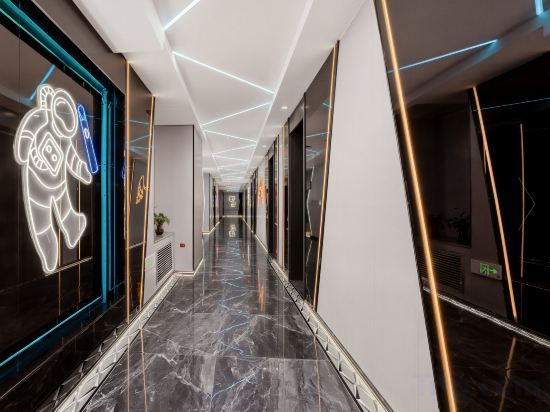
Ruihan Hotel
Yunman Holiday Intelligent Viewing Homestay (Yanji Yanbian University West Market Branch)
Huirun Hotel (Yanji High-speed Railway West Station Museum)
Yongxin Guesthouse and Homestay (Yanji Korean Folk Village and Dinosaur Kingdom)
Yanji Jialong Homestay
Mushushan Courtyard Holiday Homestay (Yanji Korean Folk Garden Dinosaur Kingdom Branch)
Mr.K Design Guesthouse (Yanji West Station Wanda Plaza)
Jiafeng Homestay (Yanji Yanbian University Internet Red Wall West Market Store)
Chengran Hotel
MengTeLei
Hongfei Electro-sports Hotel
Hexi Homestay (Wanghong Wall)
Yanji Rongguang Hotel
Thank Inn Hotel (Yanji Department Store)
尚客优延吉百货大楼酒店
Yanxiaoji E-Sports Hotel (Yanbian University Internet Celebrity Wall Xishichang)
Yanda Homestay
Blue Ri Hotel
XANA HOTELLE Yanji West Railway Station Wanda Plaza store
Experience an abundance of unparalleled facilities and features at Xana Hotelle Yanji West Railway Station Wanda Plaza store. Maintain seamless communication using the complimentary Wi-Fi at hotel.Guests can avail parking facilities at the hotel.During your stay at this fantastic hotel, the attentive front desk personnel can provide you with a range of amenities such as express check-in or check-out and luggage storage.During leisurely days and evenings, on-site amenities such as daily housekeeping enable you to fully enjoy your accommodation. At Xana Hotelle Yanji West Railway Station Wanda Plaza store, every guestroom is provided with convenient amenities and fittings to ensure a comfortable stay.Essential restroom facilities are equally significant, and at the hotel, some visitor bathrooms offer a hair dryer to enhance your experience.
See detailsChangbaisong Hotel
Hello Nice Smart eSports Hostel (Yanji Yanbian University Internet-famous Wall West Market Branch)
Hotels in Yanji
Don't feel hesitant to book hotels in Yanji at tiket.com! We'll make sure to provide all conveniences you need when doing a room reservation. Book your favourite hotel now only at tiket.com!

How to Book Hotels on tiket.com
1. Find the hotelEnter the name of the city, area, or hotel to find the place you want.
2. Select a roomOn the hotel detail page, you will see the available room options. Select a room that suits your needs.
3. Complete the booking detailsInput the contact details (the person who will be contacted by tiket.com and the hotel about the booking) and the guests’ details.
4. Select Add-onsYou can also buy additional services such as meal packages, transportation, and many more.
5. Pay your bookingSelect the payment method and complete your transaction. Don’t forget to use the promo code to get a cheaper hotel price at tiket.com.
6. Get the reservation e-voucherAfter the payment is successful, the e-voucher will be available on the Your Orders menu and sent to the email listed in the contact details.