



Hotels in Nanjing
Showing 2.000+ hotels in Nanjing

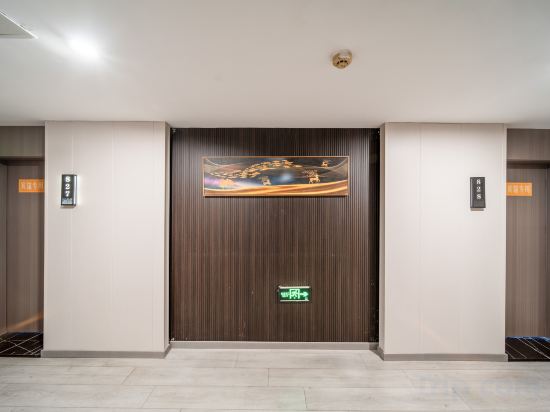

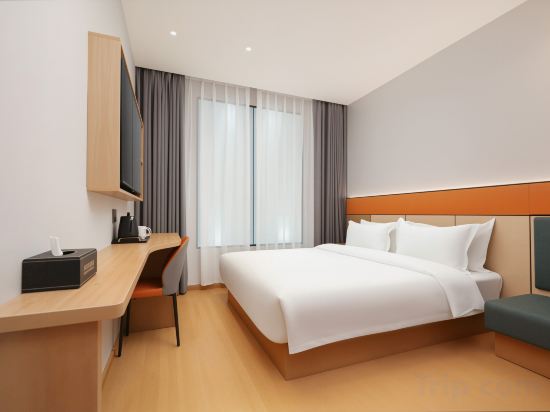





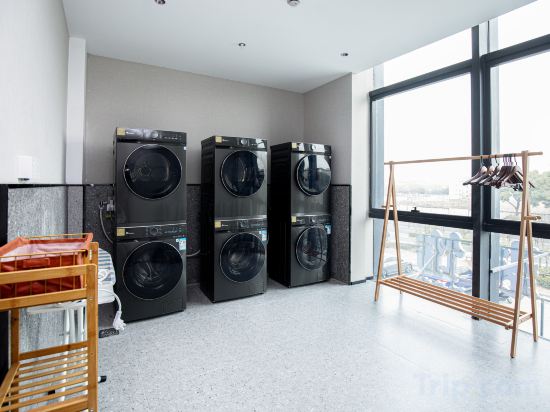
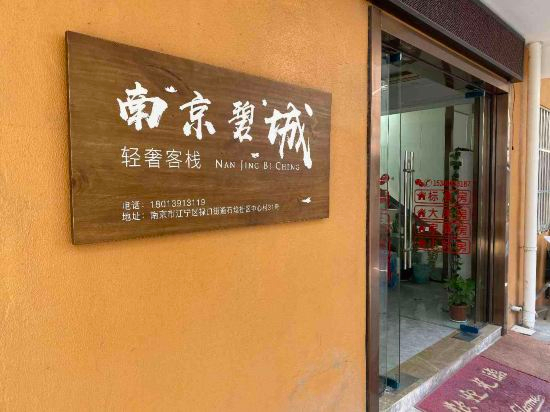


Haosheng Yunsu Hotel (Xinjiekou Daxinggong Subway Station)
Wutong Yi Resident Hotel
Home Inn Huayi Hotel (Nanjing Maigaoqiao Subway Station Hongshan Zoo)
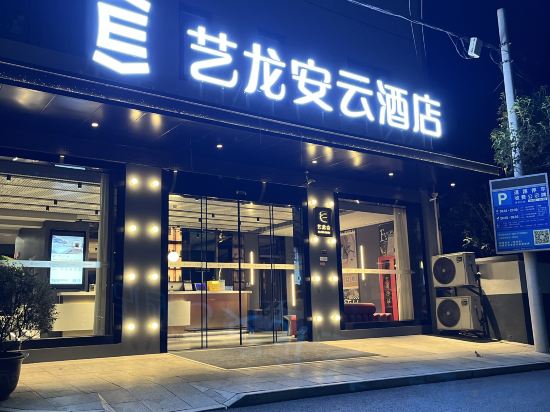
Elong Anyun Hotel (Gaochun Old Street Gucheng Bay Scenic Area)
Chonpines Hotel (Nanjing Lishui Shiqiu Light Rail Station)
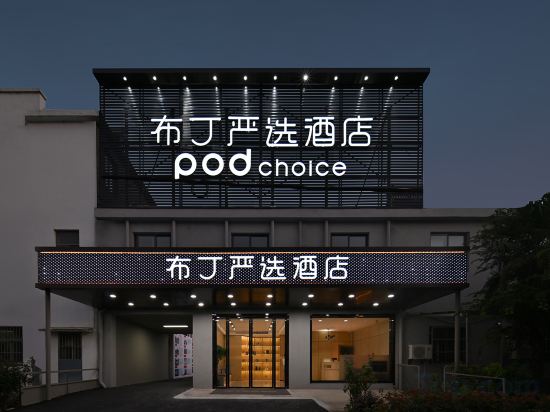
Pod Choice Hotel (Nanjing Lukou International Airport Tongshan Subway Station)
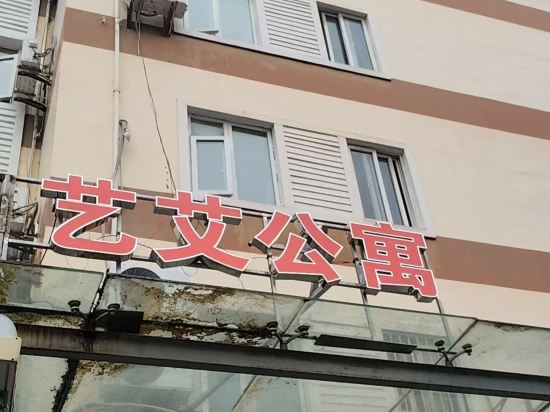
Yi'ai Apartment (Sanpailou Street Hongqiao Subway Station)
qingFeng
Nanjing Chengxin Avenue Metro Station Qingju Hotel
Qingmu Select Hotel (Nanjing Liuhe Hujiang Trade City)
HanTing Hotel (Nanjing Xinjiekou Wutaishan Sports Center )
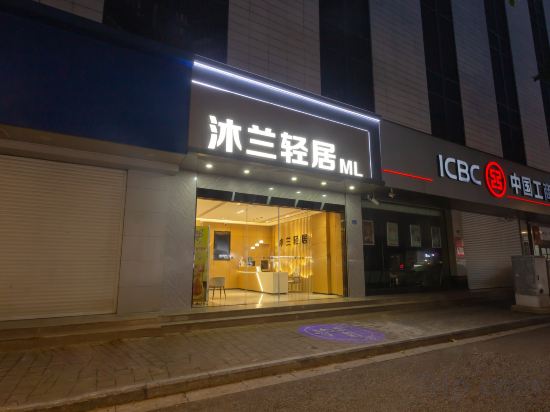
MULANQINGJU
Qiyun Xin She Homestay (Nanjing Xinjiekou Zhangfuyuan Subway Station)
Mengju Hotel (Nanjing University of Science and Technology Xiaolingwei Subway Station)
Orange Hotel (Nanjing baijiahu Xiaolongwan subway station store)
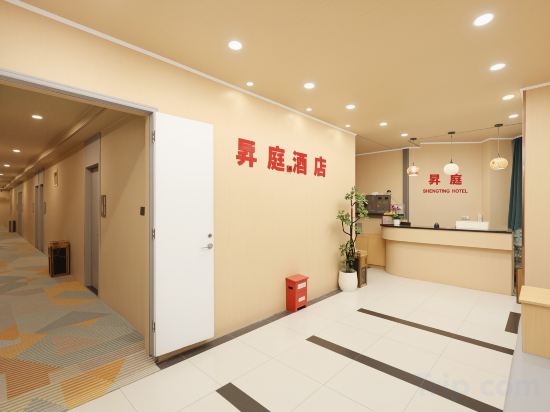
Shengting Hotel
Kaju Platinum Hotel (Nanjing University of Information Science & Technology Yangxin Road Branch)
Bicheng Qingshe Inn (Nanjing Lukou International Airport)
Lavande Hotel (Nanjing Lukou Airport Tongshan Subway Station)
Orange Hotel
Hotels in Nanjing
Don't feel hesitant to book hotels in Nanjing at tiket.com! We'll make sure to provide all conveniences you need when doing a room reservation. Book your favourite hotel now only at tiket.com!

How to Book Hotels on tiket.com
1. Find the hotelEnter the name of the city, area, or hotel to find the place you want.
2. Select a roomOn the hotel detail page, you will see the available room options. Select a room that suits your needs.
3. Complete the booking detailsInput the contact details (the person who will be contacted by tiket.com and the hotel about the booking) and the guests’ details.
4. Select Add-onsYou can also buy additional services such as meal packages, transportation, and many more.
5. Pay your bookingSelect the payment method and complete your transaction. Don’t forget to use the promo code to get a cheaper hotel price at tiket.com.
6. Get the reservation e-voucherAfter the payment is successful, the e-voucher will be available on the Your Orders menu and sent to the email listed in the contact details.