



Hotels in Qingdao
Showing 1.000+ hotels in Qingdao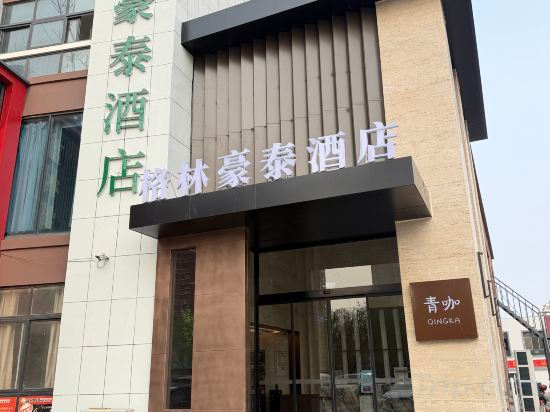
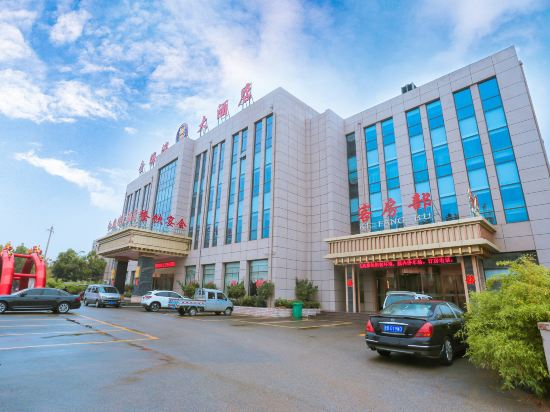
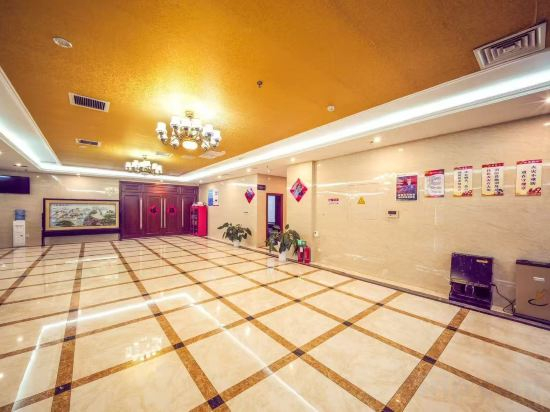



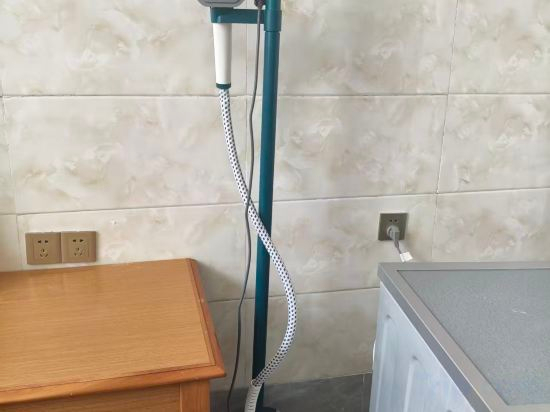
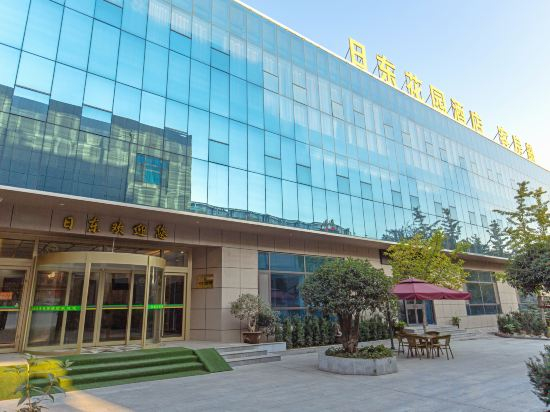

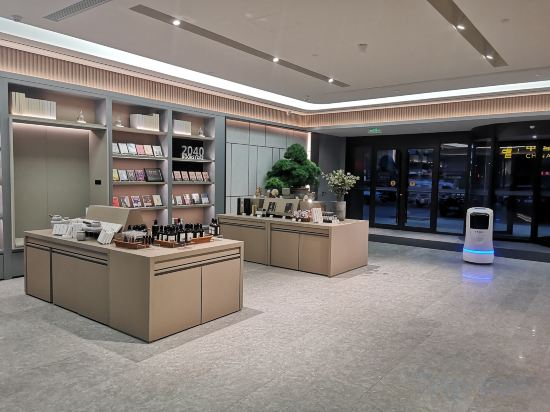
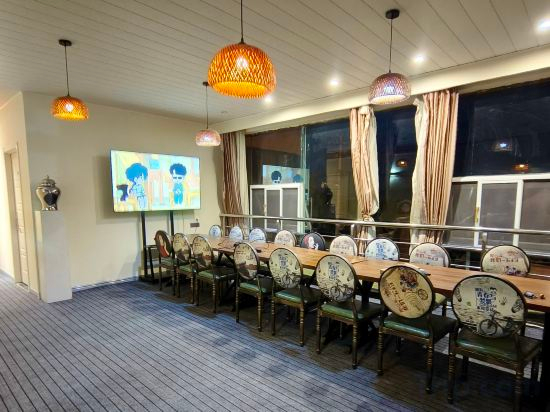

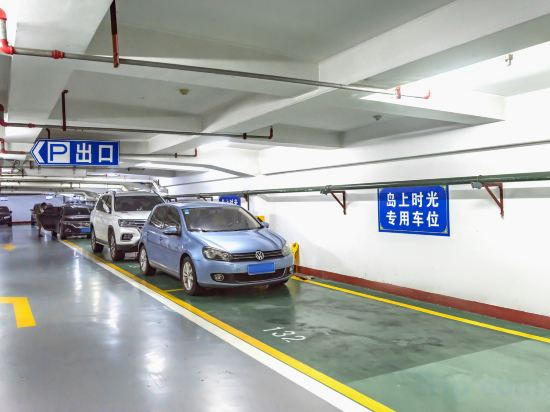

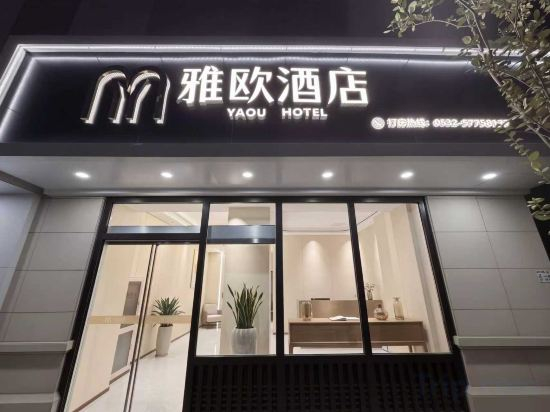
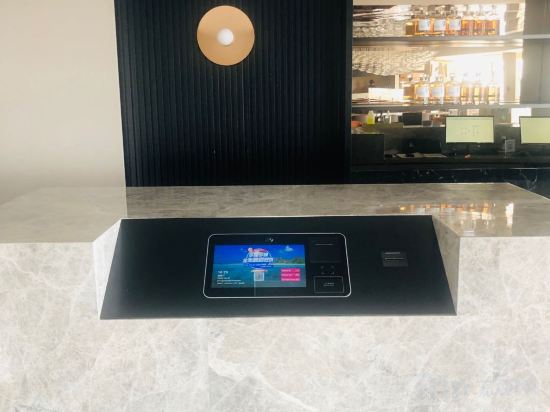
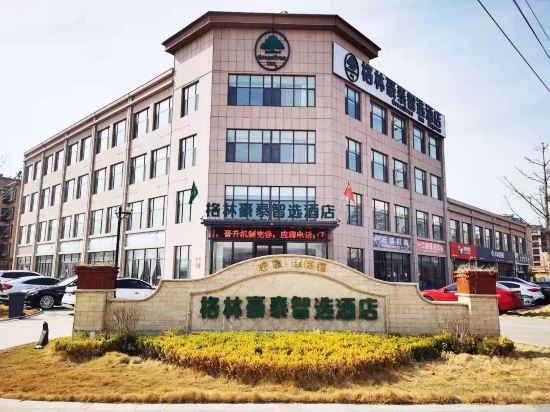
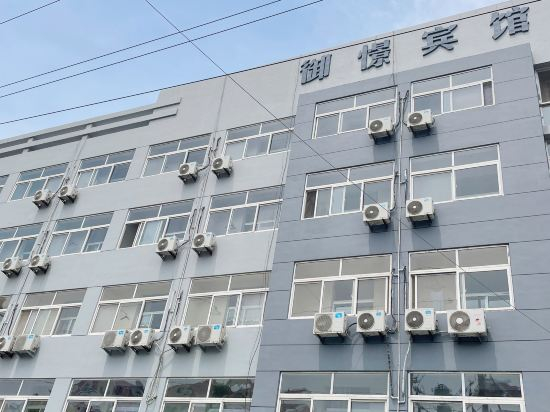
GreenTree Inn Shandong Qingdao Jiaozhou Fuzhou South Road Hotel
Qingdao Golden Bay Hotel
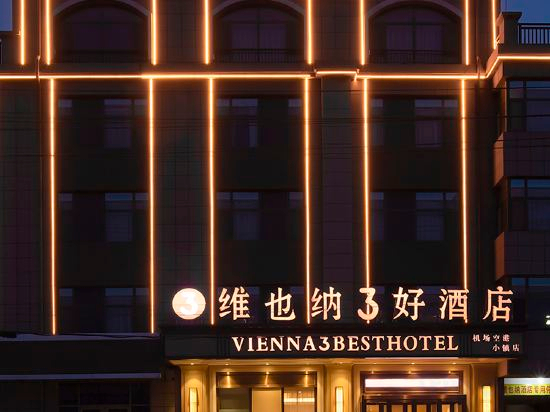
Vienna 3 Best Hotel (Jiaozhou Qingdao Jiaodong International Airport)
Qianxun Seaview Hotel (Qingdao Golden Beach Tangdaowan Branch)
Qingdao Huayu Hotel
Haitian Hongdao International Convention and Exhibition Center Hotel
Hakka Meisu Apartment (Qingdao Jiaodong International Airport)
Xiliandeng Shanglv Hotel (Qingdao Vientiane City)
Geyiman preferred hotel (Qingdao Blue Valley Shandong University store)
Ridong garden hotel, Qingdao
LANOU Hotel Qingdao South 3rd Yan'an Road
Experience an abundance of unparalleled facilities and features at LANOU Hotel Qingdao South 3rd Yan'an Road. Maintain seamless communication using the complimentary Wi-Fi at hotel.
JI hotel (Qingdao Jiaodong International Airport shop)
Haifeng Xiaozhu Homestay
Fish Mountain Fusion
Fish Mountain Fusion provides flawless service and all the necessary facilities for visitors. Share your photos and respond to emails at your convenience, thanks to the free Wi-Fi internet access offered by hotel.Visitors can take advantage of the accessible parking options directly at the hotel. Smoking is limited to specified smoking zones.
See detailsIsland Hotel
Good World Boutique Hotel(Qingdao Golden beach Tang Dao Bay store )
Yao Hotel (May Fourth Square Ningxia Road Subway Station)
Crystal Orange Qingdao Shandong Road Central Business District
GreenTree Zhixuan Hotel (Laixi Wanda)
Yujing Business Hotel (Jiaozhou Railway Station)
Hotels in Qingdao
Don't feel hesitant to book hotels in Qingdao at tiket.com! We'll make sure to provide all conveniences you need when doing a room reservation. Book your favourite hotel now only at tiket.com!

How to Book Hotels on tiket.com
1. Find the hotelEnter the name of the city, area, or hotel to find the place you want.
2. Select a roomOn the hotel detail page, you will see the available room options. Select a room that suits your needs.
3. Complete the booking detailsInput the contact details (the person who will be contacted by tiket.com and the hotel about the booking) and the guests’ details.
4. Select Add-onsYou can also buy additional services such as meal packages, transportation, and many more.
5. Pay your bookingSelect the payment method and complete your transaction. Don’t forget to use the promo code to get a cheaper hotel price at tiket.com.
6. Get the reservation e-voucherAfter the payment is successful, the e-voucher will be available on the Your Orders menu and sent to the email listed in the contact details.