



Hotels in Zhangzhou
Showing 663 hotels in Zhangzhou
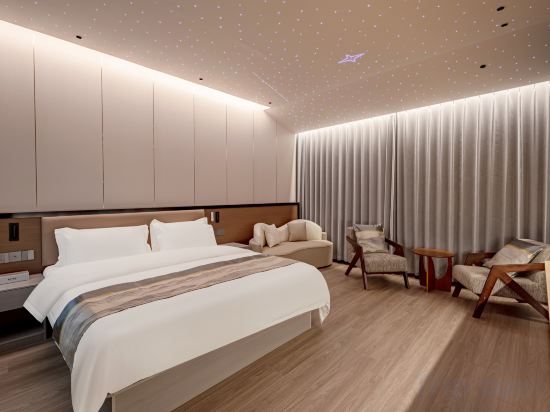
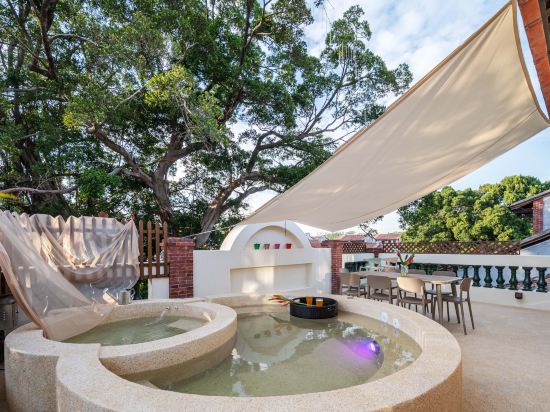


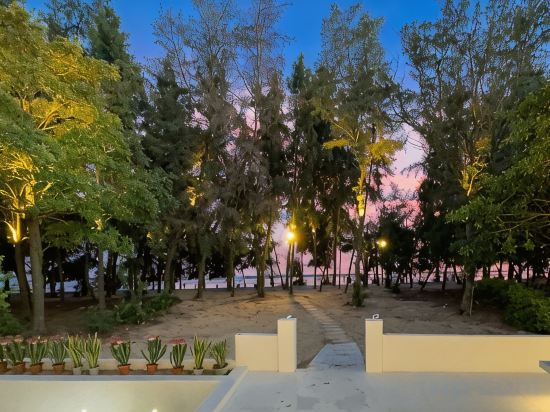
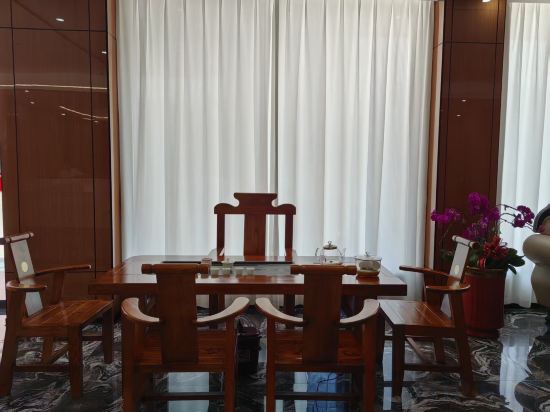
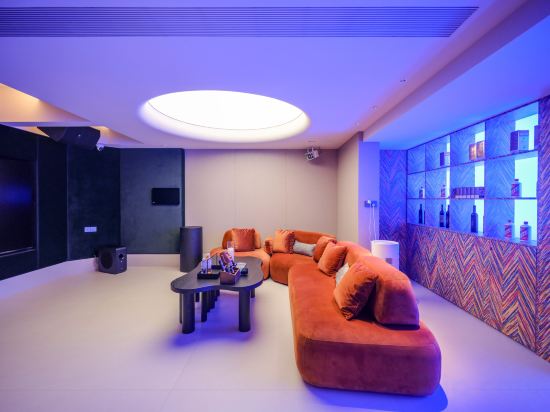
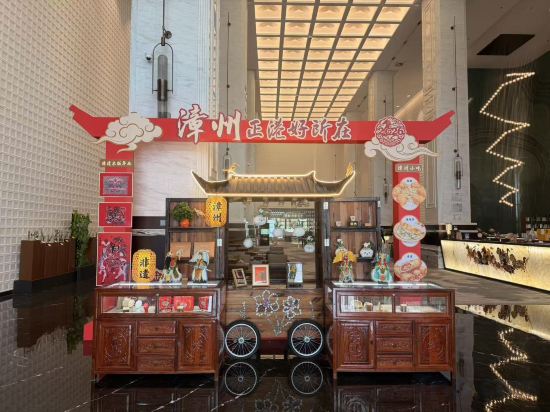
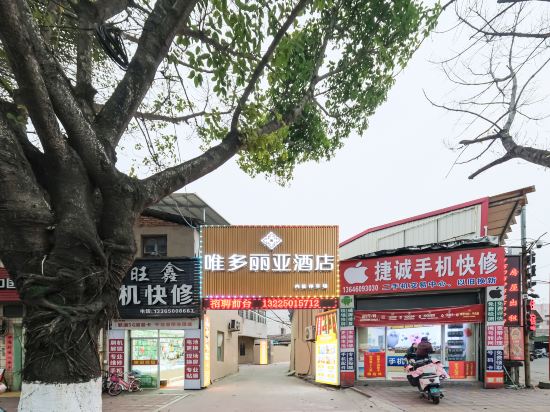
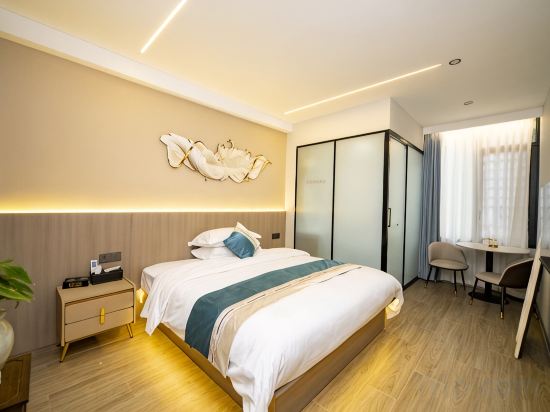
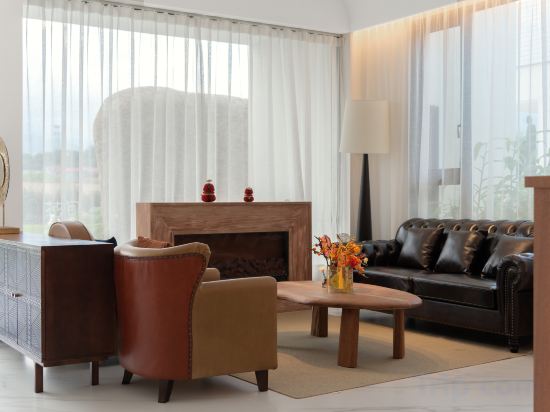
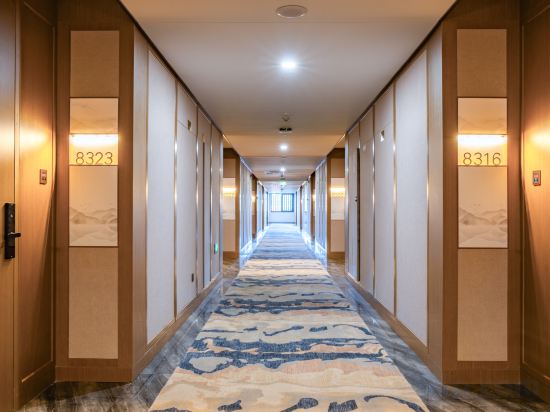
Nanqi Homestay (Longhai Vanke Plaza)
XIN YANG TOCEL
Occasionally, YOU· HOTEL
漳州百花村交易大楼贵宾舍酒店
Located in Zhangzhou, 漳州百花村交易大楼贵宾舍酒店 offers accommodation with easy access to Zhangzhou’s best spots. The property features restaurant, WiFi, and fitness center.
Yunshuiyao Tianjing · Wild Luxury Homestay
Dongshan Dieyuan Homestay
Yunxiao Yingbin Hotel
LinghaiMuchen· Seavilla
PIEN TZE HUANG HOT SPRING HOTEL
Violeta Hotel (Lantian Development Zone Store)
Chunshanju
Changtai Huajian Xiyuan Manor
Zhangzhou Lingbo Zhao'an Hotel
Hotels in Zhangzhou
Don't feel hesitant to book hotels in Zhangzhou at tiket.com! We'll make sure to provide all conveniences you need when doing a room reservation. Book your favourite hotel now only at tiket.com!

How to Book Hotels on tiket.com
1. Find the hotelEnter the name of the city, area, or hotel to find the place you want.
2. Select a roomOn the hotel detail page, you will see the available room options. Select a room that suits your needs.
3. Complete the booking detailsInput the contact details (the person who will be contacted by tiket.com and the hotel about the booking) and the guests’ details.
4. Select Add-onsYou can also buy additional services such as meal packages, transportation, and many more.
5. Pay your bookingSelect the payment method and complete your transaction. Don’t forget to use the promo code to get a cheaper hotel price at tiket.com.
6. Get the reservation e-voucherAfter the payment is successful, the e-voucher will be available on the Your Orders menu and sent to the email listed in the contact details.