



Hotels in Zhongshan
Showing 611 hotels in Zhongshan
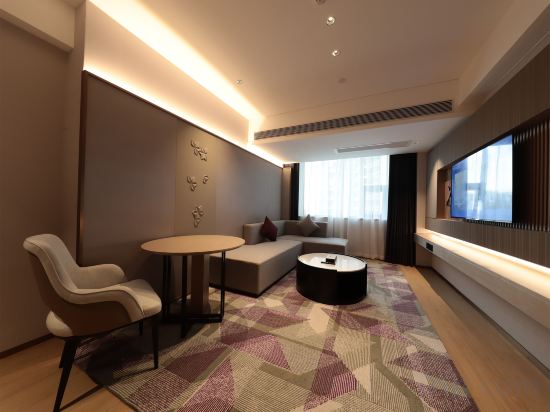
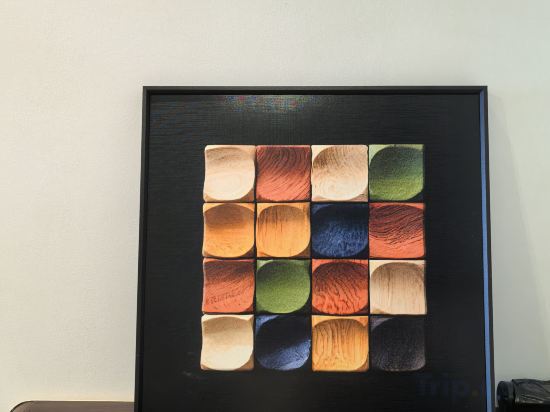
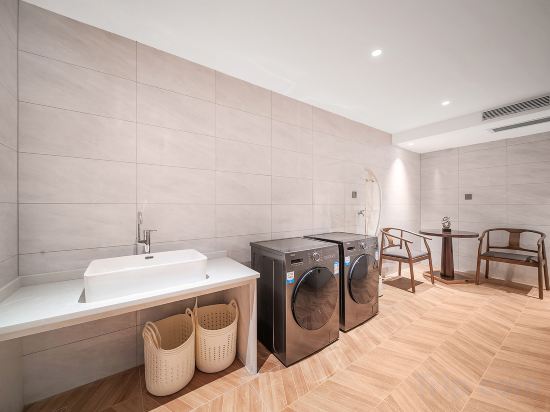
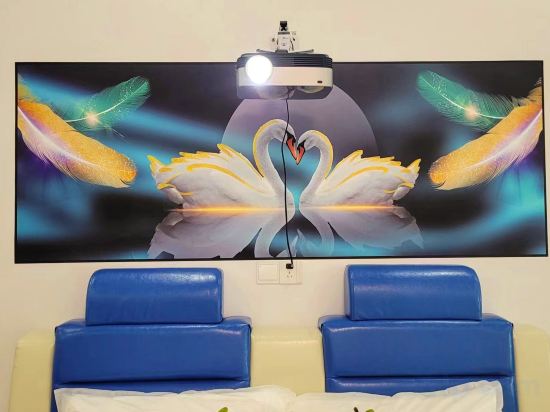

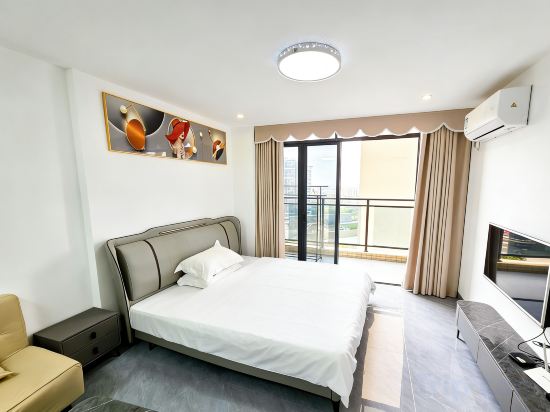
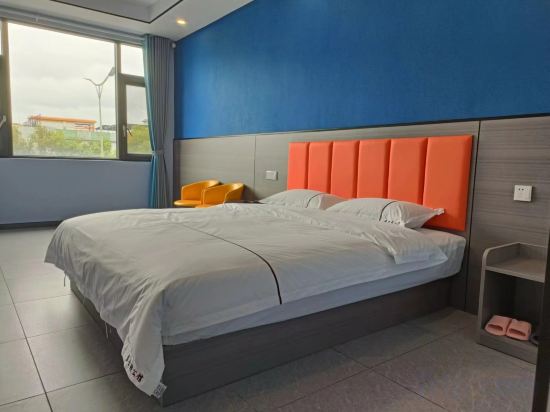

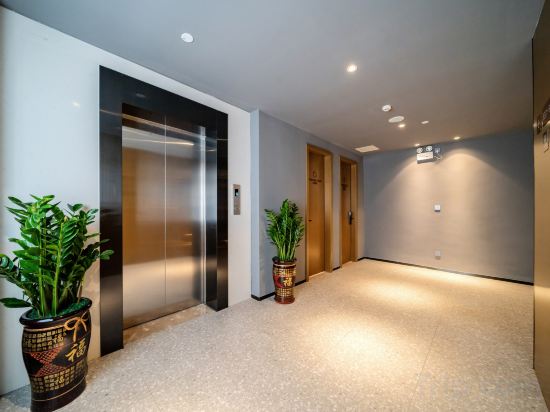
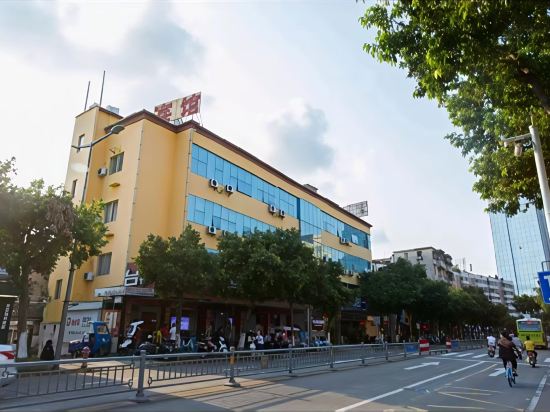
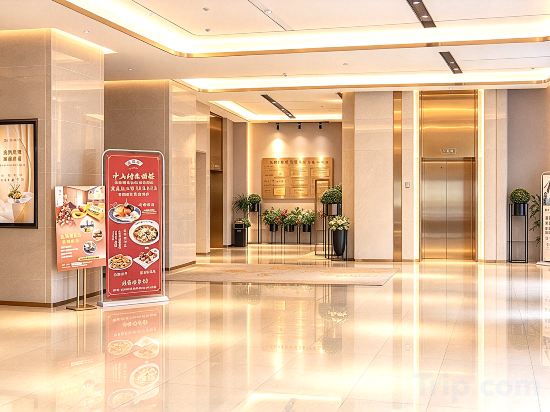
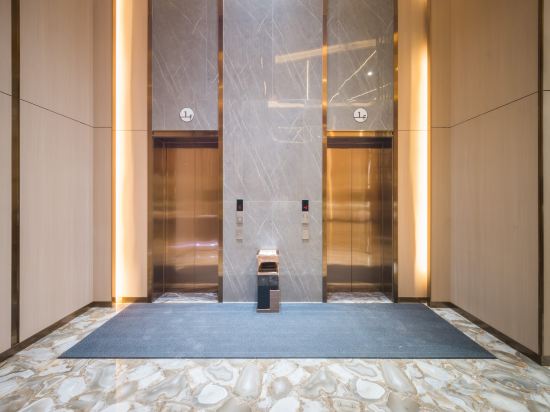
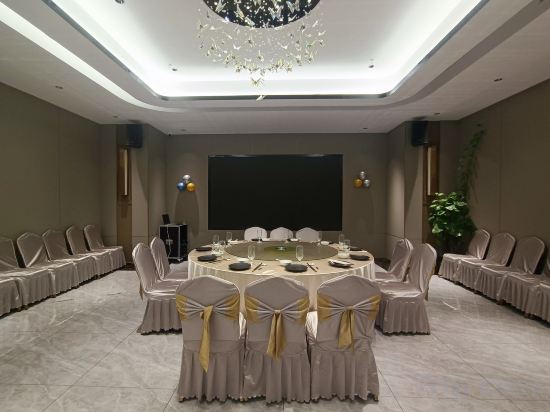
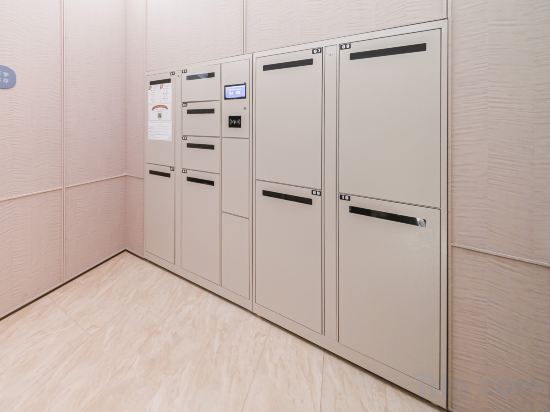
Zhongshan Qijiang River View Apartment Hotel (Xingzhong Square,Sun Wenxi Pedestrian Street)
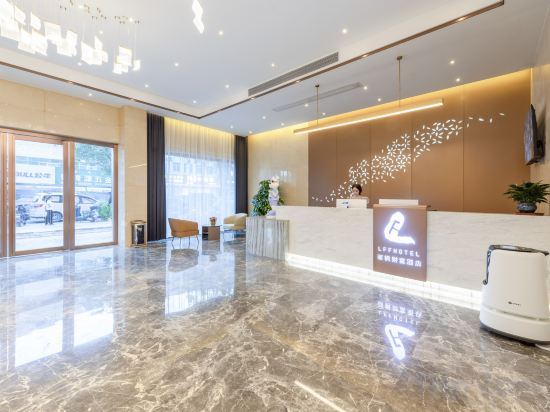
Lavande Fortune Hotel
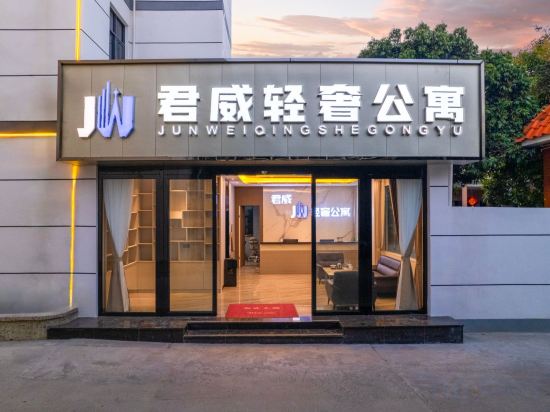
Junwei Light Luxury Apartment (Zhongshan Public Store)
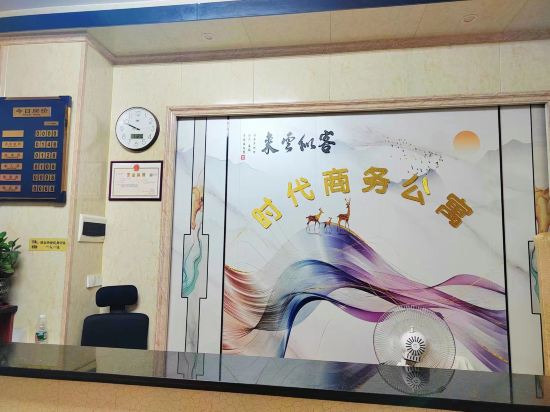
Shidai Business Apartment
Lavande Hotel (Zhongshan Banfu Town)
Banyujiu · Family Duplex Family Apartment (Zhongshan MixC Shiqi Daxin New Metropolis)
Vienna International Hotel (Zhongshan Shaxi Branch)
Changlongge Accommodation
Xiaoshitan Forest Campsite
Jinxiu Apartment (Zhongshan Gangkou Town Wanminhui)
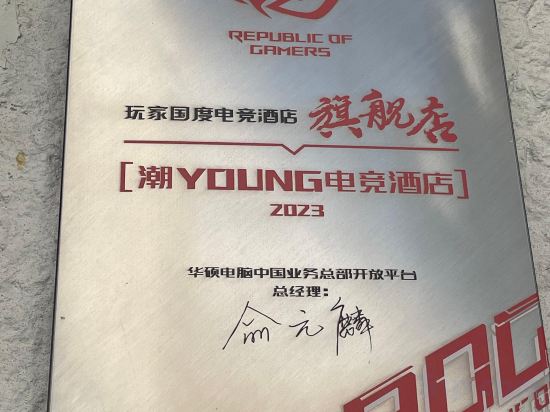
ChaoYOUNG E-sports Hotel (Zhongshan Bus Station Shaxi Branch)
Jiadun Apartment (Zhongshan Xiaolan Station)
Fandishi International Apartment (Zhongshan Cuiheng New District Planning Hall Hengda Yuelongwan)
Cheermay Hotels Zhongshan Wuguishan Guangdong Pharmaceutical University Branch
Zhongshan Yunjing Hotel (Shiqi Daxin Xinduhui Branch)
VE Mushe Private Cinema Gaming Hotel (Zhongshan Lihe Plaza)
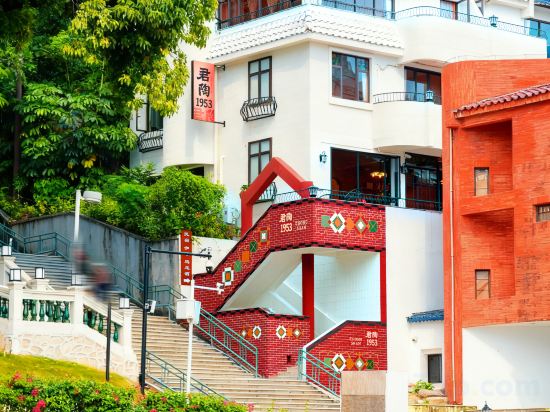
Zhongshan Juntao 1953 Boutique Homestay (Sunwenxi Road)
Starway Hotel (Zhongshan Ancient Town Haizhou)
Zhongshan Smart Hotel (DaXin Xiaolan)
HanTing Hotel (Zhongshan Xingzhong Plaza Traditional Chinese Medicine Hospital)
Hotels in Zhongshan
Don't feel hesitant to book hotels in Zhongshan at tiket.com! We'll make sure to provide all conveniences you need when doing a room reservation. Book your favourite hotel now only at tiket.com!

How to Book Hotels on tiket.com
1. Find the hotelEnter the name of the city, area, or hotel to find the place you want.
2. Select a roomOn the hotel detail page, you will see the available room options. Select a room that suits your needs.
3. Complete the booking detailsInput the contact details (the person who will be contacted by tiket.com and the hotel about the booking) and the guests’ details.
4. Select Add-onsYou can also buy additional services such as meal packages, transportation, and many more.
5. Pay your bookingSelect the payment method and complete your transaction. Don’t forget to use the promo code to get a cheaper hotel price at tiket.com.
6. Get the reservation e-voucherAfter the payment is successful, the e-voucher will be available on the Your Orders menu and sent to the email listed in the contact details.