



Hotels in Moravskoslezský
Showing 388 hotels in Moravskoslezský
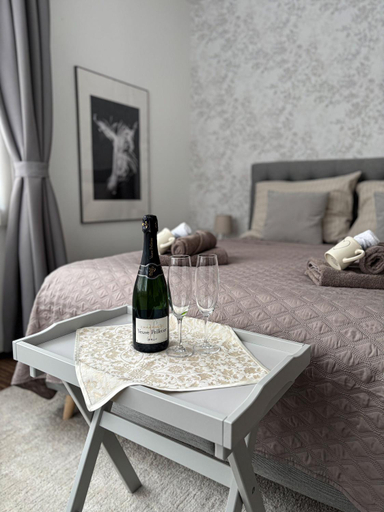
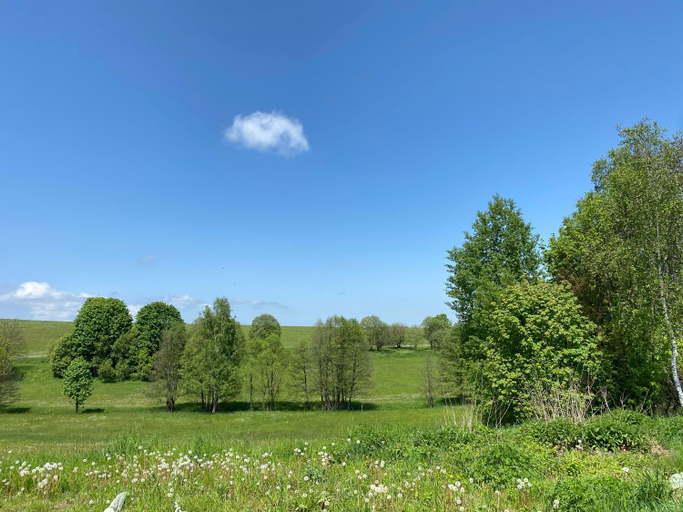
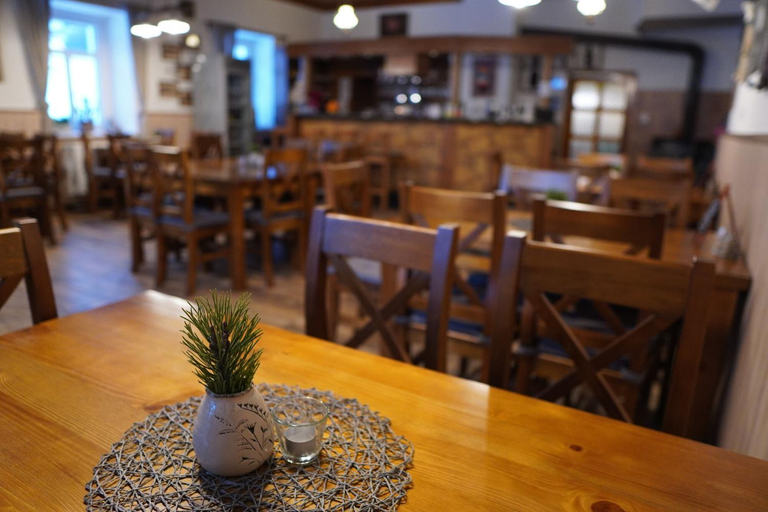
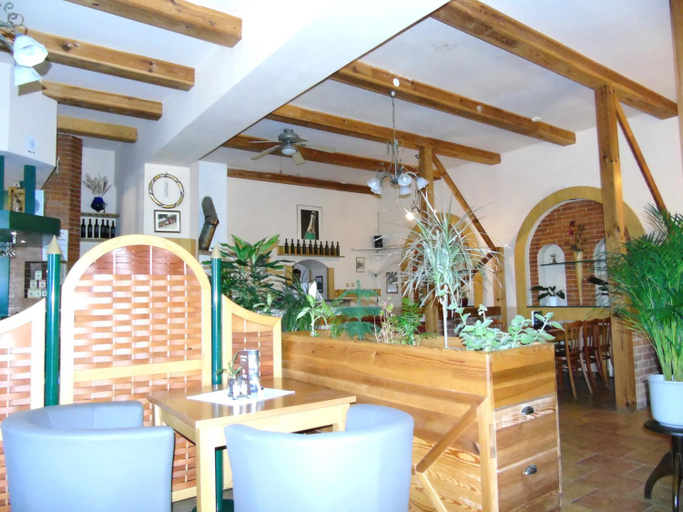
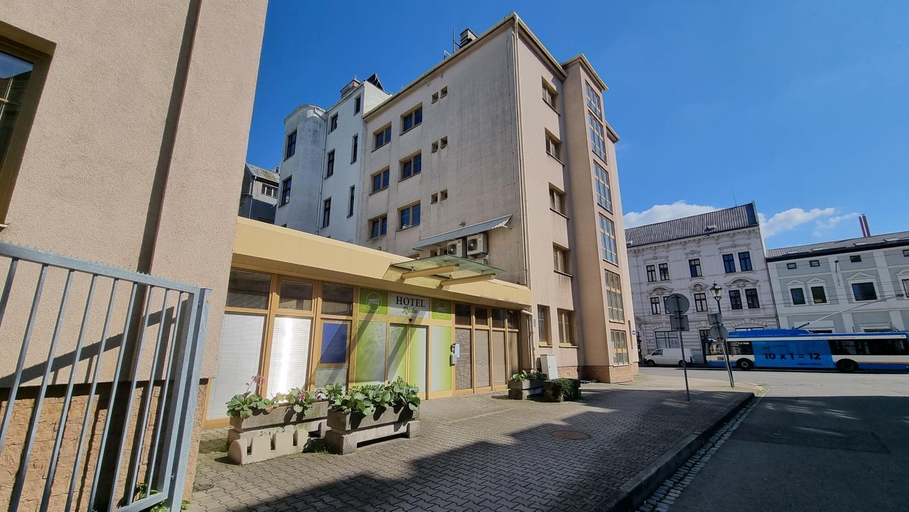
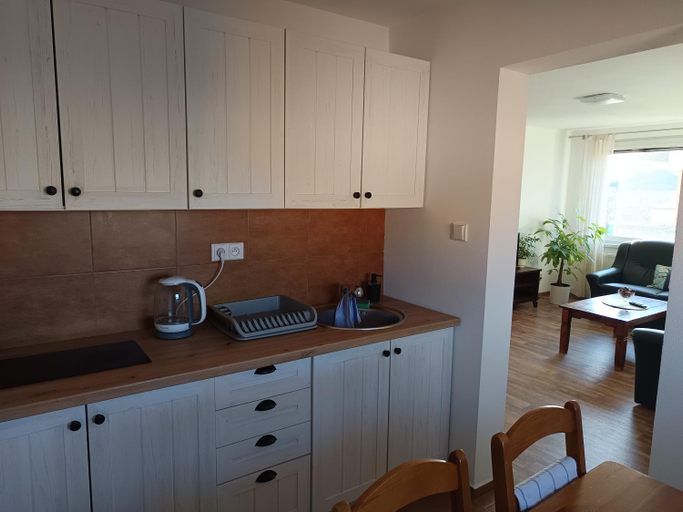
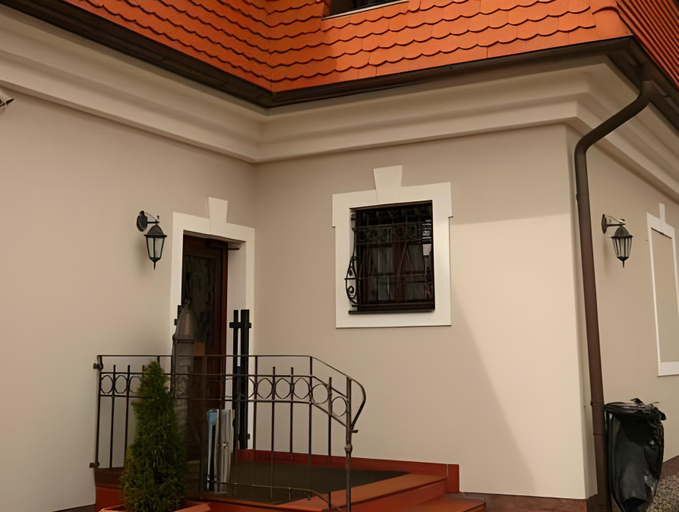
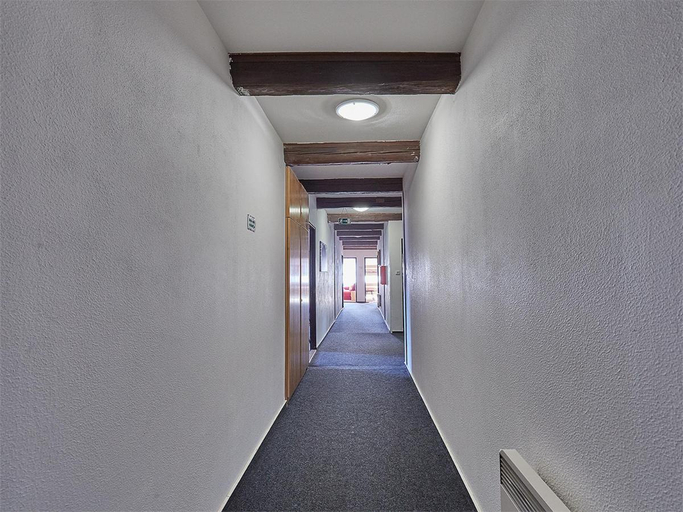
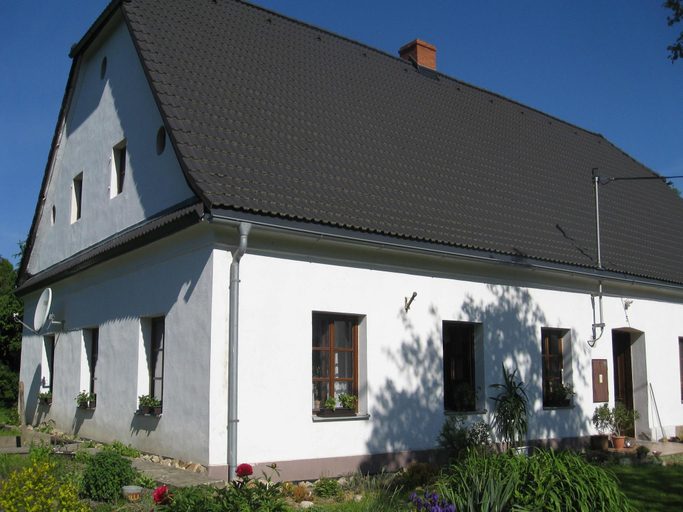
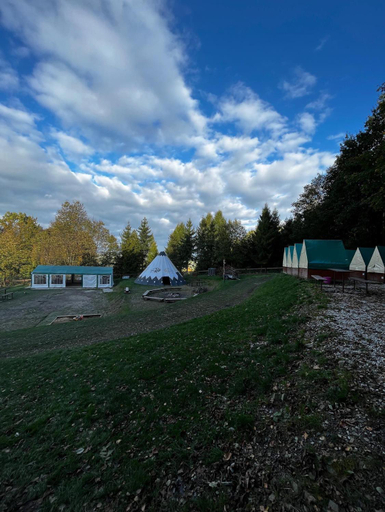
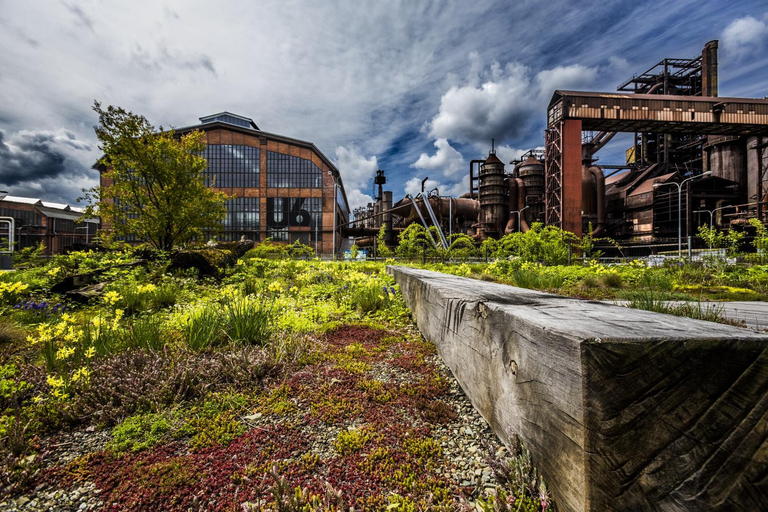
Penzion U Krizove Cesty
Brioni Boutique Hotel 4*
Chalupa Bezvetri
Rehabilitacni sanatorium - Lazne Darkov
Ubytovani pod Borovou
Certova bouda
Pension Pohoda
Toris Inn
Hotel Rada
Apartmany Jablunkov
Hotel Zamecek Pod Hradem Stary Jicin 111
Apartmany Hamrikova staj
Penzion Bolatice
Brioni Boutique Hotel 4*
Chata Resort Na Horske
Penzion Mountain
Raj na zemi venkovsky hotel a kavarna
Family Holiday Home in Bruntal
Family Holiday Home in Bruntal provides flawless service and all the necessary facilities for visitors.Share your photos and respond to emails at your convenience, thanks to the free Wi-Fi internet access offered by home. Visitors can take advantage of the accessible parking options directly at the home.Relax and feel the warmth in the home's inviting lobby, featuring an enchanting on-site fireplace. Each accommodation at Family Holiday Home in Bruntal is thoughtfully created and adorned to provide visitors with a comfortable, home-like atmosphere. At Family Holiday Home in Bruntal, the uniquely tailored rooms provide a configuration choice resembling a balcony or terrace. In select rooms, guests can enjoy a touch of amusement with the availability of television for their entertainment. Rest assured, in a few chosen rooms, the presence of a refrigerator can be found. Should you be particularly discerning in your dining choices, you will surely appreciate having access to the on-site BBQ facilities provided at this location.
See detailsUbytovani na Horecky Ranci
Guests can enjoy washing machine and separate sitting area during the course of their stay. Services such as tours/ticket assistance and tours are provided at the property.
Design Hotel VP1 ART
Hotels in Moravskoslezský
Don't feel hesitant to book hotels in Moravskoslezský at tiket.com! We'll make sure to provide all conveniences you need when doing a room reservation. Book your favourite hotel now only at tiket.com!

How to Book Hotels on tiket.com
1. Find the hotelEnter the name of the city, area, or hotel to find the place you want.
2. Select a roomOn the hotel detail page, you will see the available room options. Select a room that suits your needs.
3. Complete the booking detailsInput the contact details (the person who will be contacted by tiket.com and the hotel about the booking) and the guests’ details.
4. Select Add-onsYou can also buy additional services such as meal packages, transportation, and many more.
5. Pay your bookingSelect the payment method and complete your transaction. Don’t forget to use the promo code to get a cheaper hotel price at tiket.com.
6. Get the reservation e-voucherAfter the payment is successful, the e-voucher will be available on the Your Orders menu and sent to the email listed in the contact details.