



Hotels in ZONA 7
Showing 22 hotels in ZONA 7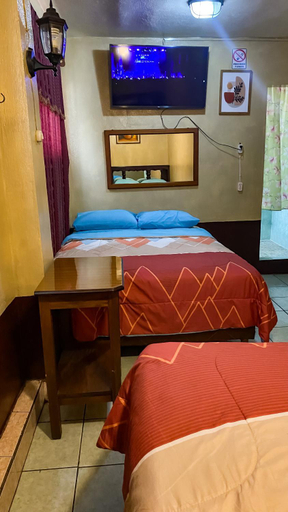
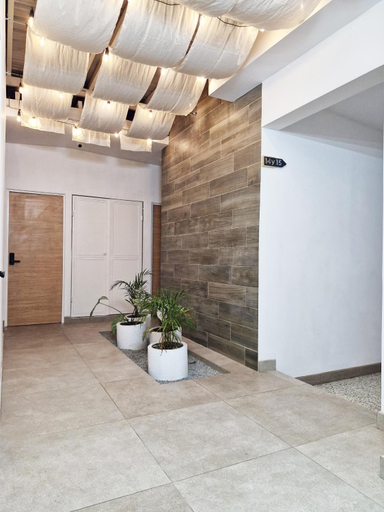
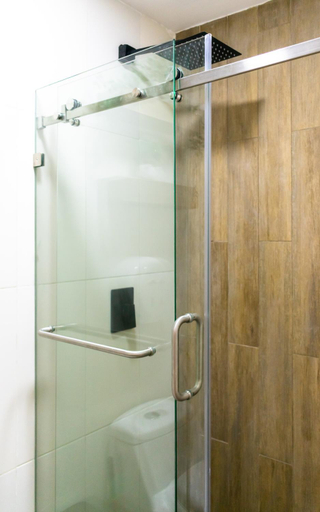

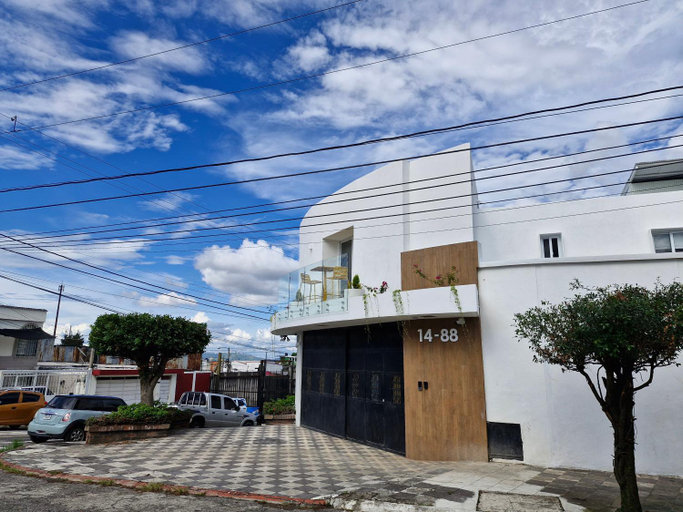
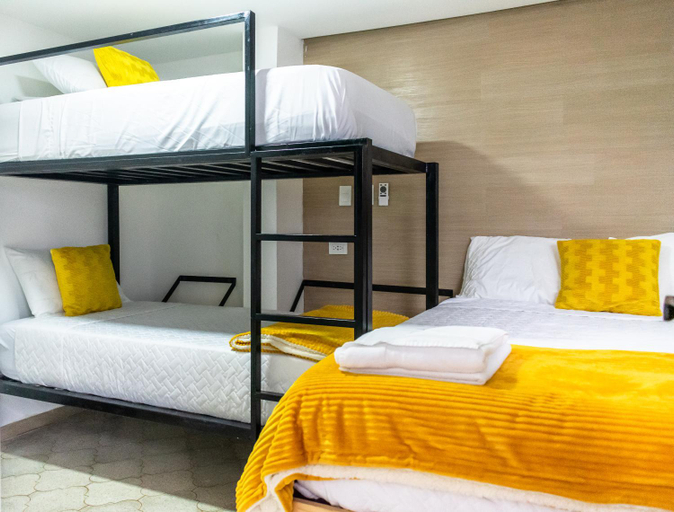
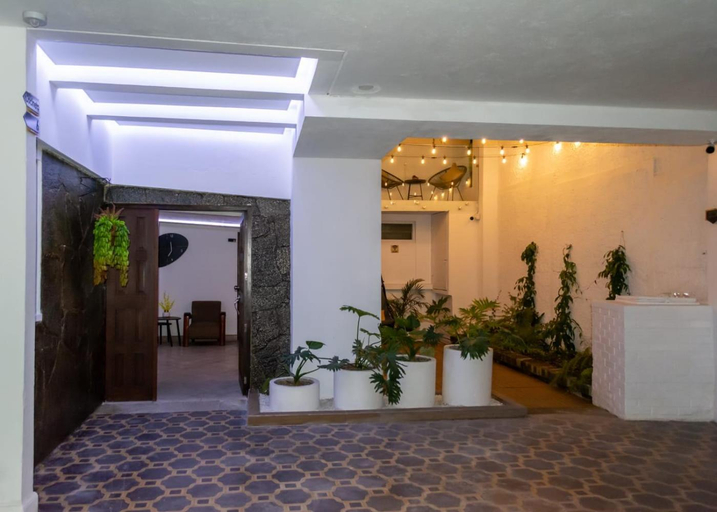
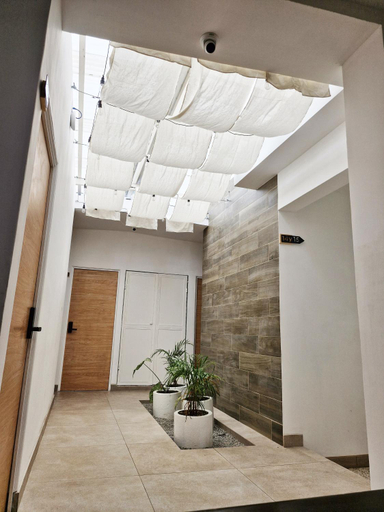
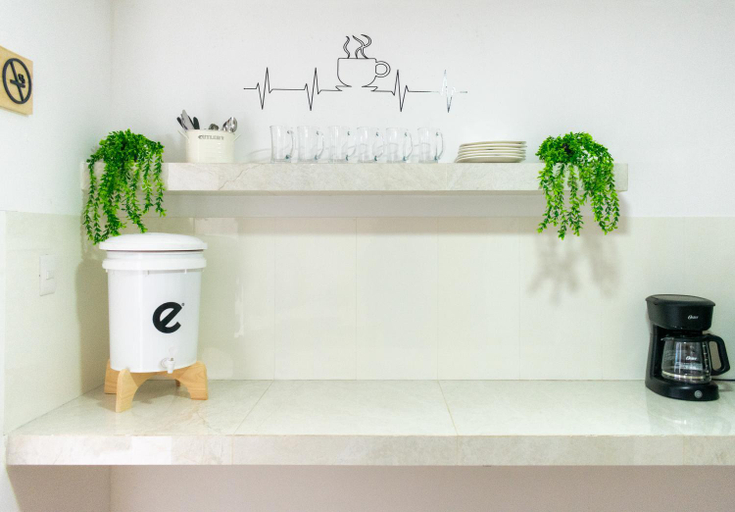
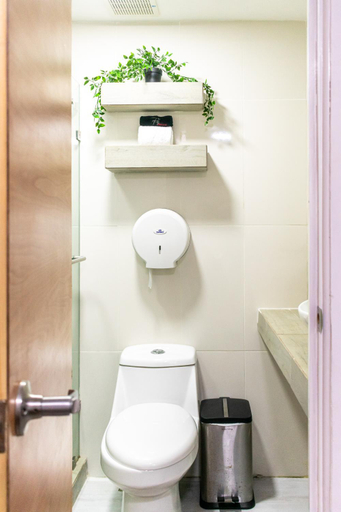
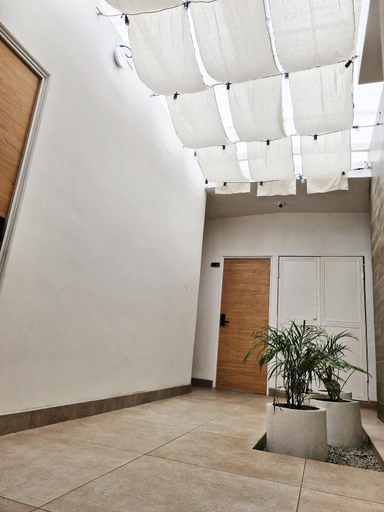
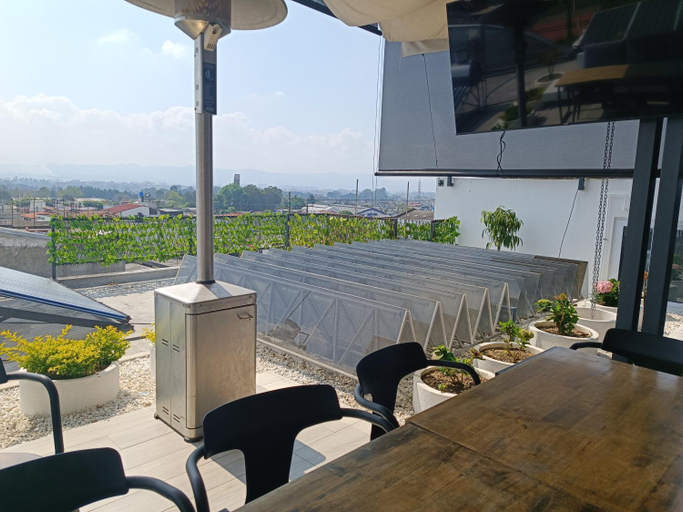
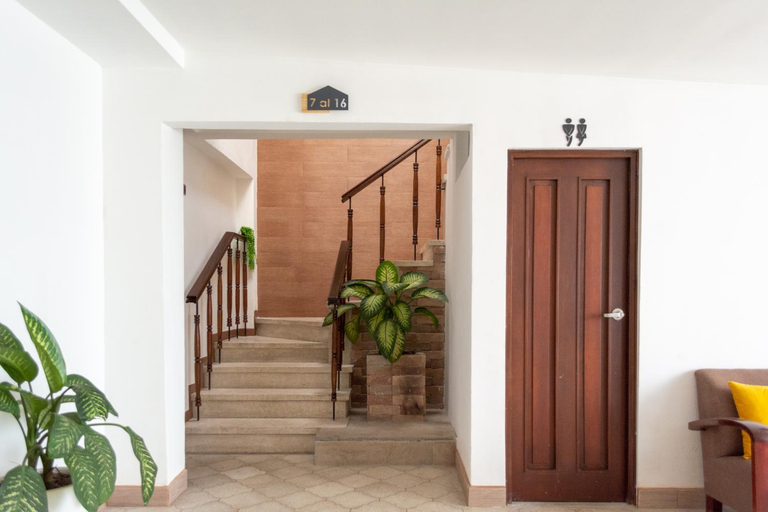
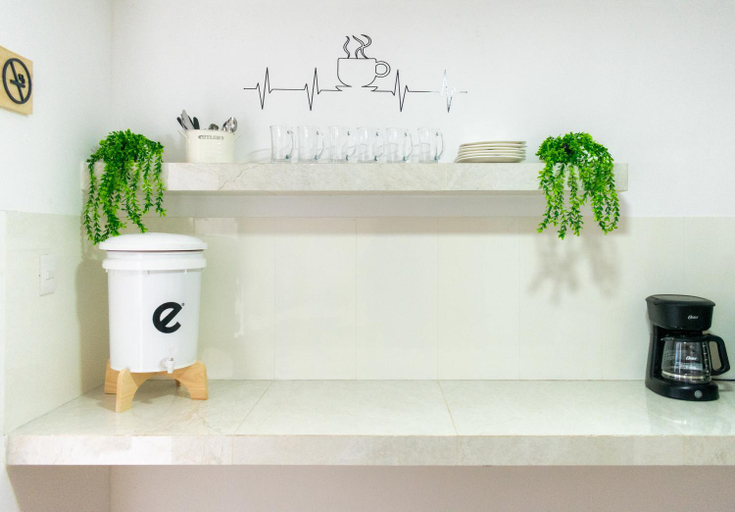
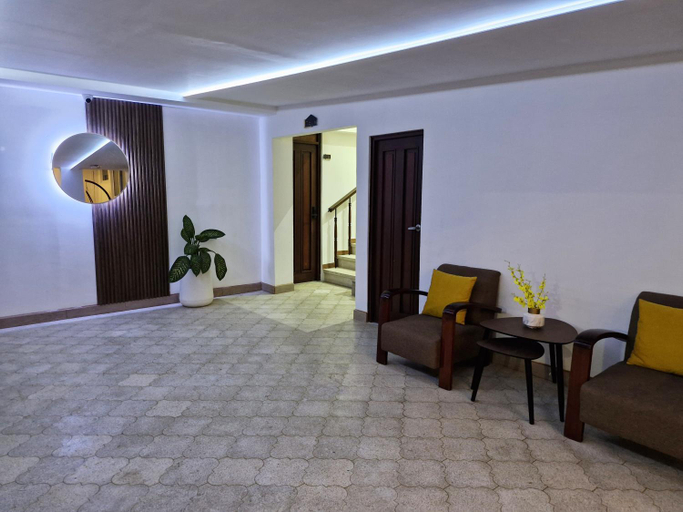
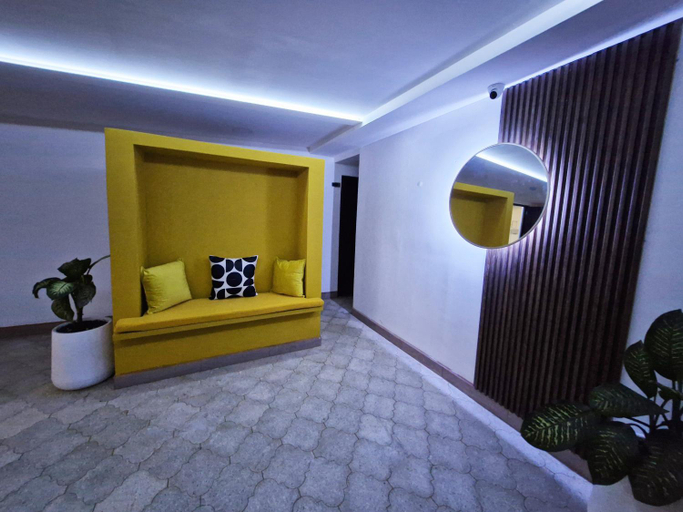
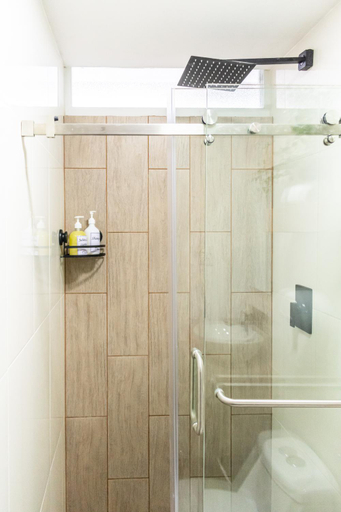
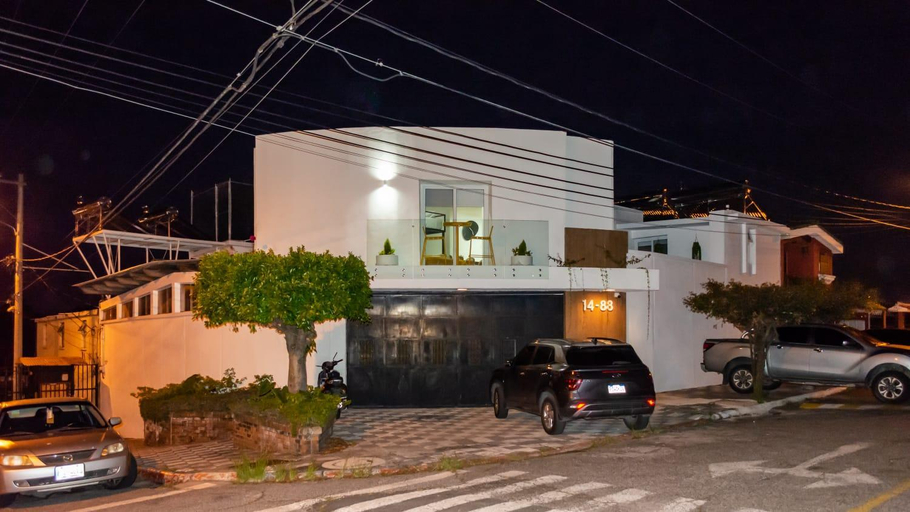
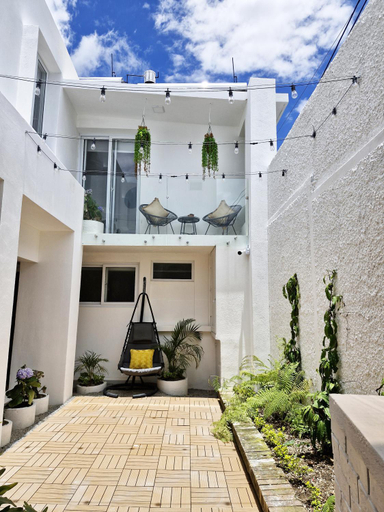
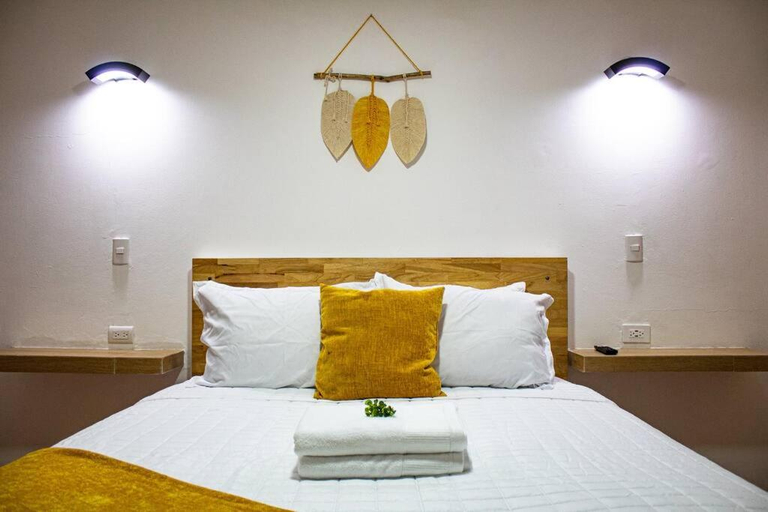
Hotel Landivar Zona 7
Aislado y Relajante cerca Peri, Mira, Majadas, Barrondo H15
Modern and Comfortable First Level Family Apt 4
Comoda, Confortable Cerca Miraflores Forum Majadas H10
Amplia-Confortable con cama King, Area de Miraflores H16
Charming and Efficient First Level Family Apt 5
Modern and Relaxing Near CC Miraflores and Forum Majadas H2
Moderno, Amplio y Elegante, Bien ubicado Apto Cerca Miraflores A9
Modern and Elegant Near Tikal Futura and Miraflores H8
Comfortable and Beautiful Room 5 minutes from Tikal Futura H3
Elegante y Encantadora cerca Miraflores y Tikal Futura H12
Encantador- Confortable Cerca Forum Majadas-Miraflores Apto A
Spacious-Comfortable, King bed, Miraflores Area H16
Charming and Comfortable Family Room Near Forum Majadas H14
Confortable y Bella Habitacion3 a 5 min Tikal Futura
Acogedora y Adorable a pasos Parque Erick Barrondo H1
Elegant and Charming near Miraflores and Tikal Futura H12
Beautiful and Bright Apt 7 with Balcony near Miraflores
Confortable Apartamento Familiar Apto 5
Very Special Place Apto
Each room is equipped with TV. The bathroom comes with free toiletries.
Hotels in ZONA 7
Don't feel hesitant to book hotels in ZONA 7 at tiket.com! We'll make sure to provide all conveniences you need when doing a room reservation. Book your favourite hotel now only at tiket.com!

How to Book Hotels on tiket.com
1. Find the hotelEnter the name of the city, area, or hotel to find the place you want.
2. Select a roomOn the hotel detail page, you will see the available room options. Select a room that suits your needs.
3. Complete the booking detailsInput the contact details (the person who will be contacted by tiket.com and the hotel about the booking) and the guests’ details.
4. Select Add-onsYou can also buy additional services such as meal packages, transportation, and many more.
5. Pay your bookingSelect the payment method and complete your transaction. Don’t forget to use the promo code to get a cheaper hotel price at tiket.com.
6. Get the reservation e-voucherAfter the payment is successful, the e-voucher will be available on the Your Orders menu and sent to the email listed in the contact details.