


Showing 12 hotels in Szob


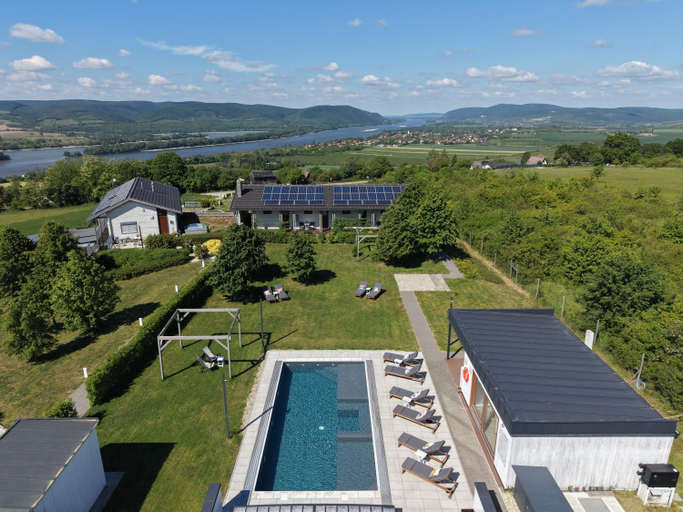
Natura Hill Zebegeny - Butik szobak es Etterem

Edes Otthon Vendeghaz

Pucko

Marianosztrai Zarandokszallashely

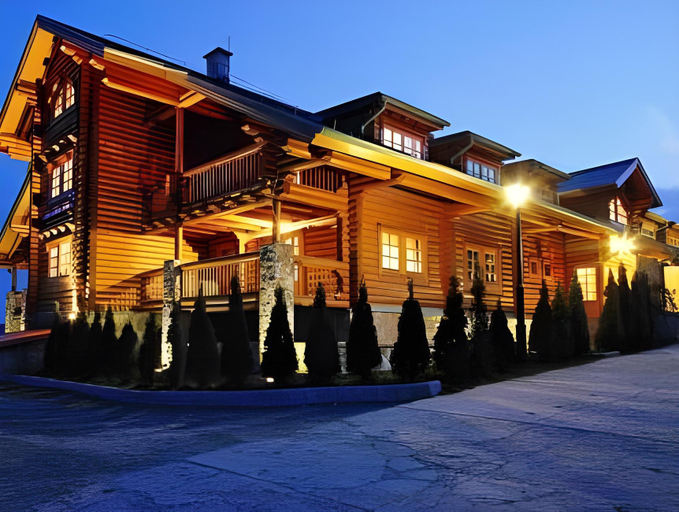
Hegyi Kabin - Zebegeny

Szobi Malomkert Fogado

Szobi Malomkert Bagolyvar

Hortenzia Vendeghaz Marianosztra

Cosy holiday home near Basilica
Experience an abundance of unparalleled facilities and features at Cosy holiday home near Basilica.Visitors can take advantage of the accessible parking options directly at the home.Each accommodation at Cosy holiday home near Basilica is thoughtfully created and adorned to provide visitors with a comfortable, home-like atmosphere. In select rooms, guests can enjoy a touch of amusement with the availability of television for their entertainment. Rest assured, in a few chosen rooms, you will find the convenience of a refrigerator and a coffee or tea maker at your disposal.
See details
Tunde Vendeghaz
Located in Szob, Tunde Vendeghaz offers accommodation with easy access to Szob’s best spots. The property features swimming pool, WiFi, and parking.
The rooms feature (a) AC, TV, and refrigerator. The en suite bathroom comes with (a) shower, free toiletries, and slippers.
See details
ToronySzoba
Located in Szob, ToronySzoba offers accommodation with easy access to Szob’s best spots. The property features WiFi, fitness center, and parking.
Rooms at ToronySzoba are equipped with AC, refrigerator, and coffee tea maker. The bathroom is fitted with shower and free toiletries.
The property offers washing machine and hotel safe. Other facilities include laundry service/dry cleaning, airport transfer (free), and tours/ticket assistance.
See details
Patakhaz Nagyborzsony
Located in Szob, Patakhaz Nagyborzsony offers accommodation with easy access to Szob’s best spots. The property features WiFi, parking, and children facility.
The rooms feature (a) TV, refrigerator, and coffee tea maker. The en suite bathroom comes with (a) shower, bathtub, and free toiletries.
See detailsHotels in Szob
Don't feel hesitant to book hotels in Szob at tiket.com! We'll make sure to provide all conveniences you need when doing a room reservation. Book your favourite hotel now only at tiket.com!

How to Book Hotels on tiket.com
1. Find the hotelEnter the name of the city, area, or hotel to find the place you want.
2. Select a roomOn the hotel detail page, you will see the available room options. Select a room that suits your needs.
3. Complete the booking detailsInput the contact details (the person who will be contacted by tiket.com and the hotel about the booking) and the guests’ details.
4. Select Add-onsYou can also buy additional services such as meal packages, transportation, and many more.
5. Pay your bookingSelect the payment method and complete your transaction. Don’t forget to use the promo code to get a cheaper hotel price at tiket.com.
6. Get the reservation e-voucherAfter the payment is successful, the e-voucher will be available on the Your Orders menu and sent to the email listed in the contact details.
