



1 Star Hotels in South Tangerang
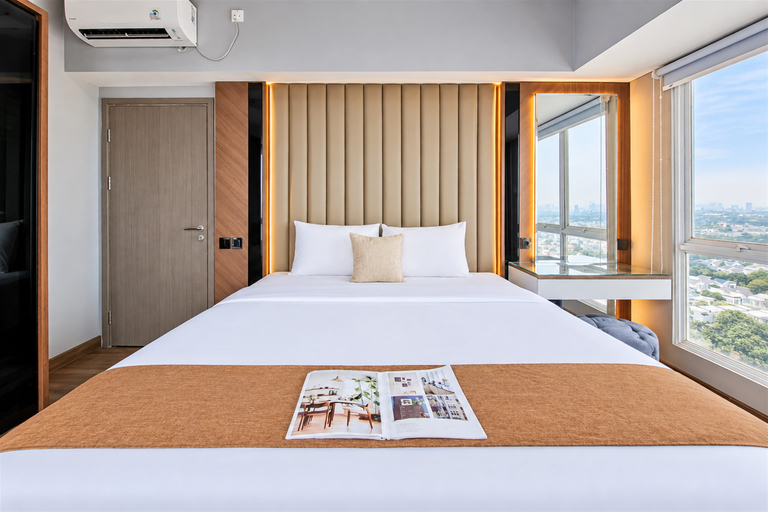
Classic and Roomy 2BR at Tamansari Bintaro Mansion Apartment By Travelio
Enjoy a classic and spacious stay at this unit. This 2-bedroom unit features 1 bathroom and a generous size of 64 sqm, making it suitable for families, couples, professionals, or travelers looking for a comfortable and practical living space in South Tangerang. The apartment also provides access to convenient building facilities including 24-hour security, a cafe, restaurant, gym, elevator, and swimming pool.
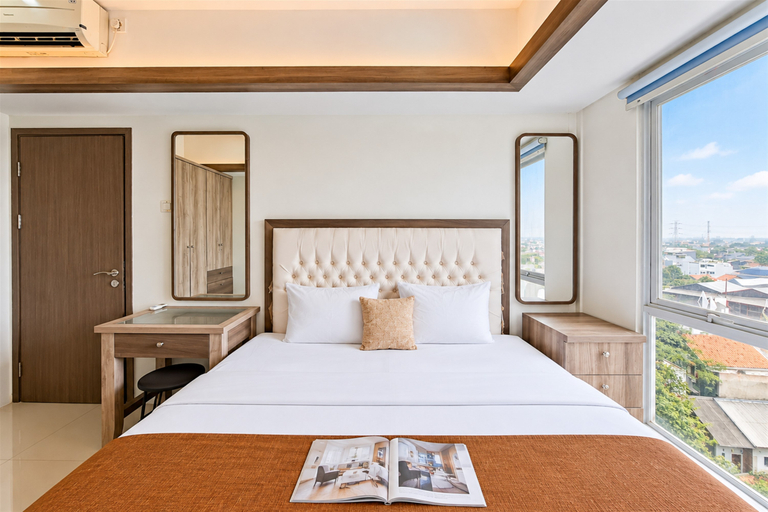
Simply and Serene 2BR at Apartment Tamansari Bintaro Mansion By Travelio
A simple and serene atmosphere comes together in this 2-bedroom apartment, creating a comfortable space for everyday activities. Spanning 62 sqm, the layout provides ample room for resting, relaxing, and spending quality time with family. A TV and refrigerator support essential daily needs, while the two-bedroom layout makes this residence suitable for small families, couples, or professionals looking for a comfortable home in Pondok Aren.
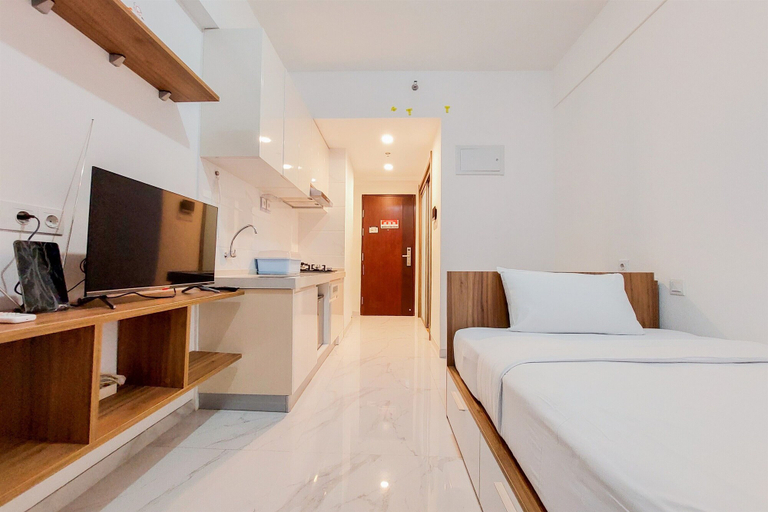
Homey And Warm Studio Room At Sky House Bsd Apartment
With a stay at this apartment in Pagedangan (Bumi Serpong Damai), you'll be steps from Aeon Mall BSD City and 14 minutes by foot from The Breeze Shopping Center. This apartment is 14.3 mi (23 km) from Blok M Square and 16.1 mi (25.9 km) from Gelora Bung Karno Stadium.
Homey And Warm Studio Room At Sky House Bsd Apartment Rooms
Make yourself comfortable in this individually decorated apartment, featuring a kitchen with a full-sized refrigerator/freezer and a stovetop.
