lcpo
Promo
Promo
Blibli Tiket RewardsYour Orders
Tiket.com logo
Staycation in Bandung
Event in Jakarta
Flight to Surabaya
Tour in Lombok
Train to Yogyakarta
Car Rental in Semarang
Activities in Bali
hero-banner-image

4 Star Hotels in Barolo
Barolo
Thu, 20 Aug 2026 - Fri, 21 Aug 2026 (1 night)
1 Room, 1 Adult, 0 Children
Showing 9 hotels in Barolo
Others

ASILO in BAROLO

Barolo, Cuneo
Starts from
THB 6,419
/room/night
Others

Eleira Luxury Accomodations

Barolo, Cuneo
Starts from
THB 5,706
/room/night
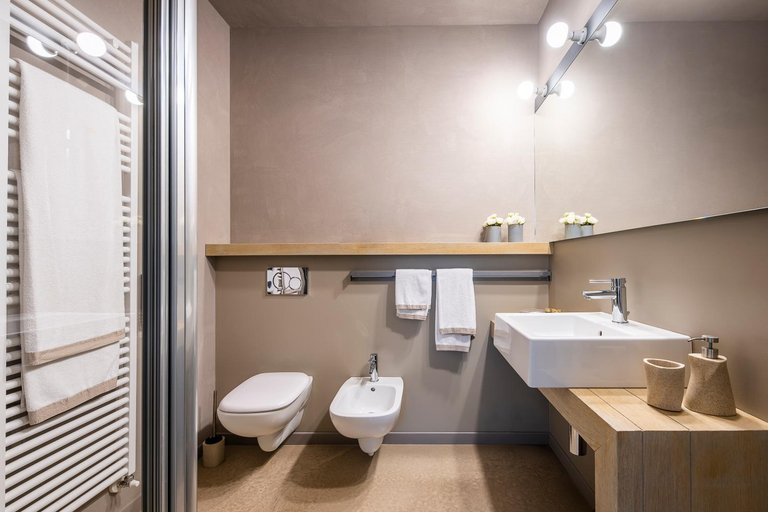
Bathroom

La Giolitta Accomodations

Barolo, Cuneo
4.4/5
Starts from
THB 4,174
/room/night
Bathroom

CasaCastello Barolo

Barolo, Cuneo
Fully Booked
Let's check on other dates!
Public Area

CIVIICO

Barolo, Cuneo
Fully Booked
Let's check on other dates!
Bedroom

Ciabot delle Aie - Barolo

Barolo, Cuneo
Fully Booked
Let's check on other dates!
Exterior & Views

Casa Svizzera Agriturismo

Barolo, Cuneo
Fully Booked
Let's check on other dates!
Bedroom

Palas Cerequio

Barolo, Cuneo
Fully Booked
Let's check on other dates!

FAQ about Hotels in Barolo

What are the best hotels in Barolo with swimming pools?

What are some cheap hotels that are popular in Barolo?

What are some cool hotels that have many Instagrammable spots in Barolo?

What hotels in Barolo offer great breakfasts?

Which hotels have the best ratings in Barolo?

how-to-book-poster

How to Book Hotels on tiket.com

1. Find the hotelEnter the name of the city, area, or hotel to find the place you want.
2. Select a roomOn the hotel detail page, you will see the available room options. Select a room that suits your needs.
3. Complete the booking detailsInput the contact details (the person who will be contacted by tiket.com and the hotel about the booking) and the guests’ details.
4. Select Add-onsYou can also buy additional services such as meal packages, transportation, and many more.
5. Pay your bookingSelect the payment method and complete your transaction. Don’t forget to use the promo code to get a cheaper hotel price at tiket.com.
6. Get the reservation e-voucherAfter the payment is successful, the e-voucher will be available on the Your Orders menu and sent to the email listed in the contact details.