



5 Star Hotels in Tagbilaran City
Showing 2 hotels in Tagbilaran City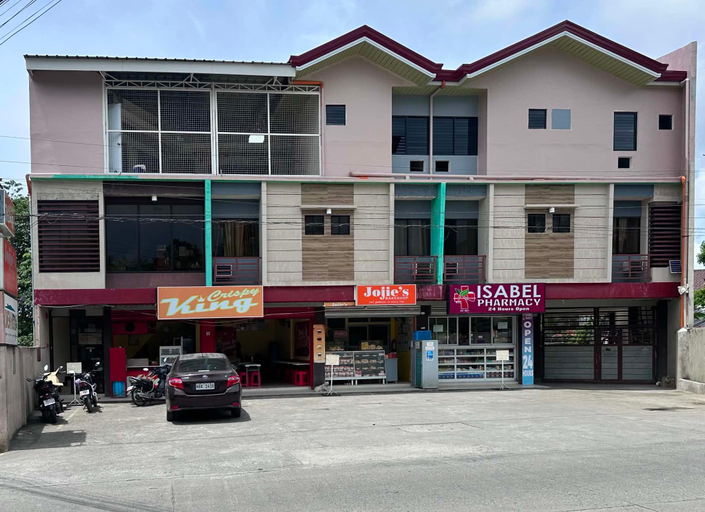
Drew Hostel
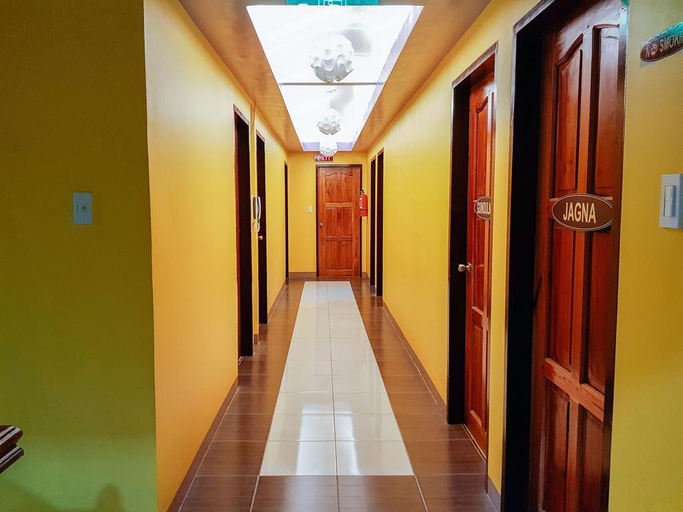
Drew Hostel offers top-notch services and amenities, ensuring guests experience utmost comfort.Maintain seamless communication using the complimentary Wi-Fi at hostel.For visitors traveling by automobile, complimentary parking is available.For visitors wishing to smoke, designated smoking zones can be found.At Drew Hostel, every guestroom is provided with convenient amenities and fittings to ensure a comfortable stay. Elevate your experience at hostel with the knowledge that certain rooms are equipped with air conditioning, ensuring a more pleasant stay for you. Essential restroom facilities are equally significant, and at the hostel, some visitor bathrooms offer toiletries to enhance your experience. At the hostel, discerning guests can also enjoy on-site culinary facilities like shared kitchen tailored to their preferences.
See detailsBohol Coop Tourist Inn
Experience an abundance of unparalleled facilities and features at Bohol Coop Tourist Inn. Visitors can take advantage of the accessible parking options directly at the hostel.Room amenities feature daily housekeeping, allowing you to unwind and make the most of your visit. Experience the delight of a fresh morning by savoring excellent coffee at the cafe situated within hostel.
See detailsFAQ about Hotels in Tagbilaran City

How to Book Hotels on tiket.com
1. Find the hotelEnter the name of the city, area, or hotel to find the place you want.
2. Select a roomOn the hotel detail page, you will see the available room options. Select a room that suits your needs.
3. Complete the booking detailsInput the contact details (the person who will be contacted by tiket.com and the hotel about the booking) and the guests’ details.
4. Select Add-onsYou can also buy additional services such as meal packages, transportation, and many more.
5. Pay your bookingSelect the payment method and complete your transaction. Don’t forget to use the promo code to get a cheaper hotel price at tiket.com.
6. Get the reservation e-voucherAfter the payment is successful, the e-voucher will be available on the Your Orders menu and sent to the email listed in the contact details.