



3 Star Hotels in Bacungan
Showing 4 hotels in Bacungan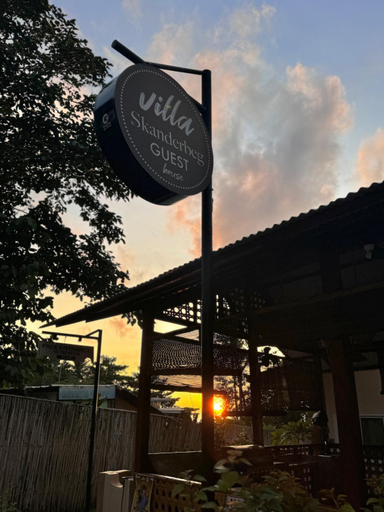
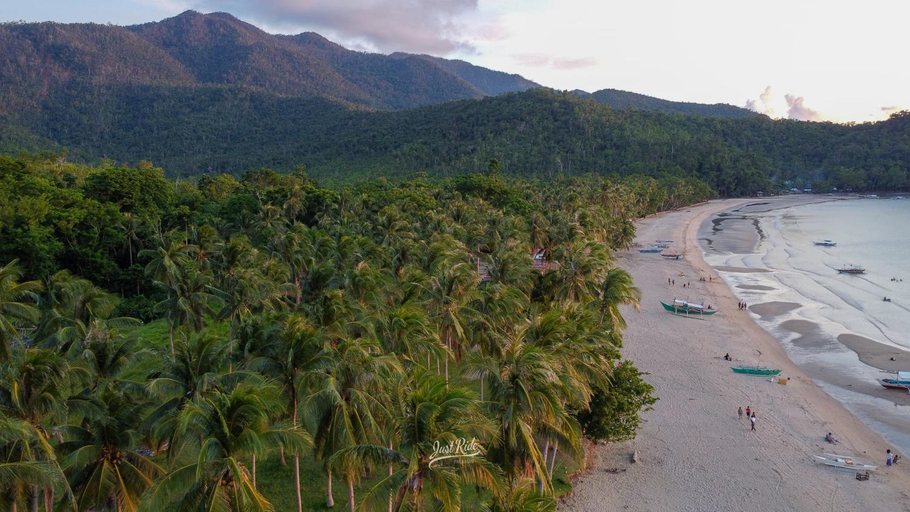
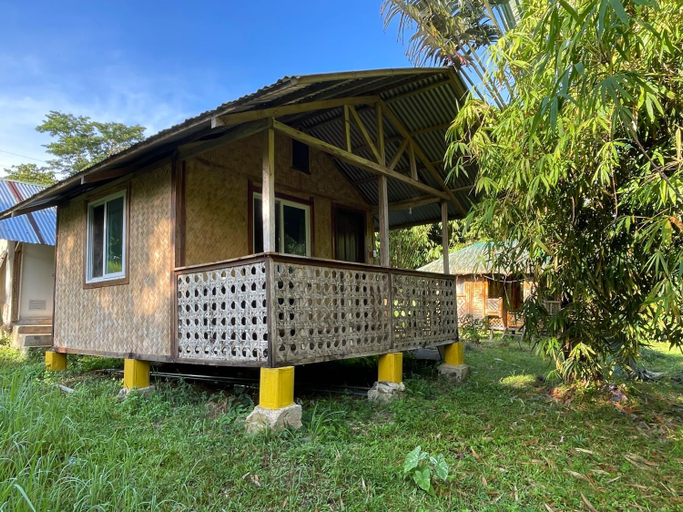
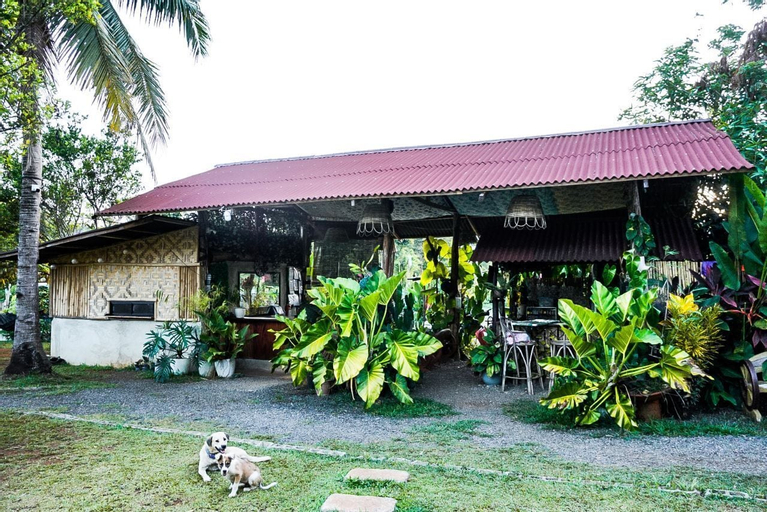
Villa Skanderbeg Guest House Talaudyong Beach
Playa Paraiso Nagtabon Beach
Located in Puerto Princesa City, Playa Paraiso Nagtabon Beach offers accommodation with easy access to Puerto Princesa City’s best spots. The property features restaurant, WiFi, and parking.
Blue Moon Guesthouse
Banlaw Pool & Garden
Banlaw Pool & Garden Location
When you stay at Banlaw Pool & Garden in Puerto Princesa, you'll be on a river and 7 minutes by car from Nagtabon Beach. This spa resort is 6.4 mi (10.3 km) from Honda Bay and 9.8 mi (15.8 km) from Sta Lourdes Wharf.
Banlaw Pool & Garden Facility and Service
Pamper yourself with a visit to the spa, which offers massages. Additional amenities at this resort include a picnic area, charcoal grills, and a banquet hall.
Banlaw Pool & Garden Rooms
Stay in one of 15 guestrooms featuring Smart televisions. Complimentary wireless internet access keeps you connected, and satellite programming is available for your entertainment. Bathrooms have slippers and children's slippers. Conveniences include blackout drapes/curtains and in-room massages, and housekeeping is provided daily.
Restaurant and Cafe
Enjoy a meal at the restaurant, or stay in and take advantage of the resort's room service (during limited hours). Full breakfasts are available daily from 7:00 AM to 10:00 AM for a fee.
See detailsWhen you stay at Banlaw Pool & Garden in Puerto Princesa, you'll be on a river and 7 minutes by car from Nagtabon Beach. This spa resort is 6.4 mi (10.3 km) from Honda Bay and 9.8 mi (15.8 km) from Sta Lourdes Wharf.
Banlaw Pool & Garden Facility and Service
Pamper yourself with a visit to the spa, which offers massages. Additional amenities at this resort include a picnic area, charcoal grills, and a banquet hall.
Banlaw Pool & Garden Rooms
Stay in one of 15 guestrooms featuring Smart televisions. Complimentary wireless internet access keeps you connected, and satellite programming is available for your entertainment. Bathrooms have slippers and children's slippers. Conveniences include blackout drapes/curtains and in-room massages, and housekeeping is provided daily.
Restaurant and Cafe
Enjoy a meal at the restaurant, or stay in and take advantage of the resort's room service (during limited hours). Full breakfasts are available daily from 7:00 AM to 10:00 AM for a fee.

How to Book Hotels on tiket.com
1. Find the hotelEnter the name of the city, area, or hotel to find the place you want.
2. Select a roomOn the hotel detail page, you will see the available room options. Select a room that suits your needs.
3. Complete the booking detailsInput the contact details (the person who will be contacted by tiket.com and the hotel about the booking) and the guests’ details.
4. Select Add-onsYou can also buy additional services such as meal packages, transportation, and many more.
5. Pay your bookingSelect the payment method and complete your transaction. Don’t forget to use the promo code to get a cheaper hotel price at tiket.com.
6. Get the reservation e-voucherAfter the payment is successful, the e-voucher will be available on the Your Orders menu and sent to the email listed in the contact details.