



Hotels in Rio Caldo
Showing 11 hotels in Rio Caldo
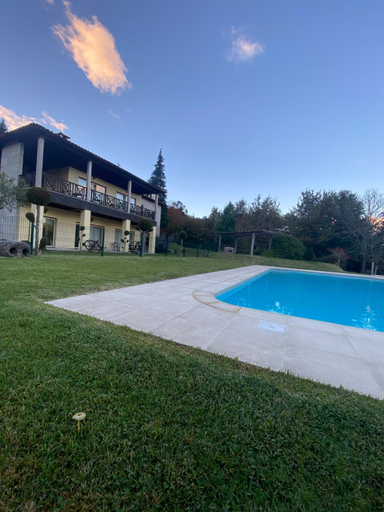
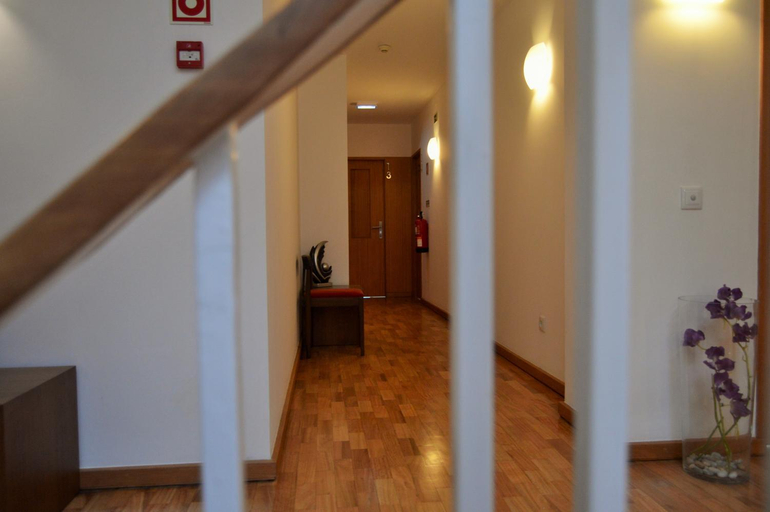
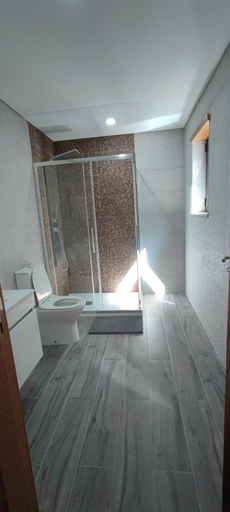
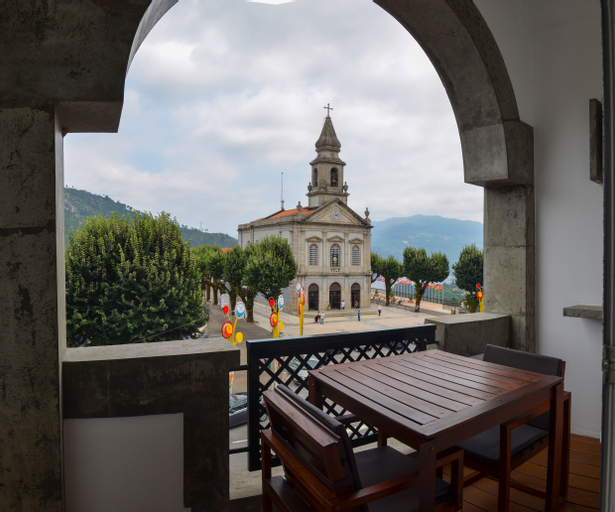
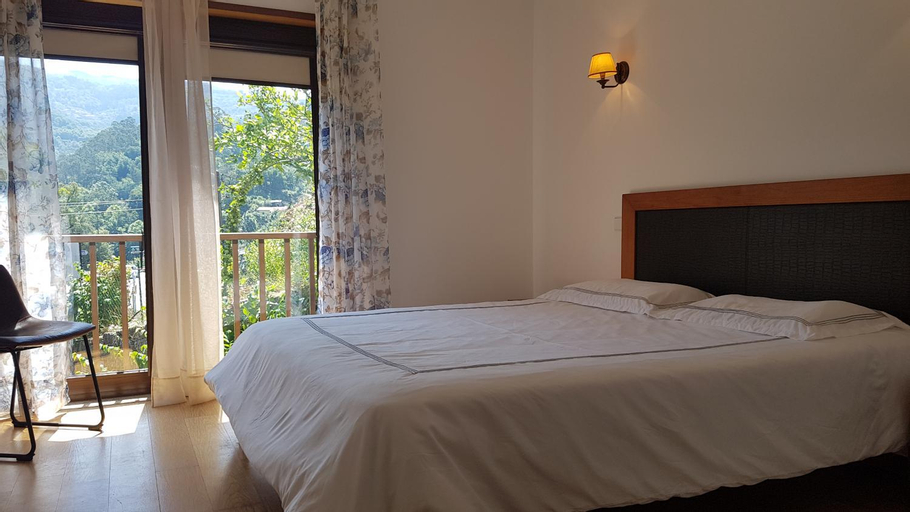
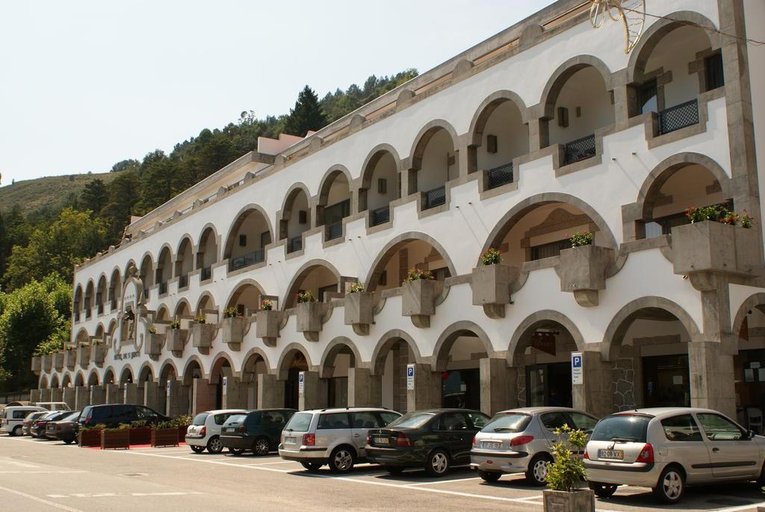
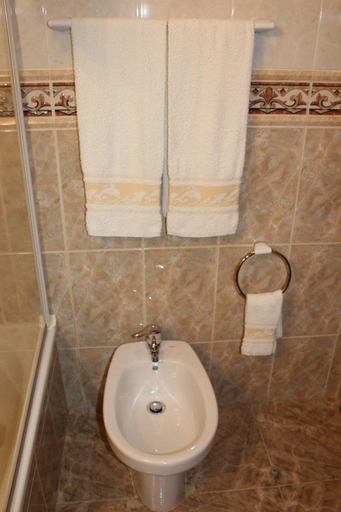
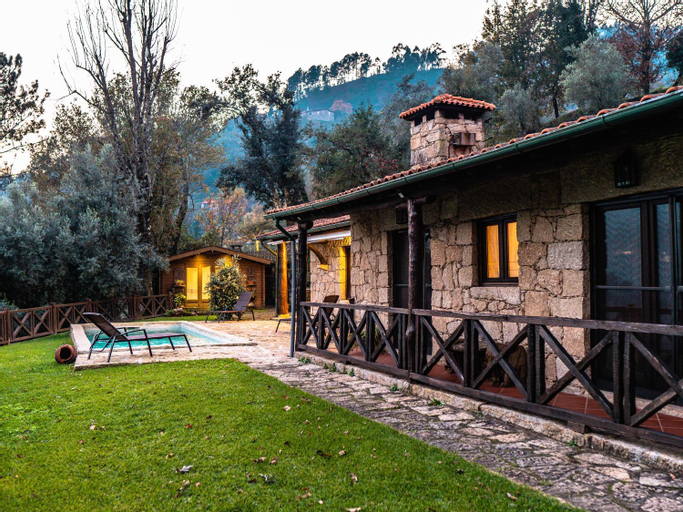
Casa D'avo
Geres Pichoses Camping - Quartos
Casa Sao Bernardo de Claraval
Casa Gidelos
S. Bento Da Porta Aberta
The S.Bento Hotel enjoys a prime location, in full mountain of Gerês, one of the most beautiful landscapes of Portugal. Framed in a privileged place where nature is combined irresistibly. We have as our primary mission to provide our guests a quiet stay with quality and kindness, accompanied by an irresistible natural beauty that will provide peaceful moments.
See detailsBungalow Geres - Pichoses Camping
Sobreiro Apartamentos
Hotel Sao Bento da Porta Aberta & Spa
Pala dos Mouros
Casa Sambinho Geres
Rooms at Casa Sambinho Geres are equipped with AC, TV, and refrigerator. The bathroom is fitted with free toiletries and hair dryer.
Casa da Terra Nova - Geres
Located in Terras de Bouro, Casa da Terra Nova - Geres offers accommodation with easy access to Terras de Bouro’s best spots. The property features swimming pool, parking, and private pool.
The rooms feature (a) AC, TV, and refrigerator. The en suite bathroom comes with (a) bathtub, free toiletries, and hair dryer.
See detailsHotels in Rio Caldo
Don't feel hesitant to book hotels in Rio Caldo at tiket.com! We'll make sure to provide all conveniences you need when doing a room reservation. Book your favourite hotel now only at tiket.com!

How to Book Hotels on tiket.com
1. Find the hotelEnter the name of the city, area, or hotel to find the place you want.
2. Select a roomOn the hotel detail page, you will see the available room options. Select a room that suits your needs.
3. Complete the booking detailsInput the contact details (the person who will be contacted by tiket.com and the hotel about the booking) and the guests’ details.
4. Select Add-onsYou can also buy additional services such as meal packages, transportation, and many more.
5. Pay your bookingSelect the payment method and complete your transaction. Don’t forget to use the promo code to get a cheaper hotel price at tiket.com.
6. Get the reservation e-voucherAfter the payment is successful, the e-voucher will be available on the Your Orders menu and sent to the email listed in the contact details.