



4 Star Hotels in Málaga
Showing 2.000+ hotels in Málaga

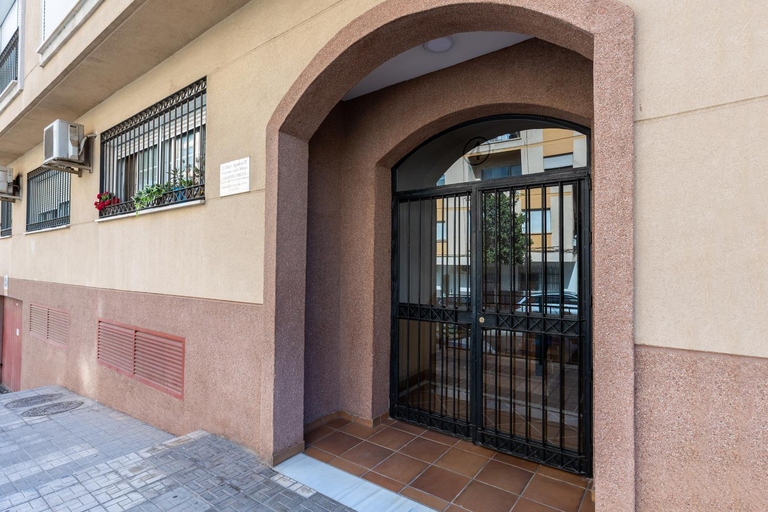
Atico Mirador Paseo Antonio Banderas parking gratis playa y piscina
El Nido by BH Marbella
Apartment in Benalmadena
Cozy penthouse with excellent location
Exclusive Beachfront Penthouse
OleHolidays 831 Romana Playa vistas al mar
Moderno Apartamento en Primera linea Paseo Maritimo Fuengirola
El Hacho
Casa Jasmin, Competa
PUERTO BANUS BEACH ESPECTACULAR Atico
Apartamento 3 dormitorios lateral
Apartment Dos Aceras Malaga
Apartamento PLANTA JARDIN CON GRAN TERRAZA, SOLEADO 132
ApartRincon Candelaria
Beach front apartment with pool
Beautiful apartment in La Carihuela, Torremolinos
Skol 128 - Great 1-Bedroom Apartment with Sea Views
Torremolinos Olsen
luxury homes Marbella sun beach and pool
Holidays2Malaga Capuchinos French balconies, private parking, WiFi & Air con

How to Book Hotels on tiket.com
1. Find the hotelEnter the name of the city, area, or hotel to find the place you want.
2. Select a roomOn the hotel detail page, you will see the available room options. Select a room that suits your needs.
3. Complete the booking detailsInput the contact details (the person who will be contacted by tiket.com and the hotel about the booking) and the guests’ details.
4. Select Add-onsYou can also buy additional services such as meal packages, transportation, and many more.
5. Pay your bookingSelect the payment method and complete your transaction. Don’t forget to use the promo code to get a cheaper hotel price at tiket.com.
6. Get the reservation e-voucherAfter the payment is successful, the e-voucher will be available on the Your Orders menu and sent to the email listed in the contact details.