



Hotels near Ang Mo Narathiwat
Showing 4 hotels near Ang Mo Narathiwat
 See details
Daneen resort
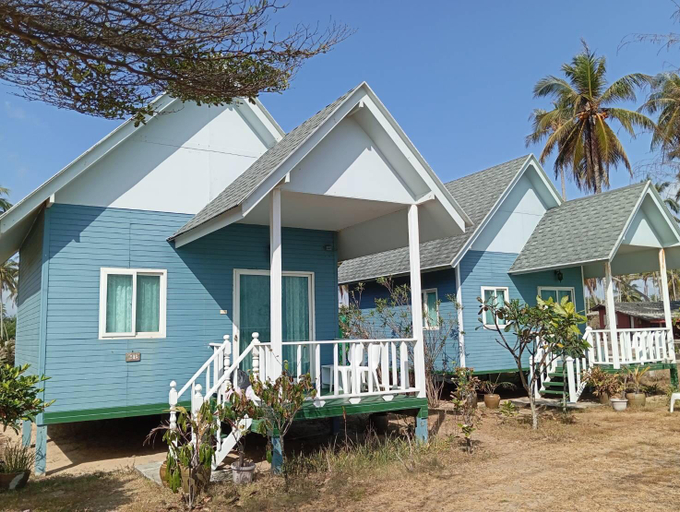
Experience an abundance of unparalleled facilities and features at Daneen resort. Visitors can take advantage of complimentary parking directly at the bungalow.Each accommodation at Daneen resort is thoughtfully created and adorned to provide visitors with a comfortable, home-like atmosphere.Understanding the significance of bathroom amenities in enhancing guest contentment, the bungalow offers towels within certain chosen rooms.
See detailsArt Nara Hotel
Art Nara Resort
Baan Thon Beach Resort
Baan Thon Beach Resort provides flawless service and all the necessary facilities for visitors. Remain linked during your visit by utilizing the complimentary internet access available.The hotel offers complimentary parking for guests who arrive with their own mode of transport. Need some relaxation? Your room features daily housekeeping to make your stay even more comfortable and enjoyable. Crafted for coziness, every guestroom provides an array of features, guaranteeing a tranquil night's sleep while maintaining the level of comfort.For an elevated experience at hotel, select rooms are equipped with air conditioning to improve your stay. Do you possess exceptional culinary skills? Prepare your meals personally within the hotel at its BBQ facilities.During your stay at hotel, an array of engaging activities and amenities guarantees a delightful experience.During your stay, the hotel provides direct access to a beach, ensuring you remain near the sea throughout your visit.
See detailsArt Nara Hotel
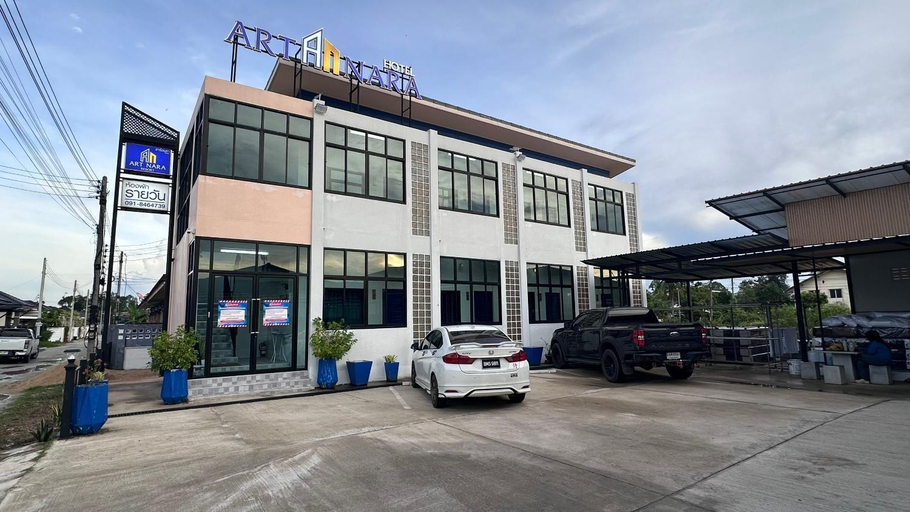
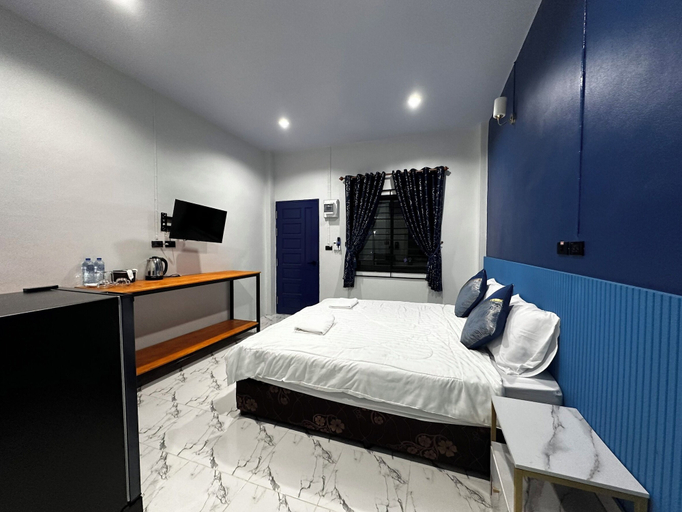
Art Nara Hotel offers accommodations in Narathiwat. This 2-star hotel offers air-conditioned rooms with a private bathroom and free WiFi. All units at Art Nara Hotel include a seating area. All rooms at this property feature a flat-screen TV and free toiletries. Narathiwat Airport is 12 km from the property.
FAQ about Hotels in Ang Mo Narathiwat
Hotels near Ang Mo Narathiwat
Don't feel hesitant to book hotels near Ang Mo Narathiwat at tiket.com! We'll make sure to provide all conveniences you need when doing a room reservation. Book your favourite hotel now only at tiket.com!

How to Book Hotels on tiket.com
1. Find the hotelEnter the name of the city, area, or hotel to find the place you want.
2. Select a roomOn the hotel detail page, you will see the available room options. Select a room that suits your needs.
3. Complete the booking detailsInput the contact details (the person who will be contacted by tiket.com and the hotel about the booking) and the guests’ details.
4. Select Add-onsYou can also buy additional services such as meal packages, transportation, and many more.
5. Pay your bookingSelect the payment method and complete your transaction. Don’t forget to use the promo code to get a cheaper hotel price at tiket.com.
6. Get the reservation e-voucherAfter the payment is successful, the e-voucher will be available on the Your Orders menu and sent to the email listed in the contact details.