



4 Star Hotels in Bang Phrom
Showing 2 hotels in Bang Phrom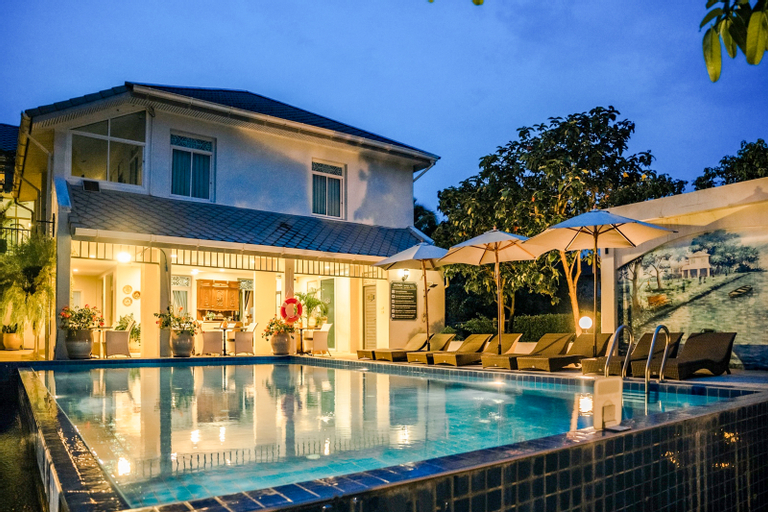 See details
Villa Amphawa
The car parking and the Wi-Fi are always free, so you can stay in touch and come and go as you please. Strategically situated in Amphawa, allowing you access and proximity to local attractions and sights. Rated with 4 stars, this high-quality property provides guests with access to restaurant and outdoor pool on-site.
Garden Riverside Amphawa
Great care is taken to ensure guests experience comfort through top-notch services and amenities.Stay connected with your associates, as complimentary Wi-Fi is available during your entire visit.When arriving by car, take advantage of the resort's convenient on-site parking facilities.In order to ensure the utmost level of relaxation, the guestrooms feature an inviting design and are equipped with all basic necessities, creating a delightful stay experience. To ensure your satisfaction, certain rooms in the resort come fitted with air conditioning for a more pleasant stay. Several chosen accommodations at Garden Riverside Amphawa have a balcony or terrace incorporated into the room design.Selected rooms offer in-room amusement like television as a source of entertainment for guests to enjoy.Within specific rooms, a refrigerator, bottled water, instant coffee, instant tea and mini bar is conveniently available for your use.
See details
How to Book Hotels on tiket.com
1. Find the hotelEnter the name of the city, area, or hotel to find the place you want.
2. Select a roomOn the hotel detail page, you will see the available room options. Select a room that suits your needs.
3. Complete the booking detailsInput the contact details (the person who will be contacted by tiket.com and the hotel about the booking) and the guests’ details.
4. Select Add-onsYou can also buy additional services such as meal packages, transportation, and many more.
5. Pay your bookingSelect the payment method and complete your transaction. Don’t forget to use the promo code to get a cheaper hotel price at tiket.com.
6. Get the reservation e-voucherAfter the payment is successful, the e-voucher will be available on the Your Orders menu and sent to the email listed in the contact details.