



Apartments in Henan
Showing 77 Apartments in Henan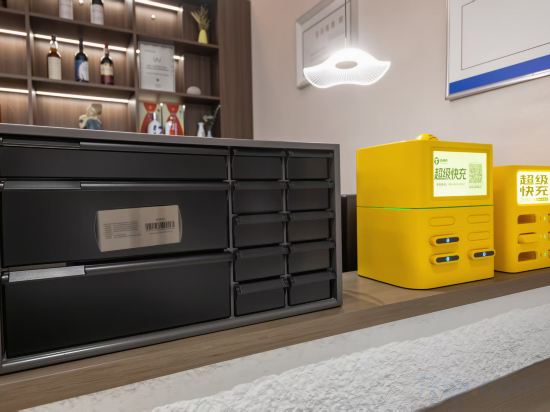
 Huixian, Xinxiang
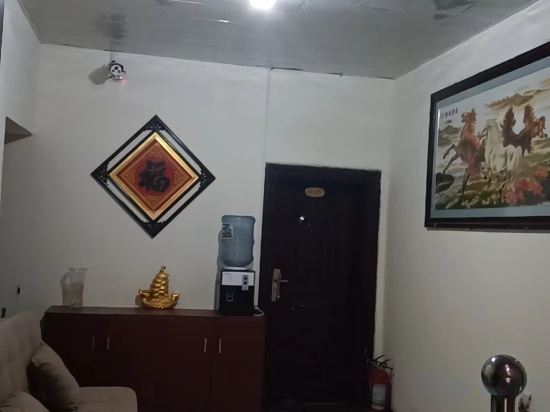 Zhoukou, Zhoukou
 Luoyang, Luoyang
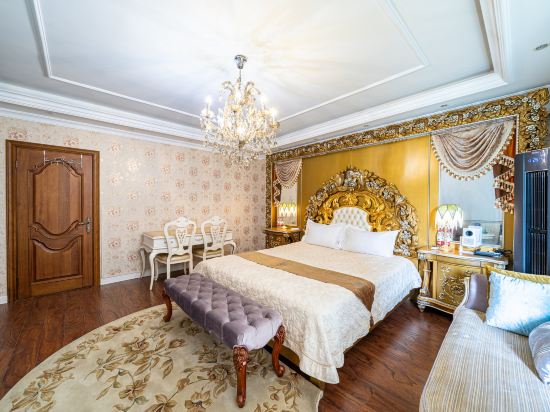
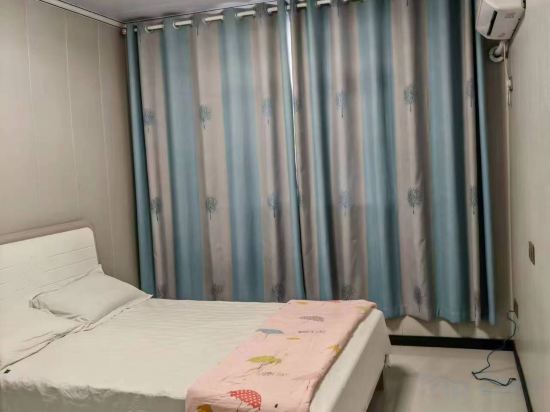 Nanyang Xiàn, Nanyang

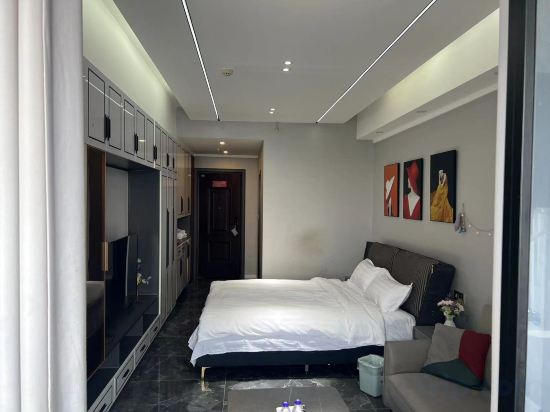 Queshan, Zhumadian
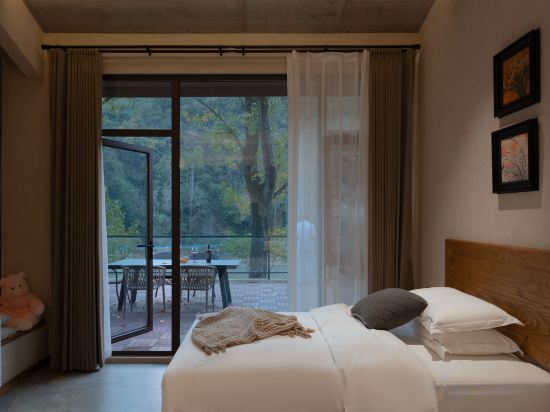 Luanchuan, Luoyang
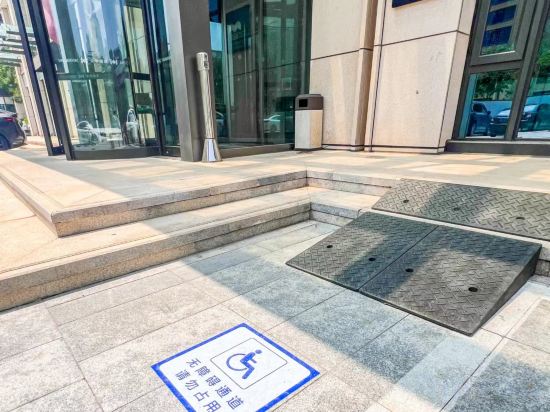 Zhengzhou, Zhengzhou

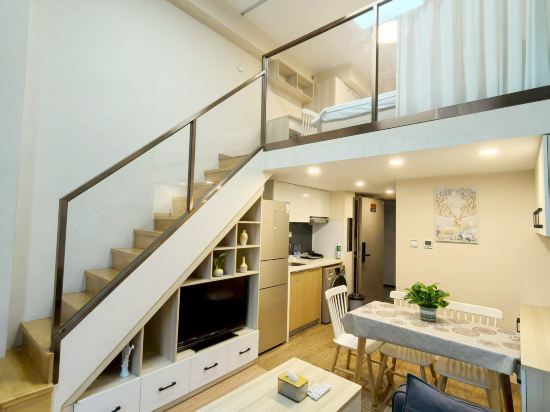 Zhengzhou, Zhengzhou
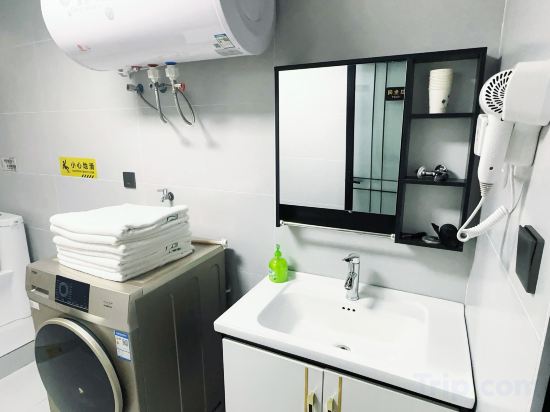 Zhengzhou, Zhengzhou
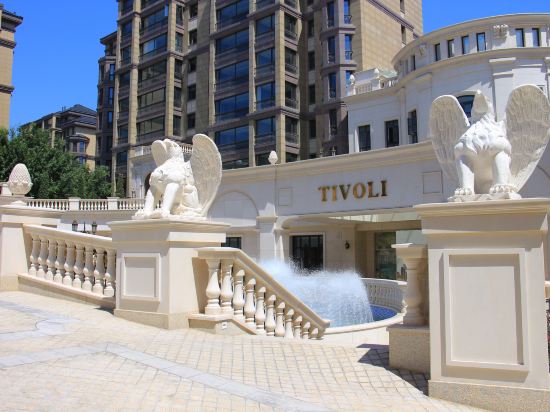 Zhongmou, Zhengzhou
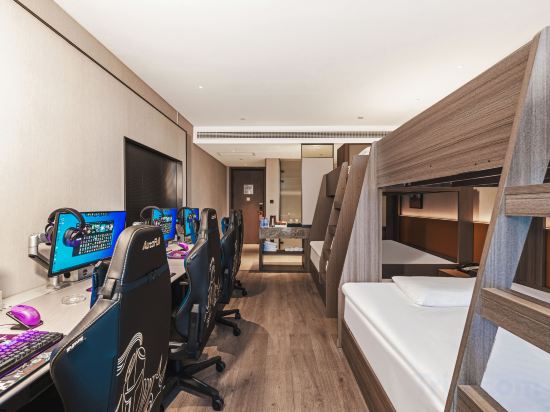 Gong, Zhengzhou
 Zhengzhou, Zhengzhou
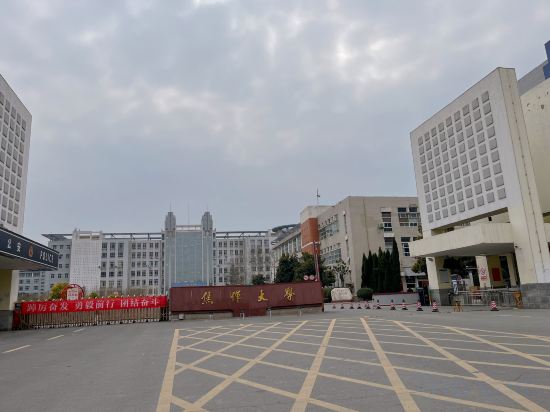 Xiuwu, Jiaozuo
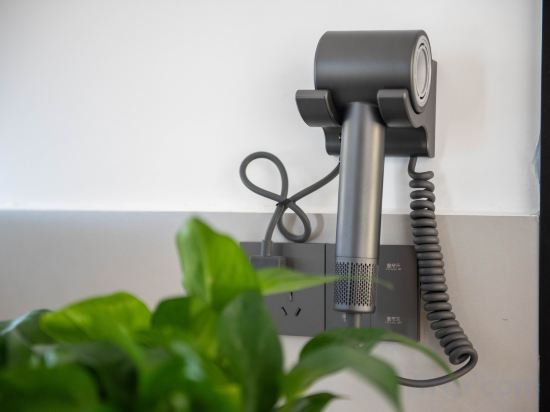 Huixian, Xinxiang
 Zhumadian, Zhumadian
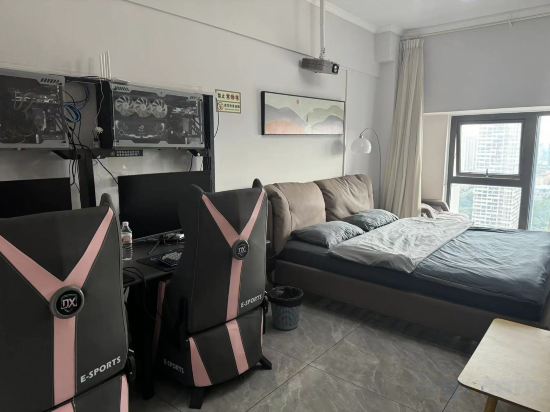 Xinxiang Shì, Xinxiang
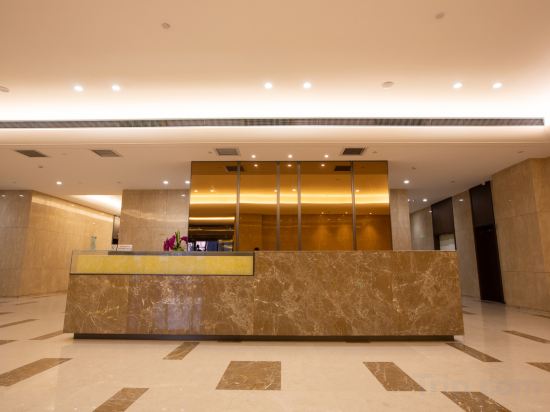 Zhengzhou, Zhengzhou
Qiyue · Qinlun Yuexiang Leisure Mountain View Designer Vacation Apartment (Baoquan)
Apartment
Zhoukou Shengli Apartment
Apartment
Jintang Vacation Apartment (Luoyang Heluo Ancient City Yangwan Subway Station)
Apartment
Jinyuan Vacation Apartment
Shuya Apartment (Nanyang Wolong Road Normal College)
Apartment
Jialu Executive Apartment (Zhengdong Business Center)
Leimeng Apartment (Zhumadian High-speed Railway Station)
Apartment
Manlu Guandi Valley Vacation Apartment
Apartment
Zhengzhou Wenhua International Apartment
Apartment
Shanyu Sanshan Vacation Apartment
Musen Boutique Executive Apartment (Zhengzhou East Railway Station & Provincial Orthopedic Hospital)
Apartment
Muse E-sports Apartment (Zhengzhou East High-Speed Rail Station)
Apartment
HUAFU HOUSE APARTMENT
Apartment
Viana E-sports Apartment (Gongyi Yayu New World)
Apartment
Xingyue Boutique Apartment (Zhengzhou East High-Speed Rail Station)
Apartment
Great World Boutique Apartment (Jiaozuo University Teachers' College)
Apartment
Yushan Residence · Rustic Retreat Poetic Vacation Apartment (Baoquan Tourism Resort Area)
Apartment
LeShang Holiday Apartment
Apartment
E-sports Apartment
Apartment
Meitu City Apartment (Zhengzhou Longzihu Subway Station)
Apartment
Apartments in Henan
Don't feel hesitant to book Apartments in Henan at tiket.com! We'll make sure to provide all conveniences you need when doing a room reservation. Book your favourite hotel now only at tiket.com!

How to Book Accommodations on tiket.com
1. Find the accommodationEnter the name of the city, area, or accommodation to find the place you want.
2. Select a roomOn the accommodation detail page, you will see the available room options. Select a room that suits your needs.
3. Complete the booking detailsInput the contact details (the person who will be contacted by tiket.com and the accommodation about the booking) and the guests’ details.
4. Select Add-onsYou can also buy additional services such as meal packages, transportation, and many more.
5. Pay your bookingSelect the payment method and complete your transaction. Don't forget to use the promo code to get a cheaper accommodation price at tiket.com.
6. Get the reservation e-voucherAfter the payment is successful, the e-voucher will be available on the Your Orders menu and sent to the email listed in the contact details.