



Hotels in Florianopolis
Showing 1.000+ hotels in Florianopolis
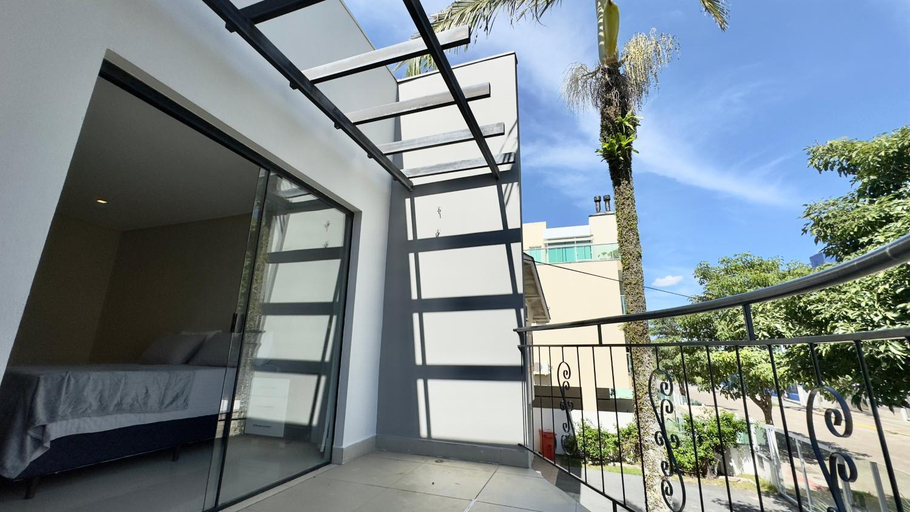
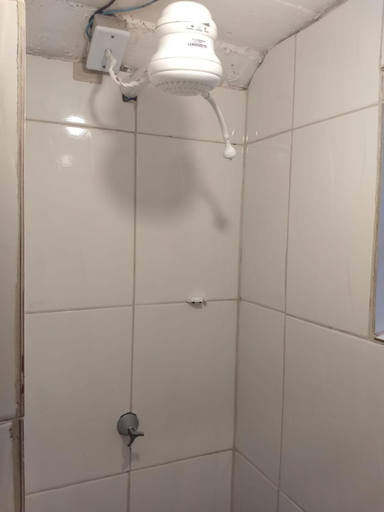
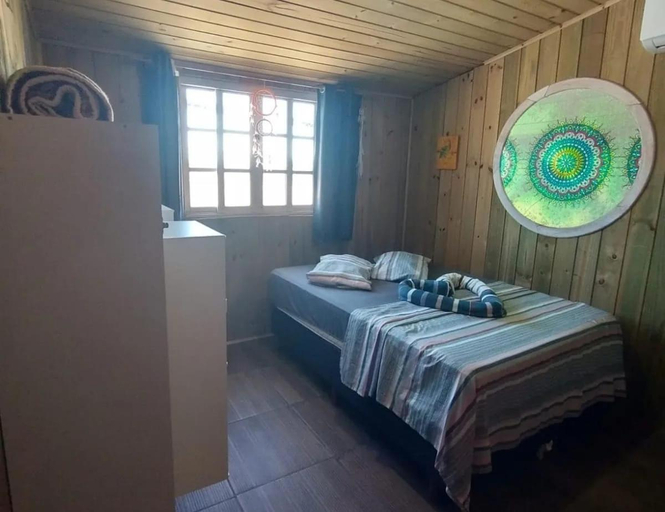
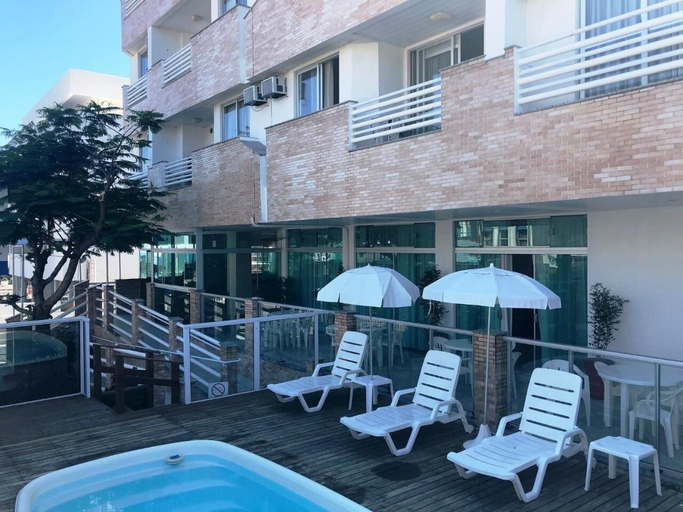
Apto com churrasqueira a 750m da praia BOU201
Apto com piscina a 6 min da praia de Jurere JPR217
Lindo apartamento Ingleses Santinho
Casa Lagoinha
Beach canasvieiras
Beach canasvieiras
Casa
Lar doce lar
Ariana Apart Hotel Canasvieiras
Casa - Proximo a UFSC e Centro - 5KM #
Residencial Ilha Verde (201)
Jurere Internacional - Apartamento no Open Shopping
Apartamento Floripa 15 Aconchegante Bem localizado
Apto confortavel a 400m da praia - IDP104
Apartamento praia santinho
Casa temporada ingleses
YHD - Condominio c/ piscina perto da UFSC
Rooms at YHD - Condominio c/ piscina perto da UFSC are equipped with TV, refrigerator, and coffee tea maker. The bathroom is fitted with free toiletries and hair dryer.
Balmare Hotel
Balmare Hotel
ANNANDA
Tapera Florianopolis
Hotel Porto de Canasvieiras
Hotel Porto de Canasvieiras Location
With a stay at Hotel Porto de Canasvieiras in Florianópolis (Canasvieiras), you'll be within a 15-minute drive of Canasvieiras Beach and Jurere Beach. This hotel is 5.6 mi (9 km) from Brava Beach and 8.9 mi (14.3 km) from Daniela Beach.
Hotel Porto de Canasvieiras Rooms
Make yourself at home in one of the 43 guestrooms. Complimentary wireless internet access is available to keep you connected.
See detailsWith a stay at Hotel Porto de Canasvieiras in Florianópolis (Canasvieiras), you'll be within a 15-minute drive of Canasvieiras Beach and Jurere Beach. This hotel is 5.6 mi (9 km) from Brava Beach and 8.9 mi (14.3 km) from Daniela Beach.
Hotel Porto de Canasvieiras Rooms
Make yourself at home in one of the 43 guestrooms. Complimentary wireless internet access is available to keep you connected.
Hotels in Florianopolis
Don't feel hesitant to book hotels in Florianopolis at tiket.com! We'll make sure to provide all conveniences you need when doing a room reservation. Book your favourite hotel now only at tiket.com!

How to Book Hotels on tiket.com
1. Find the hotelEnter the name of the city, area, or hotel to find the place you want.
2. Select a roomOn the hotel detail page, you will see the available room options. Select a room that suits your needs.
3. Complete the booking detailsInput the contact details (the person who will be contacted by tiket.com and the hotel about the booking) and the guests’ details.
4. Select Add-onsYou can also buy additional services such as meal packages, transportation, and many more.
5. Pay your bookingSelect the payment method and complete your transaction. Don’t forget to use the promo code to get a cheaper hotel price at tiket.com.
6. Get the reservation e-voucherAfter the payment is successful, the e-voucher will be available on the Your Orders menu and sent to the email listed in the contact details.