lcpo
Promo
Promo
Blibli Tiket RewardsYour Orders
hero-banner-image

Hotels in Changling

Changling
Sat, 21 Nov 2026 - Sun, 22 Nov 2026 (1 night)
1 Room, 1 Adult, 0 Children
Showing 6 hotels in Changling
Others

Changlingxinhuazheng Fast Hotel

Changling, Songyuan
Fully Booked
Let's check on other dates!
Exterior & Views

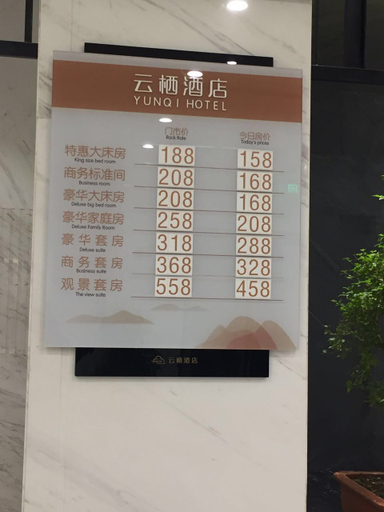
Tianfu Yunqi Business Hotel

Changling, Songyuan

Hotel Introduction Description

The Tianfu Yunqi Business Hotel provides a great place for travelers to relax after a busy day. The Tianfu Yunqi Business Hotel is an ideal choice for travelers who want to take in the sights and sounds of Changling.

From the hotel, Songyuan Chaganhu Airport is approximately 87km away. The nearest airport is Songyuan Chaganhu Airport, approximately 87km away. The nearby area boasts an abundance of attractions including Changling County Museum, Lingnan Square and Changling Stadium.

At the end of a busy day, travelers can unwind and relax in the hotel or go out and enjoy the city. This Changling hotel features parking on site.

If you are looking for a convenient place to stay, our guests have told us that this location is excellent. This hotel is the usual choice for a large number of business travelers.
See details
Fully Booked
Let's check on other dates!
Others

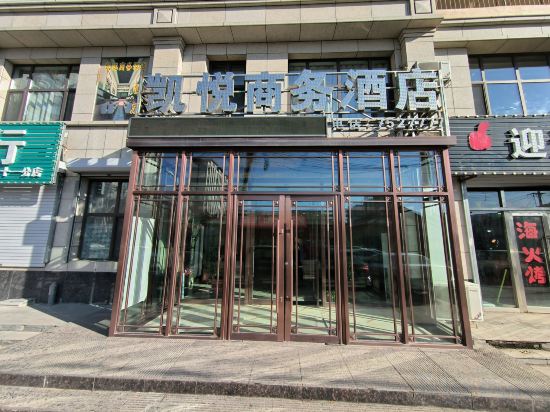
Changling Kaiyue Business Hotel (Changling Bus Station)
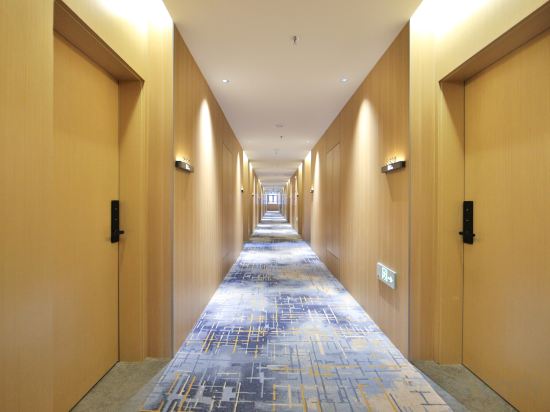
Changling, Songyuan
Fully Booked
Let's check on other dates!
Others

Yue Hotel

Changling, Songyuan
Fully Booked
Let's check on other dates!
Others

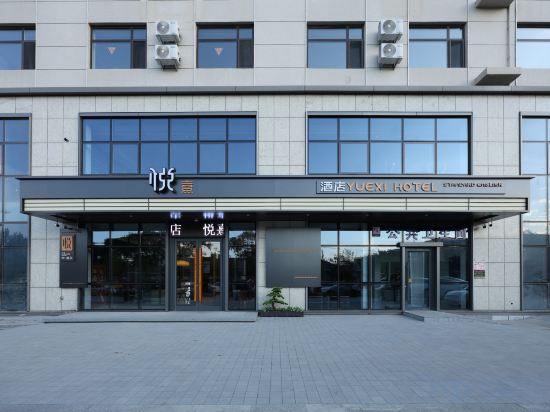
YUEXI HOTEL

Changling, Songyuan
Fully Booked
Let's check on other dates!
Others

Home inn ·neo (Changling County Passenger Transport Station Store)

Changling, Songyuan
Fully Booked
Let's check on other dates!

Hotels in Changling

Don't feel hesitant to book hotels in Changling at tiket.com! We'll make sure to provide all conveniences you need when doing a room reservation. Book your favourite hotel now only at tiket.com!
how-to-book-poster

How to Book Hotels on tiket.com

1. Find the hotelEnter the name of the city, area, or hotel to find the place you want.
2. Select a roomOn the hotel detail page, you will see the available room options. Select a room that suits your needs.
3. Complete the booking detailsInput the contact details (the person who will be contacted by tiket.com and the hotel about the booking) and the guests’ details.
4. Select Add-onsYou can also buy additional services such as meal packages, transportation, and many more.
5. Pay your bookingSelect the payment method and complete your transaction. Don’t forget to use the promo code to get a cheaper hotel price at tiket.com.
6. Get the reservation e-voucherAfter the payment is successful, the e-voucher will be available on the Your Orders menu and sent to the email listed in the contact details.